1. Introduction
Welcome to the world of Super Mario Bros. for the Nintendo Entertainment System (NES). This classic video game, originally released in 1985, set a new standard for interactive entertainment with its vast worlds, challenging obstacle courses, hidden items, and numerous enemies. Join Mario on his quest to rescue Princess Toadstool from the clutches of Bowser, King of the Koopas.
This manual provides essential information for setting up, operating, maintaining, and troubleshooting your Super Mario Bros. game cartridge.
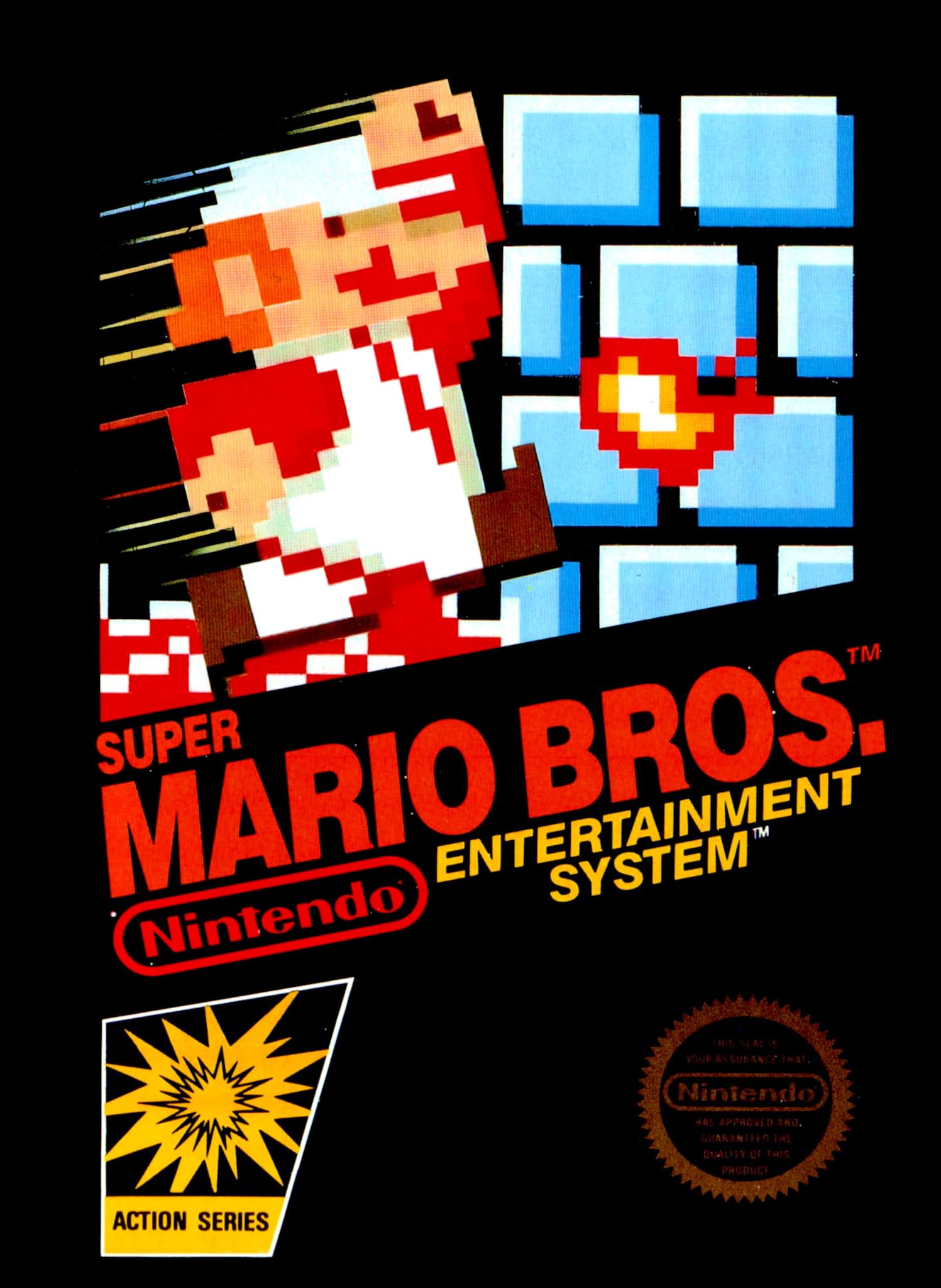
Image: The Super Mario Bros. game cartridge for the Nintendo Entertainment System.
2. Setup
To begin playing Super Mario Bros., follow these simple steps:
- Ensure your Nintendo Entertainment System (NES) console is powered off.
- Gently insert the Super Mario Bros. game cartridge into the NES cartridge slot. Push down firmly until it clicks into place.
- Connect your NES console to your television using the appropriate audio/video cables.
- Connect your NES controller(s) to the console.
- Power on your television and select the correct input channel.
- Power on your NES console. The game should now appear on your screen.
3. Operating Instructions
3.1. Basic Controls
- Directional Pad (D-Pad): Move Mario left or right.
- A Button: Jump. Hold for a higher jump.
- B Button: Run (when moving) or shoot fireballs (when powered up).
- Start Button: Pause/Unpause game, select options on title screen.
- Select Button: Choose 1-player or 2-player game on title screen.
3.2. Gameplay Objective
Your primary goal is to navigate through eight diverse worlds, each with multiple levels, to reach Bowser's castle and rescue Princess Toadstool. Along the way, you will encounter various enemies, collect coins, and discover hidden power-ups.
3.3. Power-Ups
- Super Mushroom: Transforms Mario into Super Mario, allowing him to break blocks and take one hit without losing a life.
- Fire Flower: Transforms Super Mario into Fire Mario, enabling him to shoot fireballs by pressing the B button.
- Starman: Grants temporary invincibility, allowing Mario to defeat most enemies by simply touching them.
- 1-Up Mushroom: Grants an extra life.
4. Maintenance
To ensure the longevity and optimal performance of your Super Mario Bros. game cartridge:
- Store the cartridge in its protective sleeve or case when not in use to prevent dust and debris accumulation.
- Keep the cartridge away from extreme temperatures, direct sunlight, and moisture.
- If the game does not load correctly, gently clean the gold connector pins on the bottom of the cartridge with a cotton swab lightly dampened with isopropyl alcohol. Allow to dry completely before reinserting.
- Avoid touching the connector pins with your fingers, as oils and dirt can interfere with connectivity.
5. Troubleshooting
If you encounter issues while playing Super Mario Bros., try the following solutions:
- Game not loading/Flickering screen: Ensure the cartridge is fully and correctly inserted into the NES console. Try removing and reinserting the cartridge. If the issue persists, clean the cartridge connector pins as described in the Maintenance section.
- No sound/Distorted sound: Check all audio cables connecting the NES to your television. Ensure they are securely plugged in.
- Controller not responding: Verify that the controller is securely plugged into the console. Test with another controller if available.
- Game freezes: Power off the NES console, remove the cartridge, and reinsert it. Then power the console back on.
6. Specifications
| Product Name | Super Mario Bros. |
| Platform | Nintendo NES |
| Manufacturer | Nintendo |
| Number of Players | 1-2 |
| Item Weight | 0.32 ounces |
| Product Dimensions | 5.1 x 4.7 x 0.4 inches |
| Language | English |
| Rated | Everyone |
| ASIN | B00004SVV7 |
| UPC | 045496630140 |
7. Warranty and Support
For information regarding product warranty, repairs, or additional support, please refer to the official Nintendo customer support channels or visit the Nintendo website. Specific warranty terms may vary based on region and purchase date.
Nintendo Customer Support: www.nintendo.com


