
Warner Home Video MFR086162104244#VG
Twister DVD User Manual
Comprehensive guide for your Twister DVD experience.
Product Overview
This manual provides instructions for the proper use and care of your Twister DVD. The DVD features the thrilling action-adventure film "Twister," where scientists pursue the most destructive weather front to sweep through mid-America's Tornado Alley. It includes special features such as audio commentary, documentaries, and trailers.
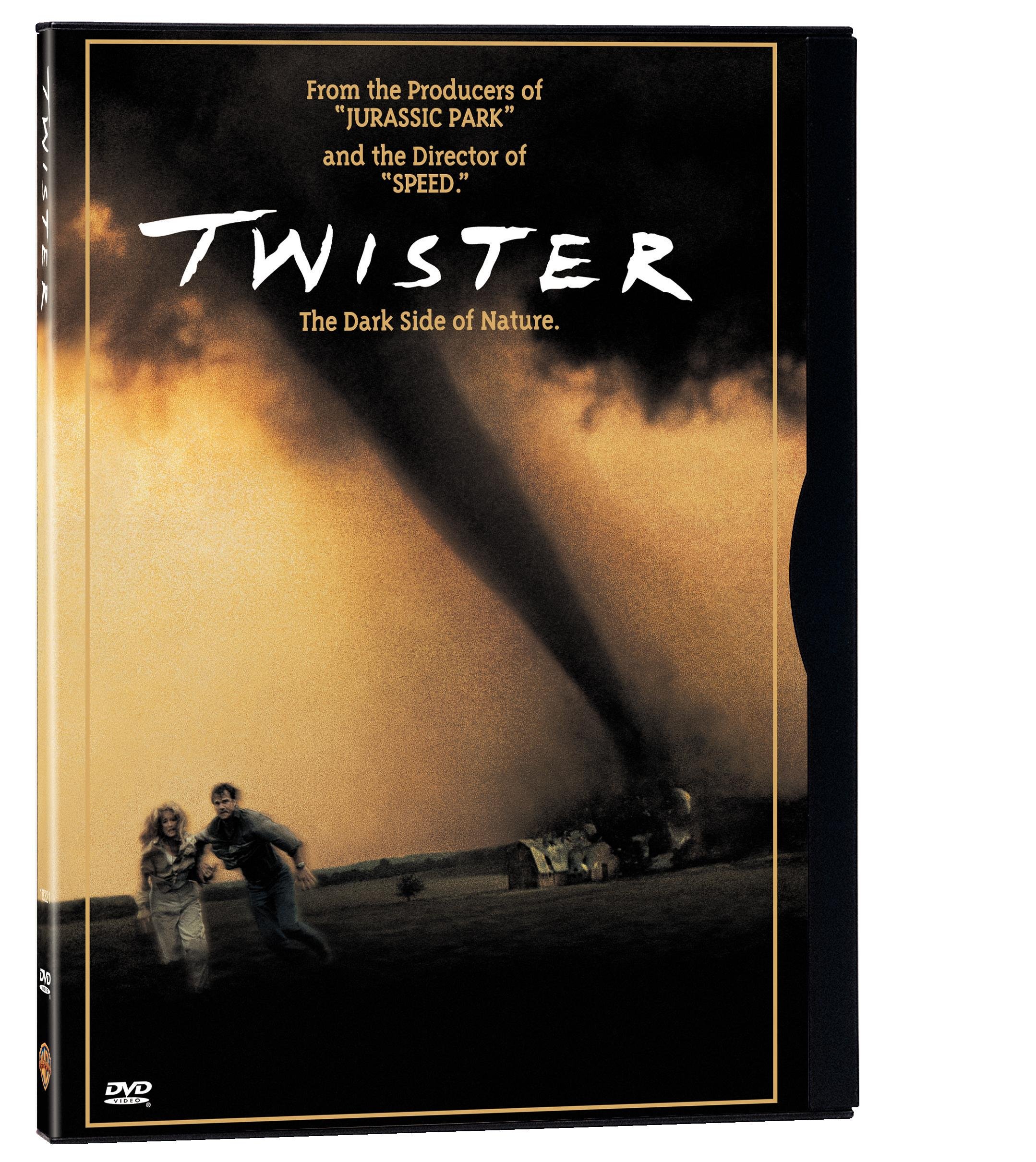
Image: Front cover of the Twister DVD, showing a powerful tornado looming over a landscape with two figures in the foreground.
Setup
To begin enjoying your Twister DVD, follow these simple steps:
- Connect your DVD Player: Ensure your DVD player is properly connected to your television or home theater system. Refer to your DVD player's manual for specific connection instructions (e.g., HDMI, RCA cables).
- Power On: Turn on your television and DVD player. Select the correct input source on your television for the DVD player.
- Insert the DVD: Gently open the DVD tray or slot on your DVD player. Hold the Twister DVD by its edges to avoid touching the playback surface. Insert the disc with the label side facing up (or as indicated by your player).
- Close Tray: Close the DVD tray or allow the player to automatically pull the disc in. The DVD player should begin reading the disc.
Operating the DVD
Navigate the DVD using your DVD player's remote control.
Basic Playback Controls
- Play (▶): Starts or resumes playback of the movie or selected feature.
- Pause (⏸): Temporarily stops playback. Press Play to resume.
- Stop (■): Stops playback completely and returns to the main menu or beginning of the disc.
- Fast Forward (⏩): Skips forward through the content at an accelerated speed.
- Rewind (⏪): Skips backward through the content at an accelerated speed.
- Chapter Skip (⏭ / ⏮): Jumps to the next or previous chapter.
Special Features
The Twister DVD includes several special features accessible from the main menu:
- Audio Commentary: Listen to insights from the Director and Effects Supervisor.
- Documentary: Explore the making of "Twister" and its special effects.
- Featurette: A short film offering a closer look at specific aspects of the production.
- Music Video: Enjoy the official music video related to the film.
- Production Notes: Access textual information about the film's development and production.
- Theatrical Trailer: Watch the original trailer for "Twister."
Language and Subtitles
To change audio languages or enable subtitles:
- During playback, press the "Audio" or "Language" button on your remote.
- Select from available audio tracks: English (DTS 5.1), English (Dolby Digital 5.1), French (DTS 5.1), French (Dolby Digital 5.1).
- Press the "Subtitle" or "CC" (Closed Caption) button on your remote.
- Choose from available subtitles: English, French, Spanish, or turn them off.
Video: Official trailer for the movie Twister, showcasing key scenes and special effects. This video is provided by the seller.
Maintenance
Proper care will extend the life of your DVD and ensure optimal playback quality.
- Cleaning: If the disc surface becomes dirty or smudged, gently wipe it with a soft, lint-free cloth. Wipe from the center of the disc outwards in a straight line, not in a circular motion. Do not use abrasive cleaners or solvents.
- Storage: Store the DVD in its original case when not in use to protect it from dust, scratches, and direct sunlight. Keep discs away from extreme temperatures and humidity.
- Handling: Always handle the disc by its edges or the center hole. Avoid touching the shiny playback surface.
Troubleshooting
If you encounter issues with your Twister DVD, try the following solutions:
- Disc Not Playing:
- Ensure the disc is inserted correctly (label side up).
- Clean the disc surface as described in the Maintenance section.
- Try playing another DVD to confirm your DVD player is functioning correctly.
- Restart your DVD player and television.
- Skipping or Freezing:
- Clean the disc thoroughly. Scratches or smudges are common causes.
- Check the disc for visible damage (deep scratches or cracks). A damaged disc may not play correctly.
- Ensure your DVD player's lens is clean (refer to your player's manual for cleaning instructions).
- No Audio or Video:
- Verify all cables connecting your DVD player to your TV/audio system are securely plugged in.
- Check the input source on your television.
- Ensure the volume on your TV or audio receiver is turned up and not muted.
- Confirm the correct audio track is selected on the DVD menu or via your remote.
Specifications
| Title | Twister |
| Brand | Warner Home Video |
| Model Number | MFR086162104244#VG |
| Media Format | DVD (Anamorphic, Closed-captioned, Color, DTS Surround Sound, Dolby, Multiple Formats, NTSC, Special Edition, Widescreen) |
| Aspect Ratio | 2.35:1 |
| Run Time | 1 hour and 53 minutes |
| MPAA Rating | PG-13 (Parents Strongly Cautioned) |
| Release Date | June 1, 2004 |
| Languages | English (DTS 5.1, Dolby Digital 5.1), French (DTS 5.1, Dolby Digital 5.1) |
| Subtitles | English, French, Spanish |
| Number of Discs | 1 |
| Product Dimensions | 7.44 x 5.35 x 0.51 inches; 3.52 ounces |
| Director | Jan De Bont |
| Main Actors | Helen Hunt, Bill Paxton, Cary Elwes, Jami Gertz, Philip Seymour Hoffman |
Warranty and Support
For specific warranty information regarding your Twister DVD, please refer to the documentation provided at the time of purchase or contact the retailer. General support for DVD playback issues can often be found in your DVD player's user manual or by contacting the manufacturer of your DVD player.
For content-related inquiries or issues with the disc itself, please contact Warner Home Video customer support.
Related documentsMFR086162104244#VG


Ask a question about this manual
Ask about setup, troubleshooting, compatibility, parts, safety, or missing instructions. Manuals+ will review the question and use this page’s manual context to help answer it.