
Introduction
This manual provides essential information for setting up and playing the Sony Wild Arms game on your PlayStation console. Wild Arms is a classic role-playing game (RPG) that takes players on an epic journey through the world of Filgaia.
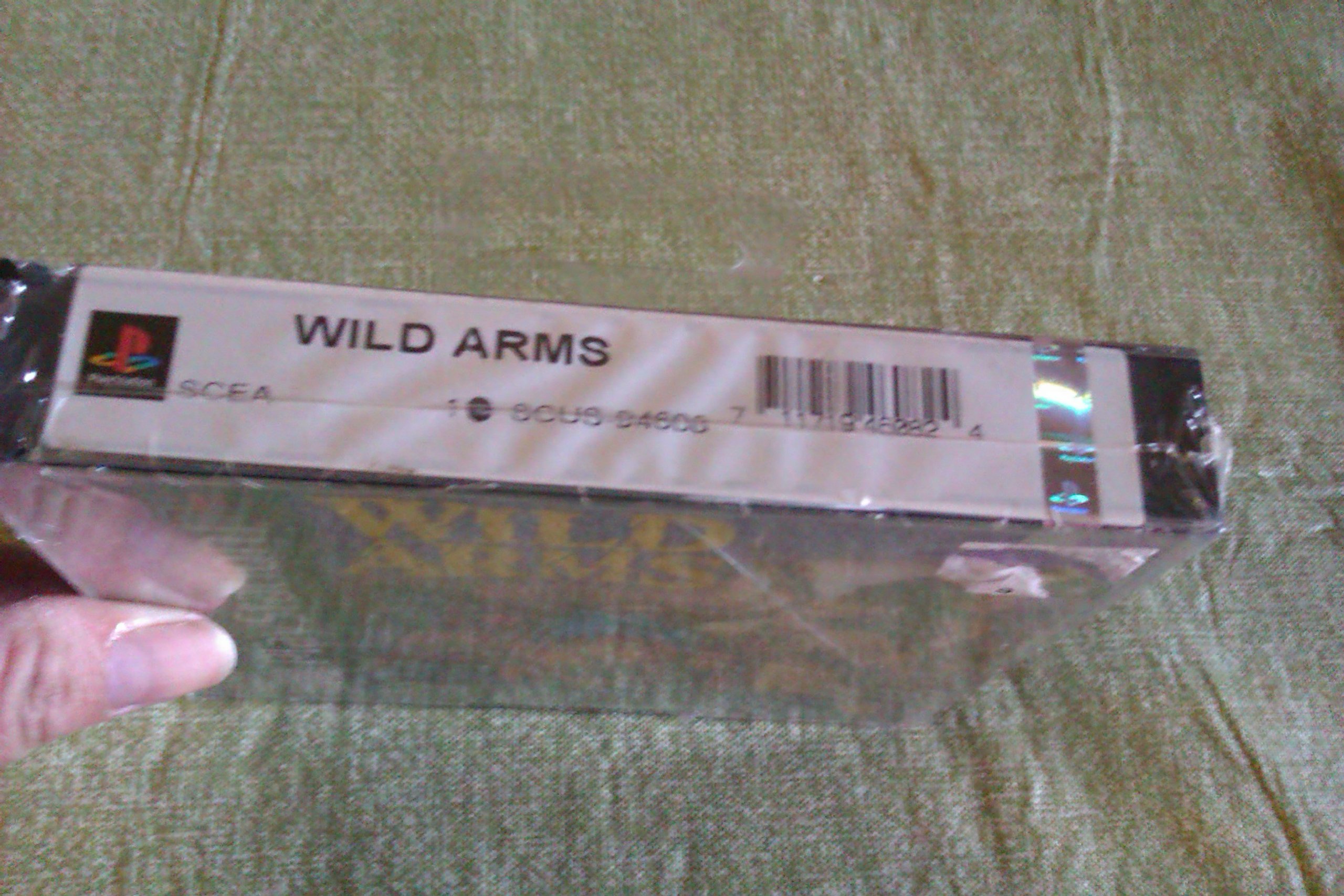
Image: Front cover of the Wild Arms PlayStation game. The cover features the game's title "Wild Arms" prominently, along with key characters and the PlayStation logo. The ESRB rating "Kids to Adults" is visible.
Setup
- Connect Your PlayStation Console: Ensure your PlayStation console is properly connected to your television and power source according to its own instruction manual.
- Insert the Game Disc: Open the disc tray of your PlayStation console. Carefully place the Wild Arms game disc, label side up, into the disc tray. Close the disc tray.
- Power On: Turn on your television and select the correct input channel for your PlayStation. Power on your PlayStation console. The game should start automatically.
- Controller Connection: Ensure your PlayStation controller is securely connected to the console.
Operating and Gameplay
Wild Arms is a single-player role-playing game (RPG) featuring 3D combat and a rich storyline. Your objective is to guide three warriors on a quest to find ancient relics and save the world of Filgaia from the Metal Demons.
Basic Controls
The game offers custom control functions and camera angles. Refer to the in-game options menu for detailed controller configurations. Generally, movement is controlled with the directional pad or analog stick, action buttons are used for interaction, attacks, and menu navigation.
- Directional Pad/Analog Stick: Move character, navigate menus.
- Action Buttons (X, O, Square, Triangle): Confirm selections, interact with objects, perform attacks, open menus.
- Start Button: Pause game, open main menu.
- Select Button: Access specific in-game functions or maps.
Saving and Loading Progress
Game progress can be saved at designated save points within the game world. A PlayStation memory card is required to save your game data. To load a saved game, select the "Load Game" option from the title screen or main menu.
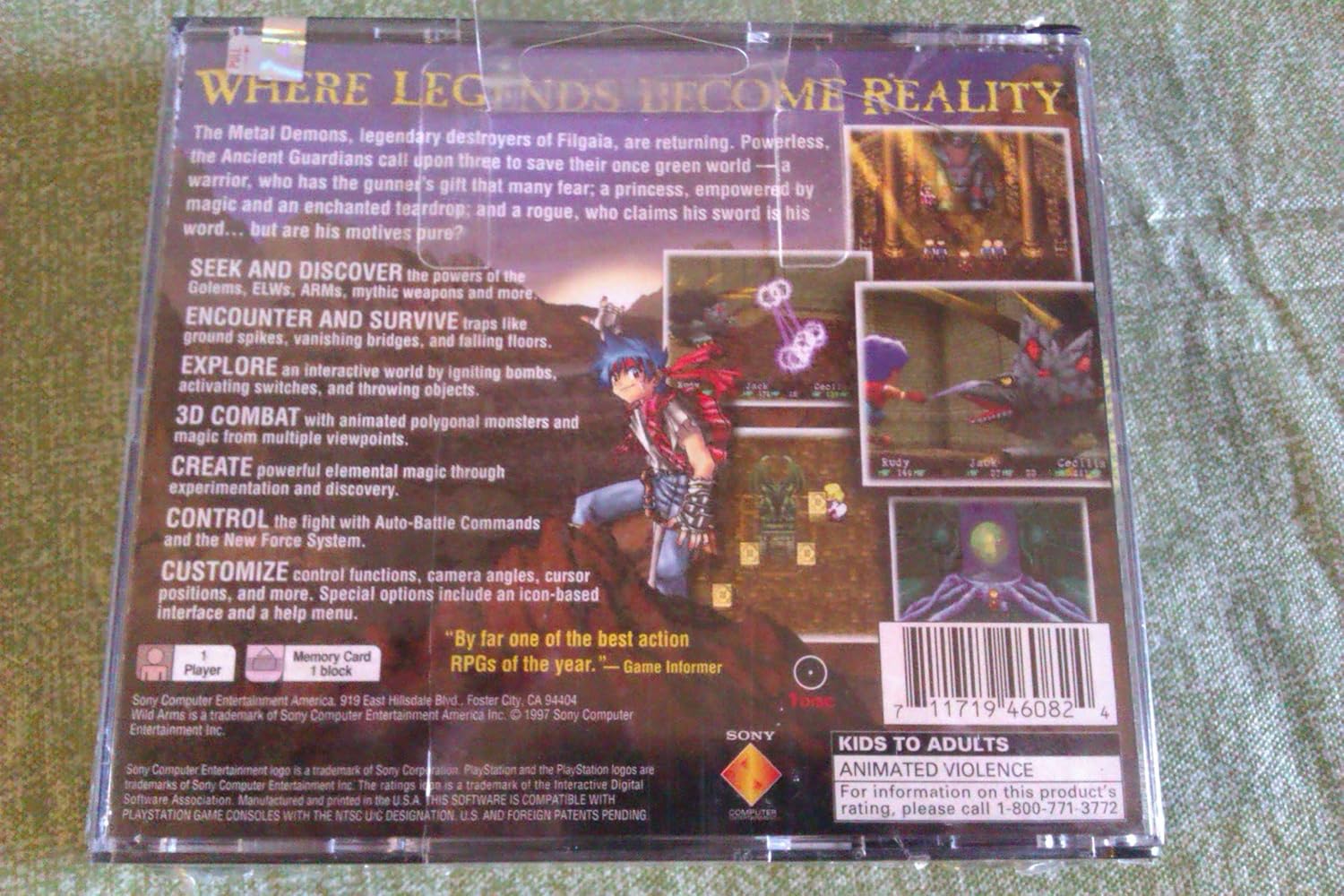
Image: Back cover of the Wild Arms PlayStation game case. This image highlights key game features such as "3D Combat," "Seek and Discover," "Explore," "Create," and "Control." It also shows the UPC barcode (0711719460824) and ESRB rating.
Maintenance
- Disc Handling: Always hold the game disc by its edges. Avoid touching the shiny, playable surface.
- Cleaning: If the disc becomes dirty, gently wipe it with a soft, lint-free cloth from the center outwards. Do not use abrasive cleaners or solvents.
- Storage: Store the game disc in its original case when not in use to protect it from dust, scratches, and direct sunlight.
Troubleshooting
| Problem | Solution |
|---|---|
| Game disc does not load or freezes. |
|
| Controller inputs are not responding. |
|
| No sound or distorted sound. |
|
Specifications
- Product Name: Wild Arms
- Platform: PlayStation (PS1)
- Manufacturer: Sony
- ASIN: B00002SVX5
- UPC: 0711719460824
- Player Count: 1 Player
- Genre: RPG (Role-Playing Game)
- Combat System: 3D Combat
- ESRB Rating: Kids to Adults
- Item Weight: 7.2 ounces
- Product Dimensions: 5.51 x 4.8 x 0.94 inches
- Language: English
- Type of Item: CD-ROM
- First Available Date: June 30, 2006
Support Information
For technical assistance or further inquiries regarding the Wild Arms game or your PlayStation console, please refer to the official Sony PlayStation support resources. You can often find support information on the official PlayStation website or by contacting Sony customer service.
For product rating information, you may call 1-800-771-3772 as indicated on the product packaging.


