
1. Introduction
The Nikon N70 is an advanced 35mm Single-Lens Reflex (SLR) camera designed for versatile photography. It integrates a sophisticated autofocus system, multi-segment metering, and various exposure modes to assist photographers in capturing high-quality images. This manual provides essential information for the proper setup, operation, and maintenance of your N70 camera body.

Figure 1.1: Front view of the Nikon N70 camera body.
2. Setup
2.1 Battery Installation
The Nikon N70 requires specific photo batteries for operation. Ensure the camera is powered off before opening the battery compartment. Insert the batteries according to the polarity indicators inside the compartment. Close the compartment securely.
2.2 Lens Attachment
To attach a lens, align the mounting index on the lens with the corresponding index on the camera body. Rotate the lens clockwise until it clicks into place. To remove, press the lens release button and rotate the lens counter-clockwise.
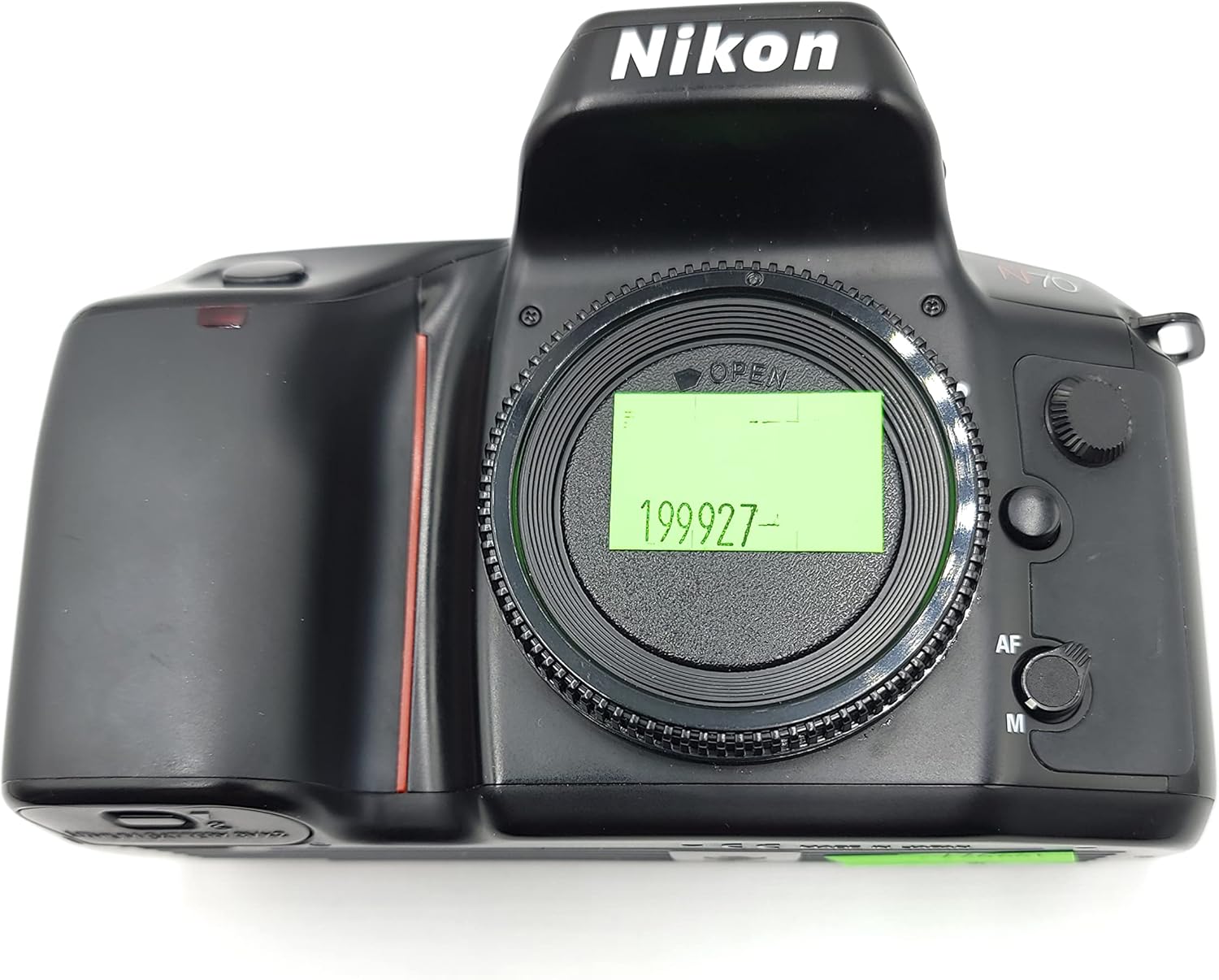
Figure 2.1: Front view showing the lens mount area.
2.3 Film Loading
- Open the camera back by sliding the latch located on the side of the camera.
- Place a 35mm film cassette into the film chamber.
- Pull the film leader across to the orange index mark on the take-up spool.
- Ensure the film perforations engage with the sprocket teeth.
- Close the camera back firmly until it latches. The camera will automatically advance the film to the first frame.

Figure 2.2: Top view of the open film compartment, showing film loading area.
3. Operating the Camera
3.1 Power On/Off
Locate the power switch, typically near the shutter release button. Slide it to the 'ON' position to power on the camera. Slide to 'OFF' when not in use to conserve battery life.
3.2 Autofocus System
The N70 features an advanced autofocus system with a cross-type sensor module, offering an extra-wide focus detection area. It can detect subjects in low light conditions (as dim as EV -1 at ISO 100). The camera supports both spot and wide-area autofocus modes. Use the AF/M switch on the lens or camera body to select between autofocus and manual focus.
3.3 Exposure Modes
The N70 offers a variety of exposure modes:
- Program (P) Mode: The camera automatically sets both shutter speed and aperture.
- Flexible Program (PF) Mode: Allows shifting the shutter speed and aperture combination while maintaining optimal exposure.
- Shutter-Priority Auto (S) Mode: You set the shutter speed, and the camera selects the appropriate aperture.
- Aperture-Priority Auto (A) Mode: You set the aperture, and the camera selects the appropriate shutter speed.
- Manual (M) Mode: You control both shutter speed and aperture.
- Bracketing: Allows taking multiple shots at different exposures.
The 3-D matrix metering system uses an 8-segment SPD sensor to analyze scene brightness and contrast for accurate exposure calculation.
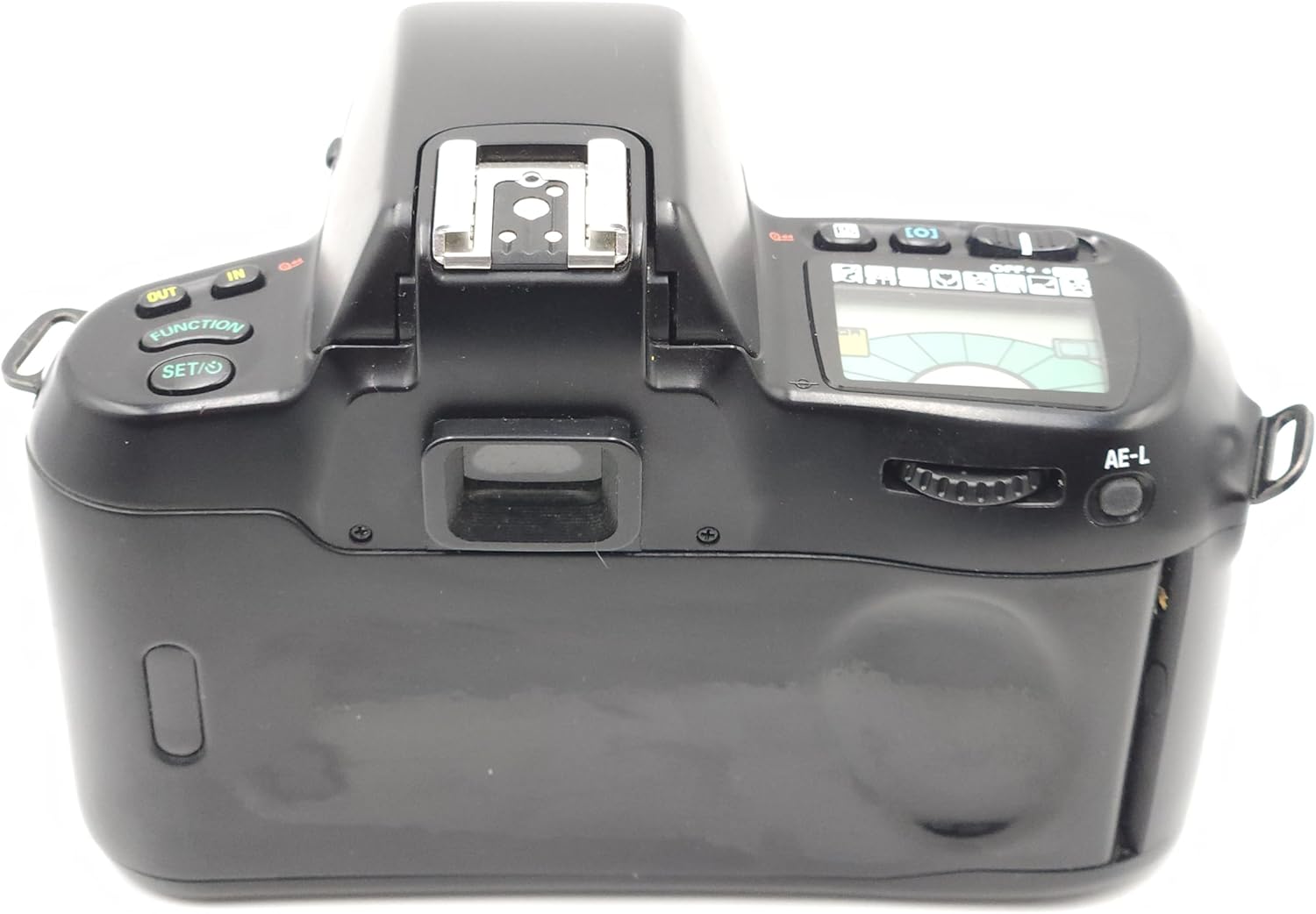
Figure 3.1: Top view of the camera, highlighting control buttons and LCD display.
3.4 Built-in Flash Operation
The N70 includes a built-in pop-up TTL flash. When required, the flash will automatically deploy or can be manually activated depending on the selected exposure mode. The five-segment TTL multi-sensor ensures optimal flash balance for various lighting conditions.
3.5 Film Rewind
Once the entire roll of film has been exposed, the camera will automatically rewind the film back into its cassette. Ensure the rewind process is complete before opening the camera back.
4. Maintenance
4.1 Cleaning the Camera Body and Lens
- Use a soft, lint-free cloth to wipe the camera body. For stubborn dirt, slightly dampen the cloth with water.
- For the lens, use a lens brush or blower to remove dust. Follow with a lens cleaning solution and a microfiber cloth, wiping gently in a circular motion from the center outwards.
- Avoid using harsh chemicals or abrasive materials.
4.2 Storage
Store the camera in a cool, dry place away from direct sunlight, high humidity, and extreme temperatures. If storing for an extended period, remove the batteries to prevent leakage.
5. Troubleshooting
- Camera does not power on: Check battery installation and ensure batteries are fresh.
- Autofocus not working: Ensure the AF/M switch is set to 'AF'. Check for sufficient light and contrast in the subject.
- Exposure issues (too dark/bright): Verify the selected exposure mode and settings. Ensure the metering area is appropriate for the scene.
- Film not advancing/rewinding: Check if film is correctly loaded and if the camera back is securely closed. Ensure there is enough battery power.
- Unusual color casts in developed photos: This can sometimes be related to film type, processing, or specific camera unit characteristics. If persistent, consult a professional camera technician.
6. Specifications
| Brand | Nikon |
| Model Name | N70 SLR |
| Film Format Type | 35mm |
| Special Feature | Built-in Pop-up TTL Flash |
| Shutter Type | Focal Plane Shutter |
| Metering System | 8-segment 3-D Matrix, Center-weighted, Spot |
| Autofocus | Selectable Automatic or Manual Focus, Cross-type sensor, Spot and Wide-area AF |
| Included Components | Camera Body Only |
| Item Weight | 1.65 pounds |
| Package Dimensions | 6.4 x 6.2 x 6.1 inches |
| ASIN | B00001ZUNN |
| UPC | 018208017935 |
| Date First Available | September 4, 1973 |
7. Warranty and Support
7.1 Warranty Information
This product includes a FULL 14 DAY SATISFACTION GUARANTEE and a FULL 90 DAY PARTS AND LABOR WARRANTY. Please retain your proof of purchase for warranty claims.
7.2 Customer Support
For further assistance, technical support, or service inquiries, please refer to the official Nikon support channels or contact your retailer.


