1. المقدمة
This manual provides detailed instructions for the setup, operation, and maintenance of your XIXIMENG X9 Pro Retro Gaming Console. Please read this guide thoroughly to ensure optimal performance and enjoyment of your device.
2. انتهى المنتجview
2.1 محتويات العبوة
تأكد من تضمين جميع العناصر المدرجة أدناه في الحزمة الخاصة بك:
- 1 × صندوق التعبئة والتغليف
- 2 × وحدات تحكم لاسلكية
- 1 x Game Stick
- 1 × كابل يو اس بي
- 1 × دليل المستخدم
- 1 x TF Card (pre-installed)
- شنومكس x استقبال أوسب
- كابل تمديد عالي الدقة واحد

Figure 2.1: Included components of the X9 Pro Retro Gaming Console.
2.2 الميزات الرئيسية
- Powerful System & Quad-Core Performance: Pre-installed Emuelec 4.3 gaming system with Amlogic S905X2 64-bit quad-core processor and G31 MP2 GPU for smooth performance. Features 2GB DDR3 high-speed memory.
- مكتبة ألعاب واسعة النطاق: Over 60,000 games and 60 professional game emulators built-in.
- Intelligent Game Management: Supports game searching, favoriting, progress saving, and archiving.
- دعم متعدد اللغات: One-click language switching between English, French, German, Spanish, Italian, and other languages.
- HDMI CEC & 8K Ultra HD Output: Connects via HDMI with CEC function for unified control. Supports Dynamic HDR technology and 8Kx4K@24 resolution for enhanced visuals.
- Dual 2.4GHz Rechargeable Wireless Controllers: Two ergonomic controllers with 2.4GHz high-frequency transmission for stable, low-latency gameplay. Rechargeable design eliminates battery replacement.
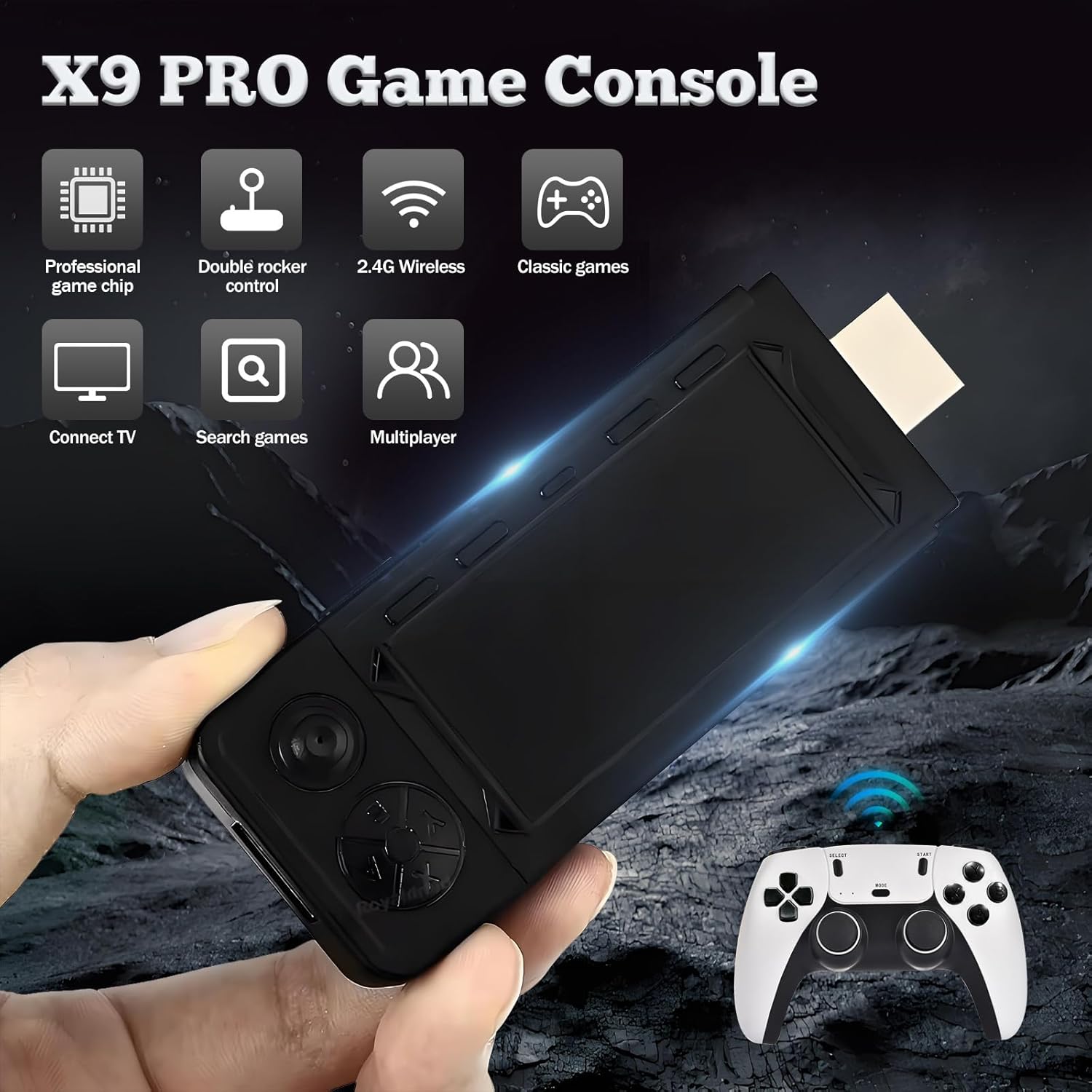
الشكل 2.2: انتهىview of X9 Pro Game Console features.

Figure 2.3: Key specifications and features of the X9 Pro.
3. تعليمات الإعداد
Follow these simple steps to set up your X9 Pro Retro Gaming Console:
- Insert the TF Card: Ensure the TF card is securely inserted into the game stick.
- قم بتوصيل محول الشبكة اللاسلكية: Connect the USB receiver for the wireless controllers into the game stick's USB port.
- سد العجز في سلك الطاقة: Connect the power cable to the game stick and then to a 5V2A power adapter (not included) or a USB power source.
- الاتصال بالتلفزيون: Plug the game stick into an available HDMI port on your television or display. If needed, use the provided HD Extension Cable.
- Connect USB Power Supply: Ensure the game stick receives power via the USB power cord.
Once connected, switch your TV's input source to the corresponding HDMI port. The console should boot automatically.

Figure 3.1: Plug and Play setup for the X9 Pro.
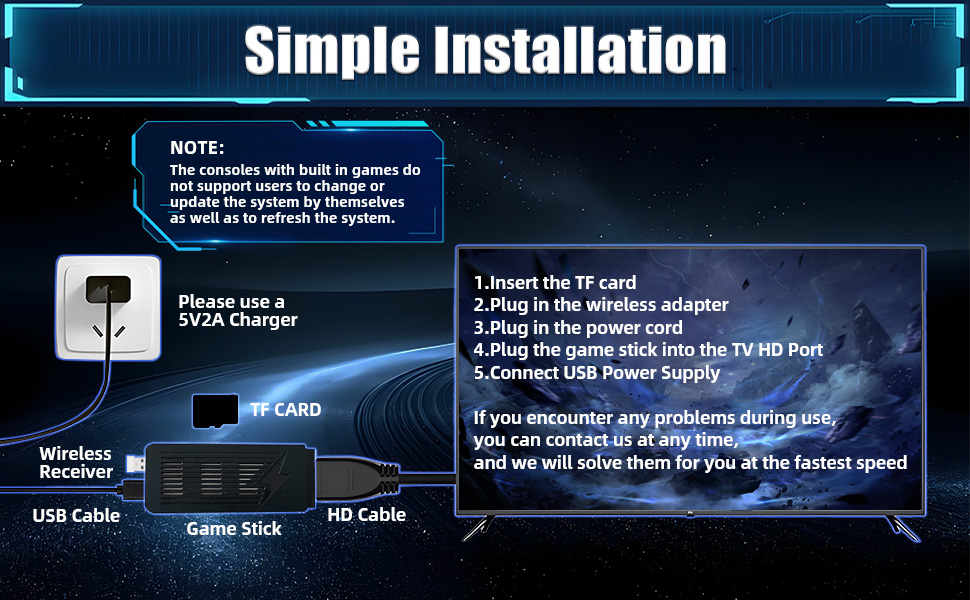
Figure 3.2: Simple installation guide.
4. تعليمات التشغيل
4.1 وظائف وحدة التحكم
The X9 Pro comes with two 2.4GHz wireless controllers designed for comfortable and precise gameplay. Refer to the diagram below for button layout and functions:
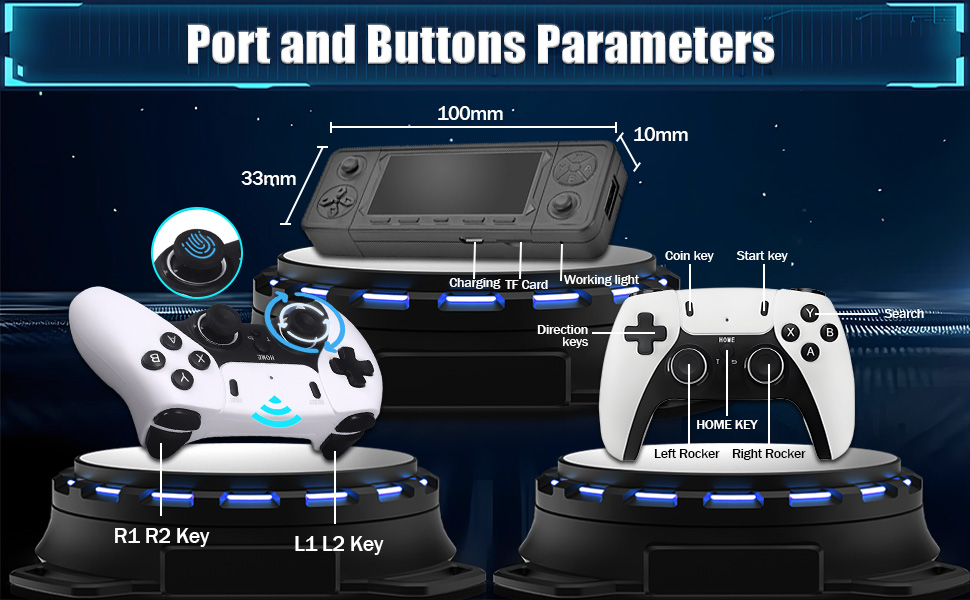
Figure 4.1: Controller and Game Stick Button Layout.
- مفاتيح الاتجاه: Navigate menus and control in-game movement.
- Left/Right Rockers: Analog control for precise movement in supported games.
- أزرار A/B/X/Y: تختلف وظائف أزرار التحكم الرئيسية باختلاف اللعبة.
- مفتاح البدء: Pause games, confirm selections, or start games.
- Coin Key: Typically used to add credits in arcade-style games.
- مفتاح المنزل: Return to the main menu or exit a game.
- مفاتيح L1/L2/R1/R2: Shoulder and trigger buttons for additional in-game actions.
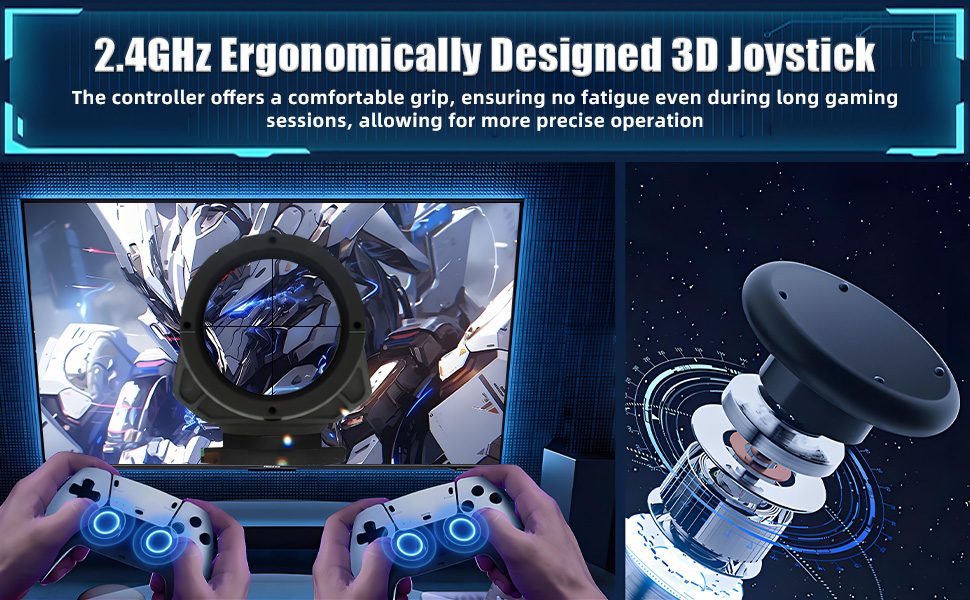
Figure 4.2: Ergonomic design of the wireless controller.
4.2 إدارة اللعبة
The Emuelec 4.3 system offers robust game management features:
- ابحث عن الألعاب: Use the search function to quickly locate specific titles within the extensive game library.
- Favorite Games: Mark your preferred games as favorites for easy access.
- Save/Archive Progress: The console supports saving and archiving game progress, allowing you to pause and resume your gaming sessions at any time.
4.3 إعدادات النظام
- اختيار اللغة: Navigate to the system settings to change the interface language. Supported languages include English, French, German, Spanish, Italian, and more.
- HDMI CEC Function: If your display supports HDMI CEC, you can enable this feature for unified control of the console and your TV using a single remote.
4.4 Display and Multiplayer
The X9 Pro supports connection to various high-definition devices and offers multiplayer capabilities:

Figure 4.3: Supports connection to multiple display devices.
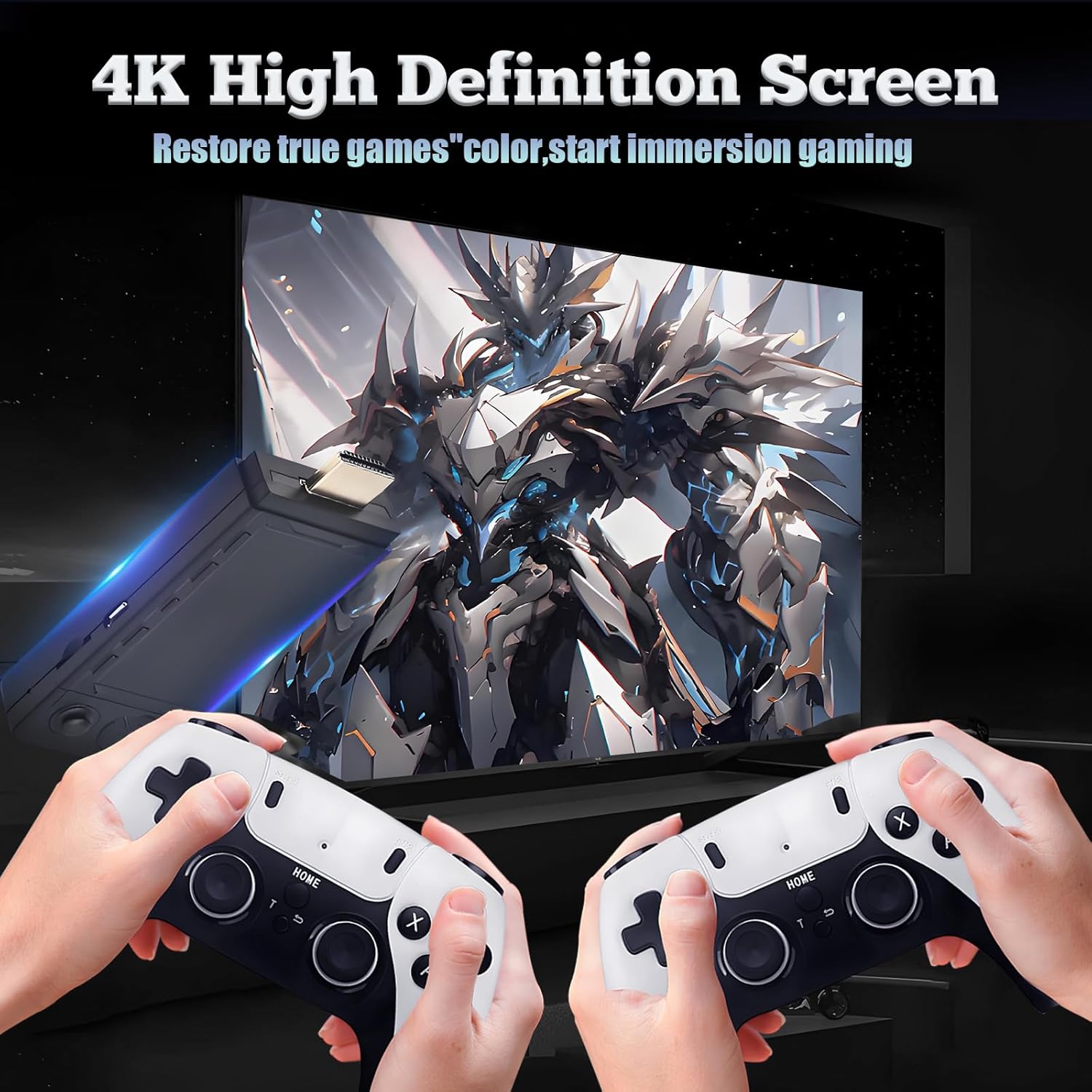
Figure 4.4: 4K High Definition Screen output.
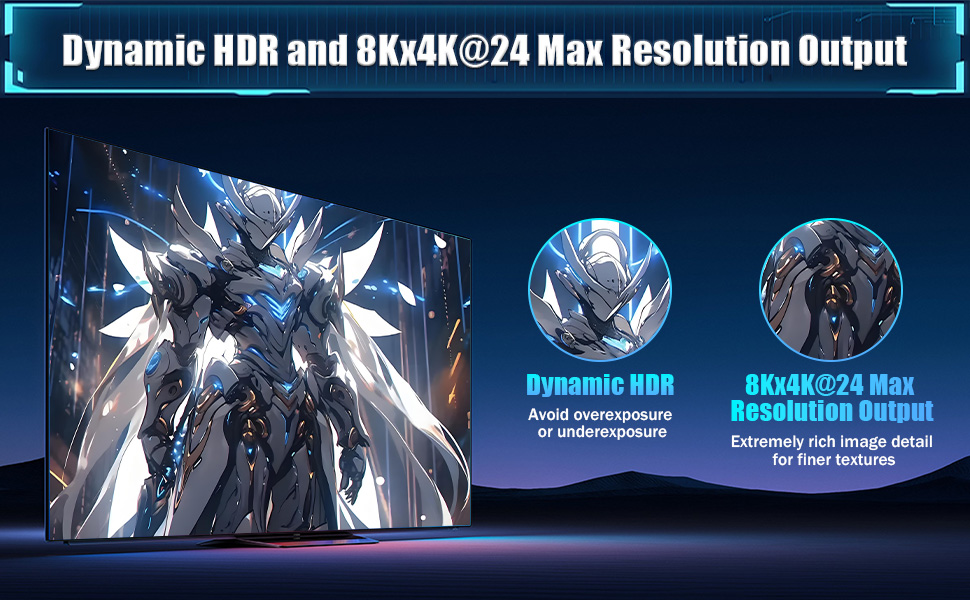
Figure 4.5: Dynamic HDR and 8Kx4K@24 Max Resolution Output.
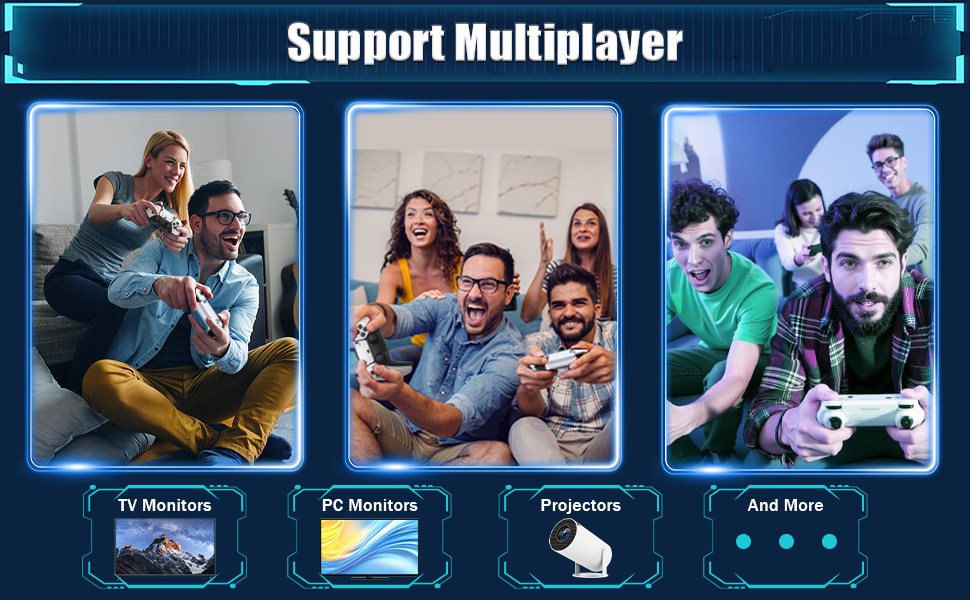
Figure 4.6: Multiplayer support on various displays.
5. المواصفات
| ميزة | التفاصيل |
|---|---|
| اسم الموديل | اكس 9 برو |
| ماركة | XIXIMENG |
| نظام | Emuelec 4.3 |
| المعالج | Amlogic S905X2 64-bit Quad-Core (Cortex A55) |
| وحدة معالجة الرسوميات | جي31 ام بي 2 |
| ذاكرة | 2 جيجا بايت DDR3 |
| سعة التخزين | 256 جيجابايت (بطاقة ذاكرة TF) |
| المحاكيات | 60+ |
| Pre-installed Games | 60,000+ |
| مخرج الفيديو | HDMI, supports 8Kx4K@24, Dynamic HDR |
| وحدات التحكم | Dual 2.4GHz Rechargeable Wireless Controllers |
| أبعاد المنتج | 4.53 × 4.92 × 6.3 بوصة |
| لون | أسود |
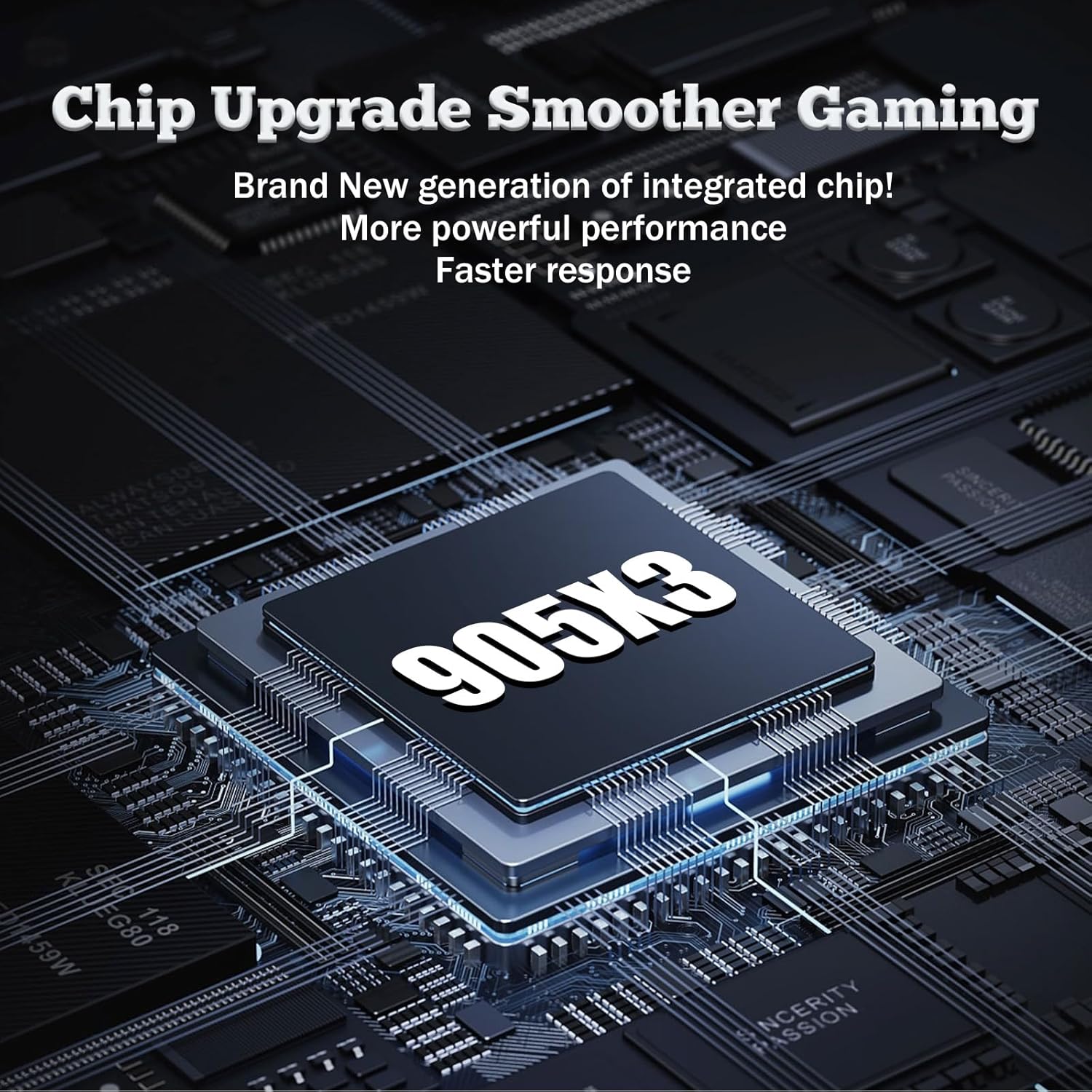
Figure 5.1: The S905X2 processor (image shows S905X3, but product description states S905X2).
6. استكشاف الأخطاء وإصلاحها
6.1 System Updates and Modifications
ملاحظة هامة:
The emulator console does not support users to change or update the system by themselves, nor does it support refreshing the system. Attempting to do so may cause irreversible damage to the device and void any potential support.
6.2 المشكلات الشائعة
- لا يوجد طاقة: Ensure the power cable is securely connected to the game stick and a 5V2A power source. Check if the power adapter is working.
- لا توجد إشارة على التلفزيون: Verify that the game stick is plugged into the correct HDMI port on your TV and that your TV's input source is set to that HDMI port. Try a different HDMI port or cable.
- وحدات التحكم لا تستجيب: Ensure the USB receiver is properly plugged into the game stick. Check if the controllers are charged. Re-pair controllers if necessary (refer to controller specific instructions if provided separately).
- Game Lag/Performance Issues: While the console is powerful, some very demanding emulated games might experience minor slowdowns. Ensure no other devices are interfering with the 2.4GHz wireless signal.
7. الصيانة
To ensure the longevity and optimal performance of your X9 Pro Retro Gaming Console, follow these maintenance guidelines:
- تنظيف: استخدم قطعة قماش ناعمة وجافة لتنظيف وحدة التحكم ووحدات التحكم. تجنب استخدام المنظفات السائلة أو المواد الكاشطة.
- تخزين: Store the console in a cool, dry place away from direct sunlight, extreme temperatures, and humidity.
- التعامل: Handle the console and controllers with care to prevent physical damage. Avoid dropping or subjecting them to strong impacts.
- إيقاف التشغيل: Always power off the console properly before disconnecting it from the power source.
8. الضمان والدعم
For any problems encountered during use, please contact customer support. Do not attempt to modify the system or perform unauthorized repairs, as this may void your support options.
For assistance, please refer to the contact information provided with your purchase or visit the official XIXIMENG support webموقع.


