مقدمة
Welcome to your Bose QuietComfort Wireless Noise Cancelling Headphones. These headphones are designed to provide high-fidelity audio and legendary noise cancellation, allowing you to immerse yourself in your audio experience or stay aware of your surroundings. This manual will guide you through the setup, operation, and maintenance of your new headphones.
ماذا يوجد في الصندوق
- Bose QuietComfort Bluetooth Headphones
- Green Extreme 20W 2-Port USB-C/USB-A Wall Charger, White
- Audio cable with in-line microphone
- كابل شحن USB-A إلى USB-C
- حقيبة الحمل

Image: Bose QuietComfort Wireless Noise Cancelling Headphones in black.
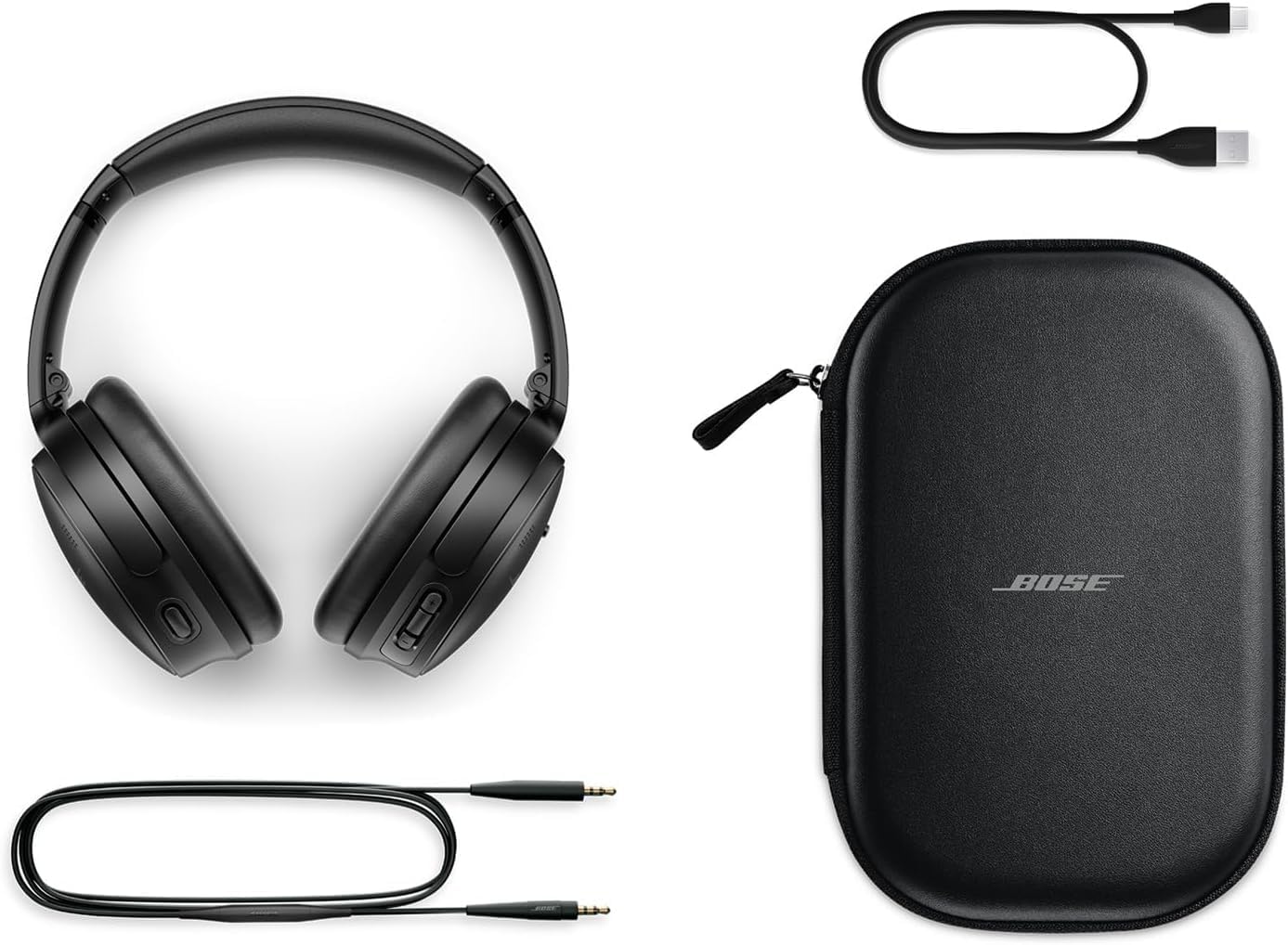
Image: Bose QuietComfort headphones with included accessories: USB-C charging cable, 3.5mm audio cable, and carrying case.
يثبت
شحن سماعات الرأس
Before first use, fully charge your Bose QuietComfort headphones. Connect the included USB-A to USB-C charging cable to the headphones and the Green Extreme 20W 2-Port USB-C/USB-A Wall Charger. A 15-minute charge provides up to 2.5 hours of additional play time. A full charge offers up to 24 hours of battery life.
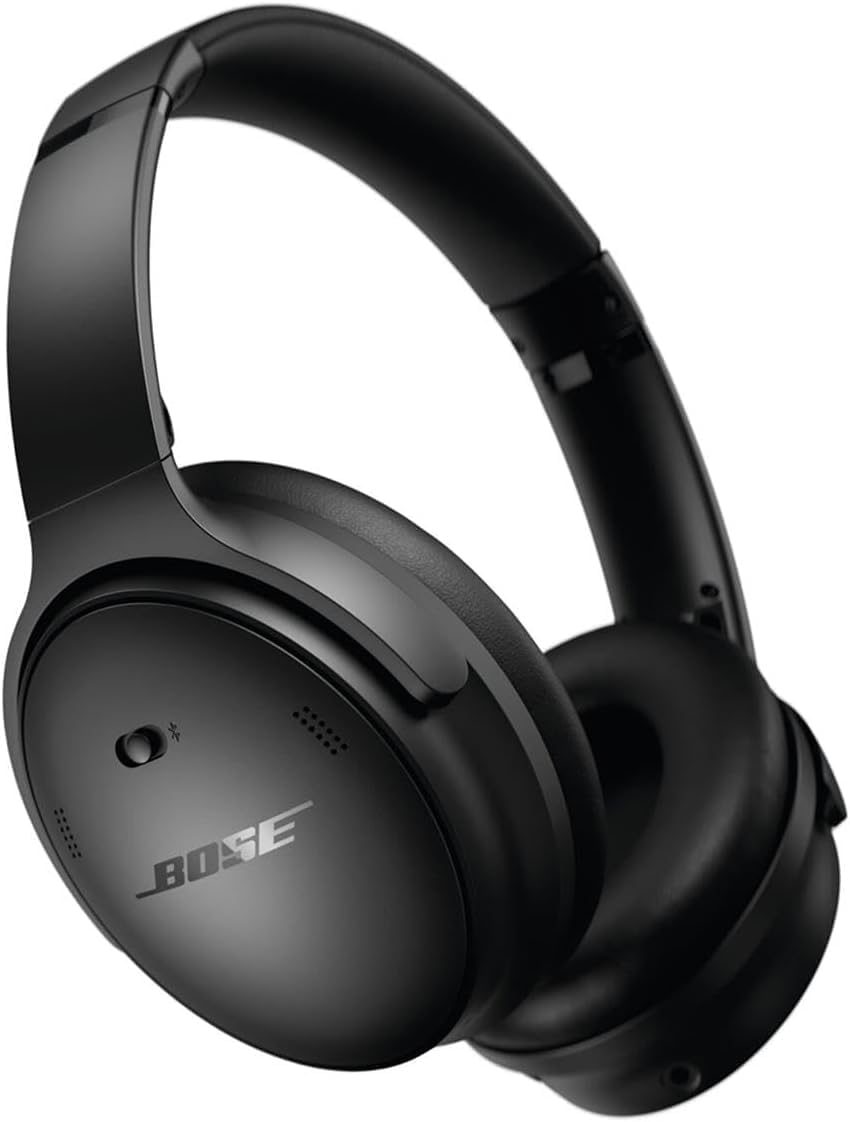
Image: Close-up of the right earcup of the Bose QuietComfort headphones, showing the USB-C charging port and control buttons.
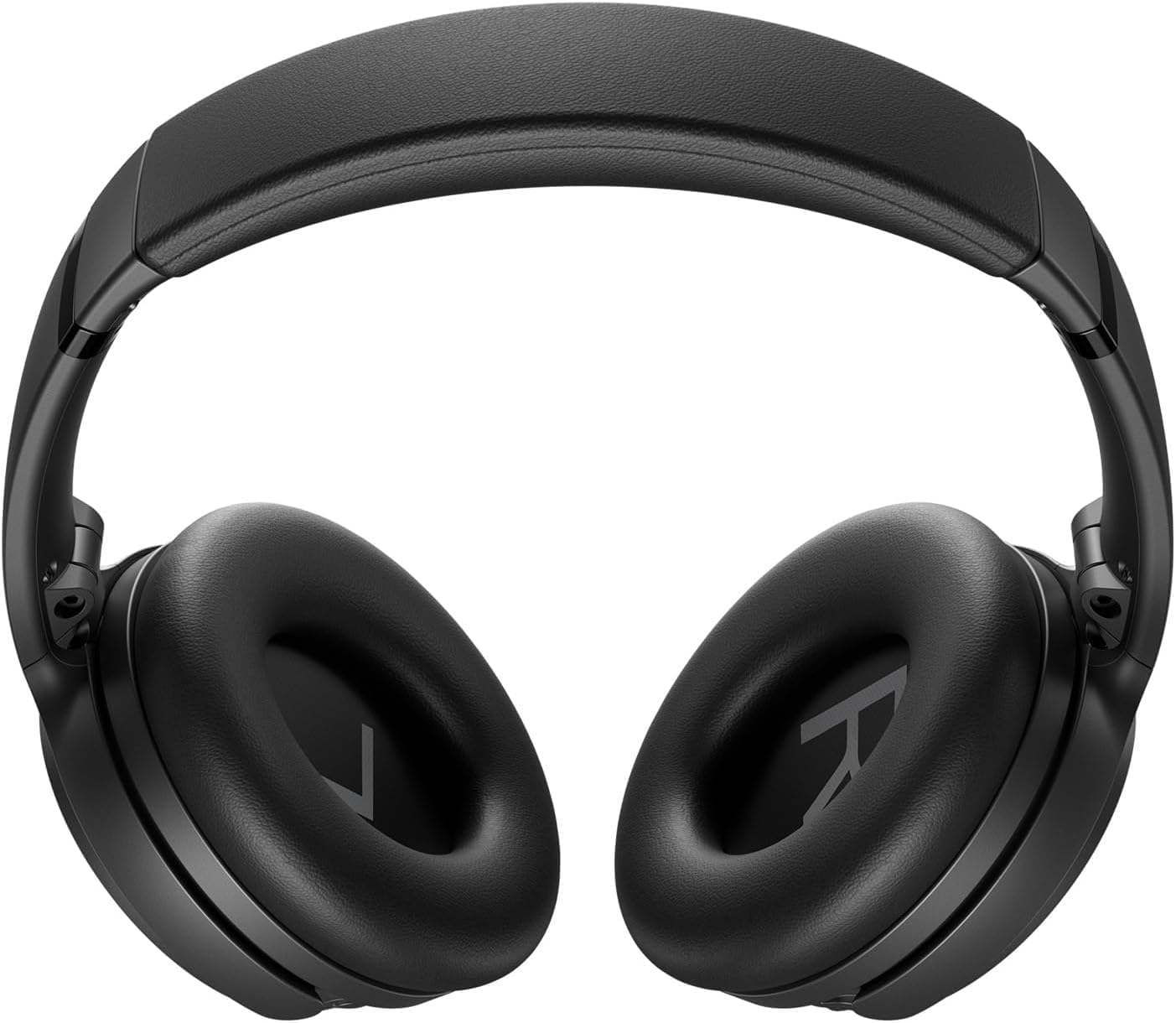
Image: Green Extreme 20W 2-Port USB-C/USB-A Wall Charger, White, being held in a hand.
بلوتوث الاقتران
لإقران سماعات الرأس بجهاز:
- Slide the Power/Bluetooth switch to the Bluetooth symbol and hold until the indicator light blinks blue.
- On your device, open Bluetooth settings and select "Bose QuietComfort" from the list of available devices.
- بمجرد توصيله، سيضيء ضوء المؤشر باللون الأزرق الثابت.
تعليمات التشغيل
أوضاع إلغاء الضوضاء
تتميز سماعات Bose QuietComfort بوضعين أساسيين للاستماع:
- الوضع الهادئ: Provides full noise cancellation, ideal for eliminating distractions and focusing on your audio.
- الوضع الواعي: Allows you to hear your surroundings while still enjoying your audio, enhancing situational awareness.
تشغيل الصوت والمكالمات
Use the media control buttons on the earcup to manage playback (play/pause, skip tracks) and handle calls. The integrated microphone ensures clear communication. An included audio cable with an in-line microphone allows for wired connection, even when the battery is depleted.
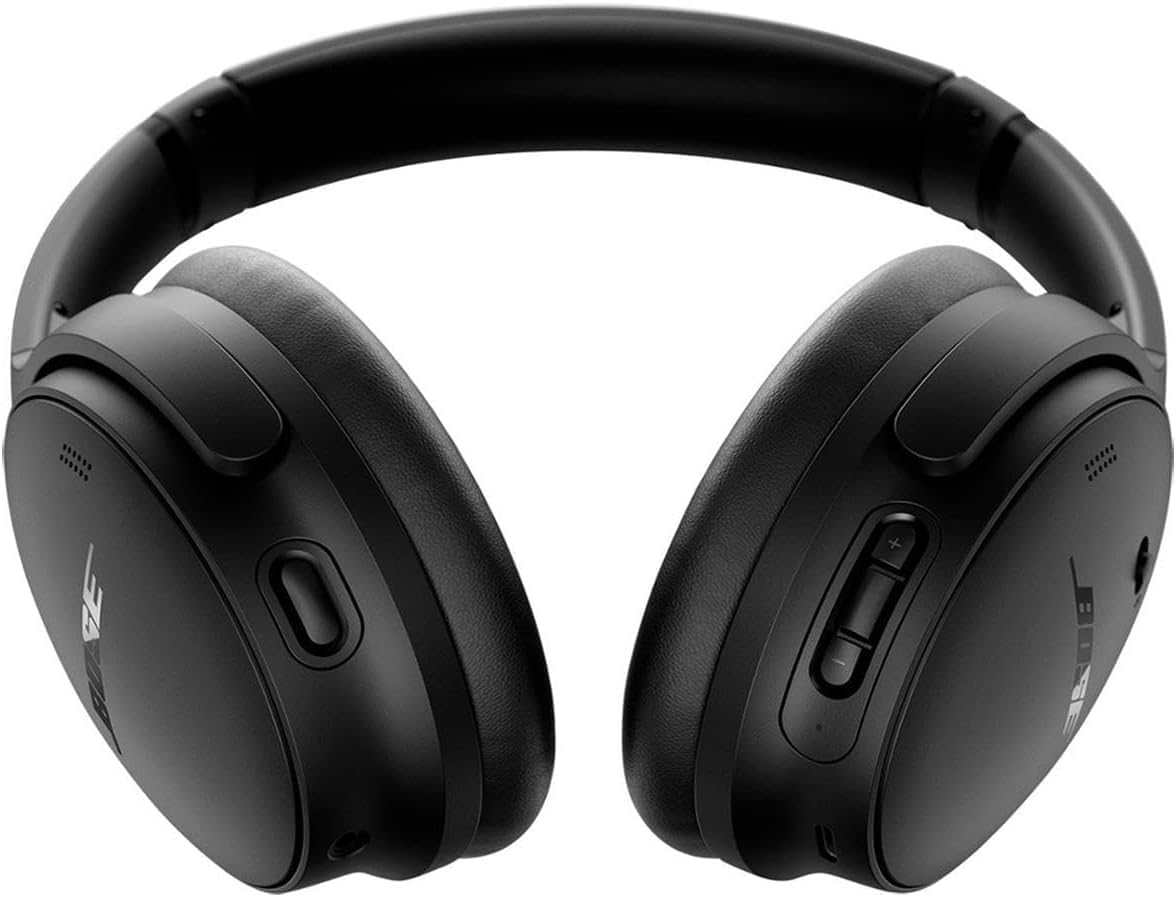
الصورة: الجبهة view of the Bose QuietComfort headphones, showing the control buttons on the right earcup.
صيانة
تنظيف
Wipe the headphones with a soft, dry cloth. Do not use abrasive cleaners or solvents. Ensure charging ports are free of debris.
تخزين
When not in use, store the headphones in their provided carrying case to protect them from dust and damage.


