مقدمة
The Orcam MyEye 3 Pro is a revolutionary wearable device designed to empower individuals with visual impairments, enhancing their independence and confidence in navigating the world. This advanced AI Vision Assistant offers a range of features to help users interact with their environment, read text, and identify objects and faces.
This manual provides essential information on setting up, operating, maintaining, and troubleshooting your MyEye 3 Pro device. Please read it thoroughly to ensure optimal performance and a seamless user experience.
ماذا يوجد في الصندوق
Your MyEye 3 Pro package includes the following components:
- OrCam MyEye 3 Pro Device
- Stand and Mount
- المتحدث
- USB Data and Power Adapter and Cable
- Eyeglasses Frame
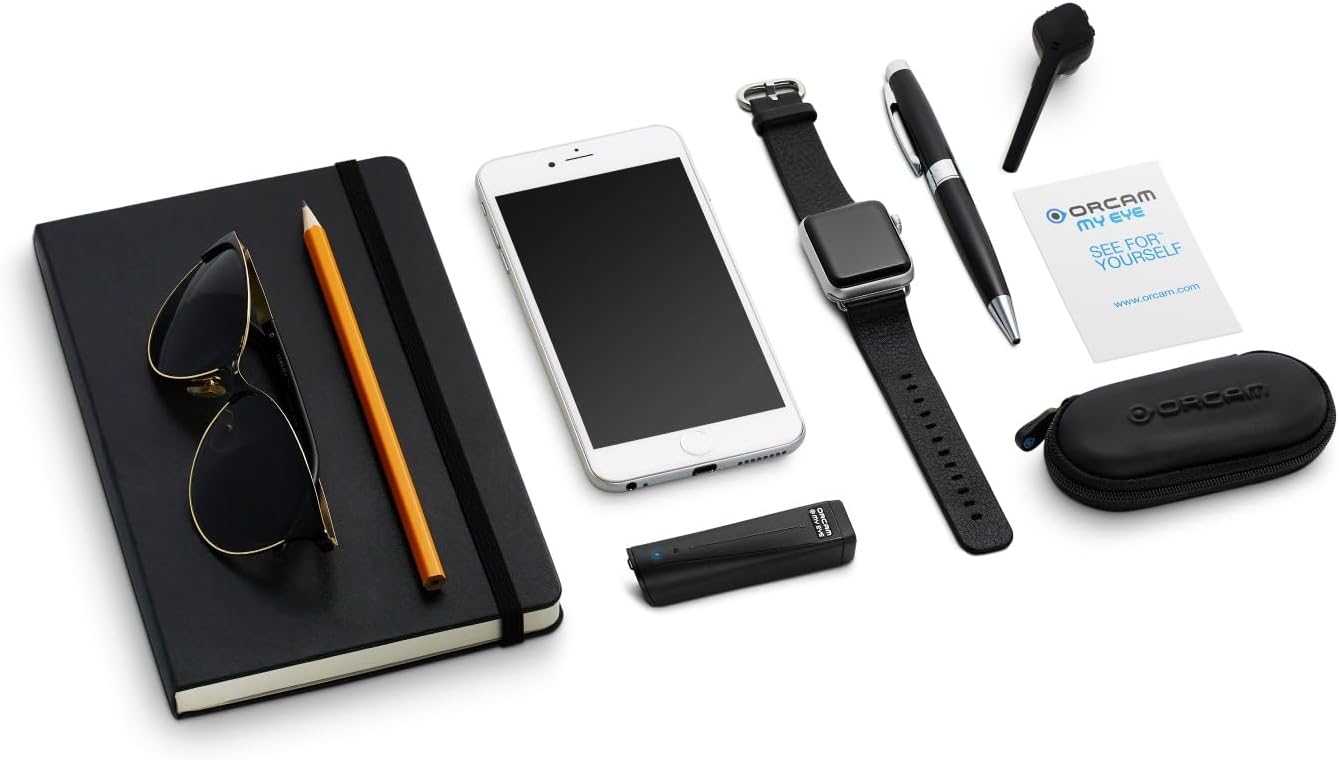
Image: All components included with the Orcam MyEye 3 Pro device.
يثبت
Follow these steps to set up your MyEye 3 Pro for first use:
- اشحن الجهاز: Connect the MyEye 3 Pro to the USB power adapter using the provided cable. Ensure the device is fully charged before initial use. A full charge provides approximately 6 hours of additional use.
- Attach to Eyeglasses: Securely attach the MyEye 3 Pro device to the included eyeglasses frame using the provided mount. Ensure the camera lens is unobstructed and positioned correctly for optimal viewعمل.
- المعايرة الأولية: Power on the device. Follow the voice prompts for initial calibration, which may include adjusting the camera angle and performing a brief setup routine to optimize performance for your specific needs.
- Pair Speaker (Optional): If using the external speaker, follow the instructions provided with the speaker to pair it with your MyEye 3 Pro device.

Image: The MyEye 3 Pro device attached to eyeglasses, ready for use.
Operating Your MyEye 3 Pro
The MyEye 3 Pro offers intuitive controls and advanced features to assist you in various daily tasks.
قرآة نص
The device can read text from virtually any surface, including books, newspapers, computer screens, and product labels. Activate reading capabilities using:
- الأوامر الصوتية: Speak commands such as "Read text" or "Read from here."
- إيماءات اليد: Use specific hand gestures recognized by the device to initiate reading.
- شريط اللمس: A physical touch bar on the device allows for quick activation of reading functions.
The scan-to-text capability ensures that the MyEye 3 Pro can read from any point of the text, providing a seamless reading experience.
Interactive AI Assistant (Just Ask)
Utilize the "Just Ask" feature to interact naturally with the AI assistant. You can ask questions related to the text being read or other general topics, receiving instant responses.
Object and Face Recognition
The MyEye 3 Pro can effortlessly recognize faces of loved ones, identify various products, discern money notes, and even recognize colors. This feature provides valuable information about your surroundings, guiding you through different spaces.
Video: Demonstrates the "What's in front of me" feature of the Orcam MyEye 3 Pro, showcasing its ability to identify objects and provide information about surroundings for navigation.
Advanced Magnification and Translation
Zoom in on text and images for clearer viewing. The device also supports translation features in over 140 languages, expanding accessibility.
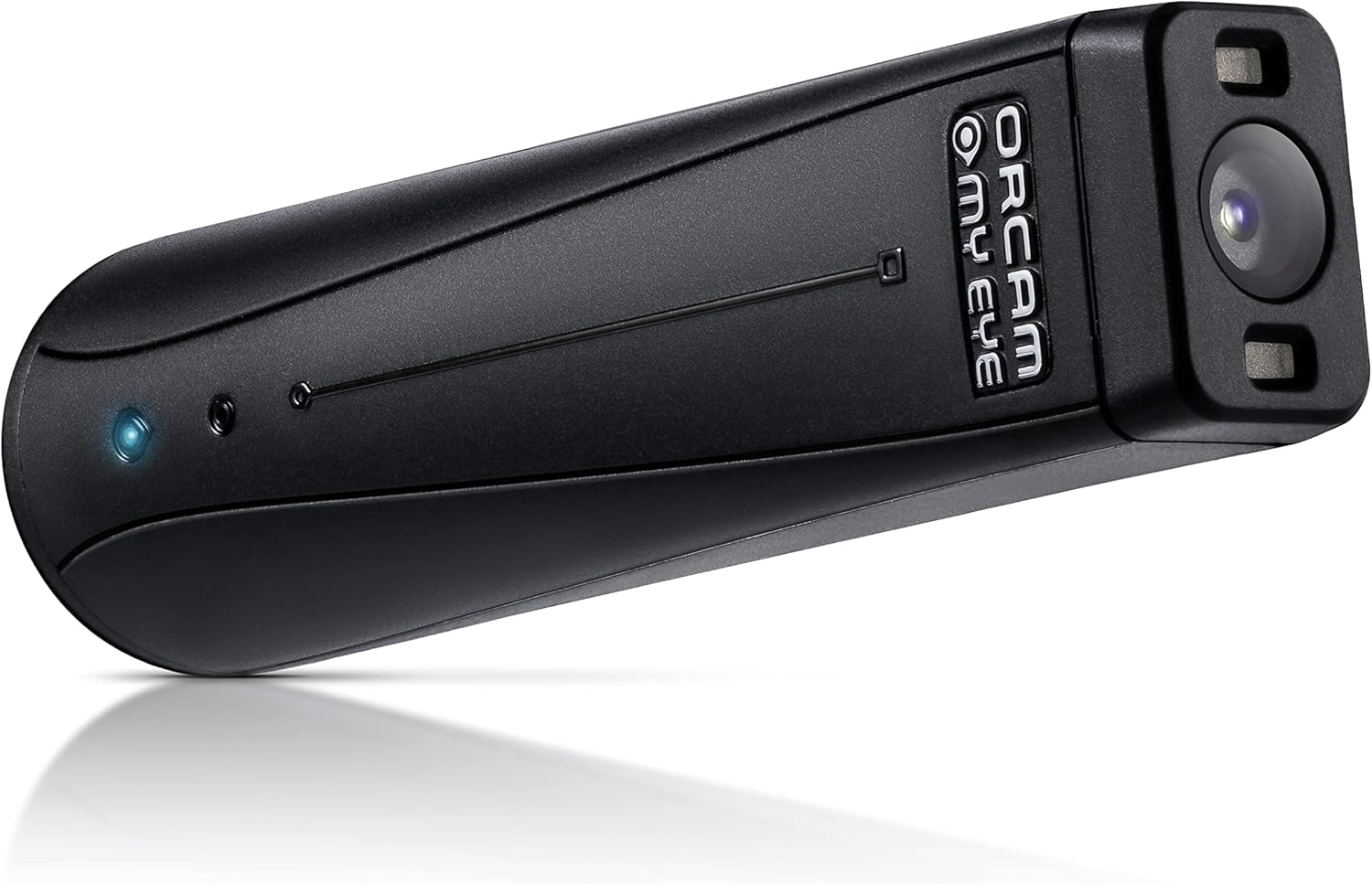
الصورة: تفصيلية view of the MyEye 3 Pro device.
الصيانة والعناية
To ensure the longevity and optimal performance of your MyEye 3 Pro, follow these maintenance guidelines:
- تنظيف: Gently wipe the device and camera lens with a soft, dry, lint-free cloth. Do not use liquid cleaners or abrasive materials.
- تخزين: When not in use, store the MyEye 3 Pro in its protective case in a cool, dry place, away from direct sunlight and extreme temperatures.
- العناية بالبطارية: Avoid fully discharging the battery frequently. For best battery life, charge the device regularly and avoid leaving it uncharged for extended periods.
- التعامل معها بحذر: The MyEye 3 Pro is a precision electronic device. Avoid dropping it or subjecting it to strong impacts.
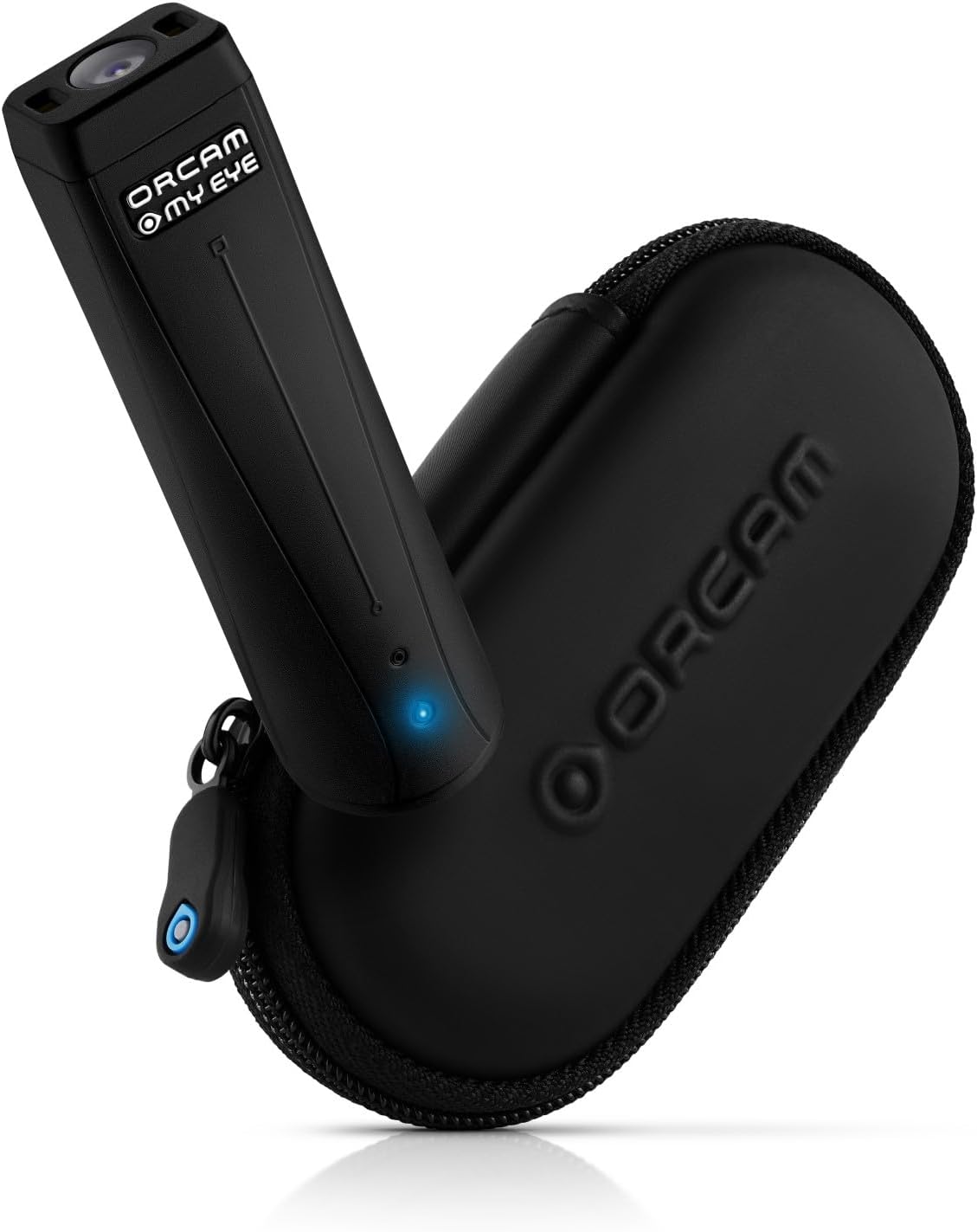
Image: MyEye 3 Pro with its protective case, ideal for storage.
استكشاف الأخطاء وإصلاحها
If you encounter issues with your MyEye 3 Pro, try the following common troubleshooting steps:
- الجهاز لا يستجيب: Ensure the device is charged. Try restarting the device by holding down the power button.
- Reading Inaccuracies: Check that the camera lens is clean and unobstructed. Ensure adequate lighting in your environment. Re-calibrate the device if necessary.
- مشاكل الصوت: Verify that the speaker is properly connected or paired. Check the volume settings on the device.
- مشاكل الشحن: Ensure the USB cable and power adapter are securely connected and functioning correctly. Try a different power outlet.
If the issue persists after attempting these steps, please refer to the support section for further assistance.
تحديد
| ميزة | التفاصيل |
|---|---|
| ASIN | B0D2P6RF84 |
| الشركة المصنعة | Orcam |
| تاريخ أول توفر | 25 أبريل 2024 |
| عمر البطارية | Approximately 6 hours additional use (with enclosed battery) |
الضمان والدعم
For detailed warranty information and to register your MyEye 3 Pro device, please visit the official Orcam webالموقع أو تواصل مع خدمة العملاء. احتفظ بإثبات الشراء لطلبات الضمان.
If you require technical assistance or have questions not covered in this manual, please reach out to Orcam customer support through their official channels. Information regarding optional protection plans may also be available from your retailer.


