مقدمة
The Sennheiser MOMENTUM 4 Wireless Noise Cancelling Headphones offer an exceptional audio experience with advanced features designed for comfort and superior sound quality. This manual provides essential information for setting up, operating, and maintaining your headphones.
ماذا يوجد في الصندوق
Your Sennheiser MOMENTUM 4 Wireless Headphones package includes the following items:
- سماعات MOMENTUM 4 اللاسلكية
- حقيبة الحمل
- كابل شحن USB-C
- كابل صوت 3.5 ملم إلى 2.5 ملم
- محول الطائرة
- دليل المستخدم
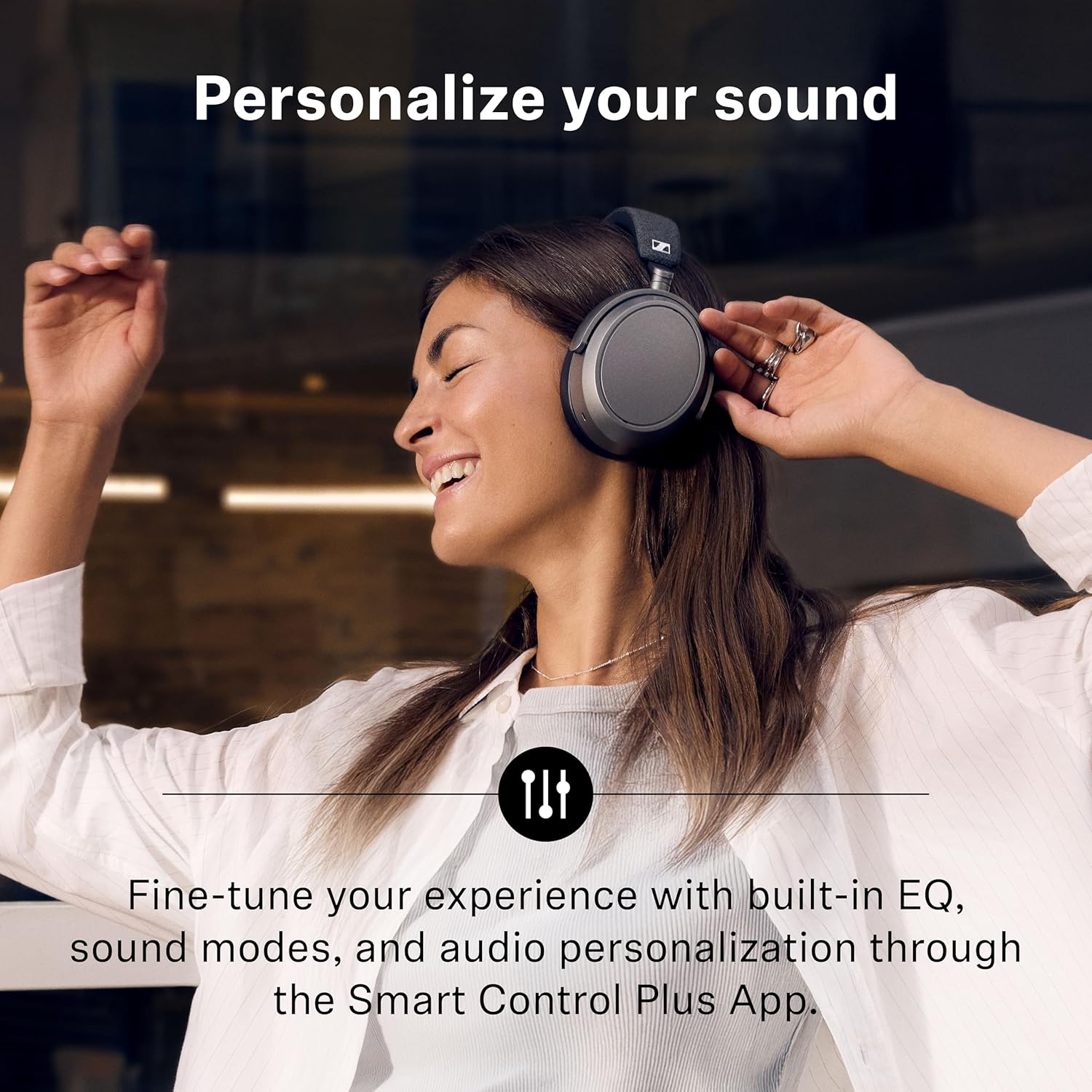
Image: All items included in the Sennheiser MOMENTUM 4 Wireless Headphones package, neatly arranged within the protective carry case.
يثبت
1. شحن سماعات الرأس
Before first use, fully charge your headphones using the provided USB-C charging cable. Connect the USB-C end to the headphone's charging port and the other end to a compatible USB power source.
Video: A quick start guide demonstrating how to charge and set up the MOMENTUM 4 headphones.
2. تشغيل / إيقاف التشغيل
The headphones can be powered on or off automatically or manually:
- تلقائي: The headphones will power on when lifted and placed on your head. They will power off when removed and placed in the case.
- دليل: Press and hold the multi-function button for 3 seconds to manually power on or off.

Image: Instructions for automatically powering on by wearing the headphones or manually by pressing the multi-function button.
3. الاتصال عبر البلوتوث
لتوصيل سماعات الرأس بهاتف ذكي أو أي جهاز آخر يدعم تقنية البلوتوث:
- Ensure your headphones are powered on and in pairing mode (indicated by a flashing LED). If not, press and hold the multi-function button for 5 seconds.
- On your device, go to Bluetooth settings and select "MOMENTUM 4" from the list of available devices.
- قم بتأكيد الاقتران على جهازك إذا طُلب منك ذلك.

Image: Visual guide for connecting the headphones to a smartphone using Bluetooth pairing.
4. Installing the Smart Control Plus App
For full customization and advanced features, download the Sennheiser Smart Control Plus app:
- Scan the QR code on the headphone's earcup or in the manual.
- بحث عن "Sennheiser Smart Control Plus" on the App Store (iOS) or Google Play Store (Android).
- Install the app and follow the on-screen instructions to connect your headphones.

Image: The Smart Control Plus App interface on various smartphones, highlighting its functionality for managing headphone settings.
تشغيل سماعات الرأس الخاصة بك
1. أدوات التحكم التي تعمل باللمس
The right earcup features an intuitive touch surface for various controls:
- مقدار: Swipe vertically up or down.
- تشغيل الموسيقى: Tap once to play/pause. Swipe forward/backward to skip tracks.
- المكالمات: Tap once to answer/end calls.
- إلغاء الضوضاء التكيفي (ANC): Pinch to adjust the level of noise cancellation.
- وضع الشفافية: Stretch to adjust the level of ambient sound passthrough.

Image: A visual guide to the touch controls on the Sennheiser MOMENTUM 4 headphones, showing gestures for various functions.
2. Adaptive Noise Cancellation (ANC) & Transparency Mode
These headphones feature adaptive noise cancellation to block out distractions and a transparency mode to keep you aware of your surroundings. Both can be adjusted via the touch controls or the Smart Control Plus app.
Video: An educational video explaining the principles of Active Noise Cancelling (ANC) technology.
3. Personalized Listening Experience
Use the Smart Control Plus app to tailor your audio experience:
- التعادل: Adjust bass, mid, and treble levels to your preference.
- Presets & Sound Modes: Choose from pre-defined sound profileأو قم بإنشاء خاصتك.
- Sound Personalization: Fine-tune your sound profile for a unique audio experience.

Image: The Smart Control Plus app's interface for personalizing sound, including equalizer and sound modes.
4. Crystal-Clear Calls
Four digital beamforming microphones ensure clear voice pickup and wind noise suppression, making your calls crystal clear even in noisy environments.
5. عمر البطارية
Enjoy up to 60 hours of playback on a single charge with fast charging capability.
صيانة
To ensure the longevity and optimal performance of your Sennheiser MOMENTUM 4 Wireless Headphones, follow these maintenance guidelines:
- تنظيف: استخدم قطعة قماش ناعمة وجافة لتنظيف سماعات الأذن وعصابة الرأس. تجنب استخدام المواد الكيميائية القاسية أو المواد الكاشطة.
- تخزين: When not in use, store the headphones in their protective carry case to prevent damage from dust, scratches, and impacts. The foldable design allows for compact storage.
- العناية بالبطارية: Avoid fully discharging the battery frequently. For long-term storage, charge the headphones to about 50% to prolong battery life.
- تحديثات البرامج الثابتة: Regularly check for and install firmware updates via the Smart Control Plus app to ensure optimal performance and access to new features.
استكشاف الأخطاء وإصلاحها
إذا واجهت مشاكل مع سماعات الرأس، فجرب الحلول التالية:
- مشاكل الاتصال:
- تأكد من تمكين Bluetooth على جهازك وأن سماعات الرأس في وضع الإقران.
- Delete unused Bluetooth pairings from your device's settings to prevent conflicts.
- Keep your device within the recommended Bluetooth range (up to 100 meters in open spaces, less with obstructions).
- أعد تشغيل كل من سماعات الرأس والجهاز المتصل بها.
- مشكلات جودة الصوت:
- Ensure a good seal between the earcups and your ears. Adjust the headband for a snug fit.
- Check the audio source's Bluetooth capabilities and ensure it supports high-quality audio codecs if desired.
- Adjust equalizer settings in the Smart Control Plus app.
- أداء خاصية إلغاء الضوضاء النشطة (ANC):
- Ensure the earcups form a tight seal around your ears. Eyewear or earrings can sometimes affect the seal.
- Adjust ANC levels in the Smart Control Plus app.
- Avoid obstructing the external microphones on the earcups.
Video: An introductory guide to Bluetooth audio, covering connection, range, and troubleshooting tips for optimal performance.
تحديد
| ميزة | التفاصيل |
|---|---|
| اسم الموديل | الزخم 4 |
| تكنولوجيا الاتصال | لاسلكي (بلوتوث 5.2) |
| تكنولوجيا الاتصالات اللاسلكية | بلوتوث |
| التحكم في الضوضاء | Active Noise Cancellation, Adaptive Noise Cancellation, Transparency Mode |
| عمر البطارية | حتى ساعتين |
| حجم برنامج تشغيل الصوت | 42 مليمتر |
| شكل سماعة الأذن | فوق الأذن |
| طريقة التحكم | اللمس والتحكم الصوتي |
| وزن العنصر | 10.3 أونصة |
| أبعاد المنتج | 7 × 7.67 × 1.82 بوصة |
| المكونات المضمنة | Headband, Protective Case, User Manual |
الضمان والدعم
للحصول على معلومات الضمان أو الدعم الفني أو الاستفسارات المتعلقة بالخدمة، يرجى الرجوع إلى موقع Sennheiser الرسمي. website or contact their customer service directly. The user manual included in your package also contains detailed warranty terms and contact information.


