1. المقدمة
The Testo 625 Digital Hygrometer is a compact instrument designed for precise measurement of air temperature and relative humidity. It also calculates dew point and wet bulb temperature, providing comprehensive data for assessing air quality in various environments, such as storage rooms or offices. Its robust design and long battery life make it suitable for both quick checks and long-term data collection.
2. محتويات العبوة
تأكد من وجود جميع العناصر عند فك العبوة:
- Testo 625 instrument
- حقيبة الحمل
- بروتوكول المعايرة
- بطاريتين AA
3. انتهى المنتجview
The Testo 625 features a clear display and intuitive controls for easy operation. The integrated probe measures humidity and temperature directly.

الشكل 1: أمام view of the Testo 625 Digital Hygrometer, showing the display and control buttons.

الشكل 2: Dimensions of the Testo 625 Digital Hygrometer, approximately 8.19 inches in height and 2.36 inches in width.
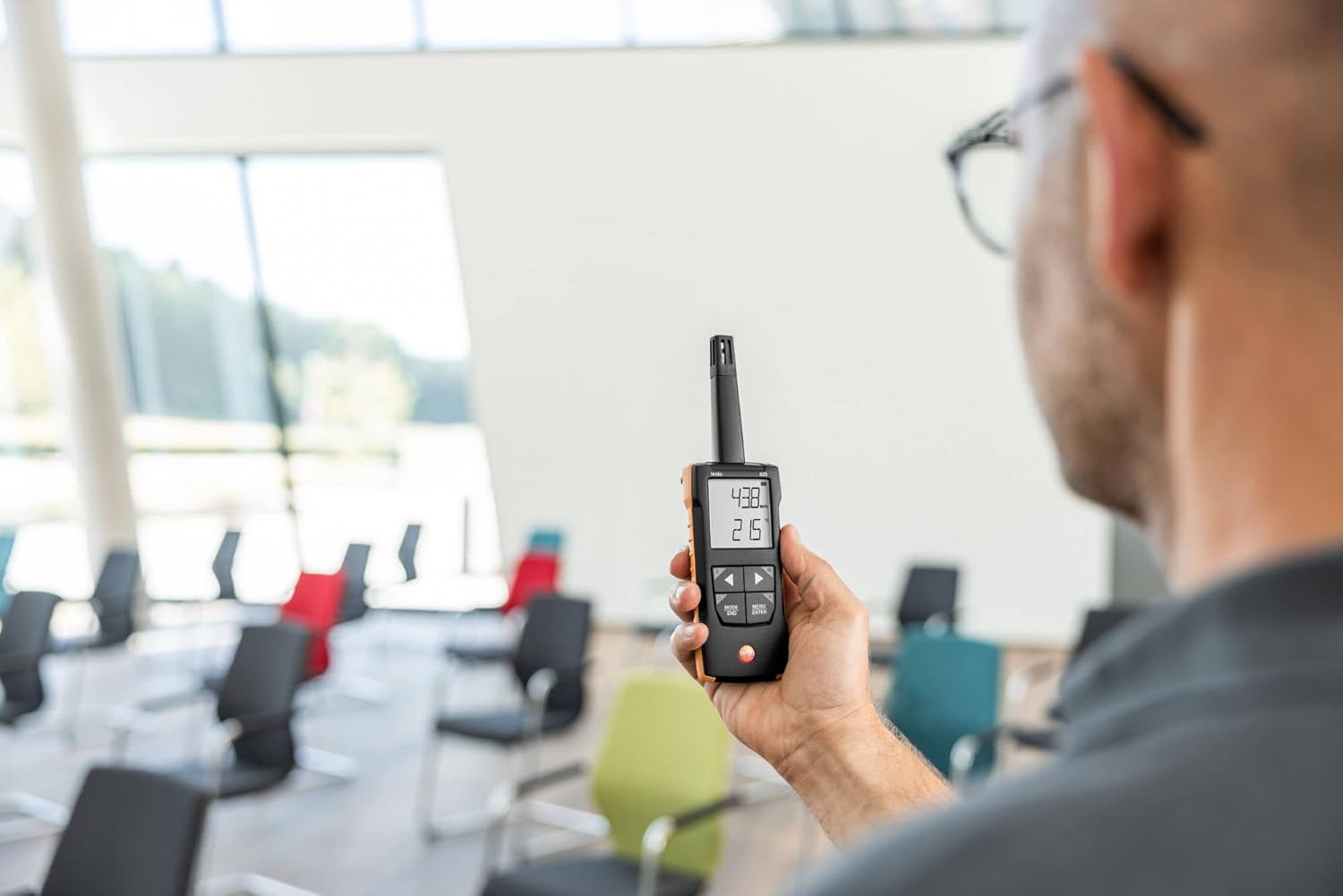
الشكل 3: The Testo 625 Digital Hygrometer being used by a person in an indoor environment, demonstrating its portability.
4. الإعداد
4.1 تركيب البطارية
- Locate the battery compartment on the rear of the instrument.
- افتح غطاء الحجرة.
- Insert the three AA batteries, ensuring correct polarity.
- أغلق غطاء حجرة البطارية جيدًا.
4.2 تشغيل/إيقاف التشغيل
اضغط على قوة button (usually marked with a circle and a vertical line) to turn the device on or off.
5. تعليمات التشغيل
5.1 القياس الأساسي
Upon powering on, the Testo 625 will immediately begin measuring air temperature and relative humidity. These values are displayed on the screen.
5.2 Displaying Dew Point and Wet Bulb Temperature
The instrument automatically calculates dew point and wet bulb temperature. Refer to the user interface for specific button presses (e.g., الوضع / النهاية or القائمة / أدخل) to cycle through display modes and view these calculated values.
5.3 وظيفة الإنذار
The Testo 625 includes an audible alarm to indicate when user-defined limit values for humidity or temperature are exceeded. Consult the device's menu options to set or adjust these limits.
6. اتصال التطبيق
The Testo 625 is compatible with the Testo Smart App, which enhances its functionality. The app allows you to:
- View and document measurement results.
- تكوين إعدادات الأداة.
- Store measured values.
- Use your smartphone as a second display for real-time readings.
Download the Testo Smart App from your device's app store and follow the in-app instructions for pairing with your Testo 625.
7. المواصفات
| المعلمة | قيمة |
|---|---|
| درجة الحرارة قياس المدى | -20 to +140 °F / -20 to +60 °C |
| دقة درجة الحرارة | ±0.9 درجة فهرنهايت / ±0.5 درجة مئوية |
| دقة درجة الحرارة | 0.1 درجة فهرنهايت / 0.1 درجة مئوية |
| نطاق قياس الرطوبة | 0 إلى 100٪ ر |
| دقة الرطوبة | ±2.5 %rH (5 to 95 %rH) |
| قرار الرطوبة | 0.1٪ ر |
| وزن | 7 أونصة / 199 جرام |
| Dimensions (Instrument) | 8.19 × 2.36 × 1.10 بوصة / 208 × 60 × 28 ملم |
| Operating Temperature (Instrument) | -4 to +122 °F / -20 to +50 °C |
| Operating Temperature (Probe) | -4 to +158 °F / -20 to +70 °C |
| مواد الإسكان | ABS + PC / TPE |
| فئة الحماية | IP40، IP20 |
| نوع البطارية | 3x AA (Alkaline) |
| عمر البطارية | 100 ساعات |
| درجة حرارة التخزين | -4 to +122 °F / -20 to +50 °C |
8. الصيانة
8.1 التنظيف
Clean the instrument housing with a damp cloth. Do not use abrasive cleaners or solvents. Ensure no moisture enters the sensor area.
8.2 استبدال البطارية
When the battery indicator appears on the display, replace the batteries as described in Section 4.1. Use only AA alkaline batteries.
8.3 المعايرة
The Testo 625 comes with a calibration protocol. Regular calibration is recommended to ensure continued accuracy. Refer to Testo's official guidelines or contact their service department for calibration procedures.
9. استكشاف الأخطاء وإصلاحها
9.1 الجهاز لا يعمل
- تحقق مما إذا تم إدخال البطاريات بشكل صحيح بالقطبية المناسبة.
- تأكد من عدم نفاذ البطاريات. استبدلها إذا لزم الأمر.
9.2 قراءات غير دقيقة
- Allow the instrument to stabilize in the measurement environment for a few minutes.
- Ensure the sensor is clean and free from obstructions.
- Consider if calibration is due.
9.3 مشاكل اتصال التطبيق
- تأكد من تمكين Bluetooth على هاتفك الذكي / جهازك اللوحي.
- Make sure the Testo 625 is within range of your device.
- Restart both the instrument and the Testo Smart App.
10. الضمان والدعم
For detailed warranty information, please refer to the documentation included with your product or visit the official Testo website. For technical support, service, or spare parts, please contact Testo customer service directly. Contact information can typically be found on the Testo webالموقع أو في عبوة المنتج.


