1. علىview
The JVC CU-VD20 Share Station is an external DVD burner designed to simplify the creation of DVD-Video discs directly from compatible JVC Everio camcorders. This device allows users to burn video content without the need for a personal computer, offering a convenient solution for archiving and sharing recorded footage. It can also function as a standard external DVD burner when connected to a PC.

الشكل 1: الجبهة view of the JVC CU-VD20 Share Station DVD Burner.
الشكل 2: خلفي view of the JVC CU-VD20, showing connectivity ports.
2. الإعداد
2.1 فك التعبئة
أزل جميع المكونات من العبوة بعناية. تأكد من وجود العناصر التالية:
- JVC CU-VD20 Share Station unit
- محول التيار المتردد
- كابل يو اس بي
- دليل التعليمات (هذا المستند)

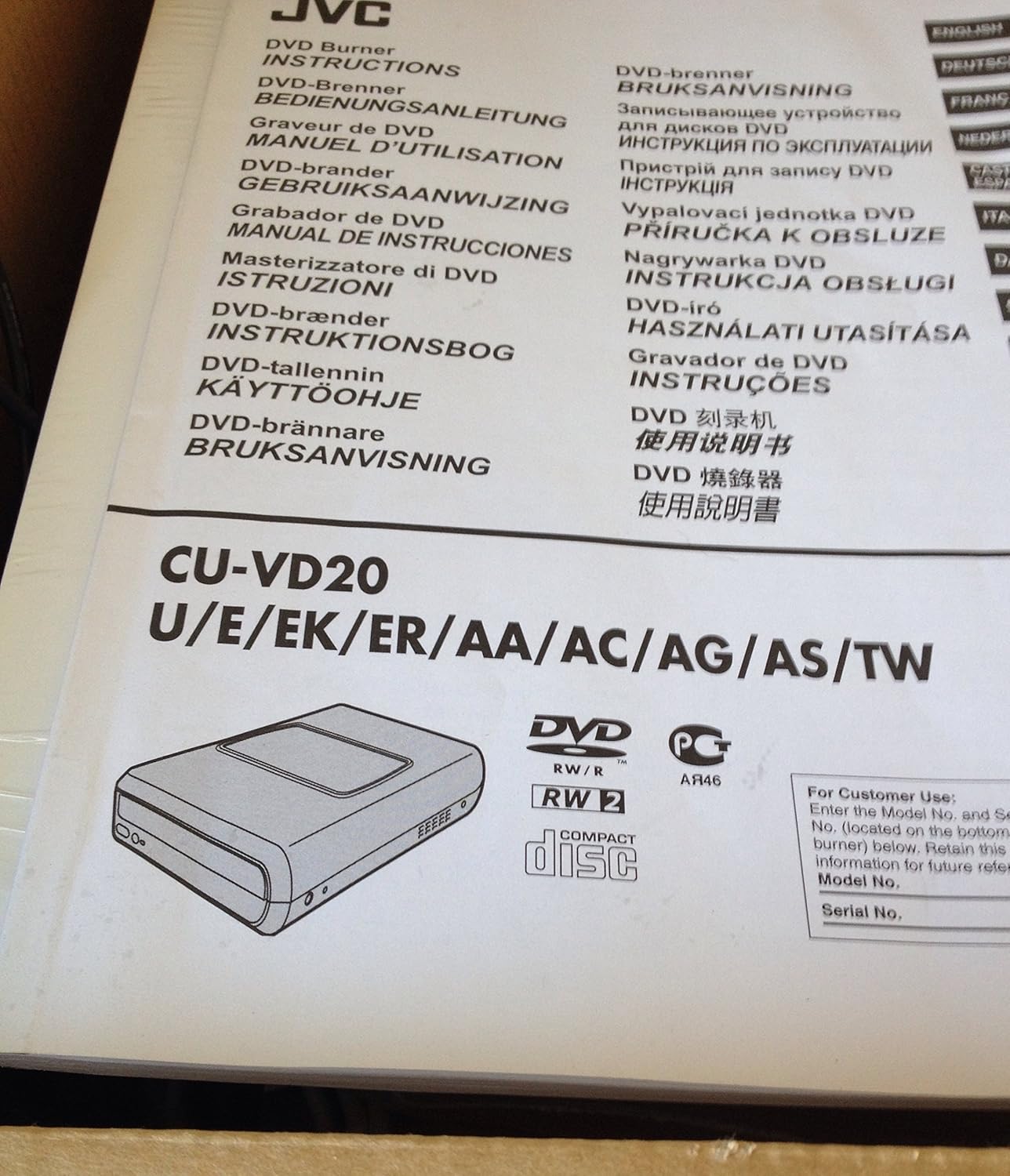
Figure 3: JVC CU-VD20 product packaging, indicating contents and model information.
2.2 Connecting to a JVC Everio Camcorder
- Connect the AC power adapter to the CU-VD20 unit and then to a power outlet.
- Connect one end of the supplied USB cable to the USB 2.0 port on the CU-VD20.
- Connect the other end of the USB cable to the docking station or direct USB port of your compatible JVC Everio camcorder.
- Power on the CU-VD20 unit.
- Power on your Everio camcorder. The camcorder's display will typically indicate a connection to the Share Station.
2.3 Connecting to a Personal Computer (PC)
The CU-VD20 can also function as a standard external DVD burner for your PC.
- Connect the AC power adapter to the CU-VD20 unit and then to a power outlet.
- Connect one end of the supplied USB cable to the USB 2.0 port on the CU-VD20.
- قم بتوصيل الطرف الآخر من كابل USB بمنفذ USB متاح على جهاز الكمبيوتر الخاص بك.
- Power on the CU-VD20 unit. Your PC should automatically detect the device.
3. التشغيل
3.1 Creating DVD-Video Discs from Everio Camcorder
This feature allows direct DVD burning without a PC. Ensure your Everio camcorder is connected and powered on as described in Section 2.2.
- Insert a blank DVD-R disc into the CU-VD20's disc tray. The CU-VD20 is compatible with DVD-R media only.
- Control the burning operation directly from your Everio camcorder's LCD screen and menu system. Refer to your Everio camcorder's instruction manual for specific menu navigation steps for DVD burning.
- The camcorder will guide you through selecting videos and initiating the burning process.
- Once burning is complete, the camcorder will prompt you to finalize the disc or insert another disc if more content needs to be transferred.
ملحوظة: The CU-VD20 primarily supports DVD-R discs for direct burning from Everio camcorders. Other disc formats may not be compatible for this function.
3.2 Compatible Everio Camcorder Models
The JVC CU-VD20 is compatible with the following JVC Everio camcorder models:
- JVC GZ-MG555
- JVC GZ-MG255
- JVC GZ-MG155
- JVC GZ-MG505
- JVC GZ-MG77
- JVC GZ-MG67
- JVC GZ-MG47
Compatibility with other Everio models should be verified with JVC support or your camcorder's documentation.
3.3 Using as a Playback Unit
When connected to a compatible Everio camcorder, the CU-VD20 can also serve as a playback unit. Insert a recorded DVD-Video disc into the CU-VD20, and you can view the content on the camcorder's LCD screen. This is useful in situations where a television with RCA input jacks is not available.
4. الصيانة
4.1 التنظيف
- الخارج: امسح الجزء الخارجي من الجهاز بقطعة قماش ناعمة وجافة. لإزالة الأوساخ المستعصية، افركها برفق.ampen the cloth with water and then wipe dry. Avoid using abrasive cleaners, solvents, or alcohol, as these can damage the finish.
- علبة القرص: Keep the disc tray free of dust and debris. Do not use compressed air directly into the disc drive as it can push dust further inside.
- الأقراص: Handle discs by their edges. Clean dirty discs with a soft, lint-free cloth, wiping from the center outwards.
4.2 التخزين
Store the CU-VD20 in a cool, dry place away from direct sunlight, extreme temperatures, and high humidity. When not in use for extended periods, disconnect the power adapter.
5. استكشاف الأخطاء وإصلاحها
If you encounter issues with your JVC CU-VD20, refer to the following common problems and solutions:
5.1 مشاكل الطاقة
- الوحدة لا تعمل:
- Ensure the AC power adapter is securely connected to both the CU-VD20 and a working power outlet.
- تأكد من أن منفذ الطاقة يعمل عن طريق توصيل جهاز آخر.
5.2 مشاكل الاتصال
- Everio camcorder does not recognize the CU-VD20:
- Ensure the USB cable is securely connected to both the CU-VD20 and the camcorder/docking station.
- Verify that both the CU-VD20 and the camcorder are powered on.
- Check your Everio camcorder's settings to ensure it is configured for external device connection.
- جرب استخدام كابل USB مختلف إن وجد.
- PC does not recognize the CU-VD20:
- Ensure the USB cable is securely connected to both the CU-VD20 and the PC.
- حاول الاتصال بمنفذ USB مختلف على جهاز الكمبيوتر الخاص بك.
- أعد تشغيل جهاز الكمبيوتر الخاص بك.
5.3 Disc Burning/Reading Issues
- Disc not recognized or burning fails:
- Ensure you are using a blank DVD-R disc. The CU-VD20 is primarily designed for DVD-R media.
- Check the disc for scratches, smudges, or damage. Use a clean, undamaged disc.
- Ensure the disc is inserted correctly into the disc tray with the label side facing up.
- If the disc tray does not close properly, gently push it until it clicks into place. Do not force it.
- For camcorder-controlled burning, ensure there is sufficient free space on the camcorder's hard drive for temporary files, if applicable, and that the camcorder's settings are correct.
If problems persist, consult your Everio camcorder's manual for further troubleshooting specific to its interaction with external burners, or contact JVC customer support.
6. المواصفات
| رقم الموديل | CU-VD20 |
| ماركة | جيه في سي |
| نوع الوسائط | DVD (primarily DVD-R for direct burning) |
| تكنولوجيا الاتصال | يو اس بي 2.0 |
| لون | أسود |
| أبعاد المنتج | 10.31 × 6.73 × 2.2 بوصة (26.19 × 17.10 × 5.59 سم) |
| وزن العنصر | 7.2 رطل (3.27 كجم) |
| الشركة المصنعة | جيه في سي |
| تاريخ أول توفر | 2 أكتوبر 2001 |
| الأجهزة المتوافقة | JVC Everio Camcorders (GZ-MG555, GZ-MG255, GZ-MG155, GZ-MG505, GZ-MG77, GZ-MG67, GZ-MG47) |
7. الضمان والدعم
7.1 معلومات الضمان
Specific warranty terms and conditions for the JVC CU-VD20 Share Station DVD Burner may vary by region and purchase date. Please refer to the warranty card included with your product or visit the official JVC webللحصول على معلومات مفصلة عن الضمان، احتفظ بإيصال الشراء لطلبات الضمان.
7.2 دعم العملاء
For technical assistance, service, or further inquiries regarding your JVC CU-VD20, please contact JVC customer support. Contact information can typically be found on the official JVC webيمكنك الاطلاع على المعلومات المتوفرة في الموقع أو في الوثائق المرفقة مع منتجك.
مسؤول JVC Webموقع: www.jvc.com


