1. Belangrike veiligheidsinligting
Please read all safety instructions carefully before using your Xiaomi TV S Mini LED 75" 2025. Keep this manual for future reference.
- Kragbron: Koppel die TV slegs aan 'n wisselstroombron soos aangedui op die etiket.
- Ventilasie: Verseker voldoende ventilasie rondom die TV. Moenie ventilasie-openinge blokkeer nie.
- Water en vog: Moenie die TV aan reën of vog blootstel nie. Moenie voorwerpe gevul met vloeistowwe op die TV plaas nie.
- Skoonmaak: Ontkoppel die TV voor skoonmaak. Gebruik 'n sagte, droë lap. Vermy vloeibare skoonmaakmiddels.
- Diens: Moenie probeer om hierdie produk self te onderhou nie. Verwys alle diens na gekwalifiseerde dienspersoneel.
- Plasing: Place the TV on a stable, level surface or mount it securely to a wall using a compatible VESA mount.
2. Pakketinhoud
Verifieer dat alle items in die pakket teenwoordig is:
- Xiaomi TV S Mini LED 75" 2025
- Afstandbeheer
- Kragkabel
- TV Stand Components (if included)
- Gebruikershandleiding (hierdie dokument)
3. Opstelgids
3.1 Uitpak van die TV
Carefully remove the TV from its packaging. It is recommended to have two people for this process due to the size and weight of the 75-inch model.
3.2 Installing the TV Stand (Optional)
If you are not wall-mounting the TV, attach the included stand components according to the separate stand installation guide. Ensure all screws are tightened securely.
3.3 Muurbevestiging (Opsioneel)
The Xiaomi TV S Mini LED 75" 2025 supports VESA wall mounts with a pattern of 400 x 300 mm. Use appropriate wall-mounting hardware and consult a professional for installation to prevent injury or damage.
3.4 Aansluiting van randapparatuur
Connect your devices to the TV's input ports. Refer to the back panel image for port locations.
Beeld: Agter view of the TV displaying available connection ports.
- Krag: Koppel die kragkabel aan die TV en dan aan 'n kragpunt.
- HDMI: Connect Blu-ray players, game consoles, or other HDMI devices.
- USB: Koppel USB-bergingstoestelle vir mediaweergawe.
- Ethernet: Vir 'n bedrade internetverbinding.
- Antenna/kabel: Koppel jou antenna- of kabeltelevisie-invoer.
3.5 Aanvanklike Aanskakeling en Eerste Opstelling
After connecting all cables, plug in the TV and press the power button on the remote control. Follow the on-screen instructions to complete the initial setup, including network connection, Google account login, and channel scanning.

Beeld: Voorkant view of the Xiaomi TV S Mini LED 75" 2025.
4. Bedryfsinstruksies
4.1 Afstandbeheer oorview
Die ingeslote afstandbeheerder bied toegang tot alle TV-funksies. Maak jouself vertroud met die knoppie-uitleg vir maklike navigasie.
4.2 Basiese Funksies
- Krag: Druk om die TV in of uit te skakel.
- Volume: Use the +/- buttons to adjust the sound level.
- Kanaal: Gebruik die CH +/- knoppies om van kanaal te verander.
- Invoer: Select the desired input source (HDMI, AV, etc.).
- Tuis: Access the Google TV home screen.
4.3 Slim-TV-funksies (Google TV)
Your Xiaomi TV runs on Google TV, offering a personalized entertainment experience.

Image: Google TV interface with app icons and content suggestions.
- Toepassings: Laai en installeer toepassings vanaf die Google Play Winkel.
- Stemassistent: Use the built-in Google Assistant for voice commands.
- Inhoud aanbevelings: Google TV provides personalized recommendations based on your viewing gewoontes.

Image: Using the Hey Google voice assistant to search for content.
4.4 Vertooninstellings
Pas prentinstellings aan om jou viewondervinding.
Beeld: Oorview of the TV's advanced display technologies.
- Prentmodusse: Select from various preset modes (e.g., Standard, Vivid, Movie, Game) or customize your own.
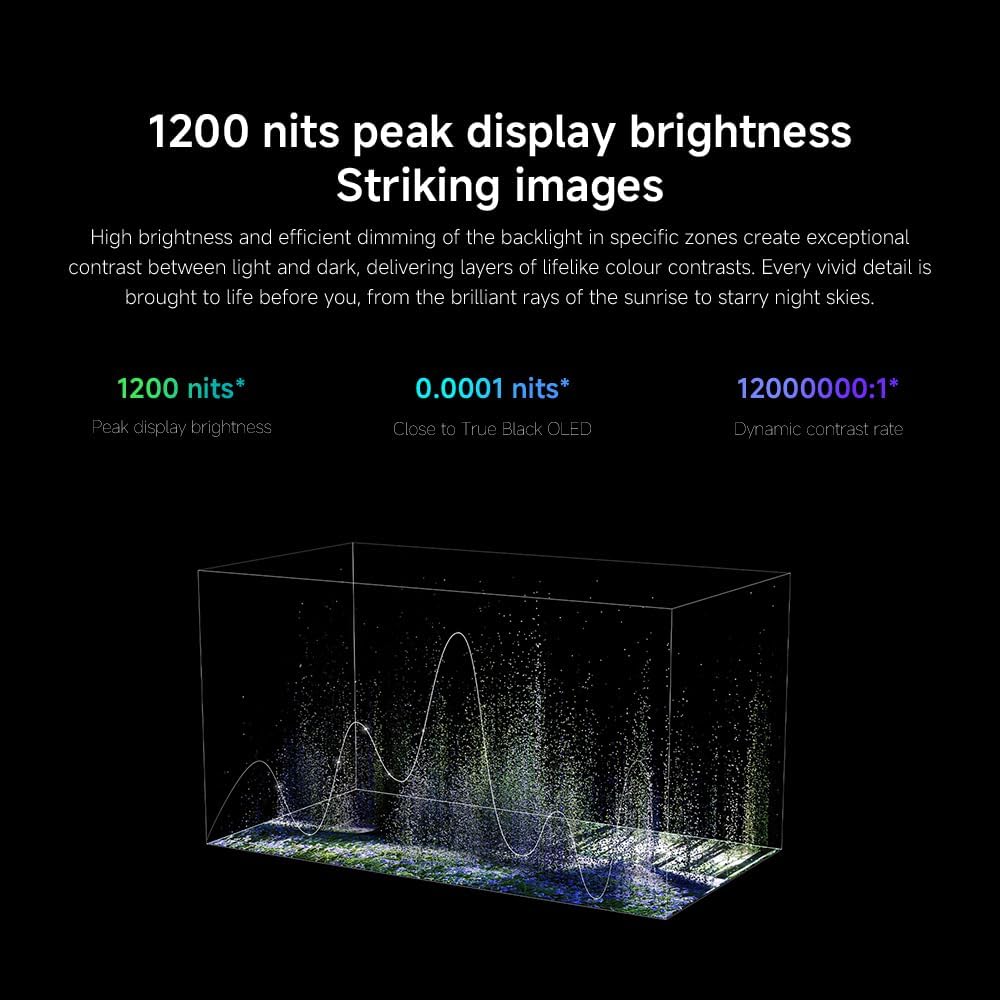
- Helderheid/kontras: Fine-tune these settings for optimal visual clarity. The TV features 1200 nits peak brightness for stunning visuals.
- Kleur: Adjust color saturation and tint. The QD-MiniLED display offers accurate color reproduction.
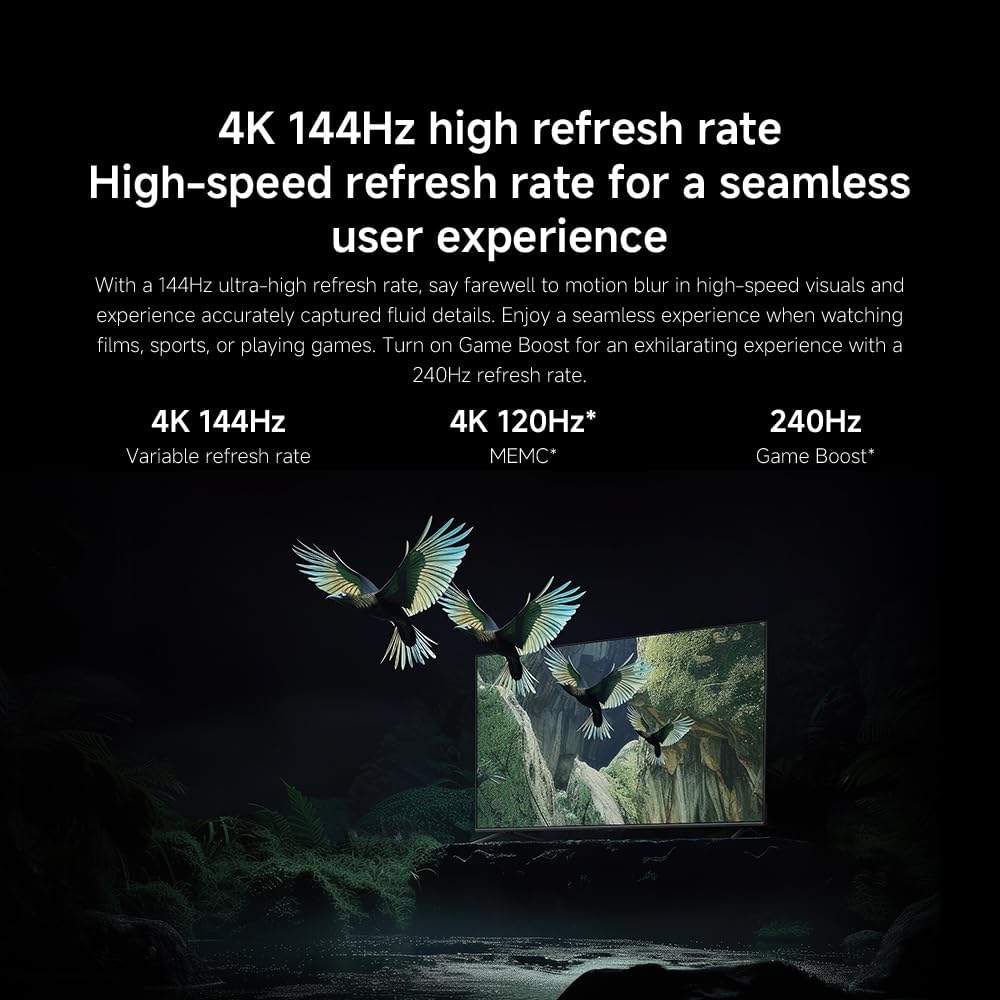
- Herlaaitempo: The TV supports a 144Hz refresh rate for ultra-smooth motion.
- KI-enjin: The powerful AI engine enhances image quality automatically.

Image: Visual representation of the 144Hz refresh rate for seamless motion.
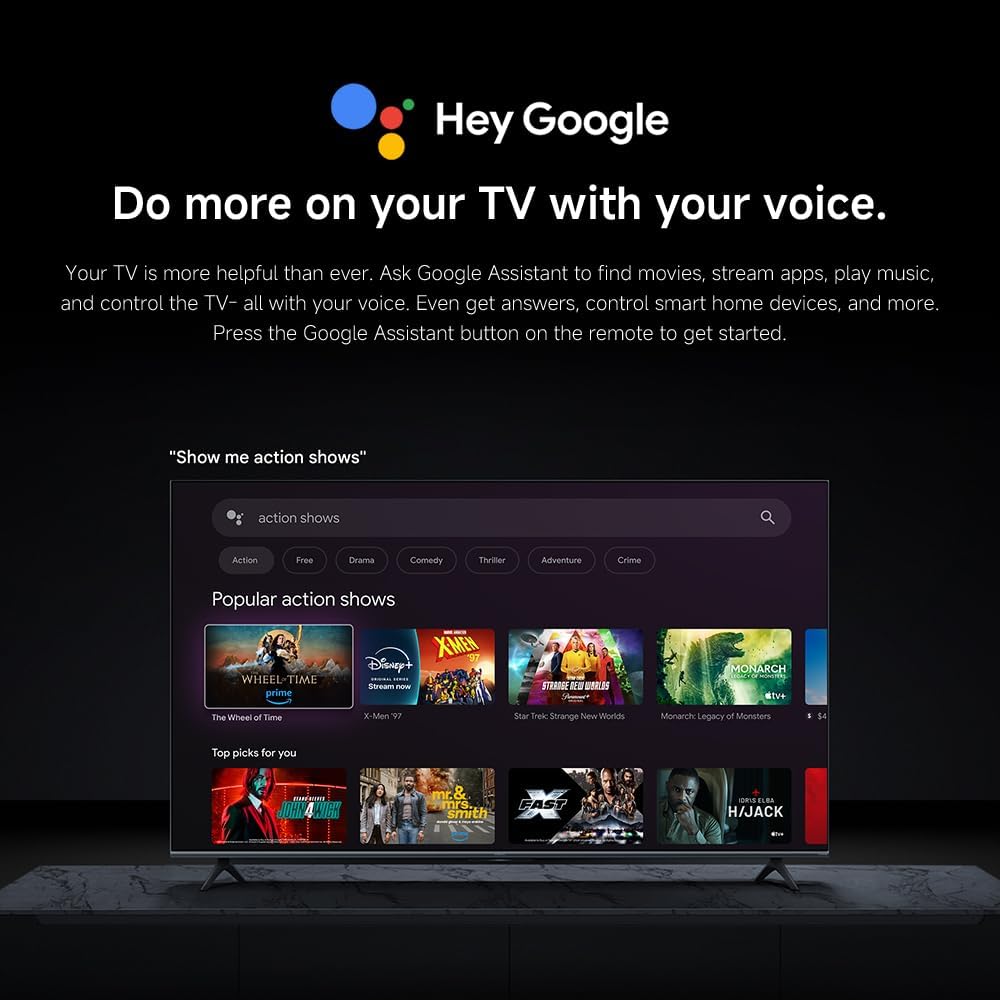
Image: The Quad cortex A73 processor, responsible for AI image enhancement and performance.
4.5 Oudio-instellings
Configure audio output and sound enhancements.

Image: Depiction of the TV's quality audio-visual experience.
- Klankmodus: Choose from preset sound modes (e.g., Standard, Movie, Music) or customize.
- Dolby Atmos: Enable Dolby Atmos for an immersive audio experience.
4.6 Konnektiwiteit
The TV offers various connectivity options.
- Bluetooth: Koppel Bluetooth-geaktiveerde toestelle soos oorfone of luidsprekers.
- Wi-Fi: Koppel aan jou tuisdraadlose netwerk vir internettoegang.
- Apple AirPlay: Stroom inhoud direk vanaf jou Apple-toestelle.
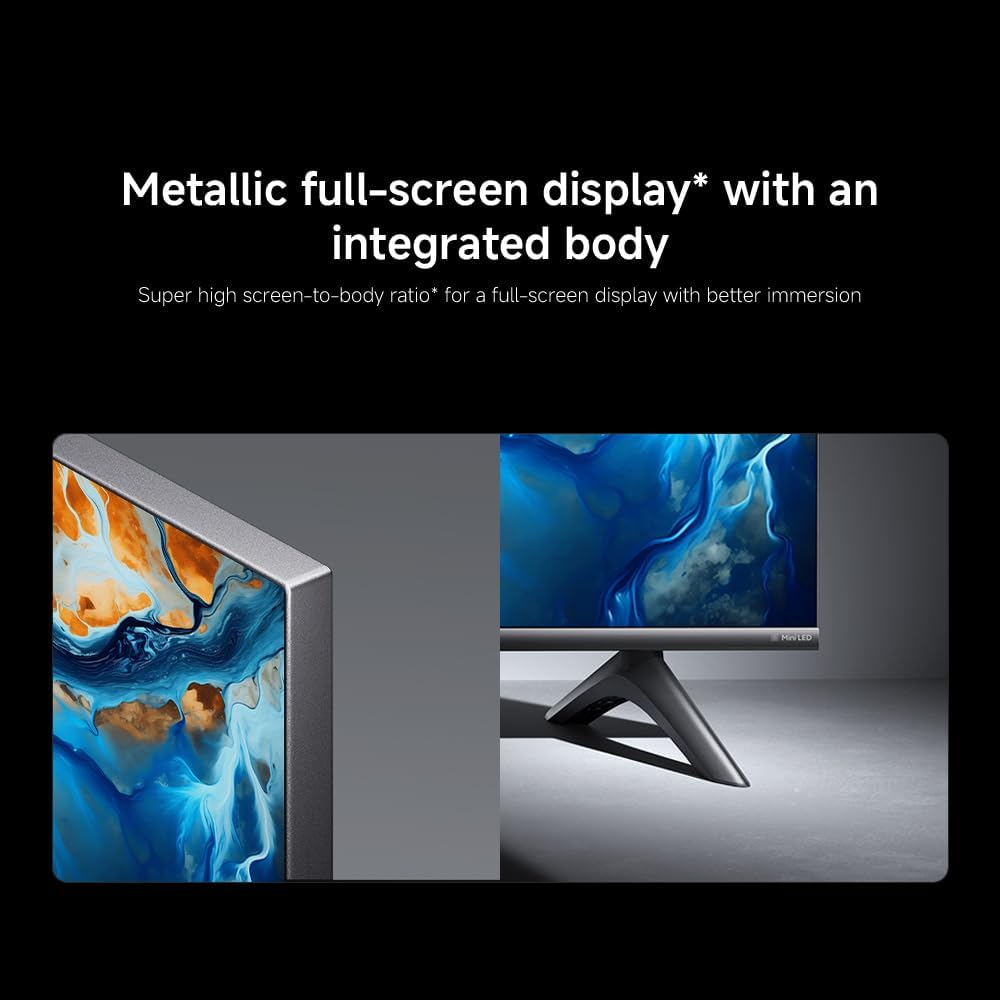
Image: Apple AirPlay functionality for streaming from Apple devices.
5. Onderhoud
5.1 Skoonmaak van die skerm
Om die skerm skoon te maak, ontkoppel eers die TV. Vee die skerm liggies af met 'n sagte, pluisvrye lap. Vir hardnekkige merke, liggies dampen the cloth with water or a specialized screen cleaner, then wipe dry immediately. Do not spray liquid directly onto the screen.
5.2 Sagteware-opdaterings
The TV may receive software updates periodically to improve performance and add new features. Ensure your TV is connected to the internet to receive these updates. You can check for updates manually in the TV's settings menu.
6. Probleemoplossing
As jy probleme met jou TV ondervind, raadpleeg die volgende algemene oplossings:
| Probleem | Moontlike Oplossing |
|---|---|
| Geen krag nie | Kontroleer of die kragkabel stewig aan die TV en die kragaansluiting gekoppel is. Maak seker dat die aansluiting funksioneel is. |
| Geen beeld nie, maar klank is teenwoordig | Verifieer dat die korrekte invoerbron gekies is. Kontroleer kabelverbindings na eksterne toestelle. |
| Geen klank nie, maar beeld is teenwoordig | Check volume level and mute status. Ensure audio cables are connected correctly. |
| Afstandbeheer werk nie | Vervang batterye. Maak seker dat daar geen obstruksies tussen die afstandbeheerder en die TV is nie. |
| Swak beeldkwaliteit | Adjust picture settings (brightness, contrast, sharpness). Check antenna or cable connection. Ensure content source is high quality. |
| Smart TV features unresponsive | Check internet connection. Restart the TV by unplugging it for a few minutes and plugging it back in. |
If the issue persists after trying these steps, contact customer support.
7. Spesifikasies
Key technical specifications for the Xiaomi TV S Mini LED 75" 2025:
| Kenmerk | Spesifikasie |
|---|---|
| Handelsmerk | XIAOMI |
| Modelnommer | 59292 |
| Skerm grootte | 75 duim |
| Vertoon tegnologie | 4K UHD, LED, QD-MiniLED |
| Resolusie | 4K (3840 x 2160) |
| Herlaaitempo | 144 Hz |
| Piek helderheid | 1200 nits |
| Bedryfstelsel | Google TV |
| Verwerker | Quad Cortex A73 |
| RAM | 3 GB |
| Berging | 32 GB |
| Oudio Tegnologie | Dolby Atmos |
| Konnektiwiteit | Bluetooth, Wi-Fi, Apple AirPlay |
| Produk Afmetings (met staander) | 42.5D x 166.8B x 102.8H cm |
| Produkgewig (met staander) | 31 kg |
| VESA Muurmontering | 400 x 300 mm |
| Ingesluit komponente | TV, remote control, power cable |
8. Waarborg en Ondersteuning
Your Xiaomi TV S Mini LED 75" 2025 is covered by a manufacturer's warranty. Please refer to the warranty card included in your package for specific terms and conditions. For technical support, service inquiries, or to purchase accessories, please visit the official Xiaomi webwebwerf of kontak hul gemagtigde dienssentrums.
Aanlyn hulpbronne: For additional information, FAQs, and software downloads, visit the official Xiaomi support page.


