
Introduction
Thank you for purchasing the MINISO Ice Cooling Handheld Fan. This portable and versatile fan is designed to provide refreshing airflow with its multi-angle foldable design, digital display, and long-lasting rechargeable battery. Please read this manual carefully before use to ensure proper operation and maintenance.

Safety Precautions
To prevent injury or damage to the product, please observe the following safety guidelines:
- Do not disassemble, repair, or modify the product yourself.
- Keep the fan away from water or other liquids.
- Do not insert fingers or foreign objects into the fan blades.
- Keep out of reach of children.
- Avoid dropping or subjecting the fan to strong impacts.
- Do not expose the fan to extreme temperatures or direct sunlight for prolonged periods.
- Use only the specified charging voltage (DC5V).
Product Features
- Multi-angle & Foldable Design: Easily switch between handheld, desktop, and neck-hanging modes.
- Six-Level Strong Wind: Adjustable wind speeds for personalized comfort.
- Digital Display Screen: Clear view of wind speed and battery level.
- High-Speed Energy-Saving Motor: Efficient and powerful airflow.
- 3600mAh Rechargeable Battery: Long-lasting battery life with Type-C fast charging.


Package Contents
Please check that all items are present:
- MINISO Ice Cooling Handheld Fan (MF01-K200)
- USB Type-C Charging Cable
- Lanyard (for neck hanging)
- User Manual (this document)
Setup and Operation
Charging the Fan
- Locate the Type-C charging port on the fan.
- Connect the provided USB Type-C cable to the fan and a compatible DC5V power source (e.g., USB wall adapter, computer USB port, power bank).
- The digital display will indicate charging status. A full charge typically takes approximately 2 hours.

Basic Operation
- Power On/Off: Press and hold the power button (usually the central button) for a few seconds to turn the fan on or off.
- Adjusting Wind Speed:
- Once powered on, short press the power button to cycle through the wind speed levels (1-6).
- Alternatively, use the '+' and '-' buttons (if present) to increase or decrease the wind speed.
- The digital display will show the current wind speed level.
Using Different Modes
- Handheld Mode: Hold the fan by its handle for direct cooling.
- Desktop Mode: Fold the handle to create a stable base, allowing the fan to stand on a flat surface.
- Neck-Hanging Mode: Attach the provided lanyard to the designated loop on the fan and wear it around your neck for hands-free cooling.


Product Demonstration Video
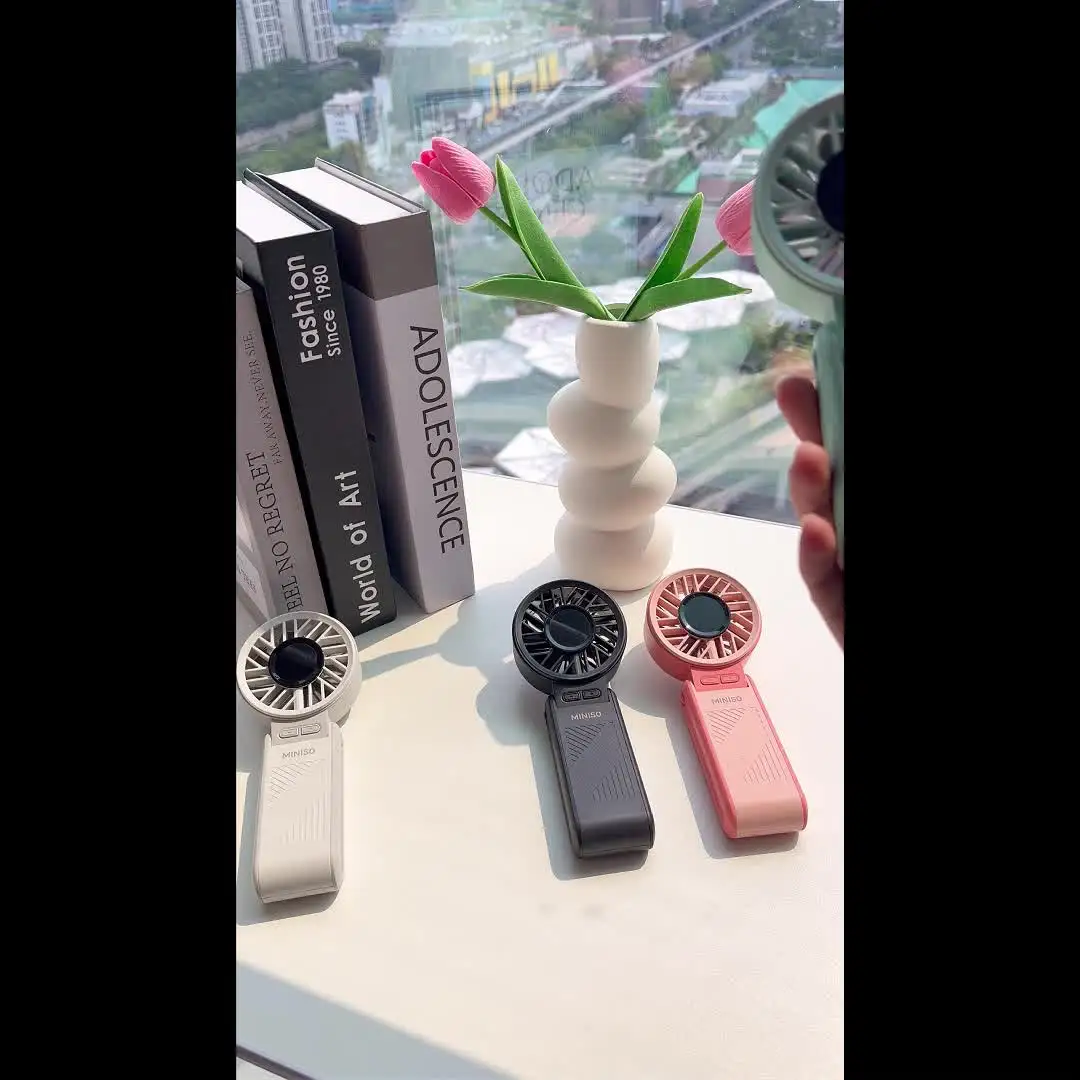
Watch this video for a visual guide on the fan's features and operation.
Maintenance
- Cleaning: Gently wipe the exterior of the fan with a soft, dry cloth. Do not use abrasive cleaners or immerse the fan in water.
- Storage: When not in use for extended periods, store the fan in a cool, dry place, away from direct sunlight.
- Battery Care: To prolong battery life, avoid fully discharging the battery frequently. Charge the fan regularly, even if not in use.
Troubleshooting
| Problem | Possible Cause | Solution |
|---|---|---|
| Fan does not turn on. | Battery is depleted. | Charge the fan using the provided Type-C cable. |
| Weak airflow. | Low battery or low speed setting. | Charge the fan or increase the wind speed setting. |
| Digital display is not working. | Battery is completely depleted or a malfunction. | Charge the fan. If the issue persists, contact customer support. |
| Fan makes unusual noise. | Obstruction in fan blades or internal issue. | Turn off the fan and check for any obstructions. If none, discontinue use and contact support. |
Specifications
| Feature | Detail |
|---|---|
| Model | MF01-K200 |
| Brand | MINISO |
| Material | ABS+PP+electronic components |
| Net Weight | 180g |
| Product Size | 17.7 x 6.9 x 2.4 cm (6.96 x 2.71 x 0.94 inches) |
| Input Voltage | DC5V |
| Battery Capacity | 3600mAh |
| Battery Voltage | 3.7V |
| Usage Time | Approx. 2-8 hours (depending on speed level) |
| Max. Timing Limit | No Timing |
| Remote Control Function | No |
| Power (W) | 11W |
| Application Area | < 10 M² |
| Wind Type | Natural Wind |
| Type | Cooling Only |

User Tips
- For optimal cooling, use the fan at a closer distance.
- To extend battery life during long periods of use, consider using lower speed settings.
- The foldable design makes it easy to pack for travel or store in small spaces.
- Utilize the neck-hanging feature for hands-free convenience while on the go.
Warranty and Support
For warranty information, technical support, or service inquiries, please refer to the official MINISO website or contact your retailer. Keep your purchase receipt as proof of purchase.
A digital version of this user manual is available for download: MINISO Ice Cooling Handheld Fan User Manual (PDF).