
1. Introduction
Thank you for choosing the KWS-DC28 DC Voltage Ammeter Power Meter. This compact and versatile device is designed to accurately measure and display DC voltage, current, power, capacity, electric energy, and timing for various DC-powered equipment. Featuring a 0.96-inch TFT HD color screen, it provides clear and comprehensive data at a glance. This manual will guide you through the setup, operation, and maintenance of your device.

Video: KWS-DC28 Product Overview and Demonstration.
2. Package Contents
- KWS-DC28 DC Voltage Ammeter Power Meter × 1
3. Product Overview
The KWS-DC28 features a compact design with a 0.96-inch TFT HD color display. It includes a male DC plug for input and a female DC jack for output, allowing for inline measurement.

Image: Front view of KWS-DC28 showing key measurement ranges.
3.1. Dimensions and Interface

Image: KWS-DC28 dimensions (60mm x 20mm x 12mm) and basic electrical parameters.
3.2. Display Elements
The 0.96-inch TFT HD color screen offers a 160-degree wide view with high brightness, ensuring clear visibility of all parameters.

Image: Features of the KWS-DC28's HD TFT Color Screen.
The display provides real-time data for:
- Voltage (V)
- Current (A)
- Power (W)
- Timing (T)
- Capacity (mAh)
- Electric Energy (mWh)
- CPU Temperature (°C)
- Current Direction Marker
- Maximum recorded Power, Current, and Voltage
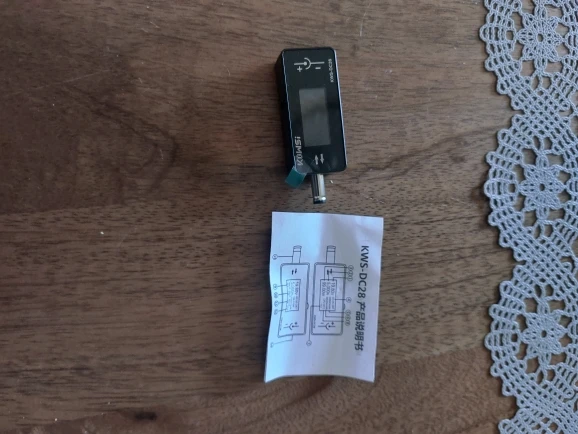
Image: Detailed breakdown of KWS-DC28 display elements and their corresponding measurements.
4. Setup and Connection
The KWS-DC28 is designed for simple inline connection. Ensure that the power source and the device to be tested operate within the meter's specified voltage and current ranges.
- Identify the male DC plug (input) and female DC jack (output) on the KWS-DC28. Both are standard 5.5*2.5/2.1mm compatible.
- Connect the male DC plug of the KWS-DC28 to the DC power output of your power source (e.g., power adapter, battery pack).
- Connect the female DC jack of the KWS-DC28 to the DC input of the device you wish to test (e.g., laptop, router, power tool).
- Once connected, the meter will power on automatically and begin displaying real-time measurements.

Image: Example of KWS-DC28 connected between a power source and a device.
5. Operating Instructions
5.1. Changing Display Pages
The KWS-DC28 features two main display pages to show different sets of data. To switch between these pages:
- Single Click: Press the button located on the side of the device once to cycle between the two display pages.
Image: Visual guide on how to change display pages with a single click.
5.2. Flipping the Display
For better viewing angles or different orientations, you can flip the display 180 degrees:
- Double Click: Quickly press the button twice to flip the screen orientation.
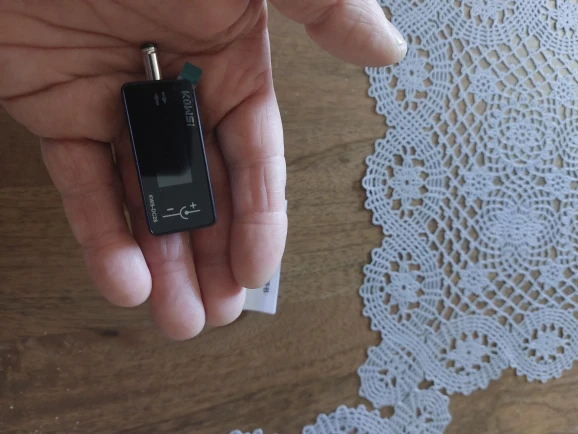
Image: Visual guide on how to flip the display orientation with a double click.
5.3. Data Recording
The KWS-DC28 intelligently records power-on data, including maximum power, current, and voltage achieved during the measurement session. This data is accessible on one of the display pages.
6. Maintenance and Care
- Keep the device dry. Moisture can damage the electronic circuits.
- Avoid extreme temperatures. Do not store in very hot or cold environments.
- Clean the device with a soft, dry cloth. Do not use harsh chemicals or abrasive cleaners.
- Handle with care. Do not drop or subject the device to strong impacts.
- Store in a dust-free environment when not in use.
7. Troubleshooting
7.1. No Display
- Ensure the device is properly connected between a power source and a load.
- Verify that the input voltage is within the DC 4-30V range.
- Check for any loose connections.
7.2. Inaccurate Readings
- Ensure all connections are secure and free from corrosion.
- Verify that the power source and load are stable.
- Avoid using the device in environments with strong electromagnetic interference.
8. Specifications
| Parameter | Value |
|---|---|
| Voltage Range | DC 4-30V |
| Current Range | 0-12A |
| Power Range | 0-360W |
| Capacity Range | 0-666666mAh |
| Electric Energy Range | 0-9999999Wh |
| Timing Range | 0-99 hours |
| Display Type | 0.96 inch TFT HD Color Screen |
| Dimensions (L×W×H) | 60mm × 20mm × 12mm (2.36in × 0.79in × 0.47in) |
| Certification | CE, RoHS |
| Data Record | Yes |
| Battery Included | No |

Image: Back view of KWS-DC28 showing model number, voltage/current ratings, and CE/RoHS compliance.
9. User Tips
- Secure Connections: Always ensure that both the input and output connections are firm and secure to guarantee accurate and stable readings.
- Portability: The KWS-DC28 is a compact and portable tool, making it convenient for on-the-go testing of various DC devices.
- Versatility: This meter is highly versatile and can be used with a wide range of DC power sources and devices, from computer monitors to power tools and routers.
10. Warranty and Support
For any issues or questions regarding your KWS-DC28 DC Voltage Ammeter Power Meter, please refer to the seller's support channels. Keep your purchase records for warranty claims.