
1. Product Overview
The Zelotes T-30 is an ergonomic upright optical mouse designed to alleviate wrist strain and discomfort associated with prolonged computer use. Its innovative vertical grip promotes a natural hand posture, while programmable keys and adjustable DPI settings make it suitable for work, study, gaming, and online shopping.

Key Features:
- 6 programmable keys for customized operation
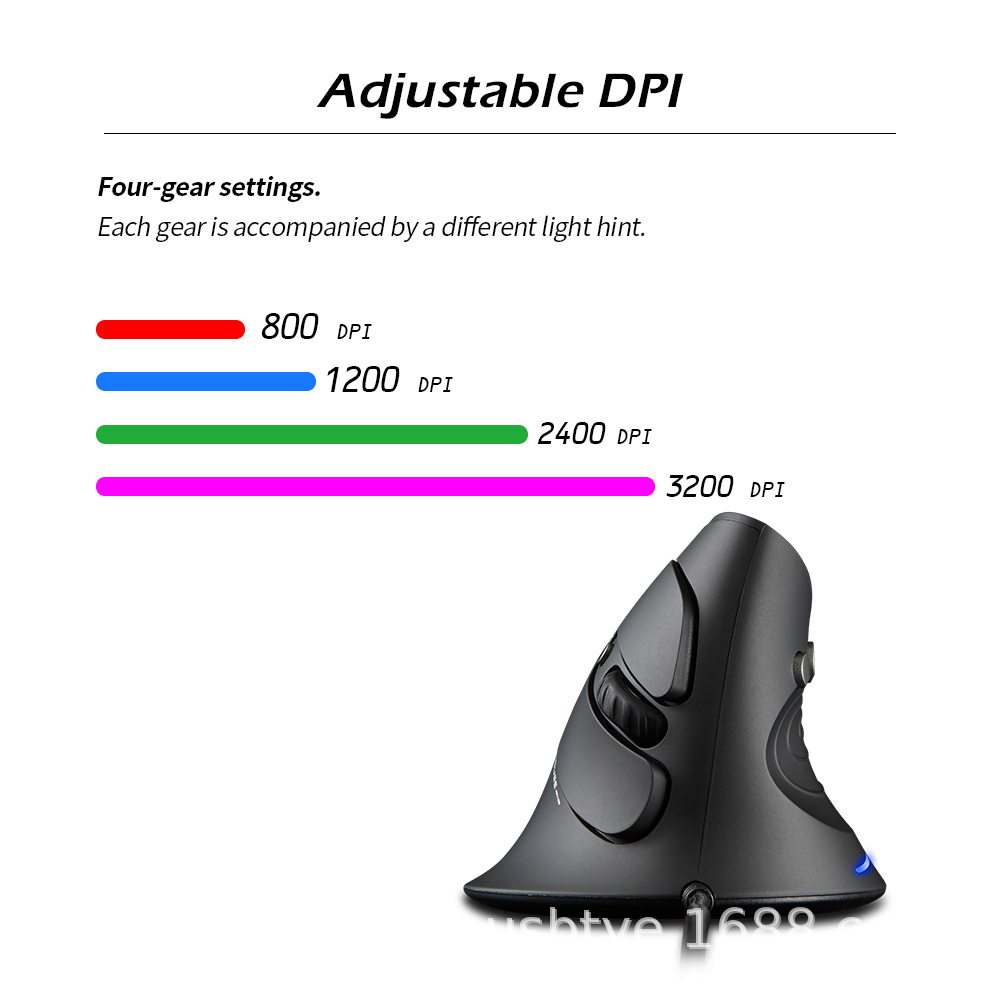
- 4-speed DPI adjustment (800/1200/2400/3200 DPI) with light prompts
- Removable wrist rest for personalized comfort
- Distributed key structure for uniform force distribution
- Teflon feet for smooth gliding
- 1.8m USB cable for flexible placement
2. Package Contents
Please check the package for the following items:
- T-30 Upright Optical Mouse
- Removable wrist rest (tailstock)
- User manual
3. Product Structure
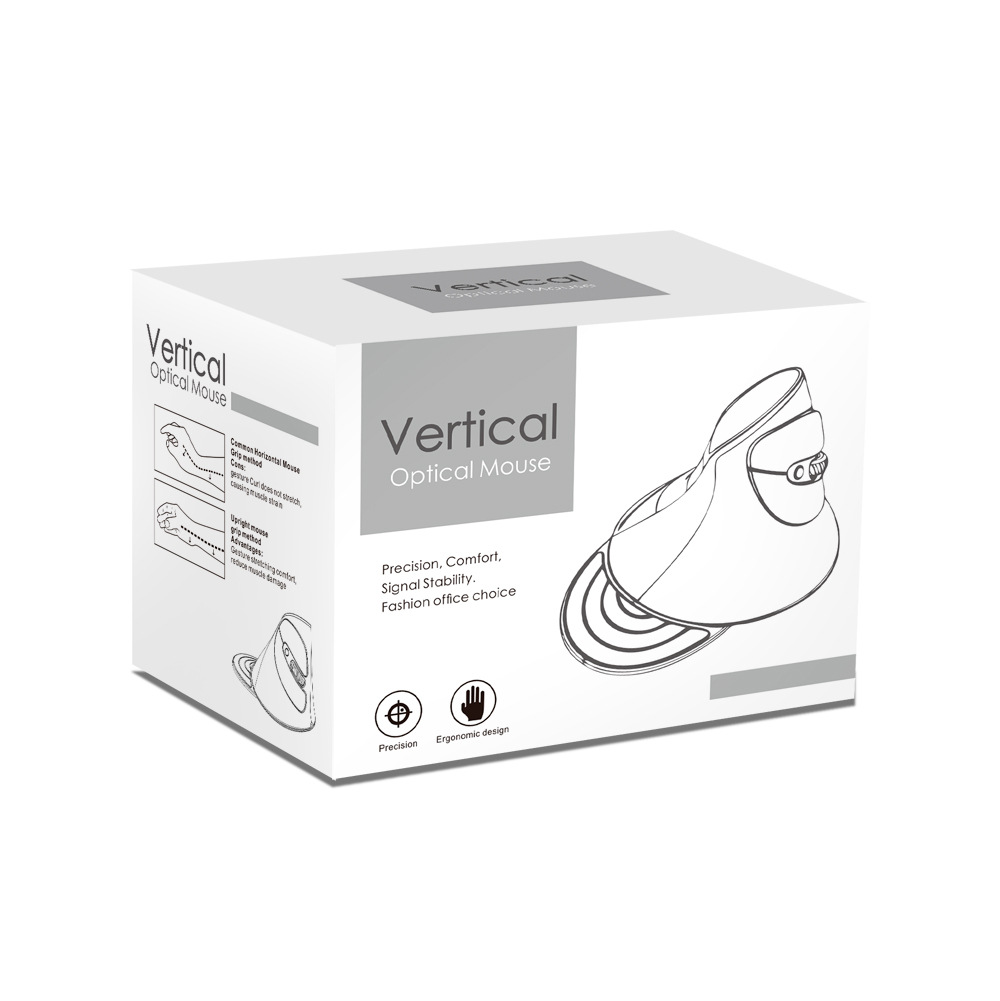
3.1 Top View
- Left/Right Click Buttons: Standard primary and secondary input functions.
- Scroll Wheel: For vertical scrolling and middle-click functionality.
- DPI Button: Adjusts mouse sensitivity.
- Forward/Backward Keys: Conveniently located on the side for browser navigation.

3.2 Bottom View
- Optical Lens: Tracks movement on compatible surfaces.
- Teflon Feet: Ensure smooth, low-friction movement.
- Sticker: Contains product information and certifications.
4. Installation & Setup
4.1 Hardware Connection
- Connect the USB cable to an available USB port on your computer.
- The mouse will be automatically recognized by most operating systems.
4.2 DPI Adjustment
- Press the DPI button to cycle through 800, 1200, 2400, and 3200 DPI settings.
- Each DPI level is indicated by a different colored light (red, blue, green, purple).
- Long press the DPI button for 3 seconds to turn off the indicator lights.
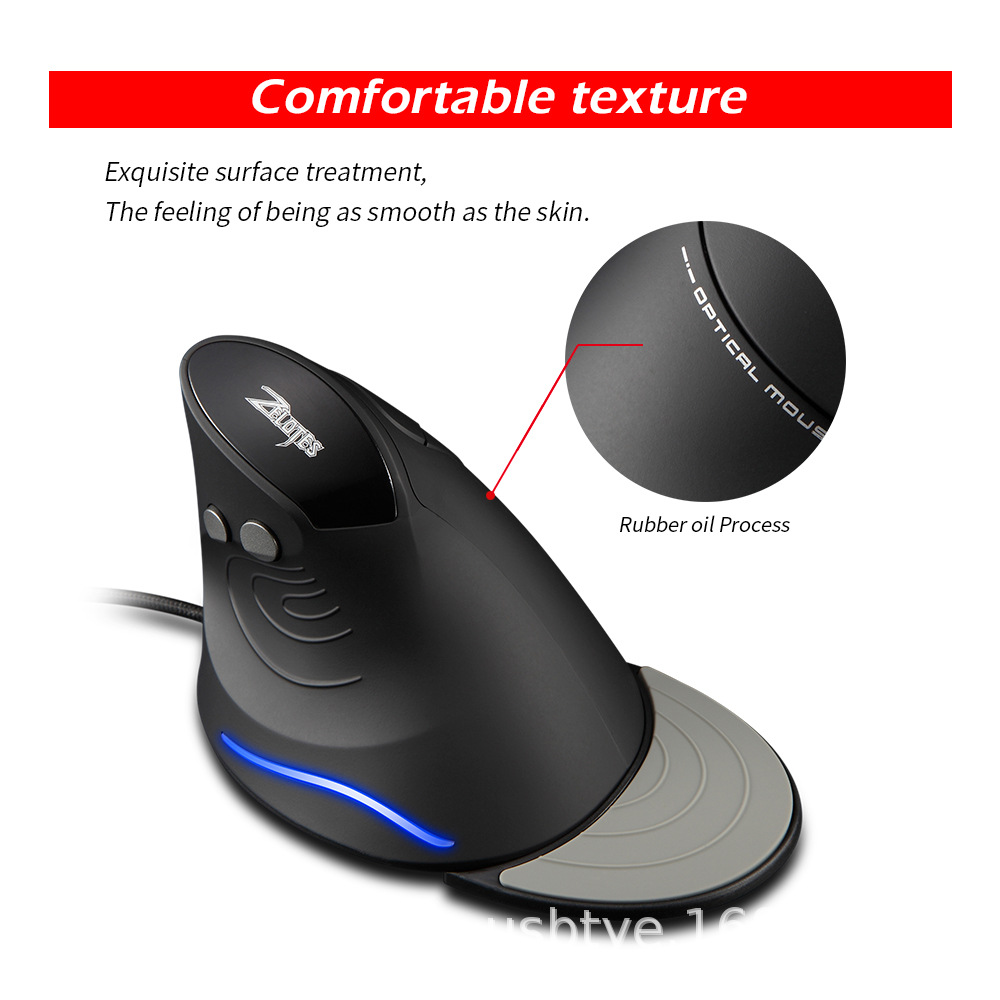
4.3 Wrist Rest Installation/Removal
- The wrist rest (tailstock) can be freely installed or removed to suit your personal preference.
- It features a flexible, skin-friendly material for enhanced comfort during extended use.
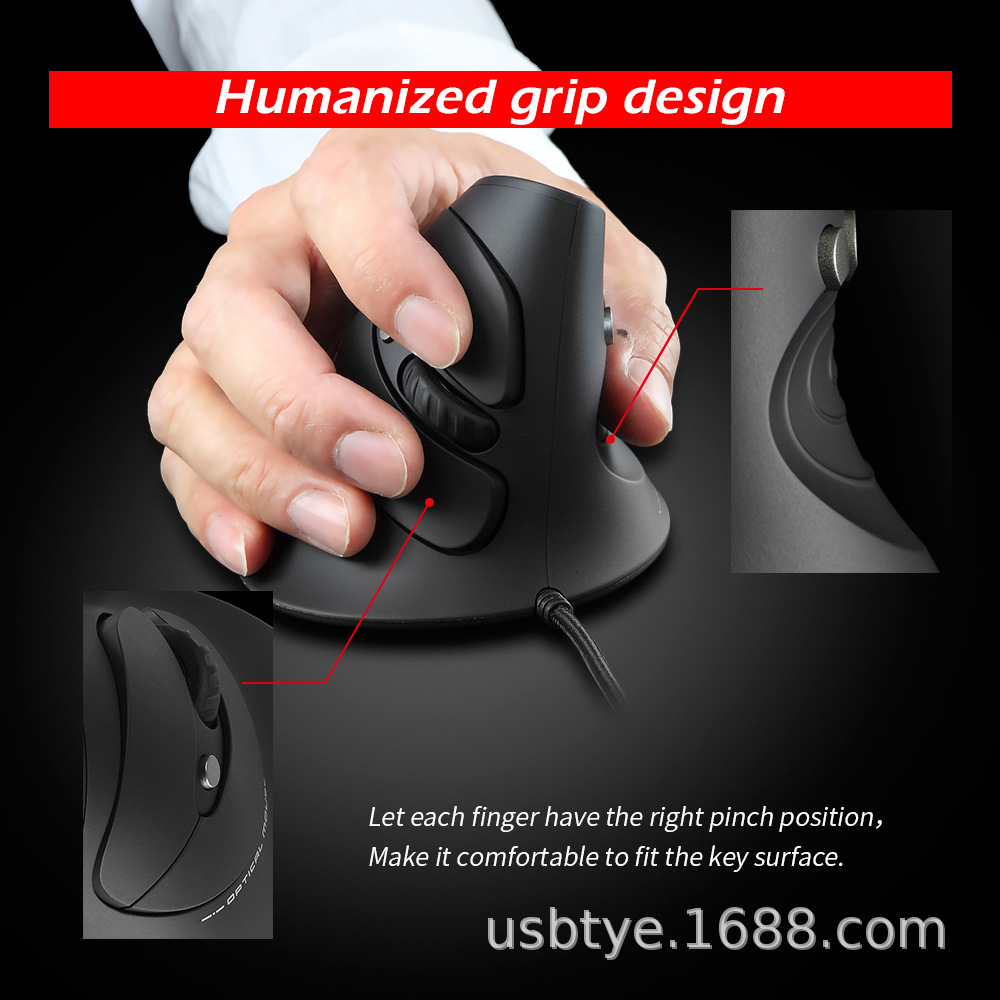
5. Key Functions
5.1 Programmable Keys
The 6 keys can be programmed using compatible software to assign custom functions, macros, or shortcuts for enhanced productivity.
5.2 Forward/Backward Navigation
The dedicated side keys allow for quick forward and backward navigation in web browsers and file explorers.
6. Usage Instructions
-
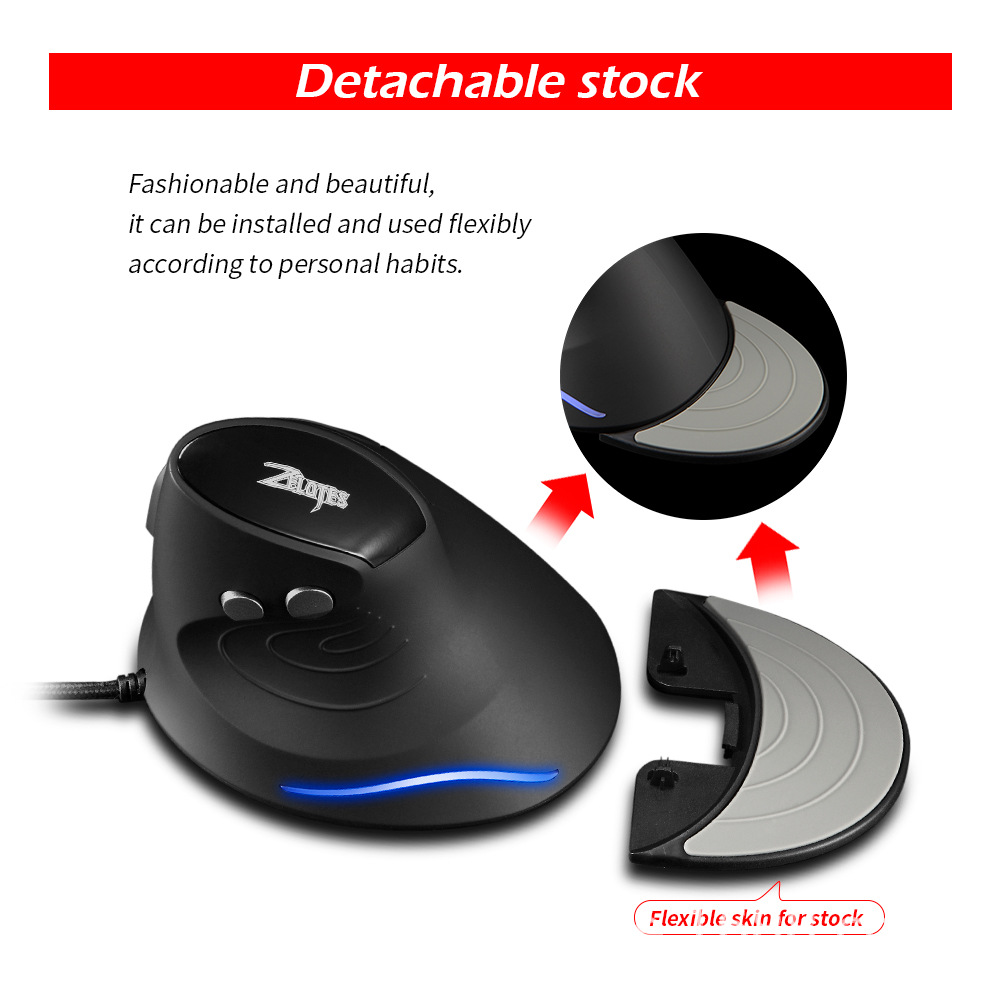
Ergonomic Grip:
Hold the mouse in a natural, upright position to keep your wrist relaxed and avoid twisting.Video demonstrating the ergonomic grip and usage of the Zelotes T-30 Vertical Optical Mouse. 
Ergonomic Grip Comparison: Upright vs. Horizontal Mouse -
Surface Compatibility:
Use on a flat, non-reflective surface for optimal tracking. A mouse pad is recommended. -
Protective Film:
Remove the protective film from the Teflon feet on the bottom of the mouse before first use.
7. Technical Specifications
| Parameter | Specification |
|---|---|
| Product Model | T-30 |
| Number of Keys | 6 |
| Tracking System | Optical |
| USB Cable Length | 1.8m |
| Operating Voltage/Current | 5V ≈ 100mA |
| Key Life | > 5 million clicks |
| Scroll Wheel Life | 1.2 million revolutions |
| Product Size | 134 × 96 × 83 mm |
| Product Weight | 120 ± 5g |
| Resolution (DPI) | 800-1200-2400-3200 DPI |
| Return Rate | 125-1000Hz |
| Hand Orientation | Right |
| Interface Type | USB |
| Battery Included | No |
8. Troubleshooting
| Issue | Solution |
|---|---|
| Mouse not recognized | Reconnect the USB cable; try a different USB port. |
| Erratic cursor movement | Clean the optical lens; use on a suitable surface; remove protective film from Teflon feet. |
| DPI settings not changing | Ensure the mouse is connected; press the DPI button firmly. |
9. Safety & Maintenance
- Keep the mouse dry and away from liquids.
- Clean the surface with a soft, dry cloth.
- Do not disassemble the mouse, as this may void any applicable warranty.
- Store in a cool, dry place when not in use.
10. Warranty and Support
For warranty information and technical support, please refer to the documentation provided with your purchase or contact the retailer. An additional user manual in PDF format is available for download from the product page or by clicking here.