
1. Introduction
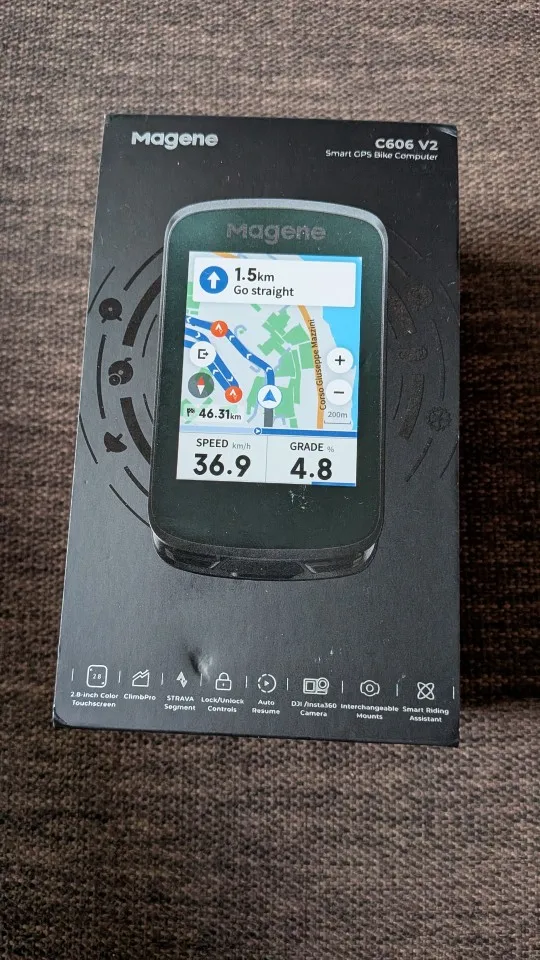
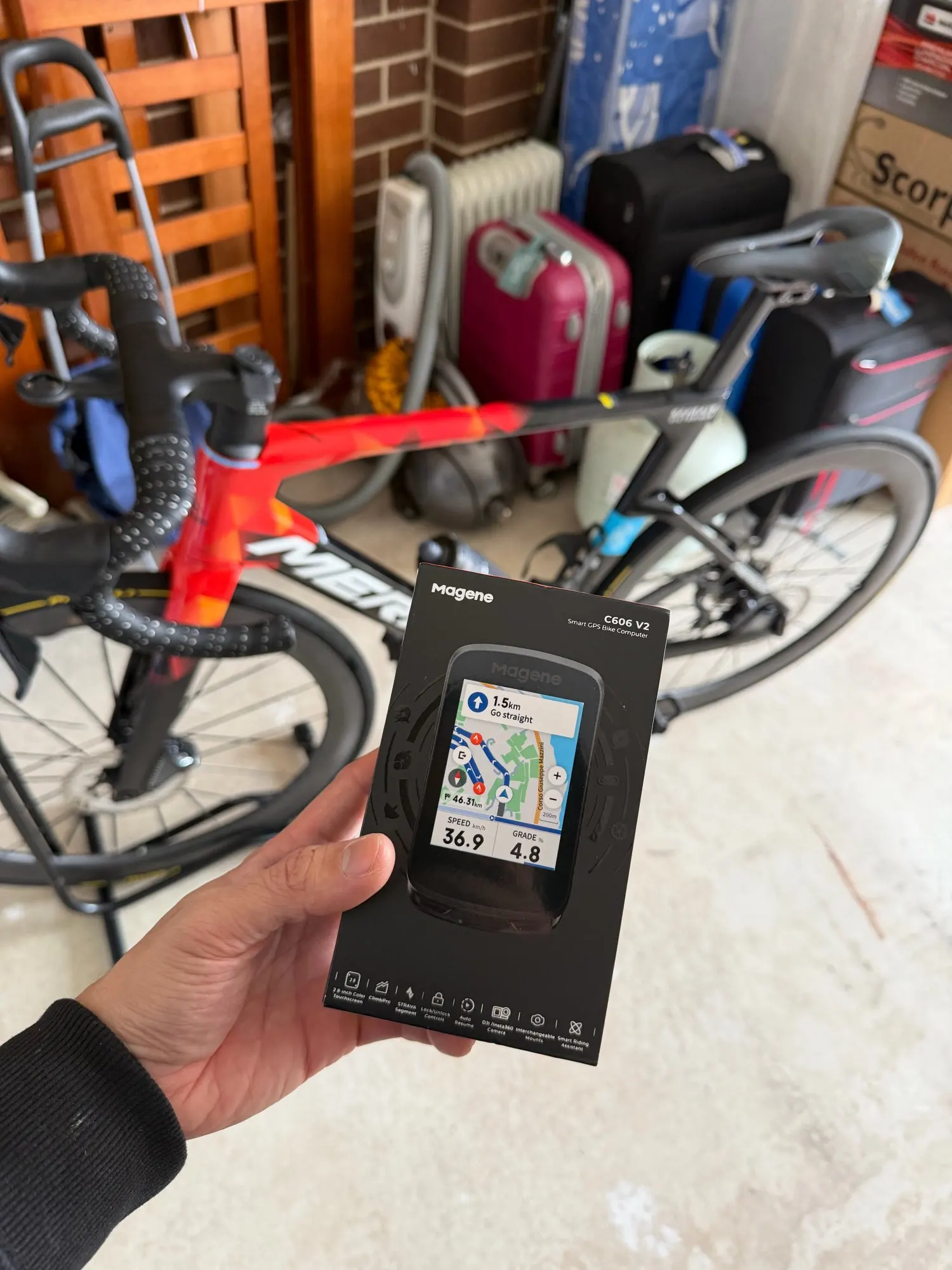
Thank you for choosing the Magene C606V2 Smart GPS Bike Computer. This manual provides essential information for the proper setup, operation, and maintenance of your device. Please read it thoroughly to ensure optimal performance and longevity of your bike computer.

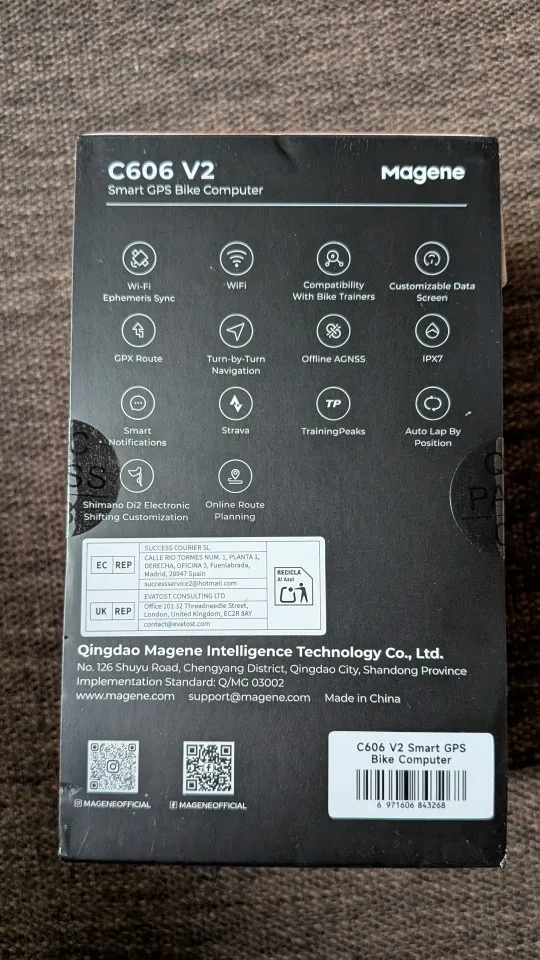
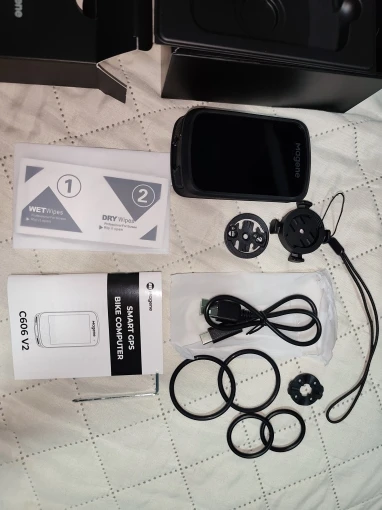
2. What's Inside the Box
The package for your Magene C606V2 Smart GPS Bike Computer typically includes the following items:
- Bike Computer (C606 V2) *1
- Type-C Charging Cable *1
- Interchangeable Mounts *1
- Rubber Band *4
- Bike Computer Mount *1
- Interchangeable Mount Base *1
3. Setup and Installation
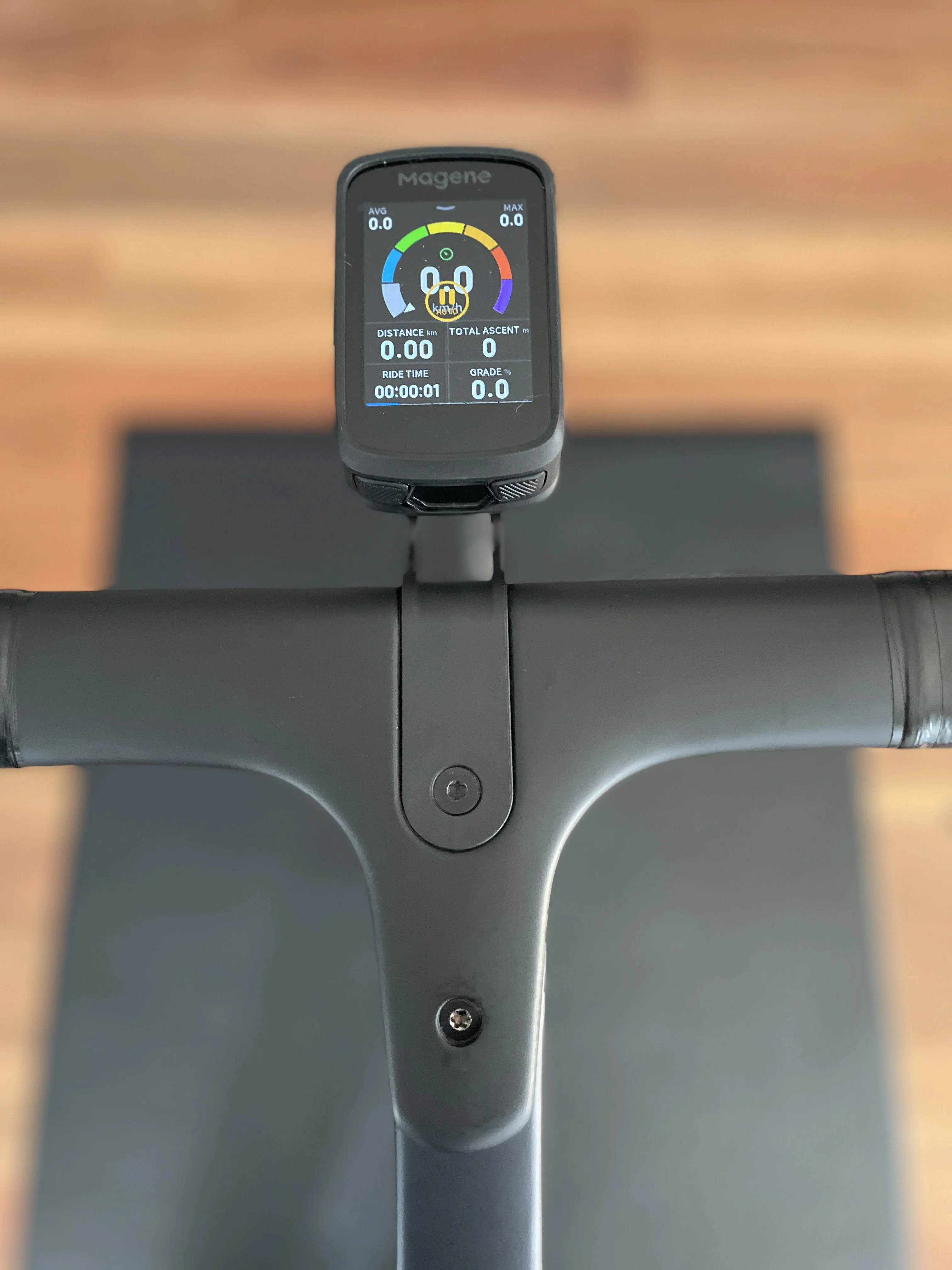
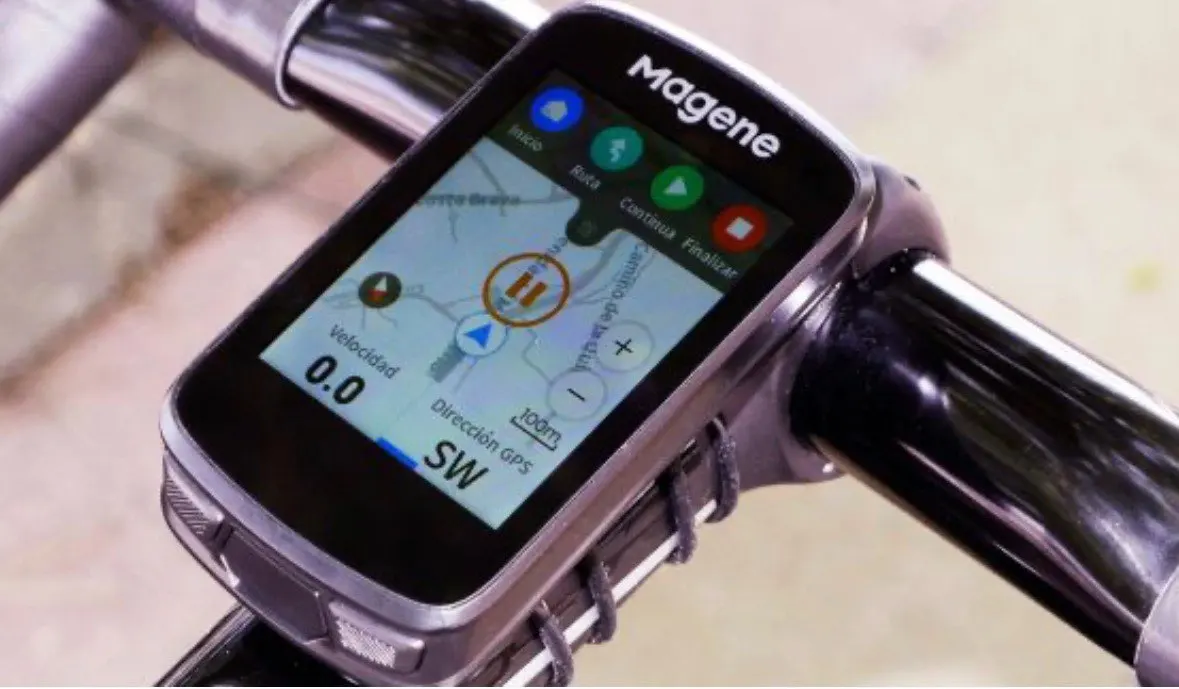
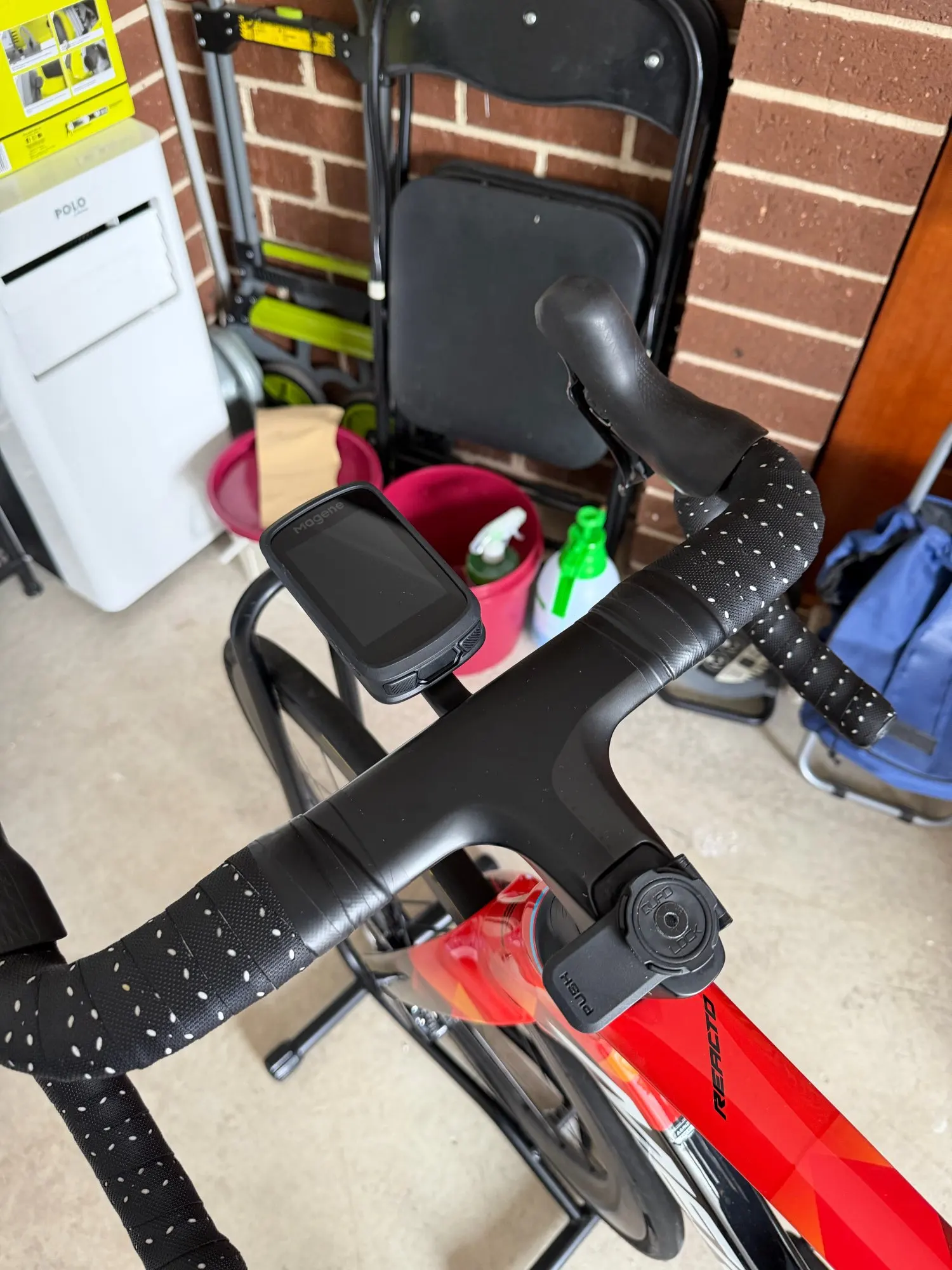
3.1. Mounting the Bike Computer
- Place the mount: Position the bike computer mount on your handlebar.
- Secure the mount: Use the provided rubber bands to firmly secure the mount to the handlebar.
- Install the computer: Align the bike computer with the mount, following the direction indicated by the arrow on the mount, and rotate it to lock it into place.
- Installation completed: Ensure the computer is securely attached before riding.
3.2. Initial Configuration with OnelapFit App
- Download App: Scan the QR code below to download the "OnelapFit" app and complete the login/registration process.
- Connect and Activate: Turn on the bike computer. Use the "OnelapFit" app to scan the QR code displayed on the bike computer screen to connect and activate the device.
- Pairing and Personal Information: Follow the in-app guide to complete pairing and configure your personal information.
- Data Upload: After initial setup, cycling data will automatically upload to "OnelapFit" via Wi-Fi or Bluetooth connection after each ride. This allows for detailed data analysis and statistics within the app.
*Regulatory related electronic label viewing path: Settings → System → Regulatory Information
4. Operating Instructions
4.1. Charging the Device
Open the rubber cover at the bottom of the device and insert the Type-C charging cable. Connect the cable to a power supply to begin charging.
4.2. Button Functions
The Magene C606V2 features three physical buttons: a Top Button, a Left Button, and a Right Button. Their functions vary based on short press or long press actions.
| Button | Short Press | Long Press |
|---|---|---|
| Top Button | Laps (During Riding) | On/Off; Screen Off (During Riding) |
| Left Button | Page scroll (During Riding) | — (No function) |
| Right Button | Start/Pause (During Riding) | End the ride (During Riding) |
5. Maintenance
- Regular Charging: If the device is not used for an extended period, charge the bike computer once every three months to maintain battery health.
- Battery Storage: For long-term storage, ensure the battery is fully charged to extend its lifespan.
- Cleaning: Wipe the device with a soft, damp cloth. Avoid using harsh chemicals or abrasive materials.
- Environmental Protection: Do not expose the device to extreme temperatures, direct sunlight for prolonged periods, or immerse it in water.
6. Troubleshooting
- Device Not Turning On: Ensure the device is charged. If it has been stored for a long time, charge it for at least 30 minutes.
- Sensors Not Connecting: Check if the sensors (ANT+ or Bluetooth) are active and within range. Ensure they have sufficient battery. Re-pair them through the OnelapFit app if necessary.
- GPS Signal Issues: Ensure you are in an open area with a clear view of the sky. Allow a few minutes for the device to acquire a GPS signal.
- Data Sync Issues: Verify that the bike computer is connected to Wi-Fi or Bluetooth and that the OnelapFit app is open and running on your smartphone.
- Screen Responsiveness: If the touchscreen is unresponsive, try restarting the device. Ensure the screen is clean and dry.
- Map Navigation Limitations: Note that while the device offers navigation, some users have reported limitations such as not being able to move the map freely while following a track. Plan your routes accordingly.
7. Specifications
| Attribute | Value |
|---|---|
| Product Model | C606 V2 |
| Certification Model | P0101373 |
| Battery Type/Capacity | Lithium Battery / 2000mAh |
| Charging Input Specification | DC 5V, 1A |
| Wireless Transmission Protocol | ANT+, Bluetooth, WIFI (2.4G) |
| Transmission Frequency | 2400MHz to 2480MHz |
| Transmission Power | ANT+: 10mW, BLE: 10mW, WIFI: 126mW |
| Operating Temperature | -10°C to 50°C |
| Dimensions | 97x57x17.6mm |
| Net Weight | 107g |
| Number of Buttons | 3 |
| Screen Type | TFT Touchscreen Color Screen |
| Screen Size | 2.8 inches |
| Battery Life | 15-25h |
| Waterproof Level | IPX7 |
| Automatic Sleep | Yes |
| Auto-pause | Yes |
| Offline Navigation | Yes |
| Smart Notifications | Yes |
8. Warranty and Regulatory Information
8.1. Warranty Terms
The Magene C606V2 Smart GPS Bike Computer undergoes strict quality inspection. Any malfunction due to product quality issues under normal use within the warranty period will be covered by free repair. The warranty period is 2 years for EU countries and 1 year for other countries, starting from the activation date. For products not requiring activation, the warranty period is based on the purchase date. If no purchase date is available, it defaults to the manufacturing date.
Situations Not Covered by Limited Warranty:
- Exceeding the warranty period.
- Damage from improper use, maintenance, or storage.
- Product damage due to failure to use or install according to the instruction manual.
- Unauthorized repair, misuse, collision, negligence, abuse, liquid ingress, accident, alteration, or use of unspecified non-original accessories.
- Unauthorized alteration of the warranty certificate.
- Absence of a valid warranty certificate or invoice.
- Product serial number or code on the warranty certificate not matching the actual product.
- Malfunctions or damage from reasons unrelated to product design, manufacturing, or quality.
- Wear and tear or soiling from normal use (e.g., scratches), and damage from human factors like contact with chemical reagents, sharp objects, dropping, or crushing.
- Damage caused by force majeure.
Magene provides lifetime after-sales service for the product. For products outside the warranty period, users are responsible for all repair costs, including parts, shipping, and labor.
For the full warranty details, please refer to the official documentation, which may be available as a PDF: User manual (PDF).
8.2. Battery Warning
Failure to follow these warnings may result in serious injury or fatal accidents.
This product uses a rechargeable lithium battery. Failure to comply with the following guidelines may lead to a shortened battery lifespan, device damage, fire, chemical burns, electrolyte leakage, and risk of injury.
- Do not dismantle, modify, puncture, squeeze, or damage the battery.
- Do not expose the device or battery to flames, explosions, or other hazards.
- Do not place the device in high-temperature environments (e.g., dryer, direct sunlight in a car).
- Do not immerse the battery in water or other liquids.
- Avoid frequent overcharging.
- Do not charge the battery near a heat source or under extremely hot conditions.
- Charge the battery strictly following charging requirements to prevent dangers from excessive current.
- If not used for an extended period, charge the battery to full capacity before storage to extend its lifespan.
8.3. Recycling Licenses
WEEE (Waste Electrical and Electronic Equipment) European Directive 2012/19/EU: This symbol indicates that the product must not be disposed of with household waste. It is your responsibility to hand over waste equipment to a designated collection point for recycling. Separate collection and recycling help conserve natural resources and protect human health and the environment.
Batteries: Used batteries should not be disposed of with domestic waste. Dispose of batteries in specific collection containers provided in retail stores.
8.4. Compliance Statements
CE Declaration of Conformity: Qingdao Magene Intelligence Technology Co., Ltd. declares this product complies with Directive 2014/53/EU. The full text of the EU declaration of conformity is available at: https://www.magene.com/en/content/29-certification-download
UKCA Declaration of Conformity: Qingdao Magene Intelligence Technology Co., Ltd. declares this product complies with The Radio Equipment Regulations 2017. The full text of the declaration of conformity is available at: https://www.magene.com/en/content/29-certification-download
FCC Statements: This device complies with part 15 of the FCC rules. Operation is subject to two conditions: (1) this device may not cause harmful interference, and (2) this device must accept any interference received. Unauthorized modifications may void user's authority to operate. This equipment has been tested and found to comply with Class B digital device limits. If interference occurs, try reorienting the receiving antenna, increasing separation, or connecting to a different circuit. Consult a dealer or experienced radio/TV technician. Equipment should be installed and operated with a minimum distance of 20cm between the radiator and your body.
9. User Tips
- The display offers excellent visibility in both low light and direct sunlight conditions.
- Pairing with sensors (ANT+ and Bluetooth) is straightforward and reliable. The device connects easily to various sensors, lights, and radar.
- The OnelapFit app is effective for organizing data and provides fast synchronization after rides.
- Benefit from dynamic integration with features like ClimbPro and Strava Live Segments for an enhanced riding experience.
- The battery life is robust, supporting long endurance rides.
- While navigation is available, be aware that moving the map freely while following a pre-set track might be limited.
- Consider manually customizing heart rate zones within the app for personalized training insights.