
1. Product Overview
The 20W USB C Fast Charger is a versatile power adapter designed for rapid charging of various mobile devices. It features both USB-A and USB-C (PD) output ports, an intelligent LCD display for real-time voltage monitoring, and supports multiple fast-charging protocols.

Figure 1: 20W USB C Fast Charger with LCD Display
Video 1: Product overview demonstrating the charger's features and usage.
2. Warning & Safety Information
- Do not use in damp environments.
- Avoid high temperatures or direct sunlight.
- Do not disassemble or modify the charger.
- Keep out of reach of children.
3. Setup
Follow these steps to set up and begin using your charger:
- Plug into Power Outlet: Insert the charger into a standard wall power outlet.
- Connect Devices: Connect your mobile phone or other compatible device to the charger using a suitable data cable (USB-A to device or USB-C to device).
- Charging Indication: The LCD display will illuminate, showing the current output voltage, and the indicator light will confirm that charging has begun.
4. Operating Instructions
4.1. Fast Charging Technology
This charger supports various fast-charging protocols to optimize charging speed for your devices:
- Quick Charge (QC): Compatible with QC3.0 and QC2.0 for Android devices.
- USB Power Delivery (PD): For devices supporting USB-C Power Delivery.
- Apple Fast Charging: Supports 2.4A charging for Apple devices.
- Adaptive Fast Charging (AFC): For Samsung devices.
- Fast Charge Protocol (FCP): For Huawei devices.
4.2. Real-time Voltage Display
The integrated LCD display shows the current output voltage (e.g., 5.0V) in real-time, allowing you to monitor the charging status.
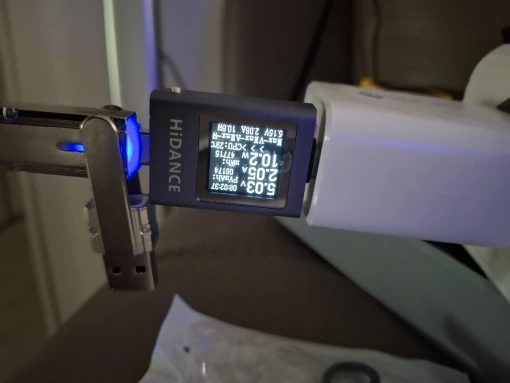
Figure 2: Charger with LCD display and dual output ports
4.3. Optimized Charging Times
Example charging times for various devices using QC3.0 technology:
- iPhone XS: Approximately 1.5 hours
- Samsung S10: Approximately 1.8 hours
- iPad mini: Approximately 2.7 hours

Figure 3: Fast charging time comparisons
5. Maintenance
To ensure the longevity and safe operation of your charger, please observe the following precautions:
- Use Original Data Cable: For optimal safety and charging efficiency, it is recommended to use the original data cable provided with your device or a high-quality certified cable.
- Disconnect When Not in Use: Do not leave the charger connected to the power outlet for extended periods when not in use.
- Cleaning: Disconnect the charger from the power outlet before cleaning. Use a dry, soft cloth to wipe the surface. Do not use liquid cleaners or aerosols.
6. Troubleshooting
If you encounter any issues with your charger, please refer to the following common problems and solutions:
- Slow Charging:
- Check whether the data cable is damaged or not fully inserted.
- Ensure your device supports fast charging and the cable is compatible.
- No Charging:
- Try a different power outlet to rule out outlet issues.
- Ensure the charger is securely plugged in and the data cable is properly connected to both the charger and your device.
- Indicator Light/LCD Display Does Not Illuminate:
- This may indicate a charger malfunction. Try plugging it into a different outlet or with a different cable. If the issue persists, contact customer support.
7. Specifications
| Property | Value |
| Model | GLH-PD20W-V (AR-893) |
| Max. Output Power | 20W |
| Input | 100-240V ~ 50/60Hz 0.5A |
| USB-A Output | 5V = 3.1A |
| USB-C (PD) Output | DC 5.0V = 3A / 9V = 2.23A / 12V = 1.67A |
| Applied Fast Charge Protocols | USB PD, Quick Charge 3.0/2.0, Apple 2.4A, Samsung AFC, Huawei FCP |
| Output Interface | 1x USB-A, 1x USB-C |
| Certification | CE |
| Dimensions (H x W) | 102mm x 53mm |
| Origin | Mainland China |
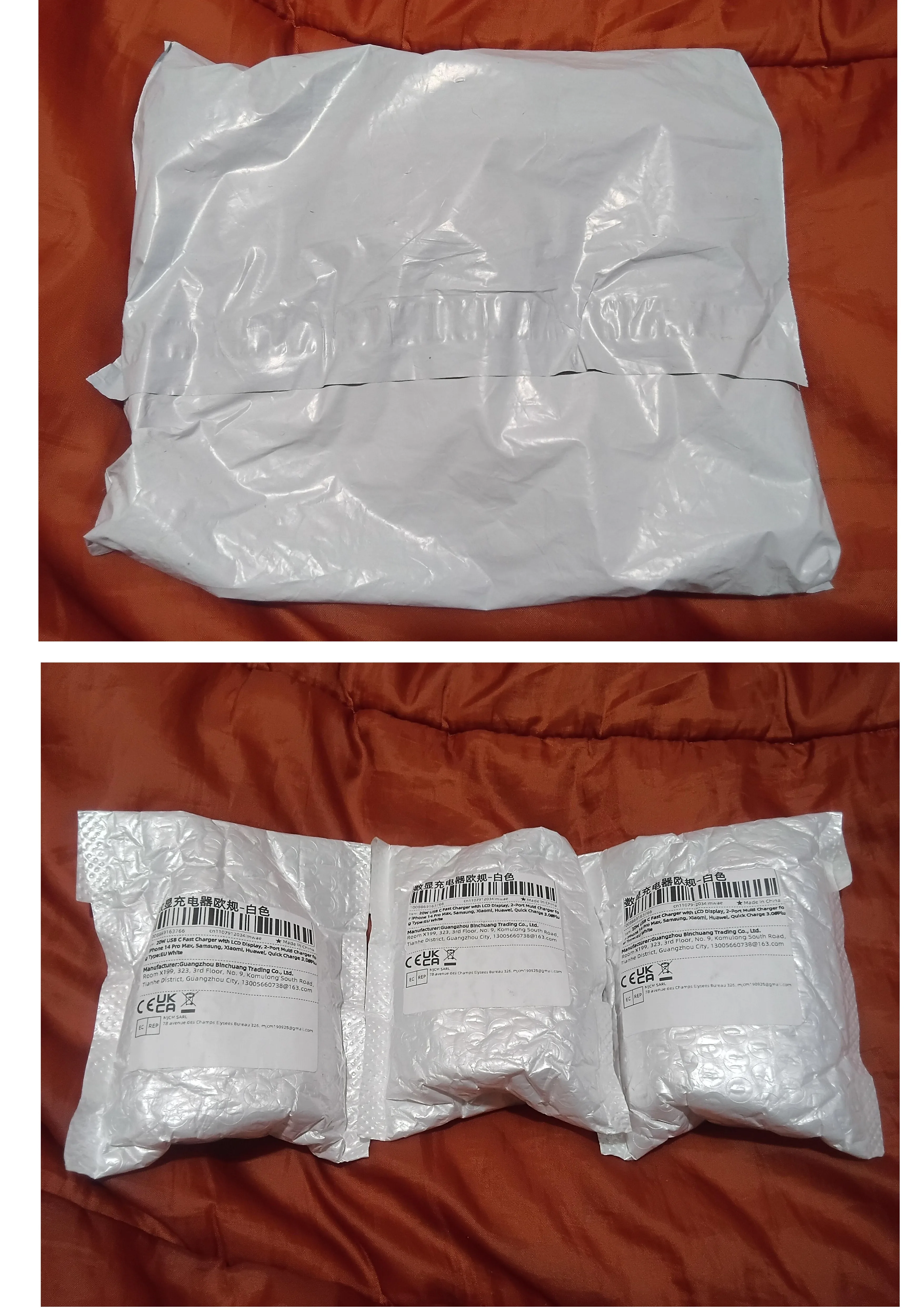
Figure 4: Charger dimensions and example charging times
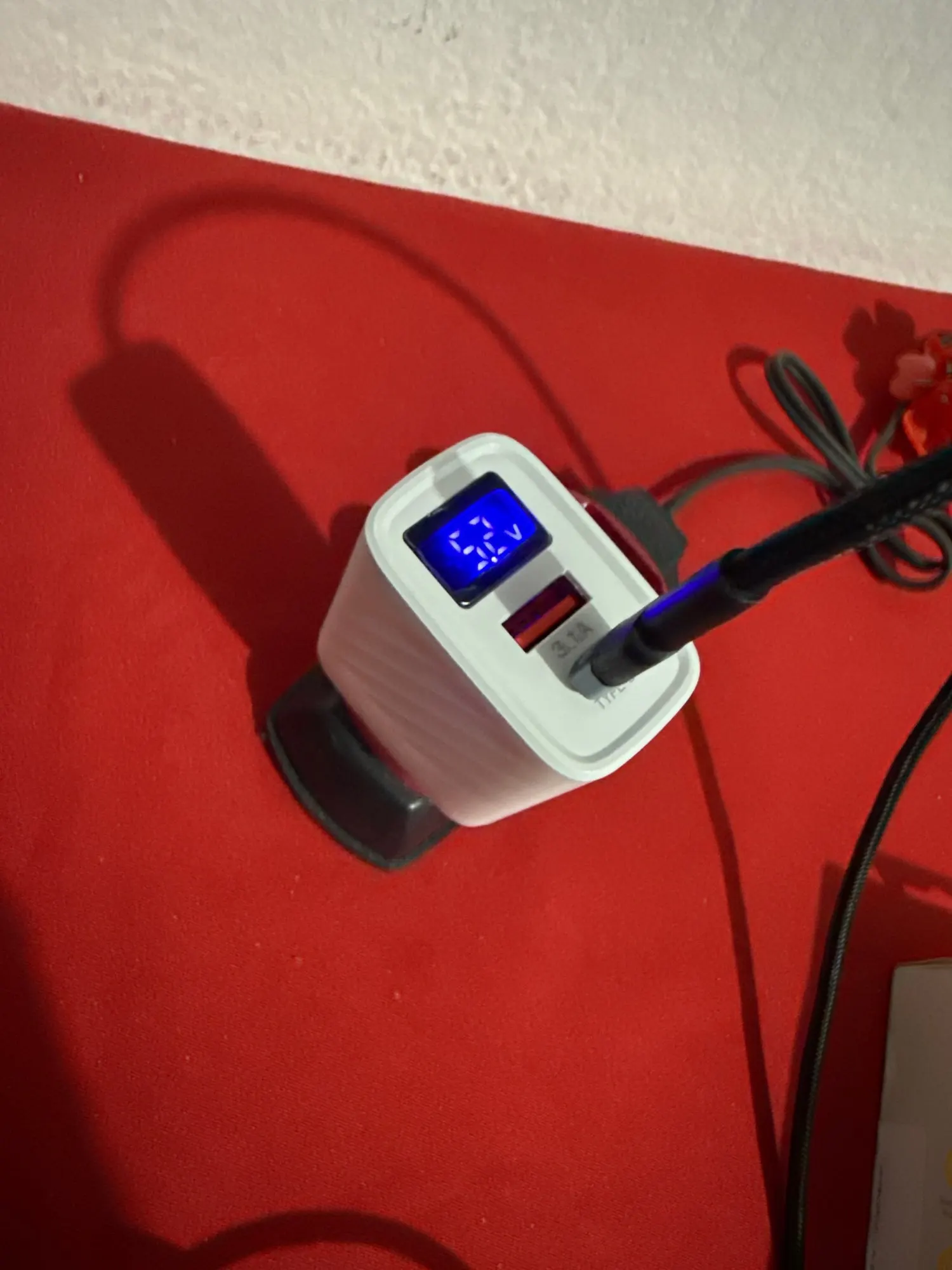
Figure 5: Charger specification label
8. User Tips
- Monitor Charging Status: The LCD display conveniently alternates between current and voltage, allowing you to easily check the charging status of your device.
- USB-A Output: When using the USB-A port, expect an output of approximately 5V at 2A (10W) for compatible devices.
- Secure Fit: Ensure the charger is securely plugged into the power outlet. Some plug types, particularly EU variants, may feel slightly looser in certain sockets; ensure a firm connection for stable charging.
9. Warranty & Support
For assistance, warranty claims, or any product-related inquiries, please contact customer service or visit an authorized after-sales service center. Please have your product model and purchase details ready when contacting support.