
1. Important Safety Information
Please read all safety instructions carefully before using the Warsun T7 LED Keychain Flashlight. Keep this manual for future reference.
- Do not throw, hit, or drop the flashlight or its battery.
- Do not disassemble the flashlight. Unauthorized modifications can lead to damage and void the warranty.
- Keep the flashlight away from fire, high temperatures, and direct heat sources. Do not dispose of the flashlight or battery in fire.
- Parts of the flashlight may become warm during prolonged use. Exercise caution when handling.
- Use only a low-voltage safety power supply (e.g., standard USB charger) for charging.
- Avoid looking directly into the light beam, as it can cause temporary vision impairment.
- The internal battery is not covered by the product warranty if damaged due to misuse.
- Operating temperature range: Use and store the device within normal ambient temperatures.
2. Product Overview
The Warsun T7 is a compact and versatile LED flashlight designed for everyday carry (EDC), work, and emergency situations. It features multiple lighting modes, a magnetic base, and a clip-on design for hands-free use.
2.1. Package Contents
- Warsun T7 LED Keychain Flashlight
- USB-C Charging Cable (may be included, check packaging)
- User Manual (this document)
2.2. Product Structure Diagram
Familiarize yourself with the components of your Warsun T7 flashlight:
- Main Light: Front-facing LED for focused illumination.
- Side COB Light: Side-mounted COB (Chip-on-Board) LED for flood lighting.
- Pocket Clip: For attaching to clothing, hats, or gear.
- Type-C Charging Port: For recharging the internal battery.
- Switch: Multi-function button for power and mode selection.
- Magnetic Base: Allows the flashlight to be attached to metal surfaces for hands-free operation.
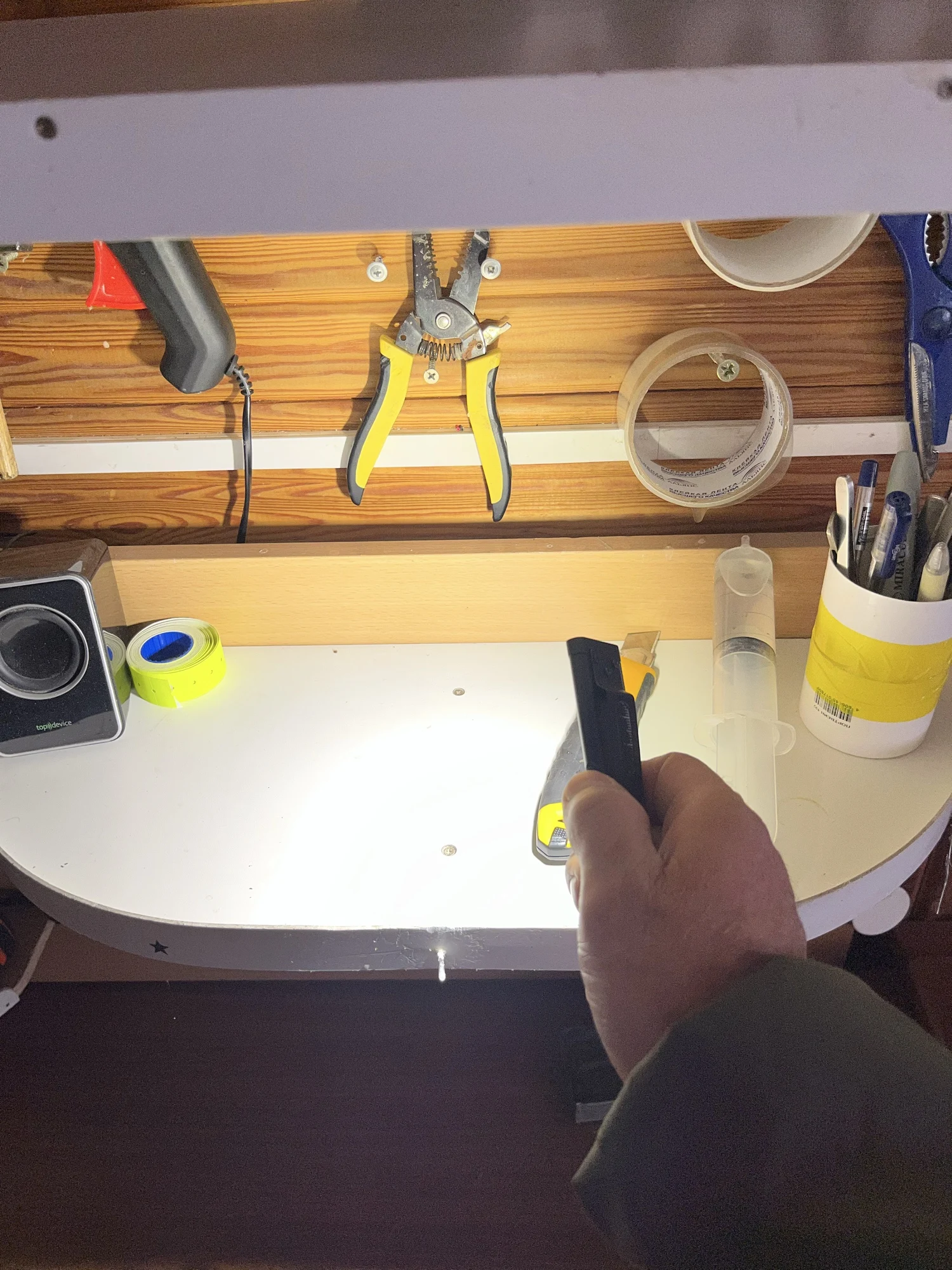
Image: Diagram showing the main light, side COB light, pocket clip, Type-C charging port, switch, and magnetic base. This image also contains detailed specifications and important notes in multiple languages.
3. Setup and Charging
3.1. Initial Charging
Before first use, it is recommended to fully charge your Warsun T7 flashlight.
- Locate the Type-C charging port on the flashlight.
- Connect the provided USB-C cable (or a compatible one) to the flashlight and plug the other end into a USB power source (e.g., computer, wall adapter, power bank).
- The charging indicator light will show red while charging.
- The indicator light will turn blue when the battery is fully charged.
- Charging typically takes a few hours. Disconnect the cable once charging is complete.
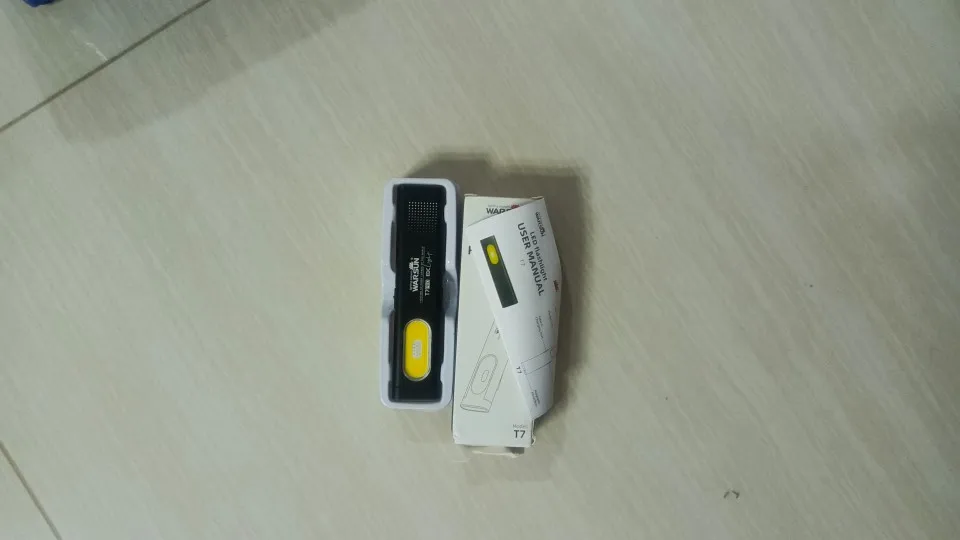
Image: The flashlight connected to a power bank via a USB-C cable, showing a red light for charging and a blue light for fully charged. The image also indicates a run time of up to 12 hours.
3.2. Attaching and Mounting
The Warsun T7 offers versatile attachment options:
- Pocket Clip: Use the integrated clip to attach the flashlight to your pocket, belt, hat brim, or collar for convenient access and hands-free lighting.
- Magnetic Base: The strong magnet in the base allows you to securely attach the flashlight to any ferrous metal surface, providing adjustable, hands-free illumination for work or repairs.
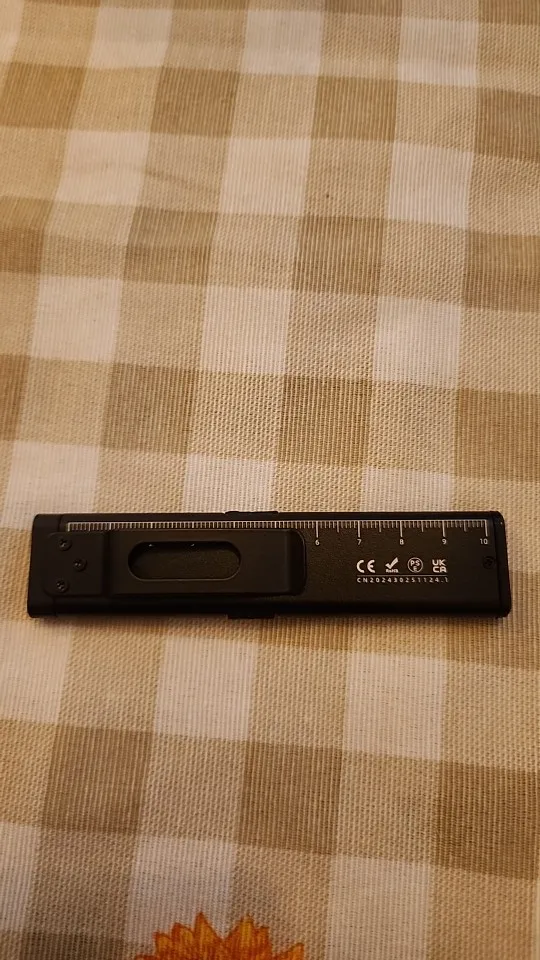
Image: Flashlight attached to a backpack strap, highlighting its clip and magnetic base.
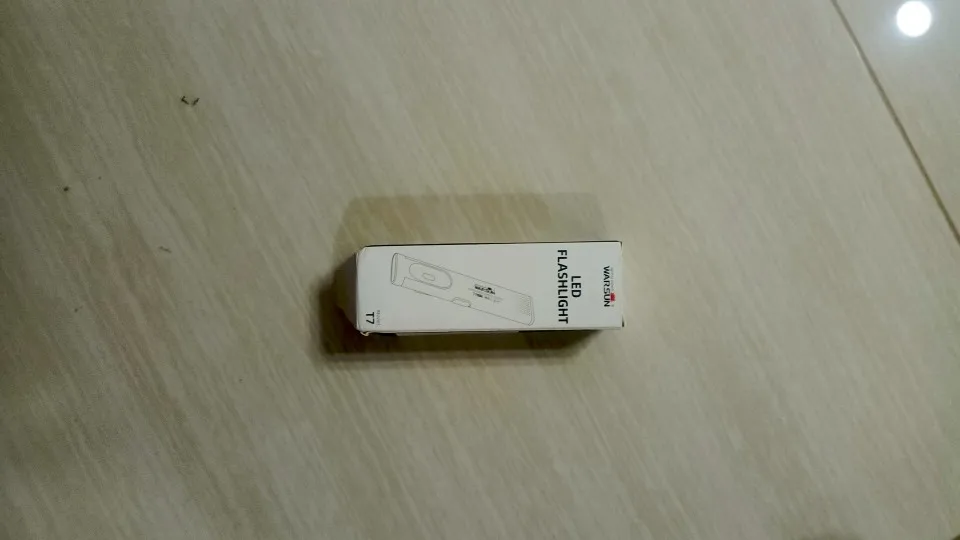
Image: Examples of the flashlight clipped to a hat, pocket, and collar.
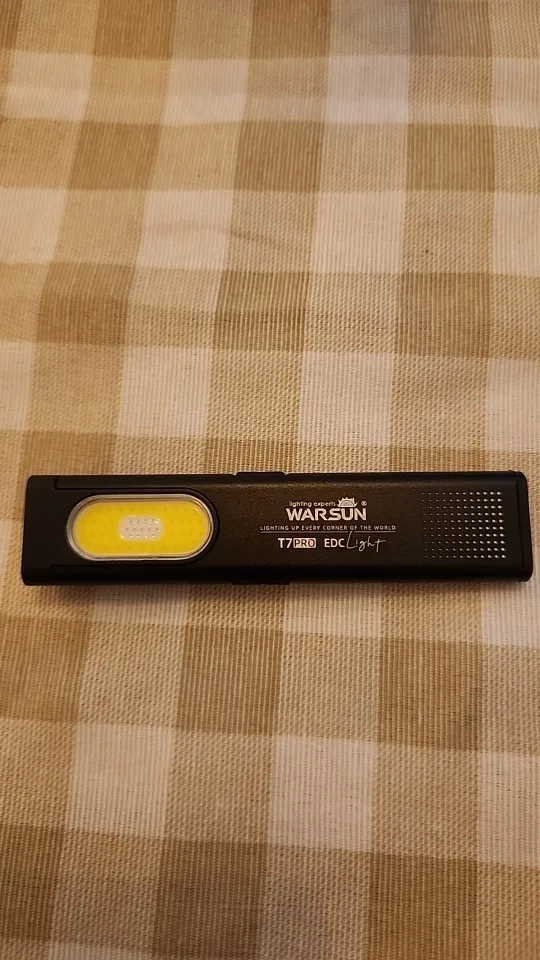
Image: Flashlight attached magnetically to a metal surface, demonstrating hands-free use.
4. Operating Instructions
The Warsun T7 features 6 distinct lighting modes, accessible via the single multi-function switch.
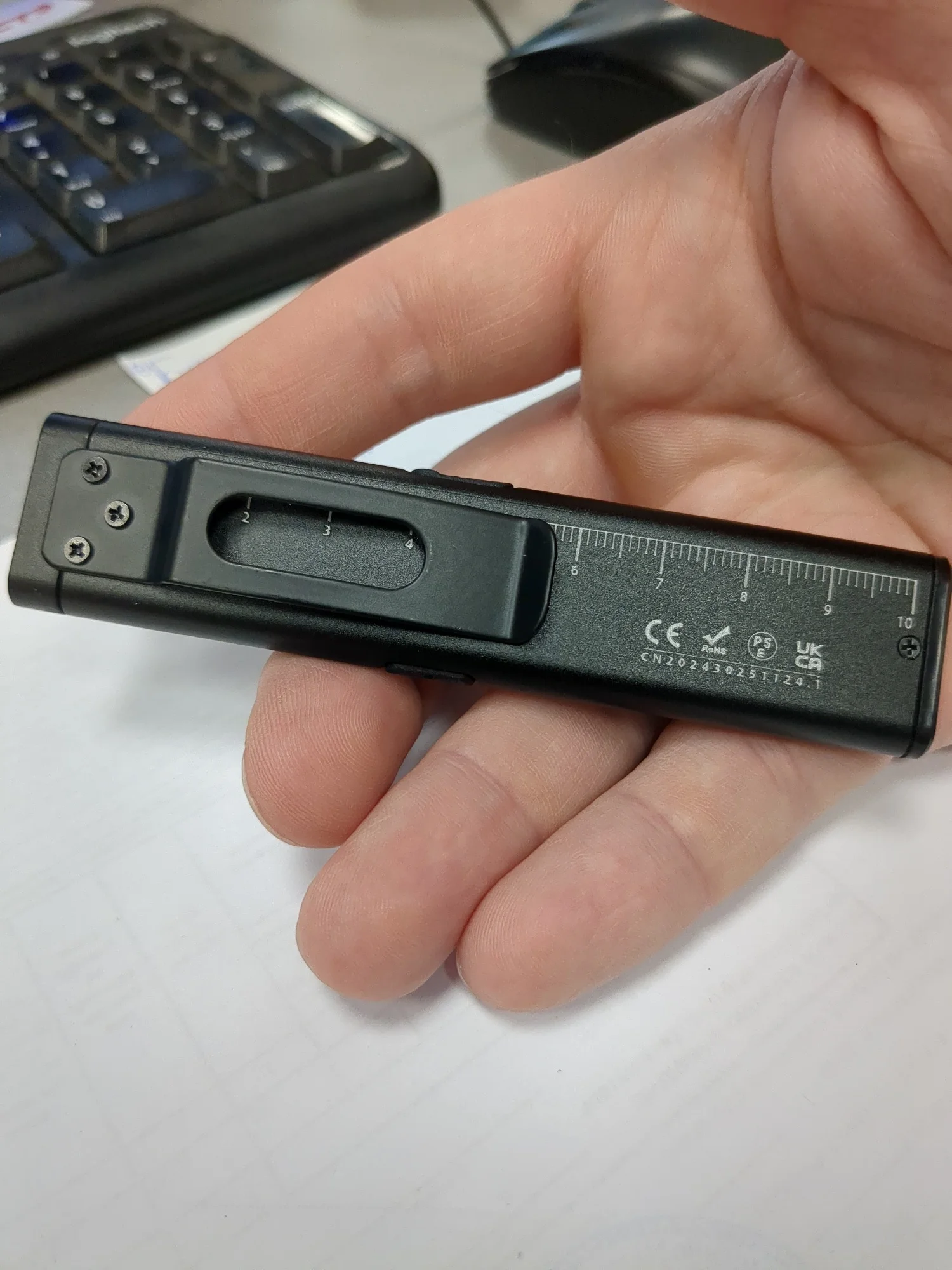
Image: Visual representation of the 6 lighting modes: Main Light (Normal, Strobe) and Side Light (Low, Medium, High, Red & Blue Strobe).
4.1. Power On/Off and Mode Cycling (Main Light & Side Light)
Press the switch to cycle through the primary lighting modes:
- First Press: Activates Main Light (Normal brightness).
- Second Press: Switches to Side Light (Low brightness).
- Third Press: Switches to Side Light (Medium brightness).
- Fourth Press: Switches to Side Light (High brightness).
- Fifth Press: Turns the flashlight OFF.
If the flashlight remains in any mode for 30 seconds without further input, a single press will turn it off directly.
4.2. Strobe Modes
Access strobe functions with quick double presses:
- Double Press (from any state): Activates Main Light (Strobe mode).
- Double Press Again (while Main Light Strobe is active): Switches to Side Light (Red & Blue Strobe mode).
- A single press from any strobe mode will return to the last used normal mode or turn off the flashlight if no normal mode was active.
5. Maintenance
5.1. Cleaning
- Wipe the flashlight body with a soft, damp cloth.
- Do not use abrasive cleaners or solvents, as they may damage the finish.
- Keep the charging port free from dust and debris.
5.2. Storage
- Store the flashlight in a cool, dry place away from direct sunlight and extreme temperatures.
- If storing for an extended period, fully charge the battery every 3-6 months to maintain battery health.
6. Troubleshooting
If you encounter issues with your Warsun T7 flashlight, try the following:
- Flashlight does not turn on:
- Ensure the battery is charged. Connect it to a USB power source and check the charging indicator.
- Press the switch firmly.
- Light is dim or flickers:
- The battery level may be low. Recharge the flashlight fully.
- Charging not working:
- Try a different USB-C cable and/or a different USB power adapter.
- Ensure the charging port is clean and free of obstructions.
If problems persist, please contact customer support.
7. Specifications
| Feature | Specification |
|---|---|
| Model Number | T7 pro |
| Brand Name | Warsun |
| Item Type | FLASHLIGHTS |
| Body Material | Aluminum alloy |
| Charger | Rechargeable (USB-C) |
| Battery Type | Li-Polymer Battery (Included) |
| Wattage | 10W |
| Lumen | 800 Lumens |
| Lighting Distance | 100-200 m |
| Support Dimmer | 5 - 8 Files (Lighting Modes) |
| Focal Length | Non-adjustable (Fixed Focus) |
| Zoom | No |
| Waterproof | No |
| Certification | CE |
| Origin | Mainland China |
| Dimensions (L x W x T) | 111mm x 25mm x 8mm (4.37 x 0.98 x 0.3 inches) |
| Weight | 38g (1.34 oz) |
| Run Time | Up to 12 Hours (depending on mode) |
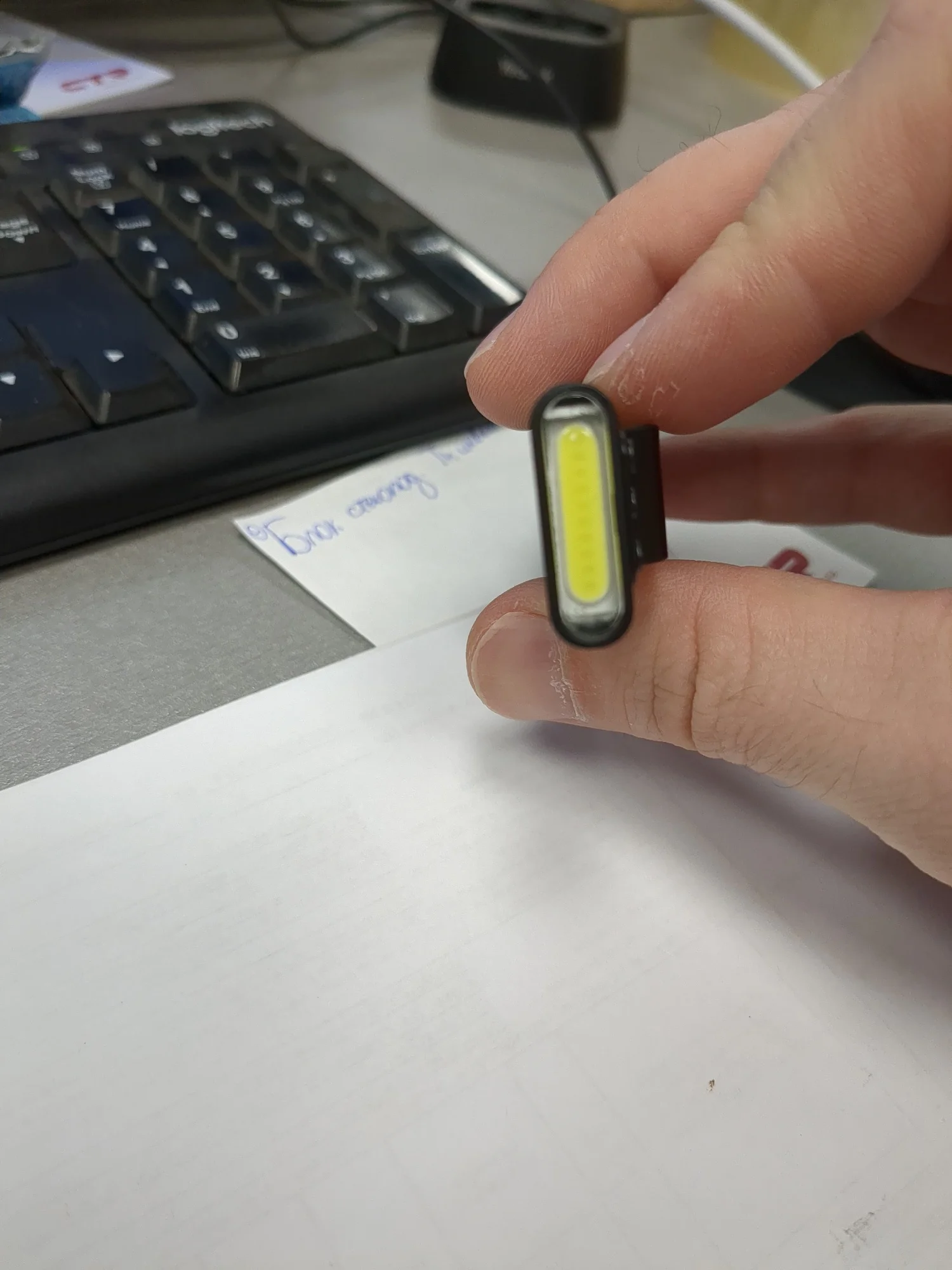
Image: Hand holding the flashlight, illustrating its compact size and dimensions (111mm length, 25mm width, 8mm thickness, 38g weight).
8. User Tips
Here are some practical tips from other users to enhance your experience with the Warsun T7 flashlight:
- Versatile for Work: Many users find the T7 excellent for work due to its bright main and side lights, including strobe and red/blue emergency modes.
- Hands-Free Convenience: Utilize the strong magnetic base to attach it to metal surfaces (e.g., under a car hood, on a workbench) or the clip for hands-free lighting while working or walking.
- Everyday Carry (EDC): Its compact, slim, and lightweight design makes it ideal for EDC. Keep one in your pocket, car, or bag for quick access.
- Hidden Feature: Some units may have a ruler marking on the back, adding to its utility.
- Great Value: Users consistently praise its build quality and brightness for its affordable price, making it a practical gift.
9. Warranty and Support
The Warsun T7 LED Keychain Flashlight is designed for durability and performance. For any warranty claims or technical support, please refer to your purchase documentation or contact the seller directly.
- Keep your proof of purchase for warranty purposes.
- The internal battery is typically considered a consumable item and may not be covered under standard warranty terms if damaged due to misuse or normal wear and tear.