
Introduction
This manual provides comprehensive instructions for the HZY C210 Series Soldering Iron Tips, including models C210-K, C210-SK, C210-I, C210-IS, C210-D, C210-C, C210-B, C210-S, and C210-KU. These integrated heating cores are compatible with intelligent soldering stations such as JBC, Sugon T26, T26D, and T3602, and are designed for precision soldering and rework of electronic components.
For a visual overview of the product and its features, please watch the following video:
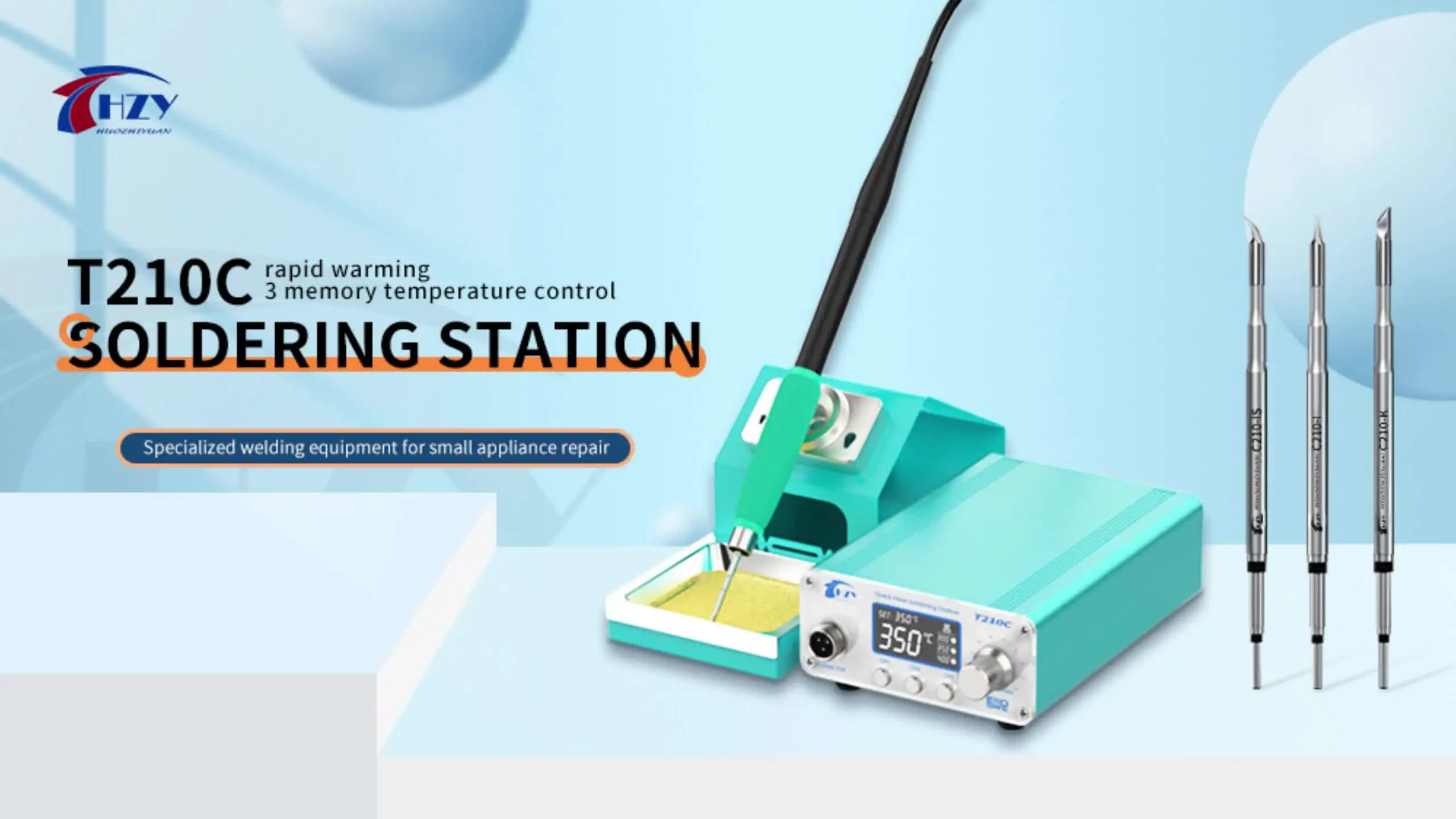
Video: Demonstration of HZY C210 series soldering iron tips, showing quick heating, easy tinning, and plug-and-play installation.
Application
The HZY C210, C115, T12, and T245 integrated heating cores are designed for use with intelligent soldering stations that support corresponding interfaces. They are ideal for precision soldering and rework tasks on various electronic components.
Specifications
The HZY C210 series soldering iron tips offer high-efficiency heat conduction, rapid heating, and quick cooling. They are designed for anti-oxidation and anti-corrosion, featuring a copper substrate with multi-layer alloy electroplating.
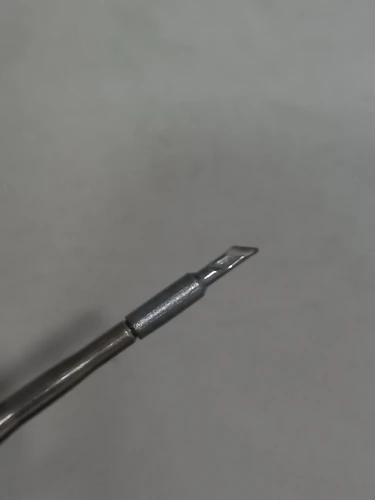
Image: Multi-layer construction of the soldering iron tip for enhanced durability and performance.
Key features of the tip construction:
- Made with high-quality copper substrate, ensuring good thermal conductivity, fast heating speed, and consistent dimensions.
- High-density, high-quality iron plating layer provides excellent corrosion resistance, long service life, and good tinning performance.
- Prevents rusting of the iron plating layer and facilitates chrome plating on the surface.
- The back end uses a high-quality chrome plating layer, which is anti-oxidant, non-stick to solder, and prevents solder crawling.
- The tin layer is bright and free of impurities, resulting in good soldering performance and a long service life.
- Meticulous craftsmanship with a tin-plated finish for better tinning effect.
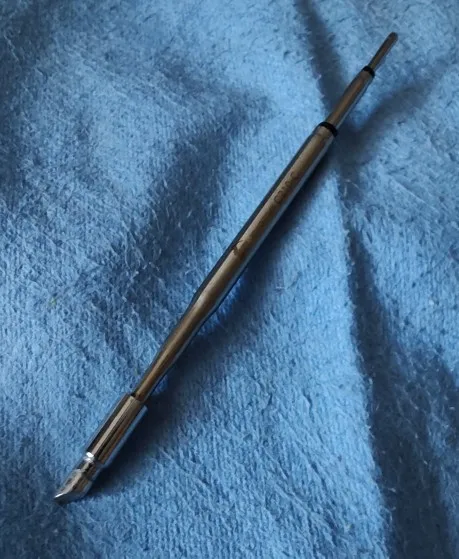
Image: High-Efficiency Heat Conduction for rapid heating and cooling.
The following table details the specifications for various models:
| Model | Power Range | Application Scenario | Recommended Temperature |
|---|---|---|---|
| C210 | 50-65W | Precision small components / Mobile phone repair | 300-380°C |
| C115 | 15-30W | Ultra-small components / Micro soldering | 300-380°C |
| T12 | 60-72W | General soldering | 350-400°C |
| T245 | 130-180W | High-power large solder joints | 350-400°C |
Various tip shapes are available for different applications:
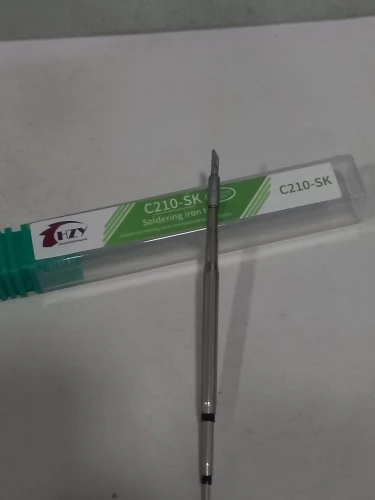
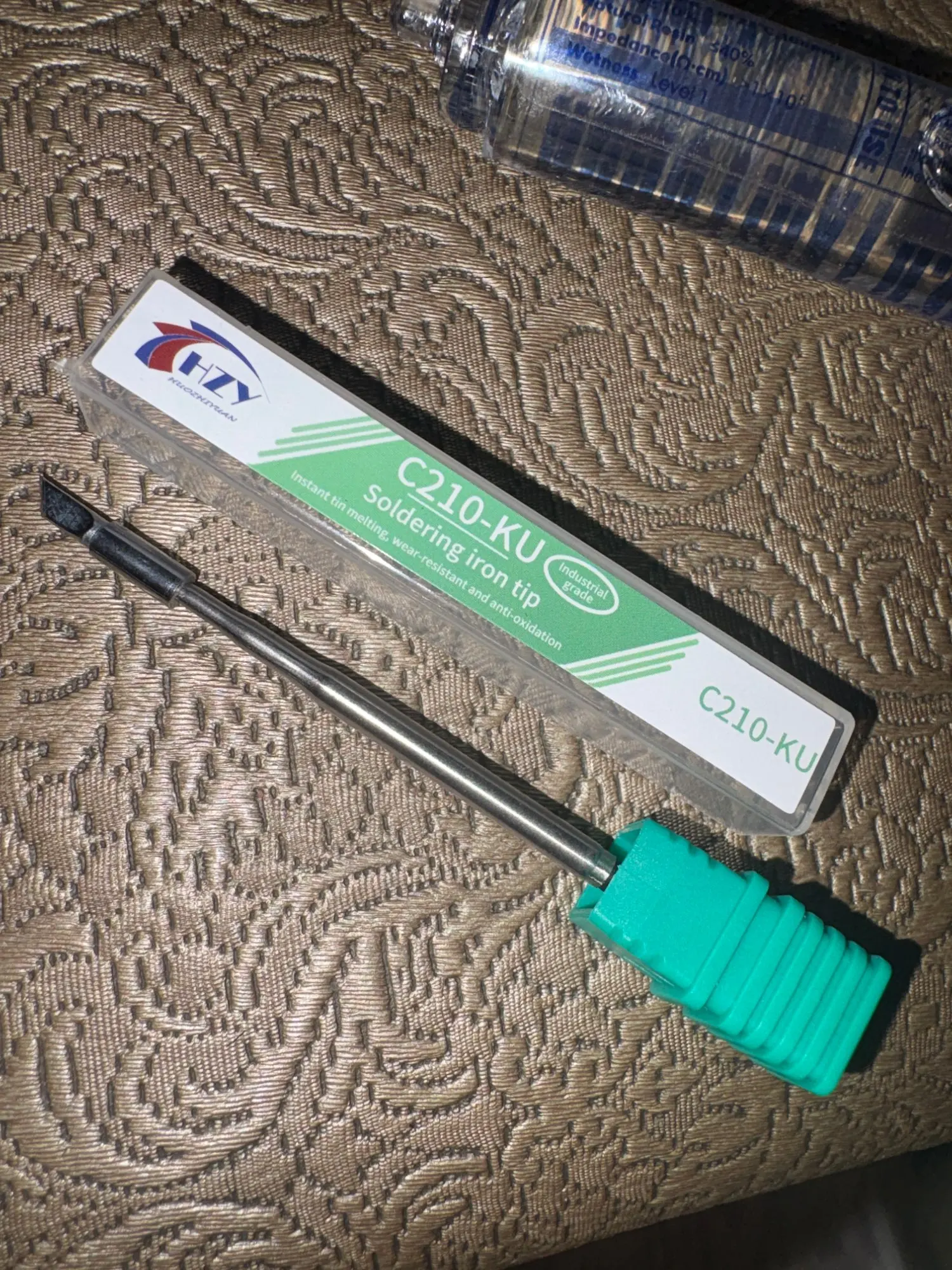
Image: C210 series soldering tips, including C210-KU with dimensions.
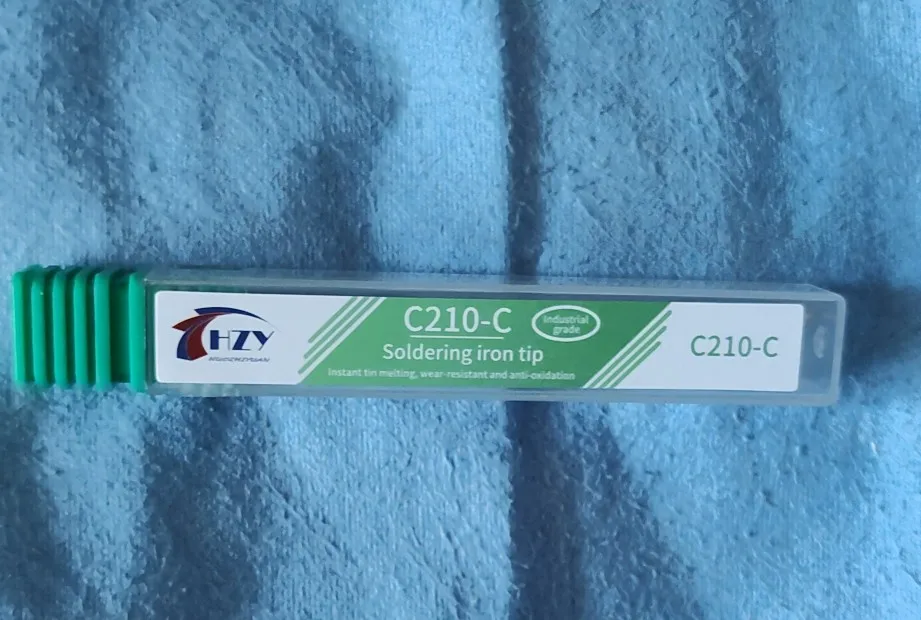
- C210-SK Knife head: Width 2mm, Thickness 1mm, Length 66mm, Tip length 14mm.
- C210-I Round head: Head size Φ0.3mm, Length 66mm, Tip length 13mm.

- C210-IS Curved tip: Head size Φ0.3mm, Length 66mm, Tip length 12mm.
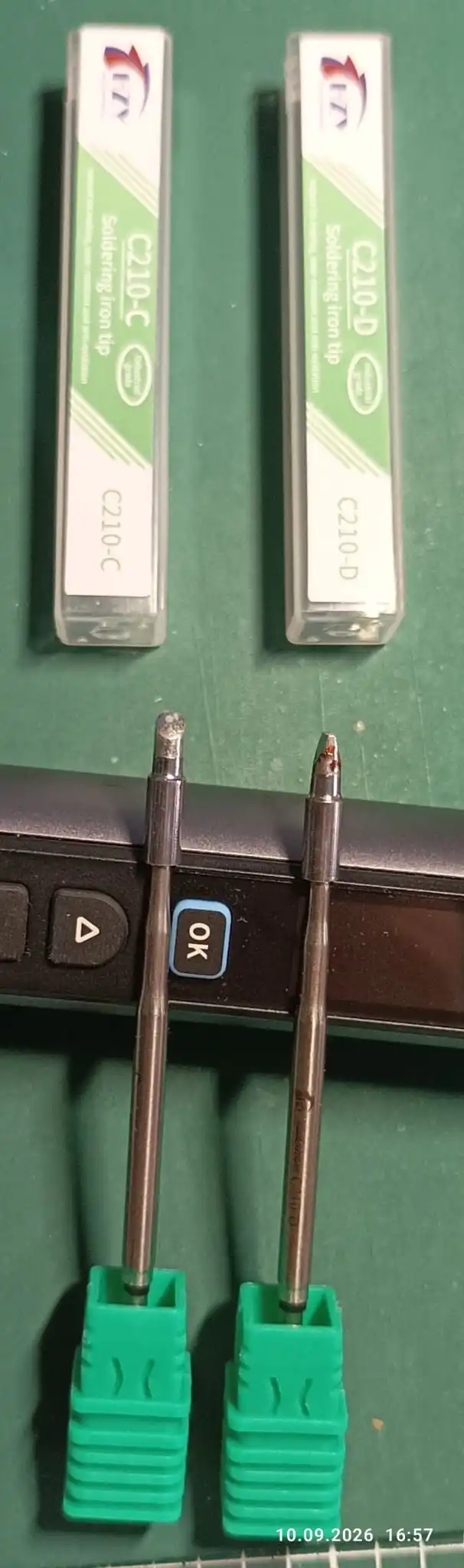
- C210-K Knife head: Width 2.4mm, Thickness 1.2mm, Length 66mm, Tip length 14mm.
Installation & Removal
The HZY C210 series soldering iron tips feature a convenient plug-and-play design for easy installation and removal.
Image: Plug and Play installation of the soldering iron tip.
- Disconnect power and wait for the heating core to cool completely before handling.
- Insert and remove the heating core vertically. Avoid bending or rotating the tip during this process.
- Ensure the electrodes are tightly fitted without any looseness to ensure proper contact and heating.
- Use the corresponding tip model that matches your main soldering station unit.
Operating Instructions
Follow these guidelines for optimal performance and longevity of your soldering iron tips:
- Initial Use/Replacement: Burn in the new tip for 1-2 minutes on first use or after replacement.
- Soldering Technique: Touch the tip lightly when soldering; do not press the tip forcefully.
- Idle/Unused Periods: Set the soldering station to sleep mode or turn it off when the tip is idle or unused for an extended period. Prolonged dry burning (heating without soldering) is prohibited.
- Temperature Control: Try to use lower temperatures. Temperatures under 350°C are sufficient for most soldering tasks.
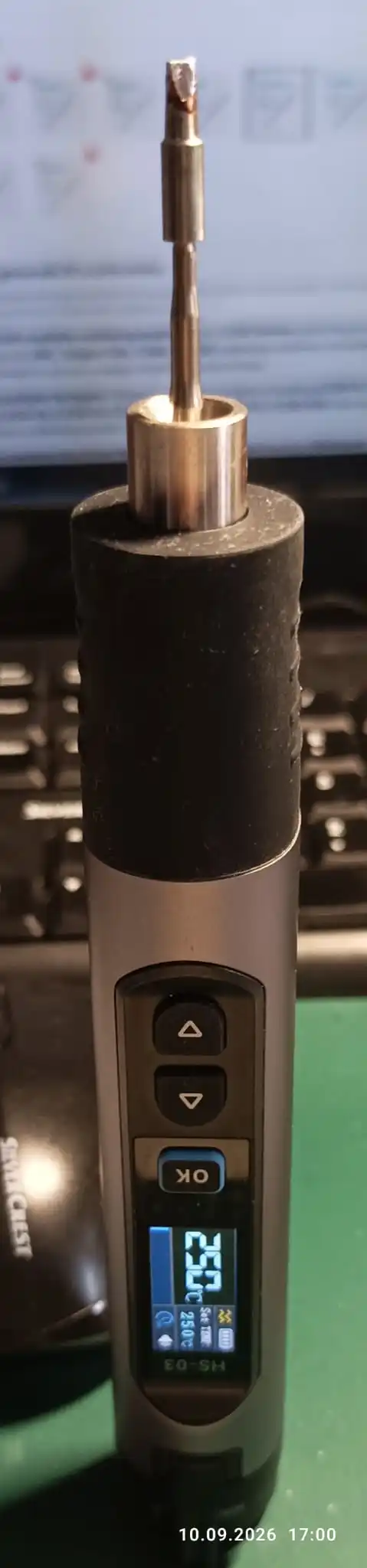
Image: Easy tinning with the soldering iron tip.
Maintenance
Proper maintenance ensures the best performance and extends the life of your soldering iron tips:
- Cleaning: Clean the soldering iron tip with a damp sponge or brass wool.
- Electrode Care: Regularly wipe the handle electrode with alcohol to remove oxidation. This should be done once a week to prevent poor contact, overheating, and damage.
- Pre-shutdown Tinning: After each use, refill the tip with solder (tin it) before turning off the soldering station.
- Avoid Physical Damage: Do not scrape the tip with a knife, clamp it with pliers, or hit it forcefully.
- Troubleshooting Slow Heating: If the tip heats up slowly or unstably, check the installation, contacts, and for signs of aging.
- Tip Rejuvenation: If the tip appears blackened, yellowed, fails to hold solder, has a thin solder coating, melts solder slowly, or does not take solder, you can use RELIFE RL-426/RL-426A tip rejuvenation paste to restore it.
User Tips
Based on user experiences, here are some helpful tips for using your HZY C210 series soldering iron tips:
- Many users find these tips to be of fantastic value, performing comparably to more expensive authentic tips.
- The copper-plated iron construction contributes to good durability and performance.
- The tips respond well to temperature changes, indicating efficient heat transfer.
- The C210-SK knife head tip is particularly well-regarded by some users for its performance.
- Ensure proper care and maintenance, especially regular cleaning and pre-shutdown tinning, to maximize tip lifespan.
Troubleshooting
- No heating, poor contact/damage: Reinstall or replace the tip.
- Low temperature/slow reheating: Check if the correct tip model is selected and ensure there is no contact oxidation. Clean the contacts if necessary.
- Not wetting with solder, soldering iron tip oxidized/low temperature: Tin the tip or increase the temperature. Consider using tip rejuvenation paste if oxidation is severe.
Safety Notes
Always prioritize safety when operating soldering equipment:
- High temperatures can cause burns. Keep hands and other body parts away from the hot tip.
- Keep flammable materials away from the soldering area.
- Operate properly: only connect or disconnect the heating element after the power is off and the tip has cooled.
- If there is smoke or an unusual smell, cut off power immediately and investigate the cause.
- Dispose of old or damaged tips as electronic waste according to local regulations.
- When not in use, always place the soldering iron on its designated stand to prevent accidental burns or damage.
- Keep the soldering equipment out of reach of children to prevent accidental burns.
Warranty and Support
For detailed warranty information and customer support, please refer to the official product documentation or contact the seller directly. This manual is subject to updates without prior notice. The product is subject to the actual received goods. All contents of this manual have been carefully verified. If there are any printing errors or omissions or misunderstandings in the contents, the company reserves the right to explain.
A user manual in PDF format is available for download: View User Manual (PDF)