
Introduction
The Aideepen W01 Motherboard Coil Tester is an electromagnetic induction tool designed for quick fault detection and diagnostic repair of inductors on PC and mobile phone motherboards. It features a Type-C power supply, high precision, strong stability, and user-friendly operation, making it a portable and efficient solution for technicians.


Setup
Before using the W01 Inductance Detector, familiarize yourself with its components and ensure it is powered correctly.
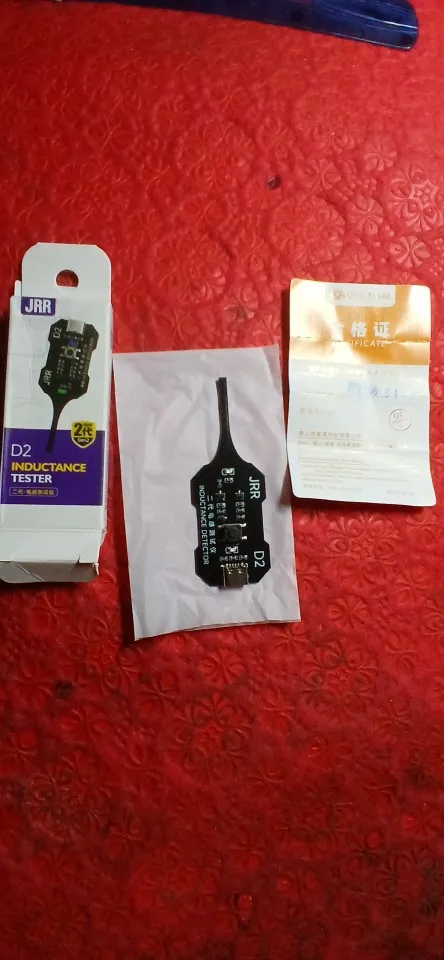
Components:
- Power Interface: Type-C port for power supply.
- Detection Button: Activates the detection process.
- Detection Indicator Light: Provides visual feedback on inductor status.
- Detection Terminal: The sensing tip used to approach the inductor.
Initial Setup:
- Connect Power: Plug a Type-C charger into the Power Interface of the W01 detector.
Operating Instructions
Follow these steps to test inductors on a motherboard:
- Ensure the W01 detector is powered via its Type-C interface.
- Press and hold the Detection Button.
- Bring the Detection Terminal (sensing tip) close to the inductor you wish to test on the motherboard.
- Observe the Detection Indicator Light:
- If the indicator light illuminates (typically green), the inductor is functioning properly.
- If the indicator light remains off, the inductor is not functioning properly (malfunctioning).
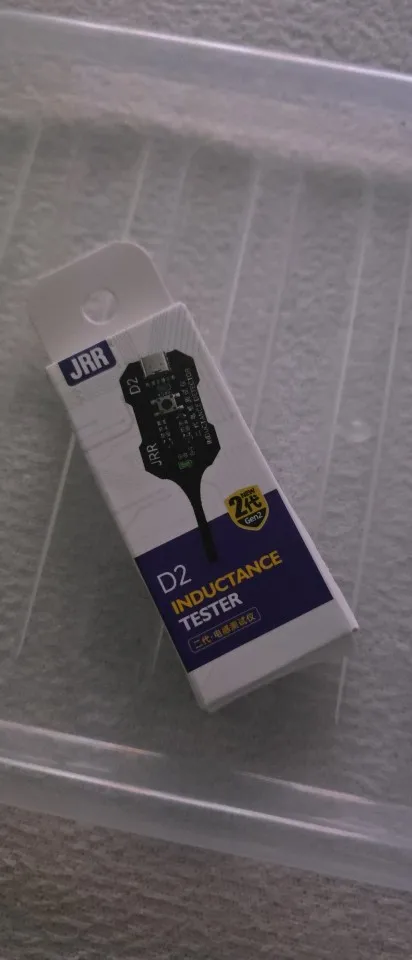
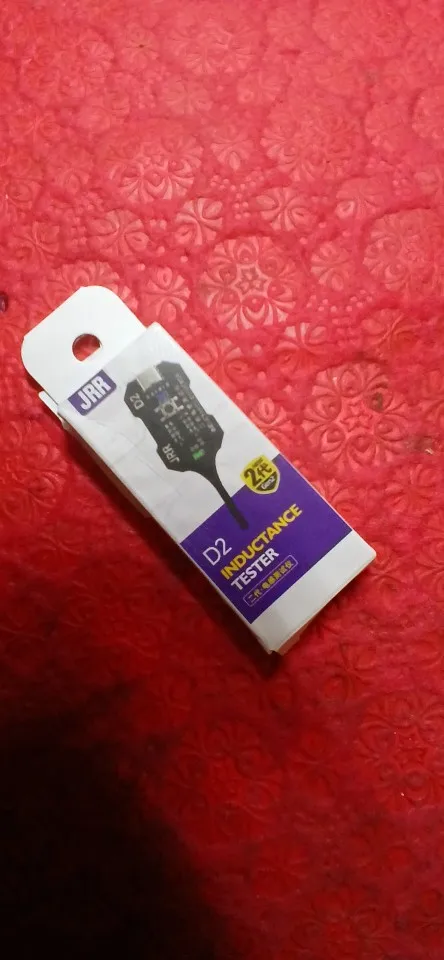
The device is designed for plug-and-play simplicity, allowing for quick troubleshooting anytime.

Video 1: Product Demonstration
Maintenance
The W01 Inductance Detector is built for high precision and stability. To ensure its longevity and optimal performance:
- Keep the device clean and free from dust and debris.
- Store in a dry environment away from extreme temperatures.
- Avoid dropping or subjecting the device to strong impacts.
- Use only a compatible Type-C charger for power.
Troubleshooting
The W01 detector provides clear visual feedback for inductor status. If you encounter issues, refer to the following:
| Symptom | Possible Cause | Solution |
|---|---|---|
| Detection indicator light does not illuminate when testing an inductor. | The inductor is malfunctioning or faulty. | Replace the inductor. |
| Device does not power on. | No power supply or faulty Type-C cable/charger. | Ensure a working Type-C charger is connected. Try a different cable or charger. |
Specifications
| Feature | Detail |
|---|---|
| Model | W01 |
| Interface | Type-C (for power supply) |
| Dimensions | 75mm x 27mm (approximately 2.95in x 1.06in) |
| Material | Plastic |
| Application | Motherboard coil testing for PC and mobile phone component fault detection and diagnostic repair. |
| DIY Supplies | Electrical |
| Origin | Mainland China |
User Tips
- The W01 Inductance Detector is specifically designed for testing inductors (coils) on motherboards. It is suitable for both PC and mobile phone mainboards.
- This tool is not designed to test integrated circuits (ICs) or optocouplers. Its function is limited to detecting the operational status of inductors via electromagnetic induction.
- For best results, ensure the sensing tip is brought very close to the inductor being tested.
Warranty and Support
For any technical assistance or support regarding your Aideepen W01 Inductance Detector, please contact the seller or manufacturer directly. Keep your purchase records for warranty claims, if applicable.
An additional user manual in PDF format may be available for download. Please refer to the product page or contact support for access to this document.