
1. Product Overview
The TahLiTech 8MP 4K HD Wifi PTZ Camera is a versatile video surveillance solution featuring dual lenses and dual screens for comprehensive monitoring. It supports AI tracking, color night vision, two-way audio, and remote access via the iCsee mobile application.

1.1 Packing List
Ensure all items are present in the package:

- Camera
- Type-C Power Cable (Note: Power plug is not included)
- Mounting Brackets
- Screw Pack
- Instruction Manual (PDF version available online)
For a detailed user manual in PDF format, please refer to the official documentation provided by the seller.
2. Setup Guide
2.1 Powering the Camera
- The camera is powered via a Type-C cable.
- Connect the provided Type-C cable to the camera and a compatible 5V power adapter (not included).
- Ensure the power source provides DC 5V.

2.2 Network Connection
- The camera supports 2.4 GHz Wi-Fi connectivity only. It does not support RJ45 Ethernet cables.
- Ensure your Wi-Fi network is operating on the 2.4 GHz band.
- Download the iCsee mobile application from the Google Play Store (for Android) or the Apple App Store (for iOS).
- Follow the in-app instructions to connect your camera to your Wi-Fi network.


2.3 Installation Methods
The camera supports various installation methods to suit your needs:
- Side Mounting: Attach the camera to a vertical surface using the provided brackets and screws.
- Ceiling Mounting: Secure the camera to a ceiling using the provided brackets and screws.
- Normal Placement: The camera can also be placed on a flat surface.
- Wall Mounted: Similar to side mounting, but specifically for walls.

3. Operating Instructions
3.1 Dual Lens & Dual Screen Monitoring
The camera features two lenses, allowing for real-time monitoring on two separate screens within the iCsee app. This ensures comprehensive coverage without missing any details.

3.2 Pan/Tilt Rotation
The PTZ (Pan-Tilt-Zoom) functionality allows you to remotely adjust the camera's viewing angle:
- Horizontal (Pan): 355° rotation.
- Vertical (Tilt): 90° rotation.
Control these movements through the iCsee mobile application to eliminate blind spots in your monitoring area.

3.3 AI Human Automatic Tracking & Alarms
The camera is equipped with AI functions for human detection and tracking. When movement is detected, the camera lens will automatically rotate to follow the person. It will also trigger an alarm and activate a flash light for deterrence, sending alerts and messages to your mobile device.

3.4 Smart Night Vision Modes
The camera offers multiple night vision modes for clear visibility in low-light conditions:
- Infrared Mode: Standard black and white night vision using IR LEDs.
- Color Night Vision: Provides full-color images in low light.
- Intelligent Night Vision / Double Light Vigilance: Automatically switches between infrared and color night vision, often activating white light upon detection for enhanced visibility and deterrence.
- Starlight Night Vision: Utilizes advanced sensors for clear images in extremely low light without additional illumination.

3.5 Two-Way Audio
Communicate with visitors or deter intruders using the built-in microphone and speaker. This feature allows for real-time two-way audio communication directly through the iCsee app.

3.6 Storage Options
The camera supports both local and cloud storage for your video recordings:
- TF Card (MicroSD): Insert a TF card up to 128GB (not included) into the designated slot for continuous recording.
- Cloud Service: A paid cloud storage service is available for secure off-site storage of your video footage.

3.7 Sharing Access
You can share camera access with multiple users, allowing family members or trusted individuals to view the live feed and recordings. This can be done via QR code or account sharing within the iCsee app.

4. Maintenance
- Cleaning: Use a soft, dry cloth to clean the camera lens and body. Avoid abrasive cleaners or solvents.
- Firmware Updates: Regularly check the iCsee app for available firmware updates to ensure optimal performance and security.
- Power Supply: Ensure the camera is connected to a stable 5V DC power supply.
- Environmental Conditions: While weatherproof, avoid prolonged exposure to extreme weather conditions if possible to extend product lifespan.
5. Troubleshooting
- Camera not connecting to Wi-Fi: Ensure your Wi-Fi network is 2.4 GHz. The camera does not support 5 GHz Wi-Fi or RJ45 Ethernet connections.
- No power: Verify the Type-C cable is securely connected to both the camera and a functional 5V power adapter.
- Poor image quality: Check the lens for dirt or obstructions. Ensure adequate lighting, especially for night vision modes.
- Motion detection issues: Adjust sensitivity settings in the iCsee app. Ensure the camera's view is clear of moving objects that might trigger false alarms (e.g., tree branches).
- Resetting the camera: Locate the reset button (refer to Product Detail diagram) and press and hold it for several seconds until the camera resets.
5.1 User Tips
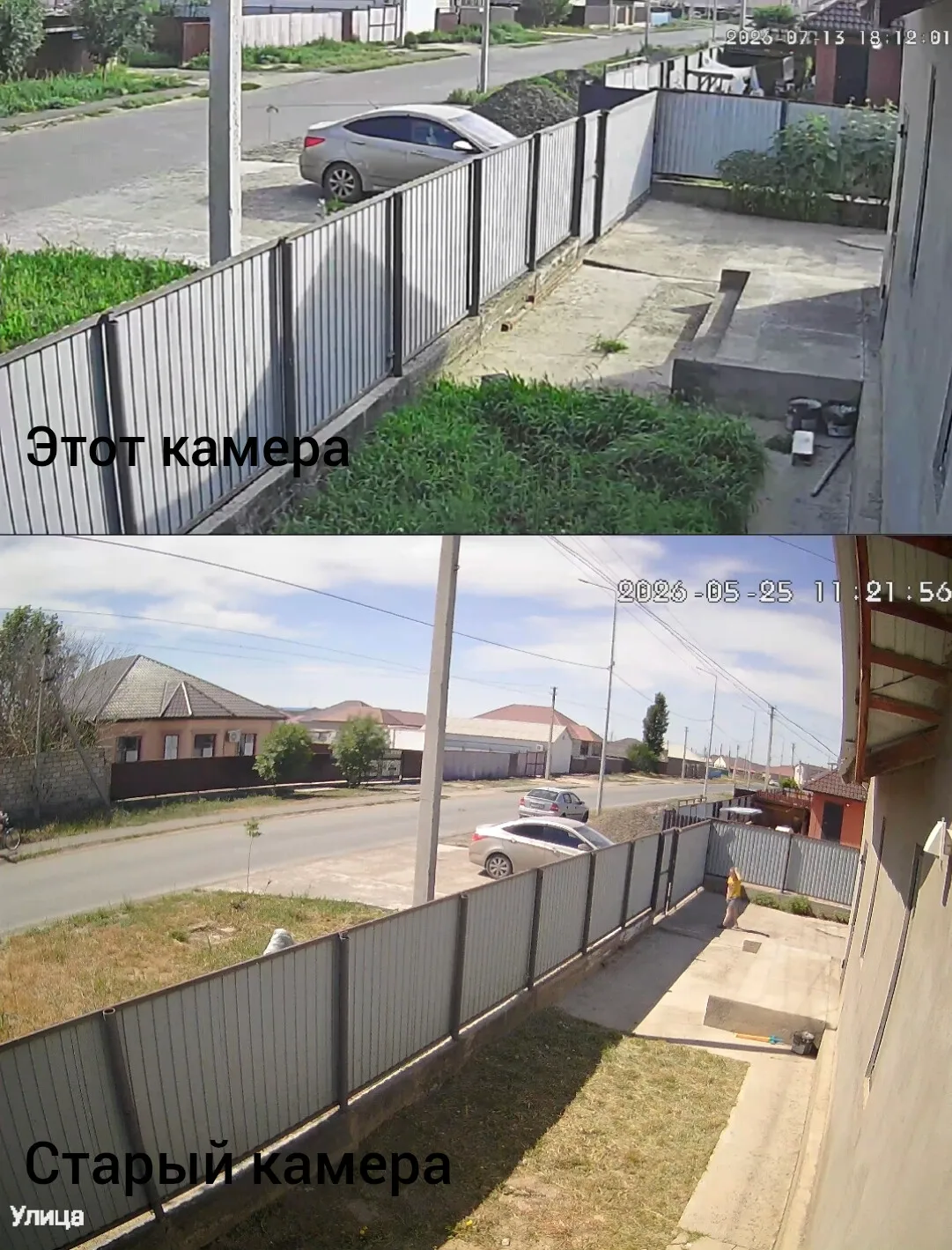
- Some users have noted that the actual viewing angle might appear narrower than expected, or the lens focal length might differ slightly from stated specifications (e.g., closer to 6mm instead of 3.6mm). If a wider field of view is critical, consider testing the camera's placement carefully during setup.
- The camera is Type-C powered and does not support solar power.
6. Specifications

| Feature | Description |
|---|---|
| Brand Name | TahLiTech |
| Model Number | Mini IP Camera |
| High Definition | 8.0 Megapixels (4K HD) |
| Lens Quantity | Dual Lens |
| Connectivity | WIFI (2.4GHz) |
| Power Supply | DC 5V (Type-C Powered) |
| Power Consumption | 12W |
| Operating Temperature | -10°C to 60°C |
| Shell Material | Plastic |
| Installation | Ceiling, Side, Normal, Wall Mounted |
| Special Features | Waterproof / Weatherproof |
| AI Functions | Smart Tracking, Human Detection |
| Color Night Vision | Yes |
| Audio Output | Two Way Audio |
| Minimum Illumination | 0.01lux |
| Viewing Angle | 85° |
| Video Compression Format | H.264, H.265 |
| IR Distance | up to 30m |
| Supported Mobile Systems | Android, iOS |
| APP | iCsee |
| TF Card Support | 32G, 64G, 128G (TF Card not included) |
| Cloud Storage | Available (Paid Service) |
| Movement Range (Pan) | 355° |
| Movement Range (Tilt) | 90° |
7. Warranty and Support
For warranty information and technical support, please contact the seller directly or refer to the official product page. Keep your purchase records for any warranty claims.
7.1 Compliance and Disclaimer
⚠️ Disclaimer: Camera products can only be used for purposes permissible under applicable law and regulations. Misuse of the product for any illegal activities is strictly forbidden. Please comply with the applicable laws and regulations in your country/area.
