
Unboxing
Watch this video for a quick unboxing experience of the Magene C606V2 GPS Bike Computer.
Video: Unboxing the Magene C606V2 GPS Bike Computer.
What's Inside
The Magene C606V2 GPS Bike Computer package typically includes the following items:
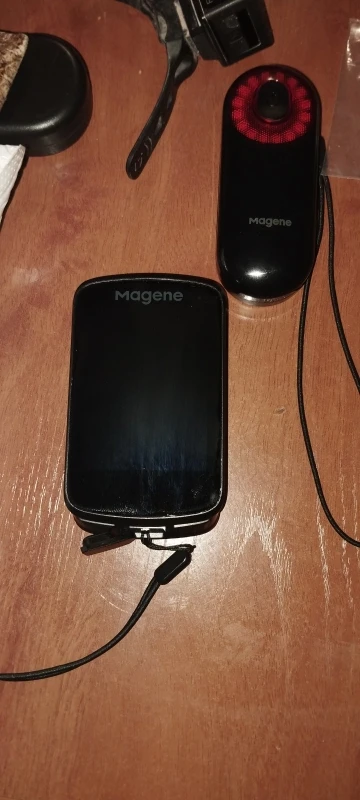
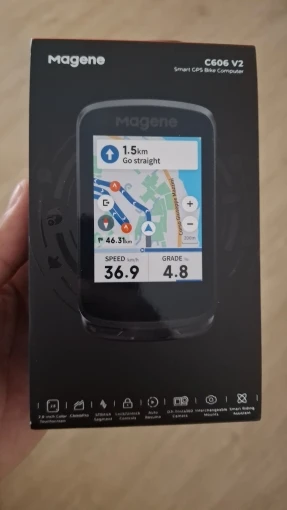
- Bike Computer (C606V2) x1
- Type-C Charging Cable x1
- Charging Cable x1 (Note: This might refer to the same Type-C cable or an additional one for specific accessories)
- Interchangeable Mounts x1
- Rubber Band x4
- Bike Computer Mount x1
- Interchangeable Mount Base x1
Setup
1. Mounting the Bike Computer
- Place the mount: Position the bike computer mount on your handlebar in a suitable location.
- Secure the mount: Use the provided rubber bands to firmly secure the mount to the handlebar.
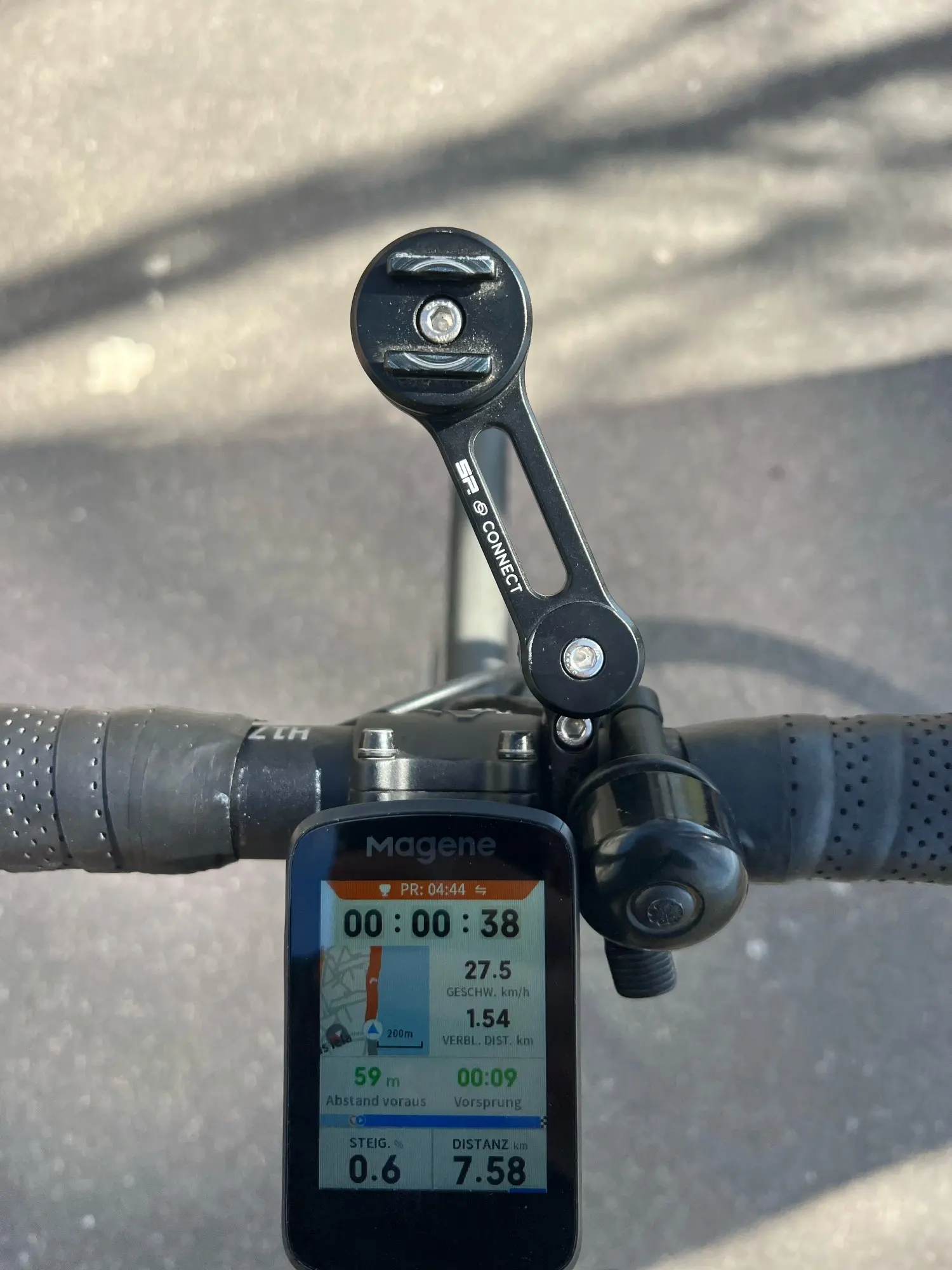
- Install the computer: Align the bike computer with the mount, following the direction indicated by the arrow on the mount. Rotate the bike computer clockwise until it clicks securely into place.
- Installation completed: Ensure the computer is stable and facing the desired direction for optimal viewing during your ride.
2. Initial Configuration with OnelapFit App
- Download App: Scan the QR code below or search for "OnelapFit" in your app store to download and install the application. Complete the login or registration process.
- Connect and Activate: Turn on your Magene C606V2 bike computer. Use the "OnelapFit" app to scan the QR code displayed on the bike computer screen to connect and activate the device.
- Pairing and Personalization: Follow the in-app guide to complete the pairing process and configure your personal information and preferences.
- Data Upload: After completing your ride, your cycling data will be automatically uploaded to the "OnelapFit" app when the bike computer connects to Wi-Fi or is connected via Bluetooth. You can then view detailed data analysis and statistics within the app.
For regulatory related electronic label viewing, navigate to: Settings > System > Regulatory Information on your device.
Operating Instructions
1. Charging the Device
To charge your C606V2, open the rubber cover located at the bottom of the device. Insert the Type-C charging cable into the port and connect it to a power supply. Ensure the device is charged regularly, especially if not used for extended periods. It is recommended to charge the bike computer at least once every three months to maintain battery health.
2. Key Functions
The Magene C606V2 features three physical buttons for easy operation:
| Button | Short Press | Long Press |
|---|---|---|
| Top Button (Key A) | Lap (During Riding) | Power On/Off; Screen Off (During Riding) |
| Left Button (Key B) | Page switching | / |
| Right Button (Key C) | Start/Pause (During Riding) | End the ride (During Riding) |
3. Advanced Features and Connectivity
The C606V2 offers a range of advanced features to enhance your cycling experience:
- Smart Connections: Control Magene L508 radar tail lights and L308 intelligent expression tail lights directly from the bike computer. Set up custom control rules for different riding statuses. Receive visual and audible alerts from the L508 radar tail light.
- Cross-Device Ecosystem Integration: Seamlessly connect with DJI Action and Insta360 action cameras for integrated control. Record videos and embed ride data automatically.
- Auto Embedded Ride Data Dashboard: Automatically overlay key ride metrics onto your recorded videos for comprehensive training review.
- Advanced Indoor Training: Utilize the OnelapFit APP for various training modes, including simulated routes, power training, and structured workouts.
- Rich Data Display: Customize up to 12 cycling modes, 10 pages per mode, and display over 110 data items in 14 categories.
- Swift & Accurate Positioning: Features an advanced chipset with offline AGNSS automatic synchronization via Wi-Fi for ultra-fast positioning.
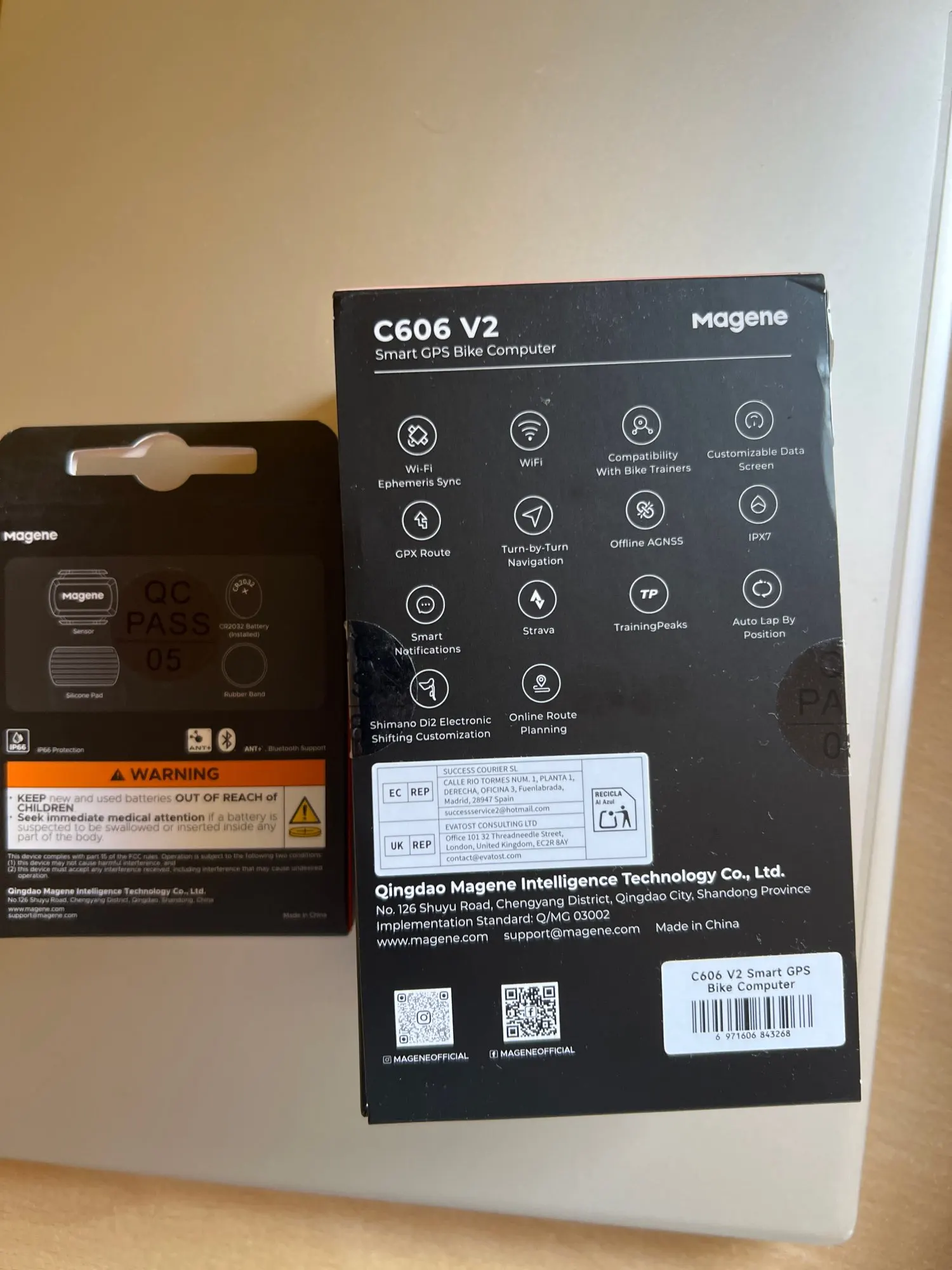
- Broad Device Compatibility: Connects via ANT+ and Bluetooth 5.0 to a wide range of sensors including speed, cadence, heart rate monitors, power meters, smart trainers, radar tail lights, and electronic shifting systems (SHIMANO Di2, Sram eTap).
- Multi-Language Support: Supports 13 global languages including English, Spanish, Portuguese, German, French, Italian, Polish, Traditional Chinese, Korean, Japanese, and Russian.
- Multi-Scenario ClimbPro: Plan routes in advance or engage mid-climb with real-time climb details, remaining distance, elevation gain, and customizable data fields.
- Strava Segments: Sync Strava segments in real-time, receive alerts, and use a custom segment dashboard for competitive analysis.
- Cycling Dynamics: Optimize your pedal stroke with power phase, pedal stroke analysis, and platform center offset data when paired with a compatible power meter.
- Advanced Smart Navigation: Enjoy turn-by-turn guidance, multi-source route imports (GPX, APP), online re-planning, dual recalculation strategies, dual map orientation, expanded map scales, and support for routes up to 1,000 km.
- Comprehensive Analysis with OnelapFit APP: A professional application for cycling training and data analysis, supporting 38 data items and 15 charts. Effortlessly auto-share data to platforms like Strava and TrainingPeaks.


Maintenance
Battery Care
- The C606V2 uses a rechargeable lithium battery. To ensure optimal battery lifespan and prevent hazards, adhere to the following:
- Do not dismantle, modify, puncture, squeeze, or damage the battery.
- Do not expose the device or battery to flames, explosions, or other extreme heat sources.
- Avoid high-temperature environments, such as inside a dryer or direct sunlight in a car.
- Do not immerse the battery in water or any other liquids.
- Avoid frequent overcharging.
- Do not charge the battery near heat sources or in extremely hot conditions.
- Charge the battery strictly according to the specified requirements to prevent overcurrent.
- If the product is not used for an extended period, charge the battery to full capacity before storage to extend its lifespan. It is recommended to charge the device at least once every three months.
Device Protection
The C606V2 is designed with durability in mind, featuring a standard TPU bike computer case and a tempered glass screen protector. These components help protect the device from everyday wear and tear, ensuring a long-lasting and carefree riding experience.
Troubleshooting
- Device not powering on: Ensure the device is fully charged. If it has been stored for a long time, charge it for at least 3 hours.
- Difficulty connecting to sensors: Check that the sensors are powered on and within range. Ensure the correct sensor type is selected in the device settings. If using ANT+, ensure no other devices are interfering.
- Data not syncing to OnelapFit app: Verify that the bike computer is connected to Wi-Fi or Bluetooth and that the OnelapFit app is open and logged in on your smartphone. Check your internet connection.
- Navigation issues: Ensure GPS signal is acquired. If using offline maps, verify they are downloaded and up-to-date.
- Incompatibility with smart trainers: While the C606V2 supports smart trainers via ANT+, specific models might have unique requirements. Ensure your trainer is broadcasting an ANT+ signal and try re-pairing.
Specifications
| Feature | Detail |
|---|---|
| Product Model | C606 V2 |
| Certification Model | P0101373 |
| Nominal Voltage | 3.8V |
| Nominal Capacity | 2000mAh |
| Ref. Weight | 107g |
| Screen Size | 2.8 Inches |
| Screen Type | Full-laminated color touchscreen |
| Display Color | Color |
| Device Dimensions | 97x57x17.6mm |
| Number of Buttons | 3 |
| Supported Riding Modes | 12 (2 default, 10 customizable) |
| Supported Data Types | 110+ data items in 14 categories |
| Number of Pages | Up to 10 pages per riding mode |
| Navigation | Turn-by-turn map navigation |
| Waterproof Level | IPX7 |
| Charging Interface Type | Type-C |
| Battery Life | 15-25 hours (affected by custom settings and usage environment) |
| Charging Time | 3 hours |
| Operating Temperature | -10°C to 50°C |
| Wireless Protocols | Wi-Fi, Bluetooth 5.0, ANT+ |
| Storage | 8GB |
| Supported Satellites | Beidou, GPS, Glonass, Galileo |
| Data Exporting | Compatible with Strava, TrainingPeaks |
| Manufacturer | Qingdao Magene Intelligence Technology Co., Ltd. |
| Origin | Mainland China |
Comparison with other models (C706, C606 Pro)

Warranty and Support
Limited Warranty Coverage
The Magene C606V2 GPS Bike Computer undergoes strict quality inspection. Any malfunction due to product quality issues under normal use conditions within the warranty period will be covered by free repair. The warranty period is 2 years for EU countries and 1 year for other countries. The warranty period is based on the activation time. For products not requiring activation, the warranty period is based on the purchase date. If no purchase date is available, the factory date is used.
Situations Not Covered by Limited Warranty:
- Exceeding the warranty period.
- Damage caused by improper use, maintenance, or storage.
- Product damage due to failure to use or install according to the instruction manual.
- Unauthorized repair, misuse, collision, negligence, abuse, liquid ingress, accident, alteration, or use of unspecified non-original accessories.
- Unauthorized alteration of the warranty certificate.
- Absence of a valid warranty certificate or invoice.
- Product serial number or code on the warranty certificate not matching the actual product.
- Malfunctions or damage caused by reasons unrelated to the product's design, manufacturing, or quality.
- Normal wear and tear or soiling (e.g., scratches), and damage from human factors like contact with chemical reagents, sharp objects, dropping, or crushing.
- Damage caused by force majeure.
After-Sales Service Period
Magene provides lifetime after-sales service for its products. For products outside the warranty period, users are responsible for all repair costs, including parts, labor, and shipping.
Regulatory Compliance
CE Declaration of Conformity
Qingdao Magene Intelligence Technology Co., Ltd. declares that this product complies with Directive 2014/53/EU. The full text of the EU declaration of conformity is available on the Magene website.
UKCA Declaration of Conformity
Qingdao Magene Intelligence Technology Co., Ltd. declares that this product complies with The Radio Equipment Regulations 2017. The full text of the declaration of conformity is available on the Magene website.
FCC Statements
This device complies with part 15 of the FCC rules. Operation is subject to two conditions: (1) this device may not cause harmful interference, and (2) this device must accept any interference received, including interference that may cause undesired operation.
Note: The manufacturer is not responsible for any radio or TV interference caused by unauthorized modifications. This equipment should be installed and operated with a minimum distance of 20cm between the radiator and your body.
Recycling Information
WEEE (Waste Electrical and Electronic Equipment) European Directive 2012/19/EU
This symbol indicates that the product must not be disposed of with household waste. It is your responsibility to dispose of waste equipment at a designated collection point for recycling electrical and electronic equipment. This helps conserve natural resources and protect human health and the environment. Contact your local city office or waste disposal service for more information.
Batteries
In accordance with the Battery Directive, used batteries should not be disposed of in domestic waste. Dispose of your batteries in collection containers specific for this purpose at retail stores.
Contact Information
- Manufacturer: Qingdao Magene Intelligence Technology Co., Ltd.
- Address: No. 126, Shuyu Road, Chengyang District, Qingdao City, Shandong Province, China
- Website: www.magene.com
- Support Email: support@magene.com
User Tips
- The C606V2 seamlessly uploads data to Strava and TrainingPeaks via the OnelapFit app, making it easy to track and share your rides.
- Route management is highly effective and comparable to premium brands.
- Take advantage of the customizable screens to display the data most relevant to your riding style.
- The device can detect cars and provide alerts with sound, enhancing safety during your rides.
- Ensure the OnelapFit app is updated to the latest version for optimal performance and access to all features.
Frequently Asked Questions (FAQ)
- Q: What is the warranty period for the Magene C606V2?
- A: The warranty period is 2 years for EU countries and 1 year for other countries. Please refer to the 'Warranty and Support' section for full details.
- Q: Can I connect the bike computer to Strava?
- A: Yes, the C606V2 connects to the OnelapFit app, which then allows for seamless data export and synchronization with Strava and TrainingPeaks.
- Q: Is the C606V2 compatible with smart trainers?
- A: Yes, the device supports connectivity with smart trainers via ANT+ protocol.
- Q: How long does the battery last on a single charge?
- A: The battery life is typically 15-25 hours, though this can vary based on custom settings and usage environment.
- Q: Does it support turn-by-turn navigation?
- A: Yes, the C606V2 offers advanced smart navigation with turn-by-turn map navigation and support for routes up to 1,000 km.