

Important Safety Information
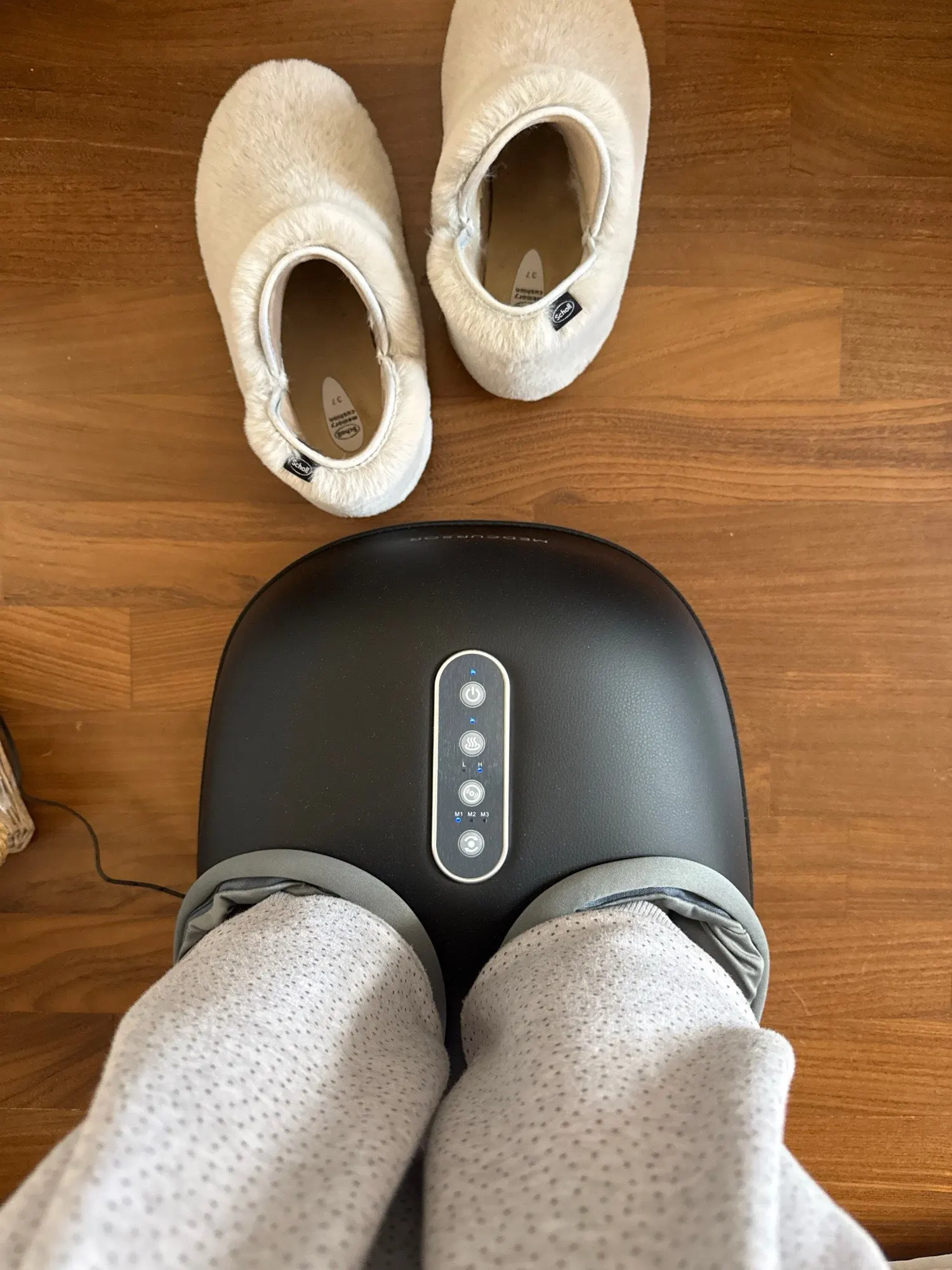
To reduce the risk of burns, fire, electric shock, or other injuries, please follow all instructions and safety guidelines. Read all instructions before using.
Danger:
- Always unplug this massager from the electrical outlet immediately after using and before cleaning.
- Examine your massager's fabric covering for any sign of damage before using. If there are any blisters, tears, or cracks, do not use your massager.
- Never use pins or other metallic fasteners with this massager.
- Keep it dry. Do not use the massager if it is wet.
Warning:
- Do not leave your massager unattended when plugged in. Unplug when not in use, Connect the parts or attachments before connecting the device to the power outlet.
- Do not operate under a blanket or pillow. Overheating can occur causing fire, electric shock, or other injuries.
- Close supervision is necessary when your massager is used by or near children, or person with disabilities.
- Do not use the massager if it has been dropped, if it is not working properly, or if any of its parts (including the cord or plug) are damaged. Please contact Customer Support.
- Do not use the massager if it gets wet. Make sure that the foot cloth cover is also dry and clean.
- Turn off and stop using the massager immediately if it makes an unusual noise, emits a strange smell, or if smoke comes out of it. Contact Customer Support.
- Do not carry the massager by the cord.
- Do not use this massager for more than 30 minutes at a time.
- Only use while seated.
- Do not stand on the massager or place heavy objects on it.
- Do not remove the housing or the cloth cover when operating the device.
- Do not try to repair the massager. Contact Customer Support, if the massager is malfunctioning.
- Positioning your feet on the massager incorrectly or applying excess pressure may result in pain or injury. This may also damage the massage nodes.
- Children are not allowed to play with the device.
- People who are sensitive to heat should be careful when using the unit.
- Use the device only with the supplied equipment.
Specifications
| Attribute | Value |
|---|---|
| Product Name | Medcursor Foot Massager |
| Product Dimension | About 14.37 x 6.89 x 13.78 inches |
| Product Weight | About 2.85 kg (6.28 lbs) |
| Power Supply | Input: AC 100-240V, 50-60Hz / Output: DV 12V, 2.5A |
| Rated Power | 30 watts |
| Runtime | 15 minutes (automatic shut-off) |
| Suitable Feet Size | Up to US size 11 (EU size 45) |
| Item Type | Massage & Relaxation |
| Material | Composite Material |
| Application | Foot |
| Certification | FCC |
Additional features include a soothing heat function, 2 levels of air pressure, 3 massage modes, and detachable sleeves for easy cleaning.

Image: Overview of the foot massager's intelligent features, including heat, air pressure levels, massage modes, auto-off timer, and detachable sleeves.
Structure Diagram

Image: Labeled diagram showing the main parts of the foot massager.
- Control panel
- Foot slot
- Cloth cover

Image: Close-up showing the removable and washable foot cover, high-quality PU material, quiet working status, and 4 soft non-slip feet.
Operating Guide
Control Panel Overview

Image: Detailed view of the control panel buttons and their functions.
Once a function is activated, the corresponding light will illuminate "blue" on the device.
| Button | Function |
|---|---|
| Power (U) | Press this button to turn on the device. Press again at any time to turn off the massager. |
| Heat (SSS) | Press heat button to turn on/off the heating function. |
| Air Intensity (L/H) | Press the Air Intensity button to adjust the air pressure level (L for lower, H for higher). |
| Mode (M1/M2/M3) | Press the mode button to change the massage mode. |
Usage Steps:
- Connect the plug to the power source. The massager will be on standby.
- Press the Power button. The Power indicator lights up, and the unit will start on MASSAGE MODE 1 (default setting).
- Press the Heat button to turn on/off the heating function.
- Press the Air Intensity button to adjust the air pressure. There are two levels: "L" (lower air pressure) and "H" (higher air pressure). Note: When you press the "POWER" button, the Low-intensity level will start. If you press the air intensity again after power on, the air intensity level will change to High-Level.
- Press the Mode button to change the massage mode:
- M1: MASSAGE MODE + AIR PRESSURE MODE (Default: Kneading + Rolling + Heat + Air Pressure activated). In this mode, massage rollers move slower for a gentler massage. For a deeper massage, adjust Air Pressure from "L" to "H".
- M2: MASSAGE MODE Only (Kneading + Rolling Only). In this mode, Air Intensity is not active even if the Air Intensity button is pressed.
- M3: AIR MODE Only (Air Pressure activated). In this mode, only Air Pressure is active, no kneading. For a deeper massage, select M1 and adjust Air Intensity from "L" to "H".
Important Tips for Operation:
- The automatic massage lasts 15 minutes. The device automatically switches off after this period to prevent overheating. Unplug the power cable from the socket after every use.
- We recommend limiting massage sessions to 15-30 minutes. Longer massage time may cause mild pain.
- If the massager is used for too long, overheat protection will activate and the massager will shut down. Allow the massager to cool for about 40 minutes before using again.
- Avoid using with only 1 foot unless necessary, as this may shorten the life of the massager.
- If you feel uncomfortable or experience pain while using the massager, stop using immediately. Consult a physician if necessary.
Product Demonstration Video:
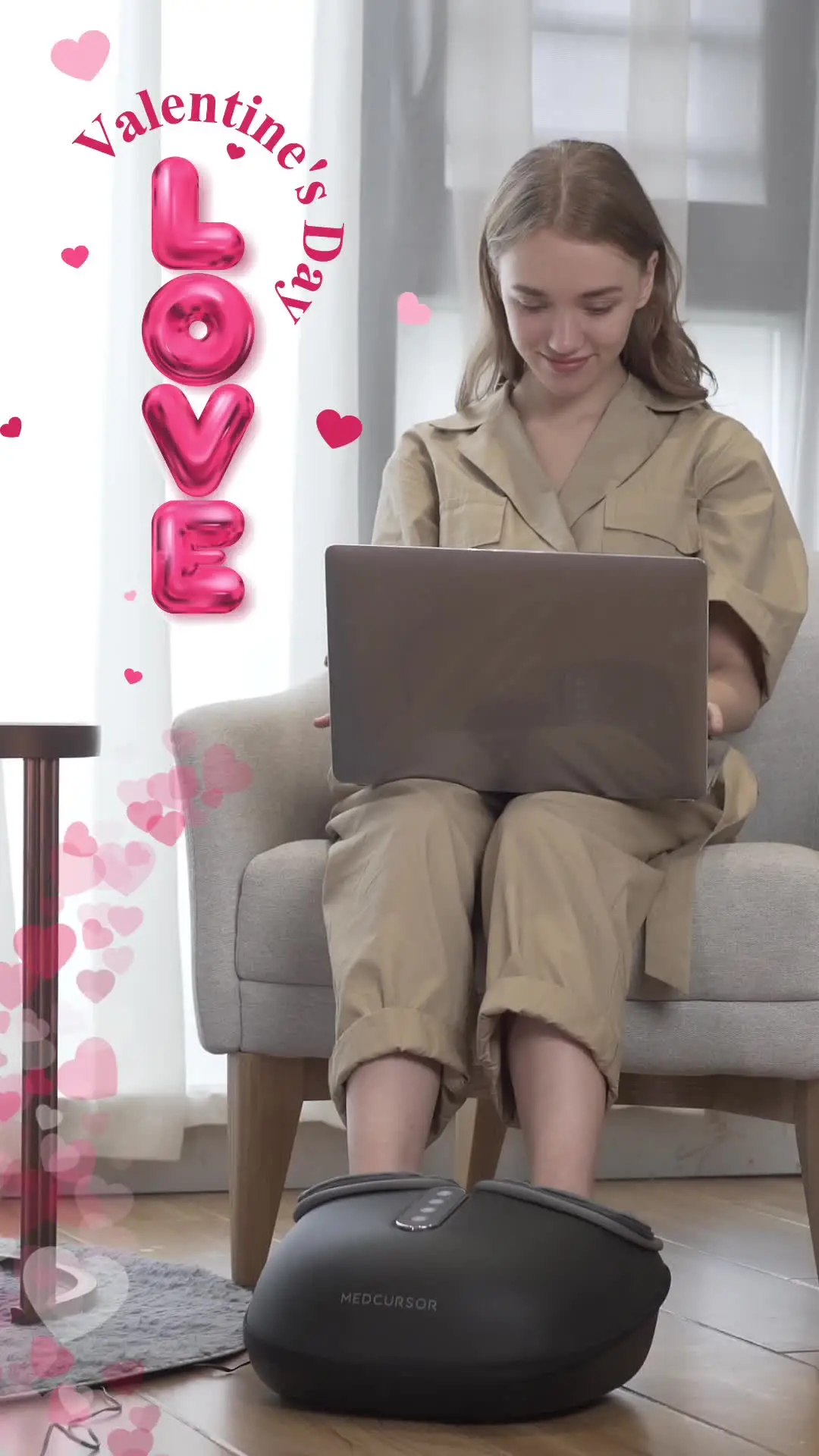
Video: A short demonstration of the Medcursor Shiatsu Foot Massager in use, highlighting its features and ease of operation.
Foot Reflex Zones
Reflexology has the advantage over an all-body massage due to the fact that there are approximately 72,000 nerve endings of different organs in the feet. Precisely performed massages can be very beneficial to our health and well-being.
Precision massages of the foot reflex zones can stimulate metabolism and blood circulation, among other things. It also stimulates digestion and supports the self-healing process of the body.
The more we care about the vitality of our feet, the better it is for our body. The feet are known as a microsystem in which each organ is said to be connected and reflected and can be treated individually.
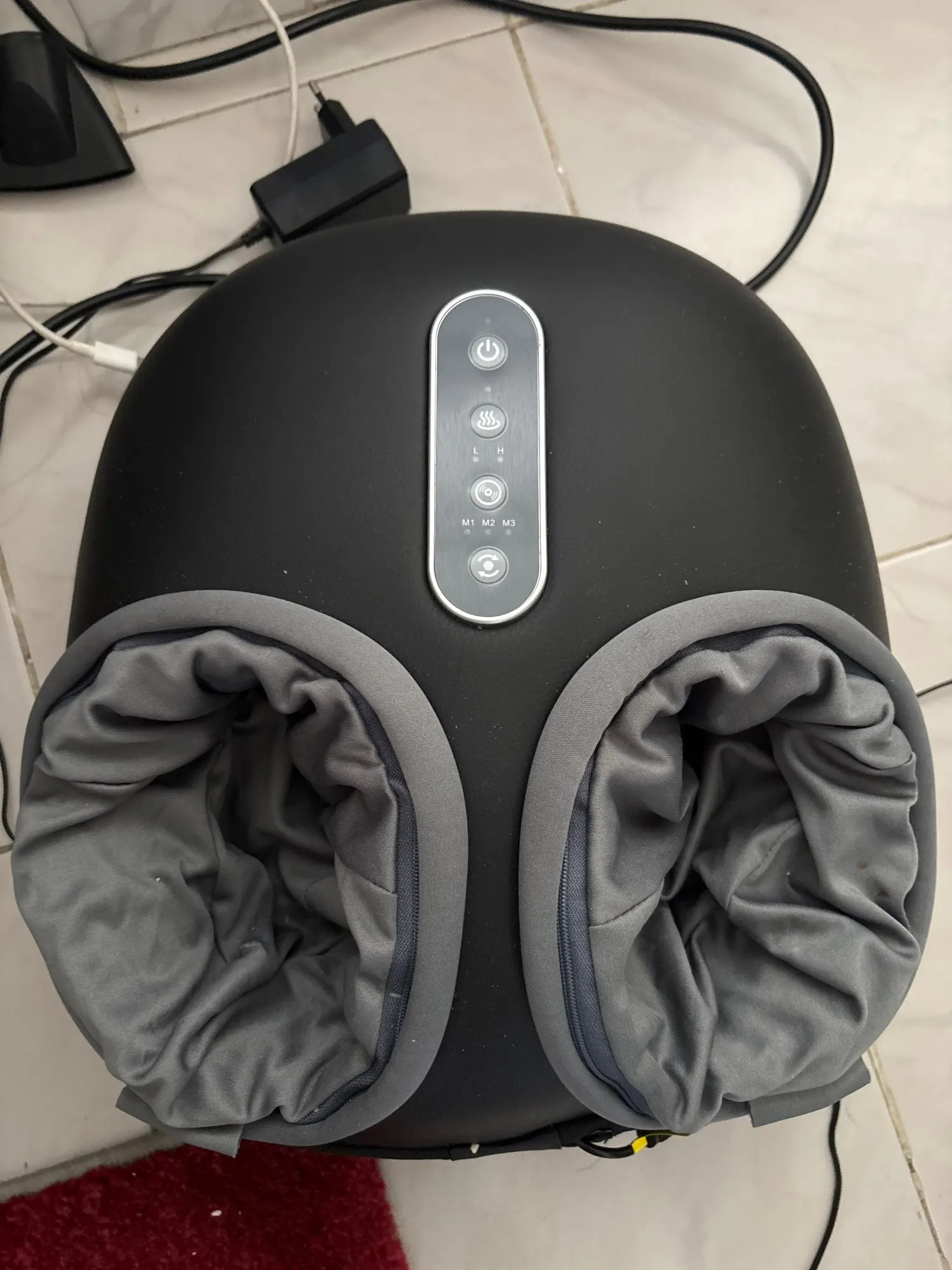
Image: A diagram illustrating the various reflexology points on the foot and their corresponding organs and body parts.
Importance of Foot Care:
- Neglecting the feet can affect the whole body.
- Muscle tension can arise due to poor posture of the body. This in turn can have negative effects on the spinal column and the nerve tracts and result in other physical complaints.
- Sleeping problems can cause cold feet which usually result in circulatory disorders.
- Swollen legs, muscle cramps, and blood congestion can be caused by excessive sitting and physical inactivity.
- Provide your feet with sufficient energy so that the veins embedded in the muscles can transport the blood throughout the entire body again.
Storage & Maintenance
With proper usage and maintenance, you can increase the lifespan of your massage device and ensure safe operation.
- Recommended storage: Store in a dry and dust-free environment.
- Keep the device away from wet areas, liquids, combustible materials, and open flames.
- Clean the device with a soft, dry cloth.
- Unplug the device from the power outlet when in use.
Troubleshooting
| Common Problems | Possible Solutions |
|---|---|
| The massager cannot be turned on. |
|
| The massage intensity is too strong or too weak. | Change the mode and intensity setting of the massager to match your preferences. |
| The massager is turned on, but the massage functions stopped working. |
|
| An unknown error occurred. |
|
| The Air Intensity is not working. |
|
User Tips
- If the massager doesn't seem to work, first check your power outlet and ensure the device is properly plugged in.
- This massager is highly recommended for individuals who spend long hours on their feet, such as those in logistics or retail, to relieve foot pain and fatigue.
- Be aware that for smaller foot sizes (e.g., US size 8/9), the air compression might feel less effective. The device is designed for feet up to US size 11 (EU size 45).
- The heat function is subtle and may not be very strong or immediately noticeable for all users.
- The device operates quietly, making it suitable for use in various environments, including under an office desk or while relaxing at home.
Frequently Asked Questions
- Q: Up to what foot size is the machine suitable?
- A: The machine is suitable for feet up to US size 11 (EU size 45).
- Q: Is the machine suitable for size 14 feet?
- A: No, the machine is suitable for feet up to US size 11 (EU size 45). For larger feet, the air compression might be ineffective.
Warranty and Support
We provide 18 months warranty to all our customers. Warranty starts from the date of its original purchase. If the device fails due to manufacturing defects, please contact us to launch a warranty claim. We will instruct you on how to return, repair, or request a replacement of the product.
Contact Information:
- Email: support@medcursor.com
- Website: www.medcursor.com
For a detailed user manual in PDF format, you can view it here.