
1. Introduction
The SKYRC GSM-015 and GSM020 GNSS Performance Analyzers are professional-grade instruments designed for enthusiasts to measure and analyze various aspects of their RC car, airplane, drone, or helicopter's performance. Utilizing the latest GNSS engine (GPS, GLONASS), these devices provide accurate data on acceleration, G-force, speed, distance, time, and peak altitude.
The GSM020 model also incorporates a barometric pressure sensor for precise altitude detection, capable of measuring up to 29,500 feet (9000m).

2. Safety Information
- Keep the device away from water and moisture.
- Do not attempt to disassemble or modify the device, as this will void the warranty and may cause damage.
- Use only the provided USB cable for charging.
- Ensure the device is securely mounted to prevent it from falling off during operation.
- Avoid exposing the device to extreme temperatures or direct sunlight for prolonged periods.
3. Package Contents
Upon opening the package, please verify that all items are present and in good condition:
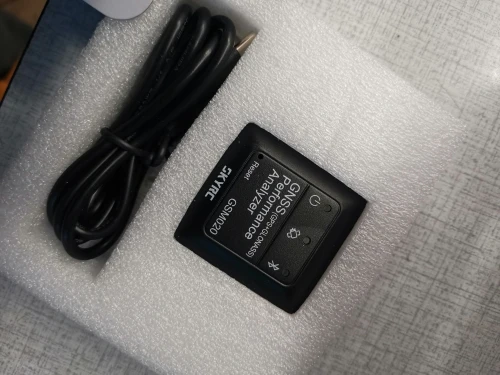
- SKYRC GNSS Performance Analyzer (GSM-015 or GSM020)
- USB Charging Cable
- Instruction Manual (this document, also available as PDF: User manual (PDF))
4. Product Overview
4.1 GSM-015 Features
- LCD Display: Shows speed, time, and other data.
- Buttons: MODE, ENTER, ON/OFF, REC.
- Built-in GPS antenna.
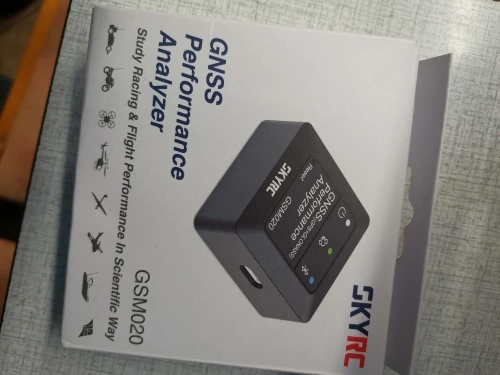
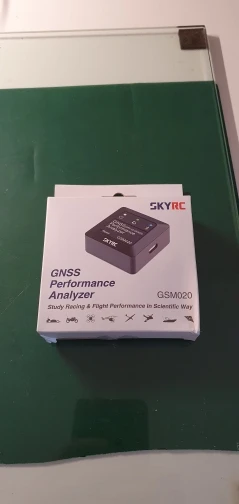
4.2 GSM020 Features
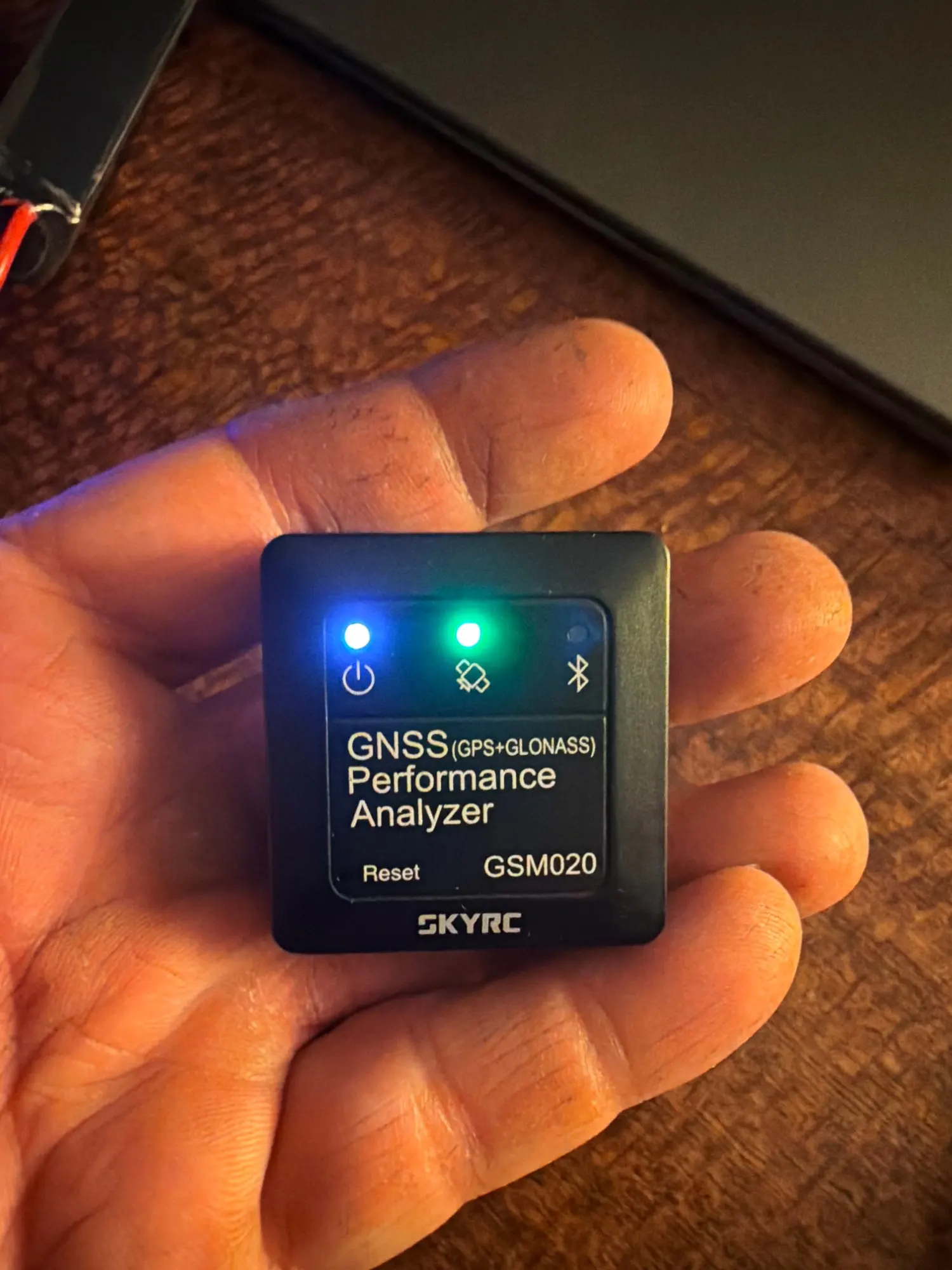
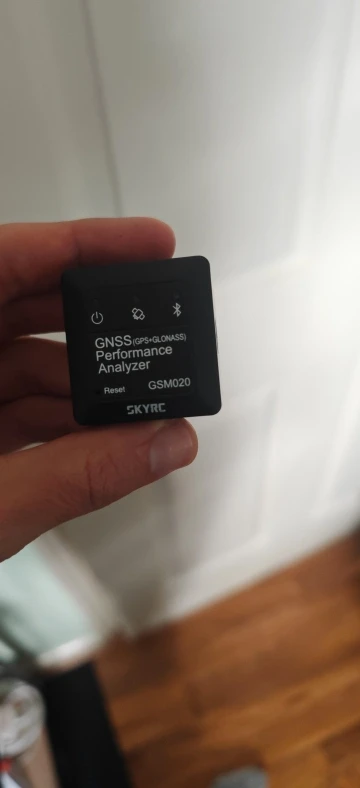
- LED Indicators: Power, GNSS (Satellite), Bluetooth.
- Buttons: Reset.
- USB-C Port for charging and data transfer.
- GNSS (GPS+GLONASS) Performance Analyzer.
- Barometric pressure sensor for altitude measurement.
5. Setup
5.1 Charging the Device
Before first use and regularly thereafter, ensure the device is fully charged.
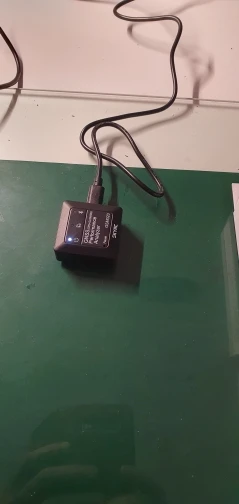
- Connect the device to a powered USB port or USB charger using the provided USB cable.
- During charging, the Power LED will slowly blink.
- Once fully recharged, the Power LED will turn solid white. A full charge typically takes no more than 3 hours.
- The battery should last up to 6 hours of operation. In standby mode, the battery can last for 2 weeks.
Important: Please make sure to charge the battery before its FIRST use and check the battery capacity before EVERY use.
5.2 Mounting the Device
Proper mounting is crucial for accurate signal reception and device stability.
- Location Selection: Choose a location where the antenna can receive signals through glass and plastic. Avoid metal or other conductive surfaces, as these can interfere with the signal. Ensure the antenna is not covered or shielded by any metallic object.
- Surface Preparation: Clean the mounting surface thoroughly to remove any dirt or debris.
- Secure Attachment: Use hook and loop tape (not included, but commonly used for RC applications) to firmly secure the device to the surface.
- Altitude Sensor (GSM020 only): The GSM020 uses a barometric pressure sensor for altitude detection. It must be exposed to air pressure and should not be placed in an airtight container.
5.3 App Installation (GSM020 only)
The GSM020 requires the "GNSS Performance Analyzer" app for full functionality and data analysis.
- Download the free "GNSS Performance Analyzer" app from your device's app store (App Store for iOS, Google Play for Android).
- Ensure Bluetooth is enabled on your mobile device.
Note: The GNSS Performance Analyzer uses the BLE protocol and can only be searched and connected by its dedicated app. Do NOT attempt to connect the GNSS device via your phone's standard Bluetooth settings menu.
5.4 Connecting to the App (GSM020 only)
- Launch the "GNSS Performance Analyzer" app.
- The app will prompt you to choose a device. Click the Bluetooth Symbol within the app.
- Select your GNSS device from the list (e.g., "GPS6601").
- Acquiring satellite signals may take a few minutes. The GNSS LED on the device will turn GREEN once a position is fixed.

5.5 Reconnecting After Use (GSM020 only)
During testing, the Bluetooth connection range is up to 30 feet (10 meters). It is normal for the controls to disappear if your analyzer travels out of range. The device continues to work and record data. After racing or flight, bring your mobile device and the GNSS performance analyzer closer, and the mobile will automatically reconnect to the analyzer.
6. Operation
6.1 LED Indicator Status (GSM020 only)
| LED | Color | Status |
|---|---|---|
| Bluetooth | Blue | Bluetooth connected |
| Bluetooth | Off | Bluetooth disconnected |
| GNSS | Green | GNSS position fixed |
| GNSS | Off | GNSS position not fixed |
| Power | White | Working |
| Power | Off | Standby or no power |
| Power | Blinking | Charging Battery |
| Power | Fast Blinking | Power Low |
6.2 Switching Measurement Systems (GSM-015 only)
The GSM-015 supports both Metric and Imperial systems of measurement. To switch between them, hold and press the MODE button.
6.3 Performance Analysis Modes
The device offers various modes to analyze performance data:
6.3.1 Drag Mode (For gear tuning or performance test)
This mode features automatic start/stop logging. The device automatically starts logging when a satellite lock is achieved and a speed value higher than 1.0 km/h is detected. Logging stops when pre-set criteria are met. This allows for measuring every run without pressing any buttons.
- Custom Measurement: You can set custom acceleration ranges (e.g., 0-40 km/h, 10-50 km/h, 10 meters) or other custom settings.
- Automatic Data Display: Test data is automatically displayed once pre-setting criteria are achieved.
- Sharing: Data can be shared, with Excel format available for Drag mode.
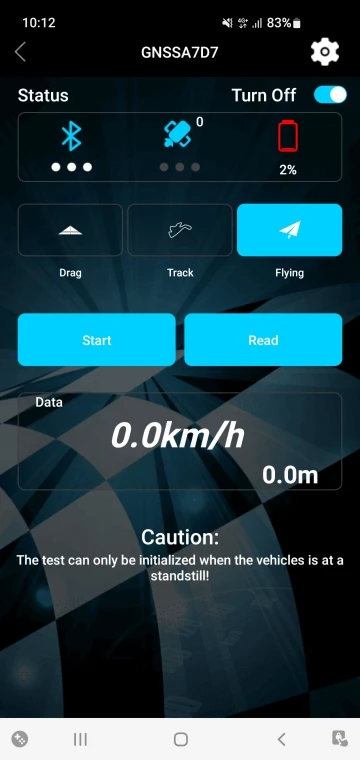
6.3.2 Flying Mode (For altitude and performance test)
In "FLYING" mode, the device can measure peak altitude up to 29,500 feet (9000m). This is ideal for planes, quadcopters, rockets, helicopters, gliders, and kites.
6.3.3 Track Mode (For RC racing performance)
This mode is designed for RC racing, allowing users to easily track data such as speed, total distance, and top speed. It helps in analyzing lap times and overall track performance.
7. Specifications
| General Specifications | |
|---|---|
| GNSS Reception | Concurrent GPS & GLONASS |
| Receiver | L1, 1575.42 MHz |
| Update Frequency | 10 Hz |
| Antenna Type | Built-in |
| Satellite Signal Reception Sensitivity | -167dBm |
| Dimensions (GSM020) | 39 x 40 x 16 mm |
| Weight (GSM020) | 35g |
| Operating Temperature | 0°C to +40°C |
| Storage Temperature | -10°C to +70°C |
| Operating Humidity | 5% to 90% |
| Battery Type | Lithium Battery |
| Batteries Included | Yes |
8. Maintenance
- Cleaning: Use a soft, dry cloth to clean the device. Do not use harsh chemicals or solvents.
- Storage: When not in use for extended periods, store the device in a cool, dry place, away from direct sunlight and extreme temperatures.
- Battery Care: To prolong battery life, avoid fully discharging the battery frequently. Charge the device regularly, even if not in active use.
- Firmware Updates: Check the official SKYRC website or the app for any available firmware updates to ensure optimal performance and new features.
9. Troubleshooting
- Device not turning on: Ensure the battery is charged. Connect to a USB power source and check if the Power LED blinks.
- No GPS signal: Ensure the device is mounted in an open area, away from metallic obstructions. Wait a few minutes for satellite acquisition.
- Bluetooth connection issues (GSM020):
- Make sure Bluetooth is enabled on your phone.
- Ensure you are connecting via the "GNSS Performance Analyzer" app, not your phone's system Bluetooth settings.
- Bring the device closer to your phone (within 10 meters).
- Restart both the device and the app.
- Inaccurate readings: Ensure the device is securely mounted and has a clear line of sight to the sky. For altitude (GSM020), ensure it's not in an airtight container.
- Battery drains quickly: Check if the device has been left on standby for too long. Ensure it's fully charged before use.
10. User Tips
- For RC Car Racing: Use the Track mode to get precise lap times and analyze speed and distance data to optimize your vehicle's performance.
- For Speed Runs: The Drag mode's automatic logging is excellent for comparing performance before and after modifications.
- Mounting: Use strong double-sided tape or hook-and-loop fasteners to ensure the device stays firmly in place during high-speed runs or flights.
- App Usage: Familiarize yourself with the app's interface. It's intuitive and provides valuable data visualization.
- Battery Life: While the device has good battery life, it's a good practice to charge it before every major session, especially if you plan for long recording times. Some users noted that it loses charge fairly quickly if left on standby for extended periods.
- Data Analysis: Don't just record data; use it! The device provides "hard data" which is crucial for making informed adjustments to your RC vehicle.
11. Warranty and Support
This product is guaranteed to be free of manufacturing and assembly defects for a period of one year from the date of purchase. The warranty covers material or operational defects present at the time of purchase.
For any repair or replacement service, please contact your dealer first. The dealer is responsible for processing guarantee claims. This warranty does not cover damage resulting from misuse, modification, or failure to follow the procedures outlined in this manual.
For further support and resources, please visit the official SKYRC website: www.skyrc.com
12. Regulatory Compliance
EU Compliance Statement:
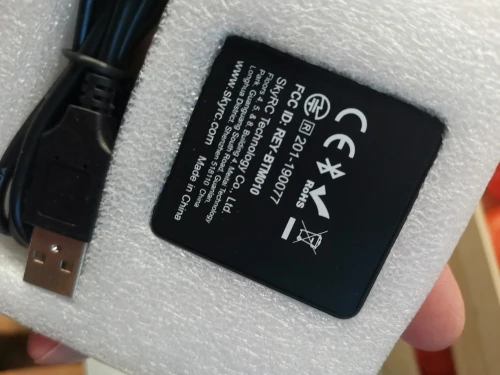
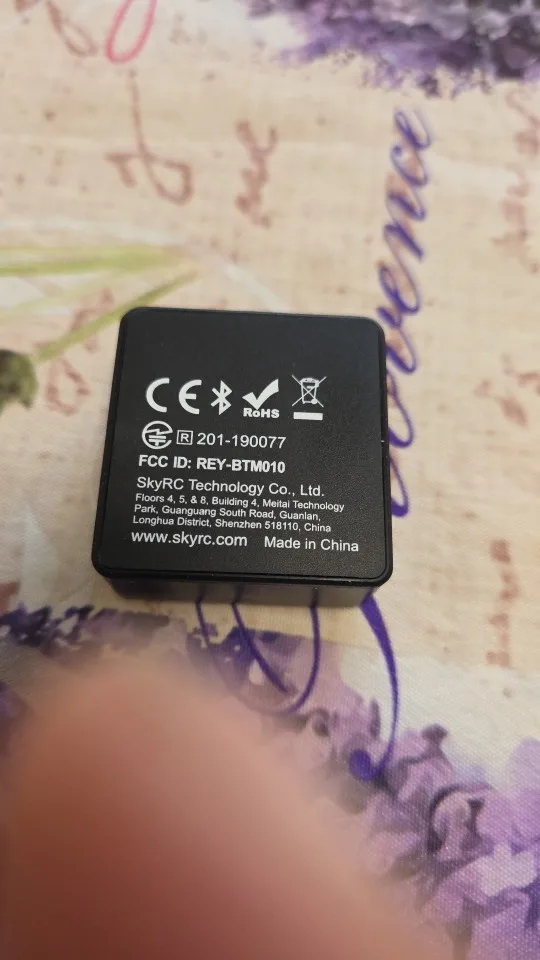
SkyRC Technology Co., Ltd. declares that this device is in compliance with the essential requirements and other relevant provisions of Directive 2014/53/EU.
A copy of the EU Declaration of Conformity is available online at https://www.skyrc.com/downloads.
Printed in China 2021.08 Version: 1.5 7504-1268-06