
1. Introduction
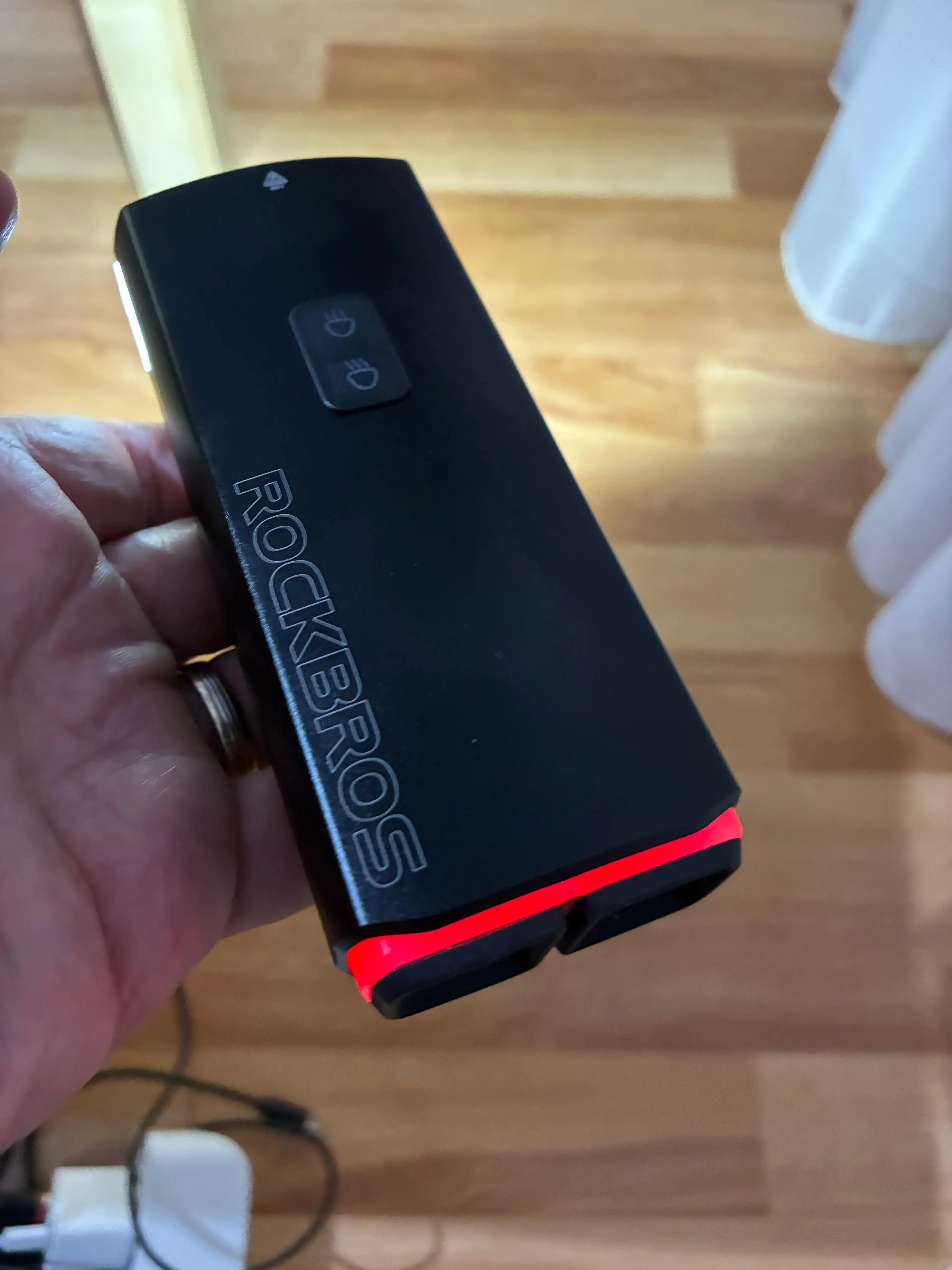
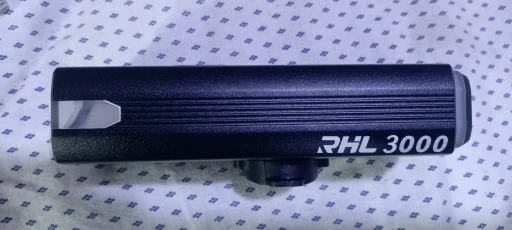
The ROCKBROS RHL3000 is a high-brightness bicycle front light designed for enhanced visibility and safety during cycling. It features dual-light illumination with high and low beam options, a powerful 10000mAh battery that doubles as a mobile power source, and IPX6 water resistance for reliable performance in various weather conditions. This manual provides detailed instructions for the proper installation, operation, and maintenance of your RHL3000 bike light.

2. Package Contents
Please check the package to ensure all items are present:
- RHL3000 Bike Light Unit
- Handlebar Mount (Base Version)
- Hanging Mount (Optional, for hanging installation)
- USB Type-C Charging Cable
- Hex Key (for installation)
- User Manual (this document)
3. Installation Instructions
The RHL3000 bike light supports both upright (base) and inverted (hanging) installations on your bicycle handlebar.
3.1. Base Version Installation
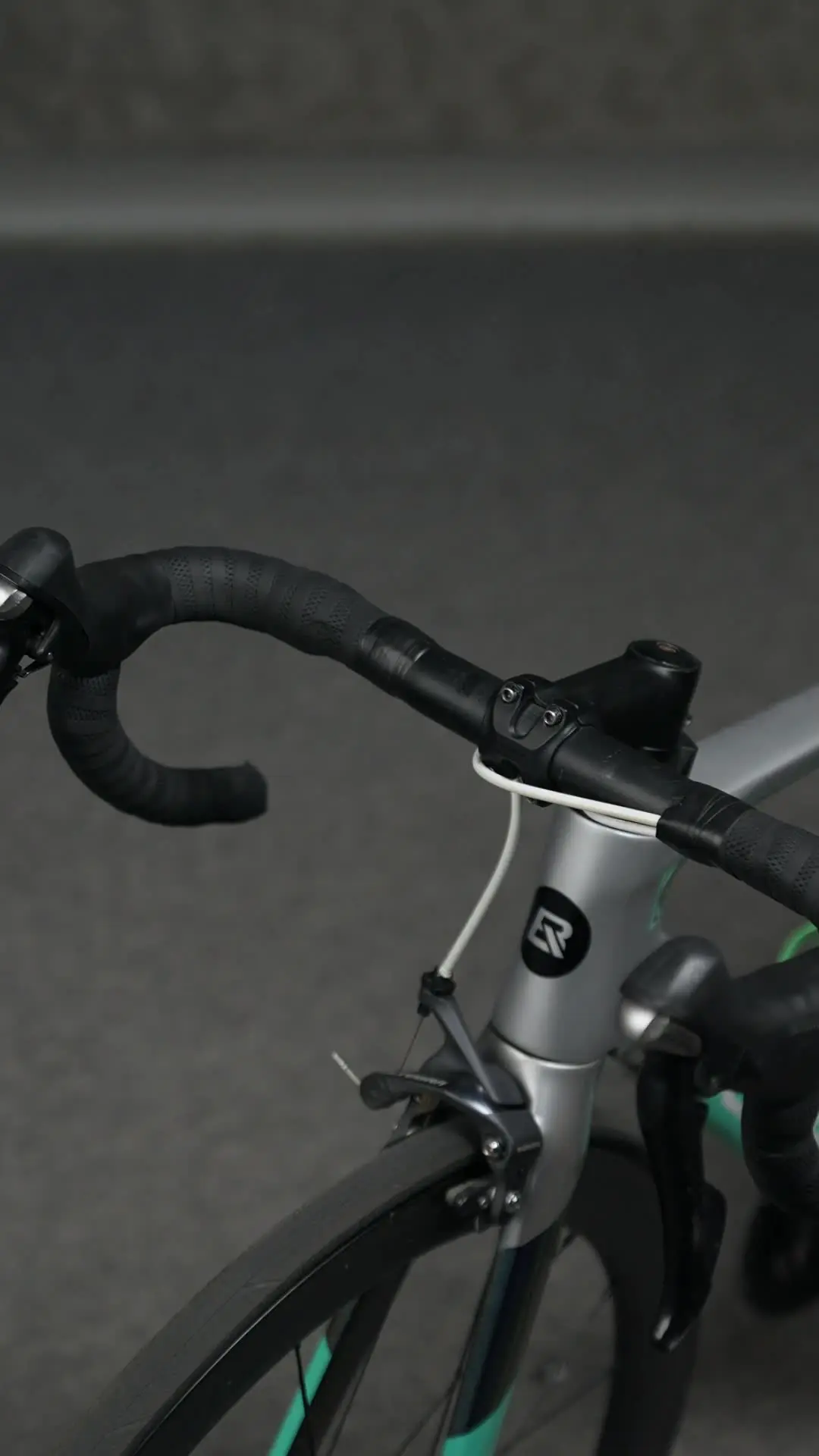
- Attach the handlebar mount to your bicycle handlebar using the provided hex key. Ensure it is securely tightened.
- Slide the RHL3000 light unit onto the mount until it clicks into place.
3.2. Hanging Version Installation
- If using the hanging mount, attach it to the underside of your handlebar or a compatible out-front mount.
- Slide the RHL3000 light unit onto the hanging mount until it clicks into place.
Note: Ensure the mount is stable and the light is firmly attached before riding.
4. Operating Instructions
4.1. Power On/Off and Mode Switching
- Power On/Off: Press and hold the main button for 1.5 seconds to switch the light on or off.
- Low Beam Modes: When the light is on, click the low beam button to cycle through low beam brightness levels (e.g., 800 lumens, 1500 lumens, Off). The light will automatically remember the last used low beam setting upon shutdown.
- High Beam Modes: Click the high beam button to cycle through high beam brightness levels (e.g., 800 lumens, 1500 lumens, Off). The high beam does not have gear memory.
- Warning Gear (Flash Mode): Double-click the low beam button to enter the warning gear, where high and low beams flash alternately at 200 lumens.
- High Brightness Mode (High & Low Beam Combined): In the shutdown state, press and hold the high beam button to turn on both the low beam and high beam simultaneously at their brightest setting (1500 lumens each).
- Lock/Unlock: Press and hold both the high and low beam buttons simultaneously for 5 seconds to lock or unlock the device. When locked, all buttons are inactive.

4.2. Remote Control Instructions (for remote-enabled models)
- Initial Pairing: Long press the main button on the light unit until the rear indicator lights (red, green, blue) flash. Then, long press the function button on the remote control to complete pairing. The indicator lights on the light unit will become solid.
- Mode Switching: Single-click the left/right arrow keys on the remote to switch low beam gears. Single-click the function key to switch high beam gears. Long press the function key to enter high brightness mode (both high and low beams at maximum).
- Battery Replacement: Rotate the remote control to open the rear cover and replace the battery.
4.3. Power Bank Function
The RHL3000 features a 10000mAh battery and a tail output interface, allowing it to function as a mobile power source to charge other devices, such as smartphones, via a USB-C cable.

5. Maintenance
5.1. Charging the Device
Connect the RHL3000 to a power source using the provided USB Type-C cable. During charging, the tail status light will breathe and flash red. Once fully charged, the green light will remain solid.
5.2. Battery Low Power Reminder
| Battery Level | Tail Status Light |
|---|---|
| Greater than 50% | Green light |
| 50% to 15% | Blue light |
| Less than 15% | Red light |
5.3. Water Resistance
The RHL3000 has an IPX6 waterproof rating, making it resistant to strong jets of water. To ensure optimal waterproof performance, always securely fasten the rear dust cover after charging or using the power bank function.

5.4. Smart Temperature Control
The device features intelligent temperature control. If the lamp head temperature exceeds 70°C, it will automatically downshift to a lower brightness level. If the temperature exceeds 100°C, the device will automatically cut off power and shut down to prevent damage.
5.5. General Care
- Clean the light with a soft, damp cloth. Do not use abrasive cleaners or solvents.
- Store the light in a cool, dry place when not in use.
- Avoid prolonged exposure to direct sunlight or extreme temperatures.
6. Troubleshooting
6.1. Light turns off automatically after 5 seconds
This indicates the light might be in a locked state. Press and hold both the high beam and low beam buttons simultaneously for 5 seconds to unlock the device. The light will blink green to confirm it's unlocked.
6.2. Light does not turn on or respond
- Check the battery level indicator. If it's red, the battery is low and needs charging.
- Ensure the device is not in a locked state (see above).
- If the light was recently used at high brightness, it might have shut down due to overheating. Allow it to cool down before attempting to turn it on again.
6.3. Charging takes a long time
The RHL3000 has a large 10000mAh battery. A full charge can take approximately 4 to 5 hours, depending on the power adapter used. This is normal for high-capacity batteries.
6.4. Light not charging
- Ensure the USB Type-C cable is securely connected to both the light and the power source.
- Try using a different USB cable or power adapter.
- Check the charging port for any debris or damage.
7. Specifications
| Feature | Detail |
|---|---|
| Model Number | RHL3000 |
| Maximum Brightness | 3000 Lumens (combined high and low beam) |
| Battery Capacity | 10000mAh (2*21700 lithium batteries) |
| Waterproof Level | IPX6 |
| Body Material | Aluminum alloy |
| Mounting Placement | Handlebar |
| Power Supply | Battery |
| Support Dimmer | 5-8 files (modes) |
| Certification | CE |
| Product Size | 120 x 50 x 30 mm |
| Product Weight | 280g |
| Light Modes | 7 (various high/low beam and flash modes) |
| Range | Approx. 200 meters |
| Intelligent Sensing | Yes |

8. Warranty and Support
8.1. Warranty Policy
This product is covered by a 1-year warranty from the date of purchase. Within 15 days of purchase, if the light fails to operate under normal circumstances, a free replacement of the same model will be provided upon presentation of a valid invoice or receipt.
8.2. Warranty Exclusions
The warranty does not cover:
- Products beyond the free warranty date.
- Damage caused by human factors, such as surface scratches, deformation, or detached parts.
- Products that have been disassembled or modified by unauthorized personnel.
- Damage resulting from accidental misuse or irresistible natural factors.
8.3. Important Safety Notice
Do not look directly into the beam of light, and do not aim the light at other people's eyes, as it can cause temporary vision impairment.
8.4. Additional Resources
For a detailed user manual in PDF format, please refer to the official document: RHL3000 User Manual (PDF)
9. User Tips
- Initial Use: Some units may arrive in a locked state. If the light doesn't turn on, press and hold both the high beam and low beam buttons for 5 seconds to unlock it.
- Charging: For optimal battery life and performance, fully charge the light before its first use.
- Waterproofing: Always ensure the rear dust cover is securely closed to maintain the IPX6 water resistance, especially after charging.
- Night Riding: The RHL3000 offers excellent illumination for night riding, particularly in forests or unlit areas. Utilize the wide low beam for close-range visibility and the narrower, farther high beam for distance.
- Mounting: The robust clamp ensures the light stays secure even during sudden movements.
10. Frequently Asked Questions (FAQ)
Q: Is it normal for the flashlight to take three hours or more to charge?
A: Yes, the RHL3000 is equipped with a large 10000mAh battery. Due to its high capacity, a full charge can take approximately 4 to 5 hours, depending on the power adapter's output. This is considered normal charging time for such a battery.
Q: Does the light have an automatic shutdown function when stopped for a long time?
A: The RHL3000 features intelligent sensing and temperature control. While it doesn't have a specific auto-off function for prolonged stops, its smart temperature control will automatically reduce brightness or shut down if it detects overheating to protect the device.