
1. Introduction
Thank you for choosing the ROCKBROS RHL3000 High-Brightness Bike Light. This versatile device serves as a powerful front bicycle light, offering up to 3000 lumens of illumination, and doubles as a 10000mAh power bank for charging your mobile devices. Designed for safety and convenience, it features multiple lighting modes, intelligent temperature control, and robust IPX6 water resistance. Please read this manual carefully to ensure proper use and maintenance of your device.

Figure 1: ROCKBROS RHL3000 High-Brightness Front Light with Dual-Light Illumination.
2. Package Contents
Please check the package for the following items:
- 1 x ROCKBROS RHL3000 Bike Light Unit
- 1 x Handlebar Mount (Top-mount or Hanging-mount, depending on version)
- 1 x USB Type-C Charging Cable
- 1 x Hex Key (for mount installation)
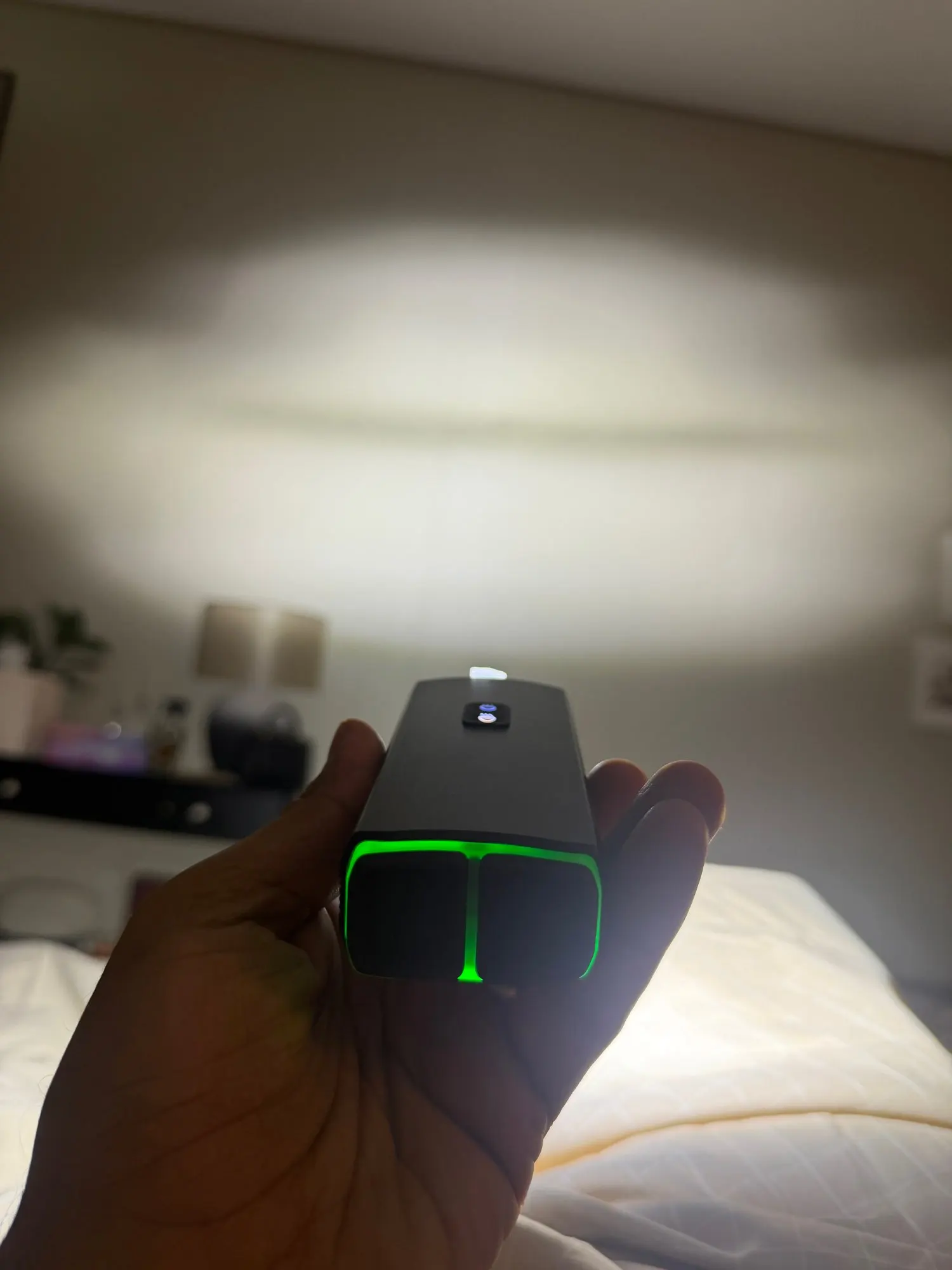
Figure 2: Contents of the RHL3000 package, including the light, mounts, cable, and hex key.
3. Setup and Installation
The RHL3000 bike light supports both top-mount and hanging-mount installations on your bicycle handlebar.
3.1 Top-Mount Installation
- Attach the top-mount bracket to your handlebar using the provided hex key. Ensure it is securely fastened and positioned correctly.
- Slide the RHL3000 light unit onto the bracket until it clicks into place.
- Adjust the angle of the light to ensure optimal visibility and avoid dazzling oncoming traffic.
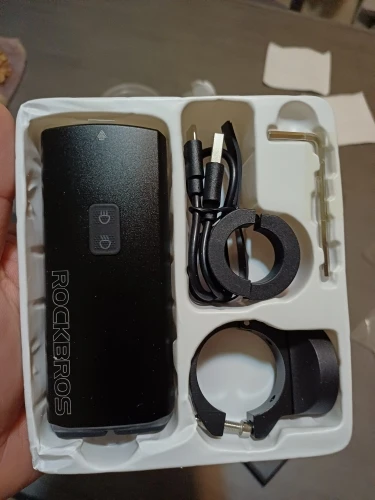
Figure 3: Installation diagram for the top-mount version of the RHL3000.
3.2 Hanging-Mount Installation
- Attach the hanging-mount bracket to your handlebar using the provided hex key. Ensure it is securely fastened and positioned correctly, allowing the light to hang below the handlebar.
- Slide the RHL3000 light unit onto the bracket until it clicks into place.
- Adjust the angle of the light for optimal illumination.
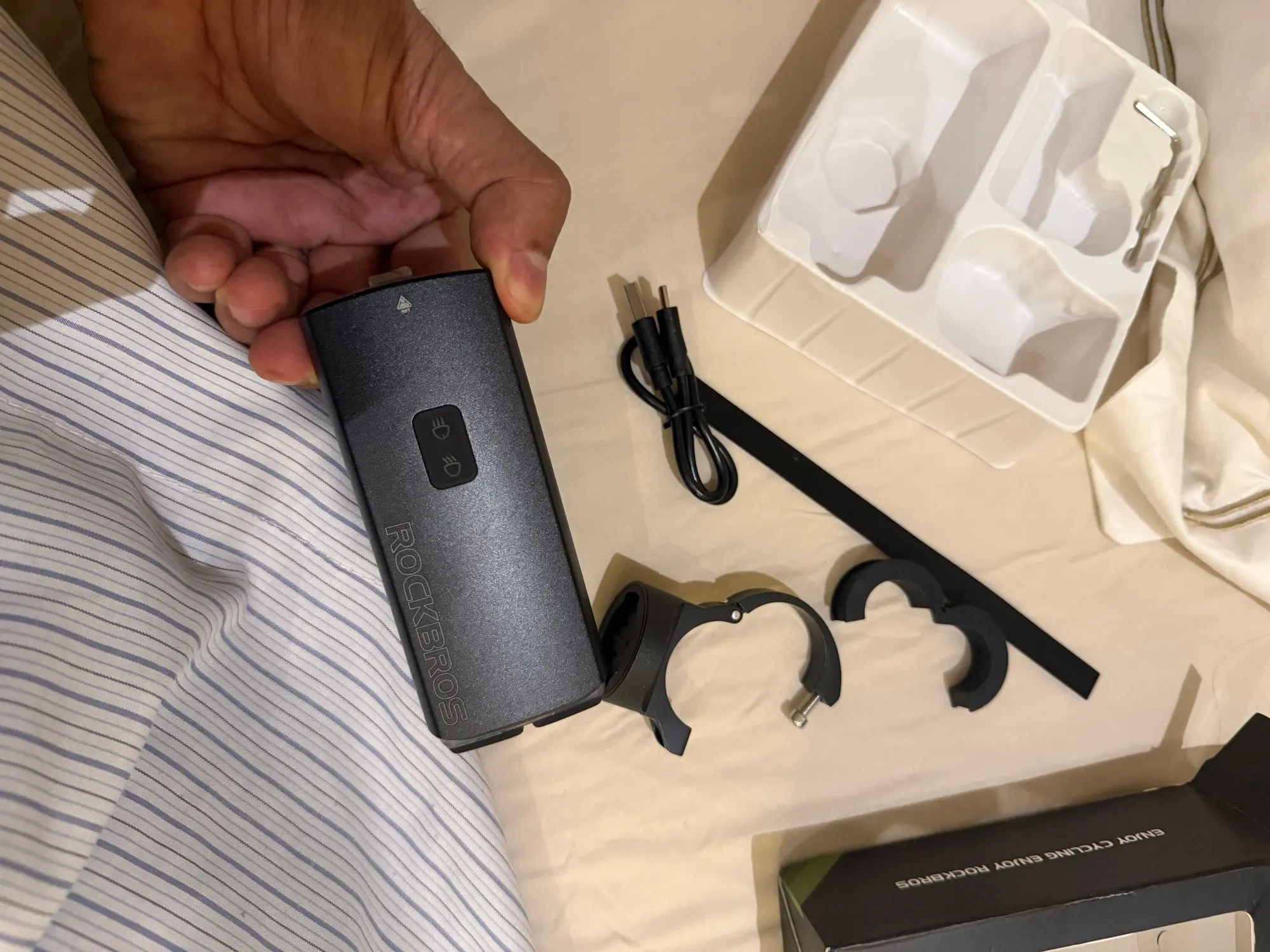
Figure 4: Installation diagram for the hanging-mount version of the RHL3000.
4. Operating Instructions
4.1 Power On/Off
- To Turn On/Off: Press and hold the main power button for 1.5 seconds.
4.2 Brightness Adjustments and Light Modes
The RHL3000 features independent controls for low beam and high beam, offering a total of 6 brightness adjustments and a warning mode.
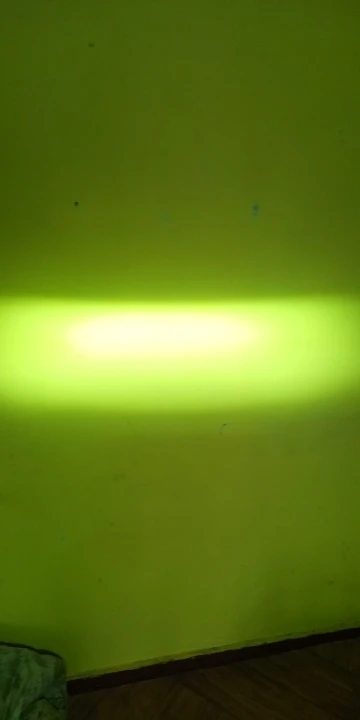
Figure 5: Visual guide to the 6 brightness adjustments and modes.
- Low Beam Operation:
- From OFF, press and hold the low beam button to turn on the low beam.
- Click the low beam button to cycle through modes: Mode A (1500 lumens) → Mode B (800 lumens) → Mode C (400 lumens) → Mode D (200 lumens).
- The light will automatically record the current low beam gear after shutdown.
- Warning Gear: Double-click the low beam button to enter the warning gear (200 lumens, high and low beams flash alternately).
- High Beam Operation:
- From OFF, press and hold the high beam button to turn on the high beam.
- Click the high beam button to cycle through modes: Mode E (800 lumens) → Mode F (1500 lumens) → Turn off high beam.
- The high beam does not have gear memory.
- Simultaneous High and Low Beam:
- Press and hold the high beam button to turn on both the low beam and high beam simultaneously. Both beams will be set to 1500 lumens for maximum output (3000 lumens combined).
4.3 Lock/Unlock Function
- To lock or unlock the light, simultaneously press and hold both the high beam and low beam buttons for 5 seconds. When locked, all buttons will be inactive.
4.4 Remote Control (Optional, for remote-enabled models)
- Initial Pairing: Long press the main button on the light unit until the tail indicator flashes red, green, and blue. Then, long press the function key on the remote control to complete pairing. The tail indicator will become steady.
- Remote Operation:
- Click the left/right arrow keys to switch low beam gears.
- Click the function key to switch high beam gears.
- Long press the function key to enter the brightest mode (both high and low beams at maximum).
- Remote Battery Replacement: Rotate the remote control counter-clockwise to open the back cover and replace the battery.
5. Charging and Power Bank Function
5.1 Charging the Bike Light
- Connect the provided USB Type-C cable to the charging port on the light and to a USB power adapter (not included).
- During charging, the tail status light will show a breathing red light.
- Once fully charged, the tail status light will turn solid green.
5.2 Using as a Power Bank
The RHL3000 is equipped with a 10000mAh battery and can be used to charge other devices.
- Connect your mobile device's charging cable to the output port on the tail of the RHL3000.
- The light will begin charging your device.
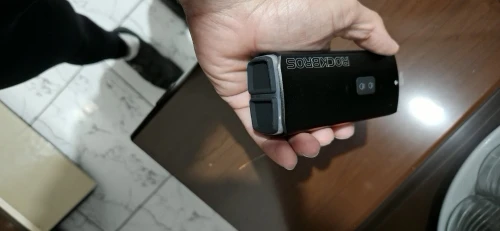
Figure 6: RHL3000 functioning as a mobile power source, charging a smartphone.
5.3 Battery Level Indicator
The tail status light indicates the remaining battery power:
- Green Light: Battery power is greater than 50%.
- Blue Light: Battery power is between 15% and 50%.
- Red Light: Battery power is lower than 15%.
6. Maintenance
- Cleaning: Wipe the light with a soft, damp cloth. Do not use abrasive cleaners or solvents.
- Water Resistance: The RHL3000 has an IPX6 waterproof rating. To ensure optimal waterproof performance, always securely fasten the rear dust cover over the charging/output ports.
- Storage: Store the light in a cool, dry place when not in use. If storing for extended periods, charge the battery to about 50% every few months to prolong its lifespan.
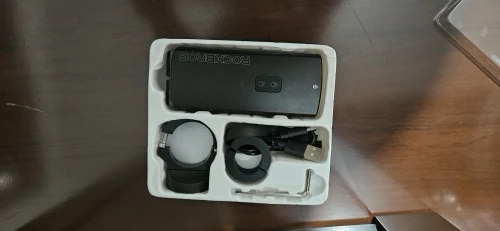
Figure 7: RHL3000 showcasing its IPX6 water resistance in a rainy environment.
7. Troubleshooting
- Light not turning on: Ensure the battery is charged. If fully charged and still not turning on, try locking and unlocking the device (press and hold both beam buttons for 5 seconds).
- Battery not charging: Check the USB cable and power adapter. Ensure the cable is fully inserted into the Type-C port.
- Melted plastic cover over LED: This could indicate overheating or a manufacturing defect. Discontinue use immediately and contact customer support.
- Light suddenly turns off or dims: The RHL3000 has intelligent temperature control. If the lamp head temperature exceeds 70°C, it will automatically downshift brightness. If it exceeds 100°C, it will cut off power and shut down to prevent damage. Allow the light to cool down.
8. Specifications
| Feature | Specification |
|---|---|
| Model Number | RHL3000 |
| Maximum Brightness | 3000 Lumens (combined high/low beam) |
| Product Size | 120 x 50 x 30 mm |
| Product Weight | 280g |
| Battery Type | 2 x 21700 Lithium Battery |
| Battery Capacity | 10000mAh |
| Power Supply | Battery |
| Body Material | Aluminum Alloy |
| Waterproof Level | IPX6 |
| Mounting Placement | Handlebar |
| Certification | CE |
| Intelligent Sensing | Yes |
| Support Dimmer | 5-8 files (modes) |
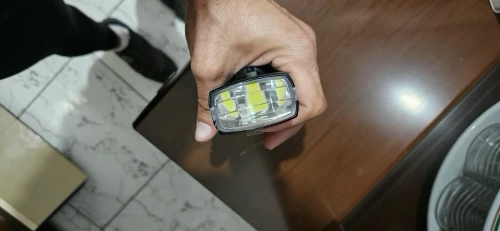
Figure 8: Summary of RHL3000 key features.
9. User Tips
- Exceptional Brightness: Users consistently praise the RHL3000 for its intense brightness, often comparing it to a car headlight, making it ideal for night riding in dark conditions.
- Versatile Lighting: Take advantage of the multiple lighting modes. The ability to use both high and low beams simultaneously provides excellent coverage and enhanced illumination when needed.
- Battery Life: The 10000mAh battery offers a good lifespan. Remember to charge it regularly, especially if you frequently use the higher brightness modes or the power bank function.
- Easy Installation: The light is designed for quick and easy installation on your handlebar. Ensure the mount is securely fastened to prevent movement during rides.
- Water Resistance: While IPX6 rated, always double-check that the rear dust cover for the charging/output ports is securely closed to maintain water resistance, especially before riding in wet conditions.
- Weight Consideration: Some users note the light has a substantial weight due to its large battery and aluminum construction. Consider this for your bike setup.
10. Warranty Information
ROCKBROS offers the following warranty for the RHL3000 Bike Light:
- 15-Day Replacement: Within 15 days from the date of purchase, if the light fails to operate under normal circumstances, you are eligible for a free replacement of the same model upon presentation of a valid invoice or receipt.
- 1-Year Warranty: The product is covered by a 1-year warranty from the date of purchase for manufacturing defects.
Warranty Exclusions:
The warranty does not cover:
- Products beyond the free warranty date.
- Damage caused by human factors, such as surface scratches, deformation, or missing parts.
- Products that have been dismantled or modified by unauthorized personnel.
- Damage resulting from accidental misuse, improper operation, or irresistible natural factors (e.g., natural disasters).
Important Safety Note: Do not look directly into the beam of light, and do not aim the light at other people's eyes, as it can cause temporary vision impairment.
11. Support
If you encounter any issues not covered in this manual or require further assistance, please contact your retailer or ROCKBROS customer support. For the official user manual in PDF format, you may refer to the document available at: ROCKBROS RHL3000 User Manual PDF.
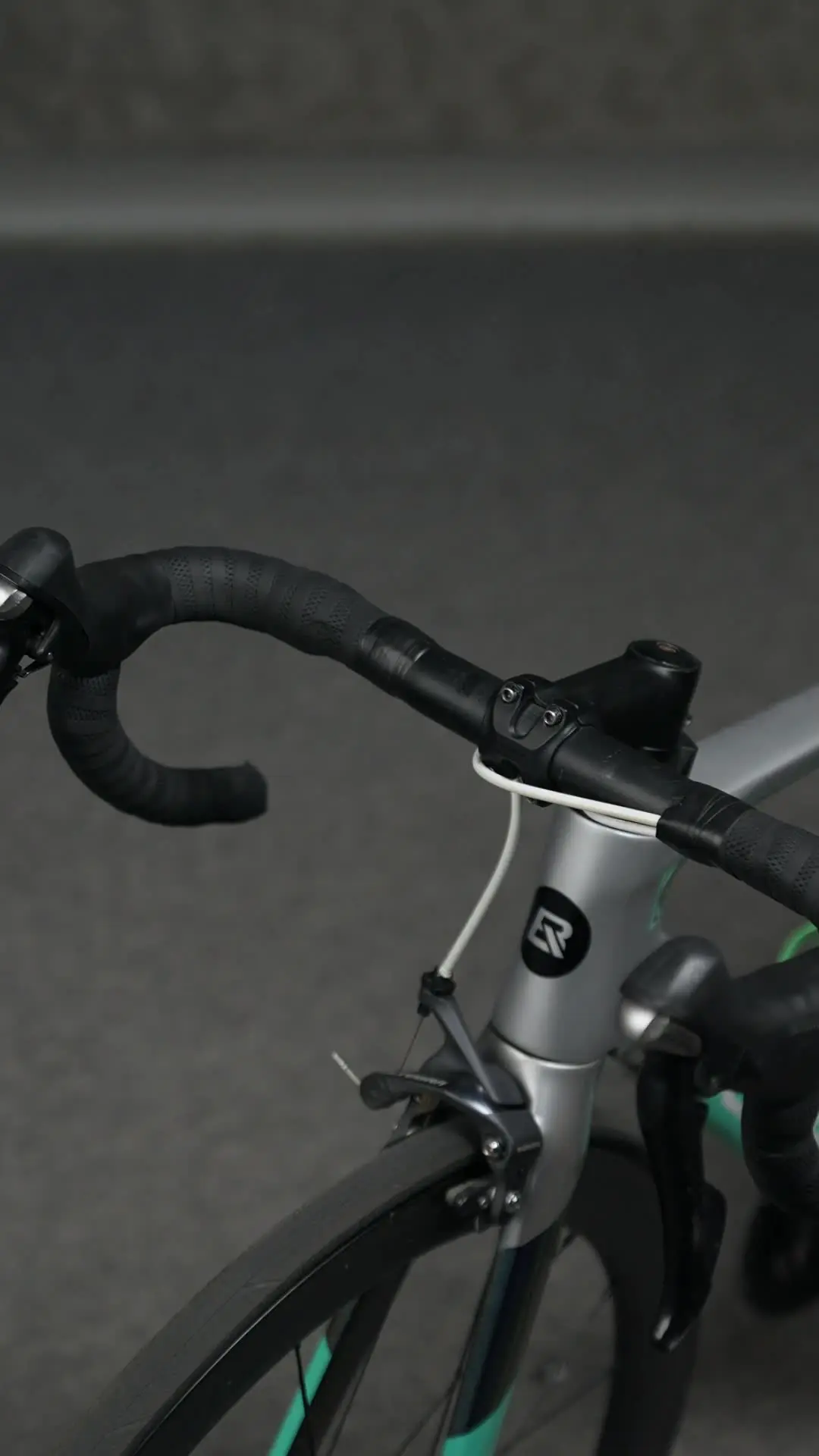
Video 1: Product demonstration, installation, and power bank function of the RHL3000.