
Introduction
The iGPSPORT SRmini is a smart radar taillight designed to enhance cycling safety. It features radar detection for approaching vehicles, a brake alert function, IPX7 waterproofing, and multiple light modes, including a daytime running lamp. This manual provides detailed instructions for setup, operation, maintenance, and troubleshooting to ensure optimal performance and safety.

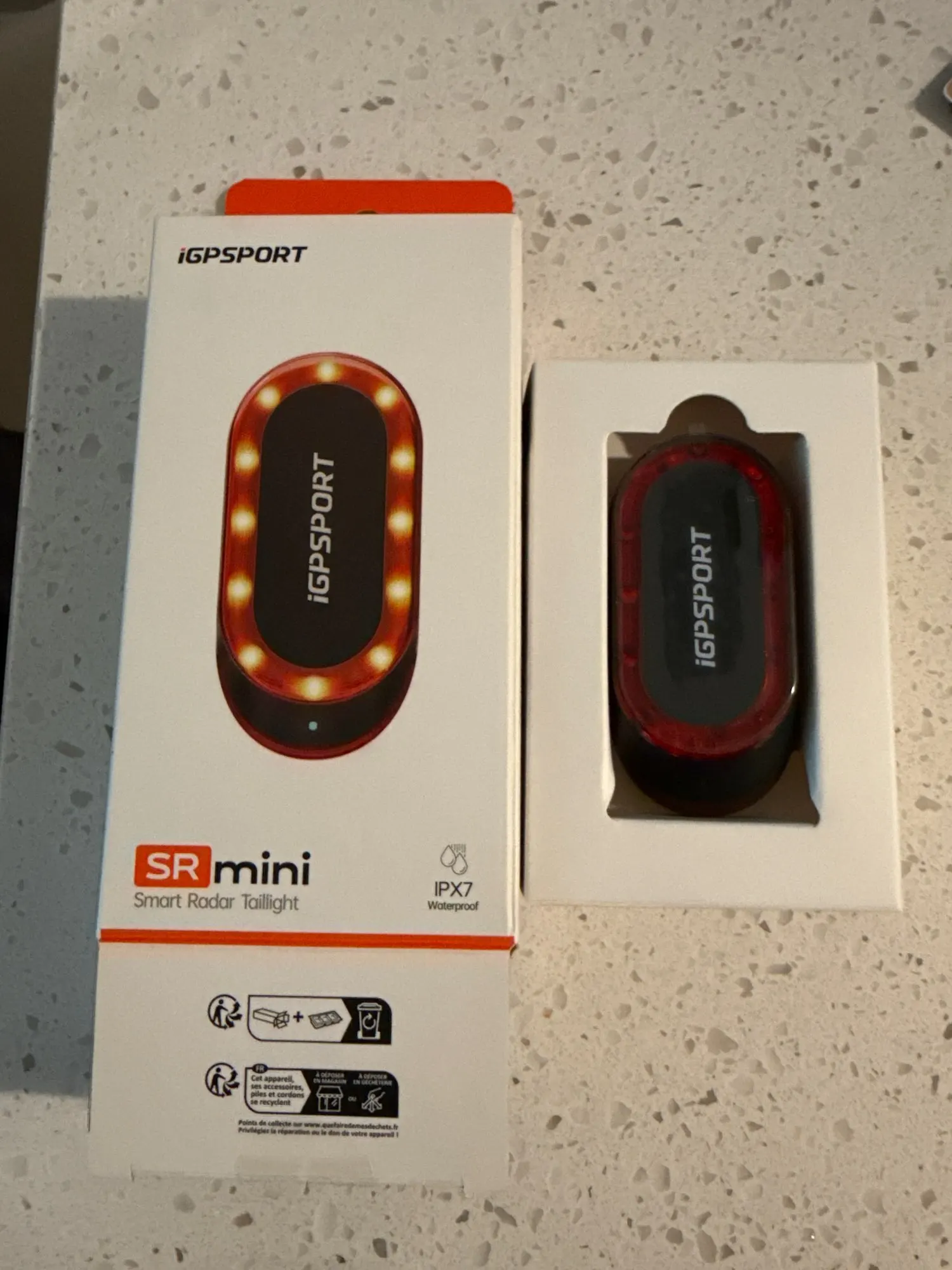
The iGPSPORT SRmini Radar Tail Light, designed for cycling safety.
What's in the Box
Please check the package contents to ensure all items are present:
- SRmini Radar Tail Light
- Mounting Bracket
- Rubber Bands (for mounting)
- Hex Key
- USB Type-C Charging Cable
- User Manual (this document)
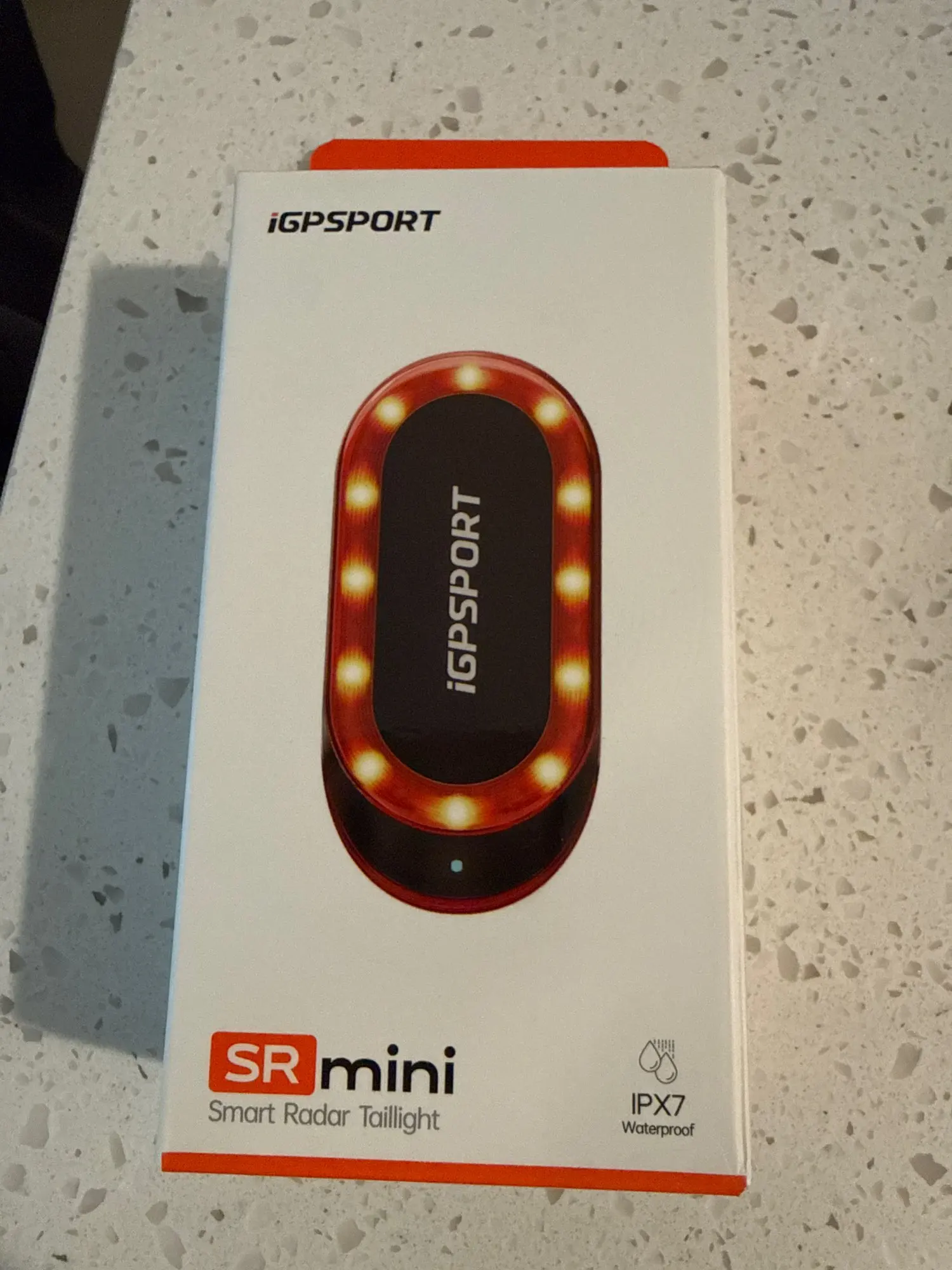
Diagram showing the SRmini device key, top cap, indicator light, mount, bottom cap, and charging port, along with all included accessories.
Specifications
| Feature | Description |
|---|---|
| Device Size | 77*37*19mm (excluding mount and fixed base) |
| Device Weight | About 50g |
| Max Brightness | 30 lm |
| Lateral Visibility Angle | 220° |
| Taillight Visible Distance | 1.2km at most |
| Radar Detection Distance | 160m |
| Radar Detection Quantity | 8 targets at most |
| Battery Capacity | 1100 mAh |
| Waterproof Level | IPX7 |
| Body Material | Plastic |
| Power Supply | Battery |
| Mounting Placement | Seatpost |
| Certification | CE, FCC, RoHS |
| Intelligent Sensing | Yes |
| Support Dimmer | 5 - 8 Files |
Note: The above parameters are tested in the iGPSPORT laboratory at a temperature of 23±2°C and humidity of 30%-60%. Actual performance may vary slightly depending on the usage environment.

The SRmini is compact and lightweight, measuring 21x36x77mm and weighing just 50g.
Setup and Installation
Proper installation is crucial for the optimal performance of your SRmini Radar Tail Light. Follow these steps carefully:
- Choose a Suitable Location: Select a place on your bicycle that ensures riding safety and provides the best detection range. This is typically on the seat post or saddle.
- Mounting Base Installation: The mounting base should be installed vertically. It is compatible with most types and angles of seat posts. Use the provided rubber bands and hex key to securely attach the mount.
- Device Orientation: Install the SRmini device correctly, ensuring it faces directly to the rear of your bicycle and is vertical to the road surface.
- Clear Path: Ensure there are no obstructions in front of the light that could block the radar's view or the light's visibility.
Visual guide for mounting the SRmini on a bicycle seatpost.
Operating Instructions
Power On/Off
- Power On/Off: Long press the device key for 1.5 seconds to power the device on or off.
- Restore Default Settings: When the device is powered off, long press the button for 5 seconds. The bike light will flash rapidly three times, indicating a successful reset. Note that resetting will clear all personal settings and data, so operate with caution.
Light Modes
- Switch Light Modes: After powering on, single click the button to cycle through the following modes: High Brightness Steady → Medium Brightness Steady → Custom → Day Flash → Night Flash → Comet Flash → Waterfall Flash → Light Off. The cycle repeats.
- Smart Memory: The light automatically remembers the last used lighting mode and will start in that mode when powered on each time.
- Light Mode On/Off: You can enable or disable specific light modes in the iGPSPORT APP. When a mode is disabled, it cannot be switched to via the APP or the device button.
- Custom Mode: Parameters such as brightness and lighting mode for the Custom Mode can be edited within the iGPSPORT APP.
Radar Functionality
- Radar On/Off: After powering on, double click the button to turn the radar function on or off.
- Radar Detection: The radar can detect vehicles within approximately 160 meters behind you. It detects approaching vehicles with relative speeds between 4 and 110 km/h. Note: The radar will not detect vehicles traveling at the same speed as you or vehicles moving away from you.
- Detection Range: Horizontal detection angle of ±22.5°, vertical detection angle of ±17.5°.
- Multiple Targets: The radar can detect up to eight approaching vehicles simultaneously.
- Indoor Use: The radar cannot be used indoors.

The SRmini offers multi-dimensional warning, long-distance detection, curve detection, and brake warning. It connects to bike computers and offers 7 light modes.

The SRmini is compatible with various bike computers and smartphones for real-time display of bike status and radar detection. (1: Radar function supports public protocol bike computers, watches, and other devices with universal display capabilities. 2: iGPSPORT APP is supported as a display for real-time radar detection.)

The taillight's 45° detection angle provides real-time alerts for approaching vehicles when turning, enhancing cycling safety.

The taillight instantly lights at high brightness during sudden brakes, warning teammates and vehicles behind you to prevent rear-end collisions.
Special Features
- Team Sync: When sync conditions are met, all taillights reset to the same flashing frequency and flash synchronously.
- Auto-Sleep/Wake Up: After 120 seconds of inactivity (adjustable in the iGPSPORT APP), the light enters sleep mode (main light and indicator turn off). It wakes upon motion or button press, restoring the previous light mode.
- Sync Power Off: The device can power off synchronously when connected to a compatible bike computer.
- Smart Light Sensing: When connected to a bike computer, the taillight adjusts its brightness or turns on/off based on the bike computer's light sensing value.
- Accurate Battery Life Prediction: The device estimates and displays remaining battery life on the bike computer/APP based on current mode and battery level.
- Auto Power On/Off: When connected to a bike computer, the taillight turns on/off based on the bike computer's status.
- Brake Sensing: When the taillight detects braking, it activates a sharp flash mode to alert rear vehicles.
Note: Sync power off, smart light sensing, and auto power on/off are disabled by default and need to be enabled in the iGPSPORT APP or the bike computer. Sync power off is supported by certain models of bike computers; consult customer service for specific models.
Charging Instructions
To charge your SRmini Radar Tail Light, follow these steps:
- Ensure the taillight is powered off.
- Remove the weather cap (dust plug) from the charging port.
- Insert the USB Type-C charging cable into the port.
- Once charging is complete, disconnect the charging cable.
- Securely close the weather cap to maintain the IPX7 waterproof performance and ensure normal use of the light.
Note:
- A full charge from a completely depleted battery takes approximately 2 hours (using a 5V 1A charger).
- Due to slow self-discharge, it is recommended to charge the light every six months if not used for a long time, to prevent battery damage.
Battery Indicators
When powered off, a single click of the power button will illuminate the battery indicator light for 1.5 seconds, displaying the remaining battery level. The different states corresponding to the remaining battery levels are as follows:
| Taillight Status | Indicator Light |
|---|---|
| Charging | Green breathing light |
| Fully charged | Green steady light |
| Radar on and battery level > 20% | Blue steady light |
| Radar off and battery level > 20% | Green steady light |
| Firmware update (Radar + MCU) | Green light flash quickly |
| Restore the default setting | Green light flash for three times quickly |
| 10% < battery level ≤ 20% | Red steady light |
| 1% < battery level ≤ 10% | Red light flash slowly |
| Radar Malfunction | Blue light flash slowly |
Maintenance
- Cleaning: Wipe the device with a soft, damp cloth. Do not use abrasive cleaners or solvents.
- Waterproof Seal: Always ensure the USB Type-C port's weather cap is securely closed to maintain IPX7 waterproofing, especially after charging or in wet conditions.
- Battery Care: If the device is not used for an extended period, charge it every six months to prevent battery damage due to self-discharge.
- General Bicycle Maintenance: Ensure your bicycle and all its components, including the SRmini, are properly maintained and correctly installed.
Troubleshooting
- Radar Not Detecting Vehicles:
- Ensure the radar is turned on (double-click the button after power-on).
- Verify that the device is correctly installed, facing rearward, and vertical to the road surface with no obstructions.
- Remember the radar does not detect vehicles traveling at the same speed as you or moving away from you.
- The radar is not designed for indoor use.
- Check if the vehicle speed is within the 4-110 km/h relative speed range.
- False Alerts: Some users report occasional false alerts. While the SRmini is designed for accuracy, environmental factors can sometimes cause minor discrepancies. Firmware updates may improve this over time.
- Light and Radar Not Working Simultaneously: The SRmini is designed to operate with the radar and light functions independently or in specific integrated modes. If you activate the radar, the light might turn off or switch to a specific mode. This is expected behavior for some configurations.
- Mounting Issues: If the mount feels unreliable, especially on rough terrain, consider using additional securing methods like a secured loop to prevent accidental detachment.
- Connectivity Issues (Bike Computer/App):
- Ensure your bike computer is compatible with the SRmini (e.g., Garmin, iGSport, Wahoo, Cycplus). Refer to your bike computer's manual or iGPSPORT support for compatibility.
- Make sure Bluetooth/ANT+ is enabled on both devices and they are properly paired.
- Some special features like "Sync Power Off" or "Smart Light Sensing" might be disabled by default and need to be activated in the iGPSPORT APP or your bike computer settings.
- Battery Draining Quickly:
- Ensure the device is fully charged (approx. 2 hours).
- Check the battery indicator status for low battery warnings.
- If not in use for long periods, remember to charge every six months.
User Tips
- Many users find the radar highly effective for detecting approaching vehicles and appreciate the intuitive graphics when paired with compatible bike computers like Garmin or iGSport.
- While the radar significantly improves safety, always use conventional rearview mirrors and remain aware of your surroundings. The radar may not detect vehicles traveling at very high speeds (over 100 km/h) or those moving at the exact same speed as you.
- For added security, especially when riding on rough terrain, consider using a secured loop in addition to the standard mount to prevent accidental detachment.
- Explore the iGPSPORT APP for customization options, including enabling advanced features like Smart Light Sensing and Auto Power On/Off, and adjusting custom light modes.
Important Safety Warnings
- Accidental Activation: When placing the light in enclosed and flammable environments (e.g., pockets, backpacks), turn it off to prevent accidental activation and potential hazards.
- Eye Safety: Do not illuminate this light directly into the eyes to prevent eye injury.
- Water Immersion: The device has an IPX7 waterproof rating, suitable for rainy days. However, do not immerse it in water for prolonged periods. Always ensure the weather cap is tightly closed during use.
- Child Safety: Keep this light out of reach of children to prevent misuse.
- Situational Awareness: The radar taillight is an auxiliary safety device to enhance situational awareness. Improper use may lead to distraction, serious injury, or death. Glance at the display information briefly; always remain attentive to your surroundings. Do not stare at or be distracted by the display, as this may cause you to overlook obstacles or dangers.
- Adjustments While Riding: Do not attempt to adjust the device while riding. Insufficient attention to your surroundings can lead to accidents, personal injury, or property damage.
- Vehicle Alerts: Vehicle approaching alerts are for situational awareness only. Riders should not become careless due to the light's assistance.
- Proper Installation & Maintenance: Ensure your bicycle and all hardware are properly maintained and all parts are correctly installed.
- User Responsibility: You assume all risks and liabilities associated with the use of this device.
Warranty and Support
For detailed warranty information, technical support, or specific model compatibility questions (e.g., for sync power off with certain bike computers), please refer to the official iGPSPORT website or contact their customer service.
An electronic version of the user manual (PDF) is available for download: View User Manual (PDF).
You can also scan the QR code to download the iGPSPORT APP and access more functions and support.