
1. Introduction
Thank you for choosing the WARSUN WD09 Headlamp. This powerful and versatile LED headlamp is designed for various activities, offering multiple lighting modes, zoom functionality, and convenient USB-C charging. Please read this manual carefully to ensure proper use and maintenance of your device.
2. Product Overview
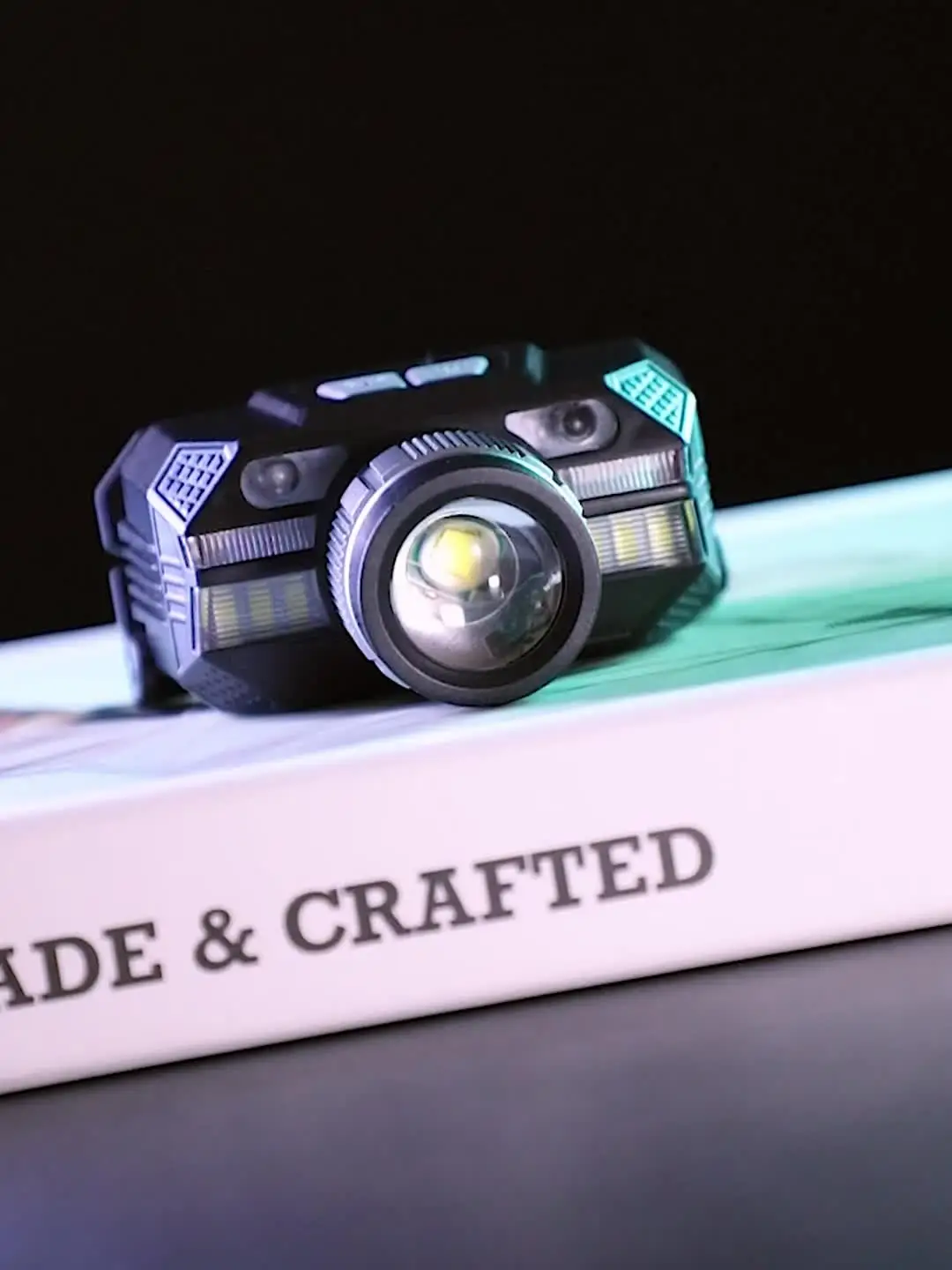
The WARSUN WD09 Headlamp features a durable ABS body, a powerful LED wick, and a comfortable adjustable headband. It is equipped with a 18650 rechargeable battery and supports Type-C fast charging.

Figure 1: WARSUN WD09 Headlamp with headband
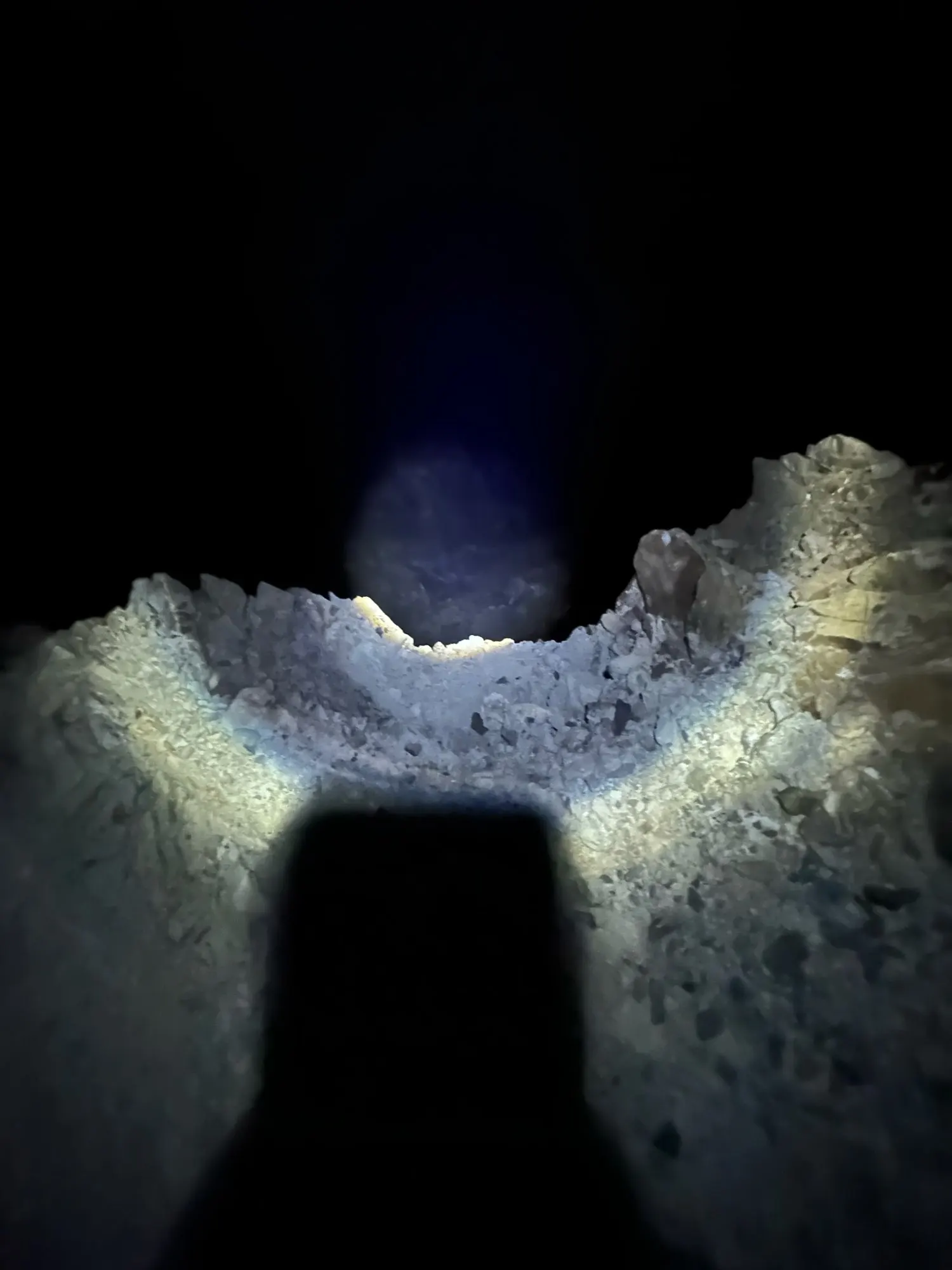
Figure 2: Front view of the headlamp
Video 1: Demonstration of WARSUN WD09 Headlamp features
3. Setup
3.1. Headband Attachment
- Thread the adjustable elastic headband through the slots on the headlamp body.
- Adjust the headband to a comfortable fit around your head.
3.2. Initial Charging
Before first use, fully charge the headlamp.
- Locate the Type-C charging port on the device.
- Connect the provided USB Type-C cable to the headlamp and the other end to a suitable USB power source (e.g., wall adapter, computer USB port).
- The blue indicator light will flash during charging and remain solid when fully charged.
4. Operating Instructions
4.1. Power On/Off and Gear Switching
The headlamp features a central control switch for operation:
- Press the switch to cycle through the main light modes: Strong Light → Medium Light → Flash.
- Continue pressing to activate the side lights: Strong Light → Red Light Blinking.
- To turn off the headlamp, press the switch until the light turns off, or hold the switch for a few seconds in any mode.
4.2. Zoom Function
The headlamp features an adjustable zoom:
- Rotate the lens bezel clockwise or counter-clockwise to adjust the beam from a wide floodlight to a focused spotlight.
4.3. Motion Sensor Mode
The headlamp is equipped with a motion sensor for hands-free operation:
- Press the dedicated sensor button (usually indicated by a wave icon) to activate or deactivate the motion sensor function.
- When activated, you can wave your hand in front of the sensor to turn the light on or off without pressing the power button.
4.4. Angle Adjustment
The headlamp can be tilted to direct the light where needed:

Figure 3: 90° Free Adjustment
- Gently tilt the headlamp body up or down to adjust the beam angle up to 90 degrees.
5. Maintenance
5.1. Cleaning
- If the headlamp comes into contact with corrosive liquids, wash, dry, and wipe it immediately.
- For general cleaning, wipe the surface with a soft, damp cloth. Do not use abrasive cleaners.
5.2. Battery Care
- It is recommended to charge and discharge the battery at least once a month to maintain its vitality and prolong battery life.
- Store the headlamp in a cool, dry place when not in use for extended periods.
6. Troubleshooting
- Light not turning on: Ensure the battery is charged. Check if the power button is functioning correctly.
- Charging issues: Verify the USB-C cable is properly connected to both the headlamp and the power source. Try a different cable or power adapter.
- Motion sensor not responding: Ensure the motion sensor mode is activated. Clean the sensor area to remove any obstructions.
7. Specifications
| Feature | Specification |
|---|---|
| Brand | Warsun |
| Model Number | WD09 |
| Light Source | LED (T6 LED Beads) |
| Weight | 155g |
| Charging Type | Type-C Fast Charging |
| Battery Type | 1 x 18650 Lithium Metal (2200mAh) |
| Waterproof Rating | Domestic Waterproof (Splash-proof, do not immerse in water) |
| Gear Modes | 5 gear switch (Strong, Medium, Flash, Side Strong, Side Red Blinking) |
| Beam Angle | 180° |
| Material | ABS |
| Dimensions | 78mm x 64mm |
| Certifications | CE, EMC, FCC, ROHS, UL |
Figure 4: Splash-proof design (IPX5 equivalent)
8. Safety Notes
- Do not directly irradiate the eyes to avoid damage.
- This device is splash-proof; do not immerse it directly in water.
- Do not disassemble or modify the product without permission to avoid damaging it.
- Keep out of reach of children.
9. User Tips
- Precise Zoom: The zoom function is activated by rotating the lens, offering precise control over the beam focus.
- Motion Sensor Memory: The headlamp remembers the last setting used in motion sensor mode, enhancing convenience.
- Beam Spread: While the light is bright and reaches far, when adjusted to a very wide beam, some light spill around the edges may occur, preventing a perfectly neat circle.
- Battery Replacement: The 18650 battery is replaceable, allowing for extended use by swapping out depleted batteries.
10. Warranty and Support
For warranty information and customer support, please refer to the seller's policies or contact the point of purchase. A detailed PDF user manual may also be available for download on the product's original listing page.