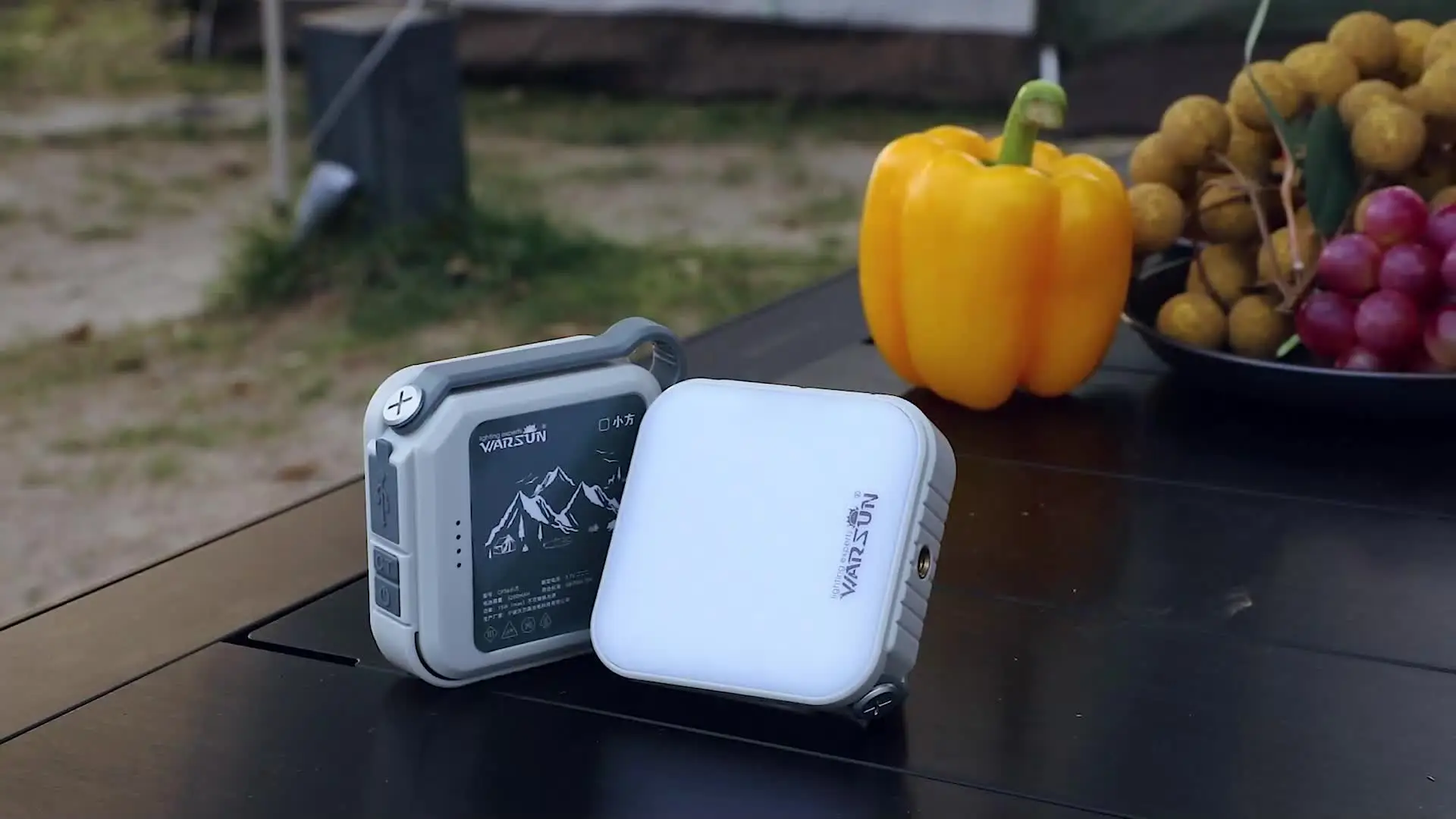
1. Product Overview
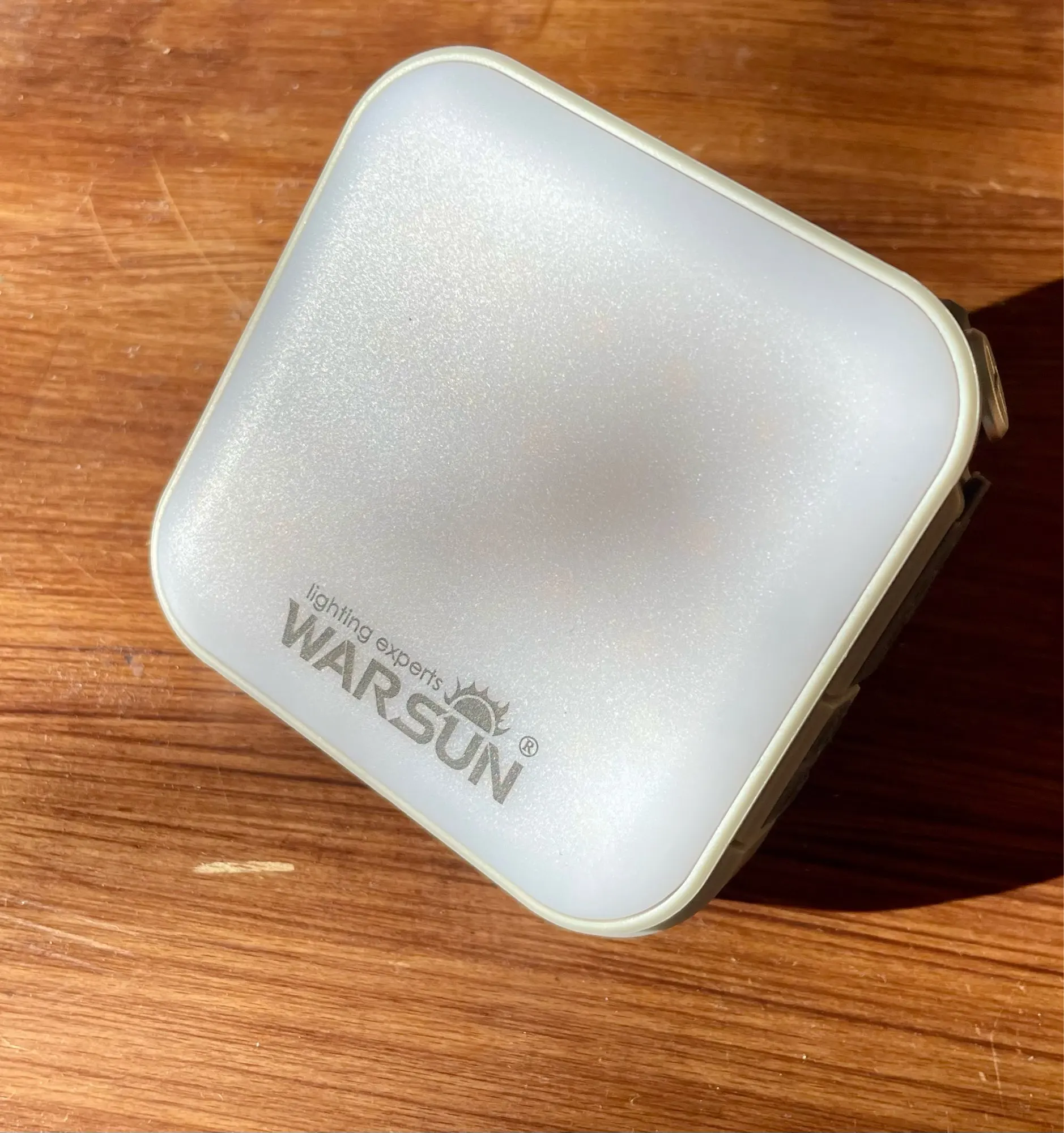
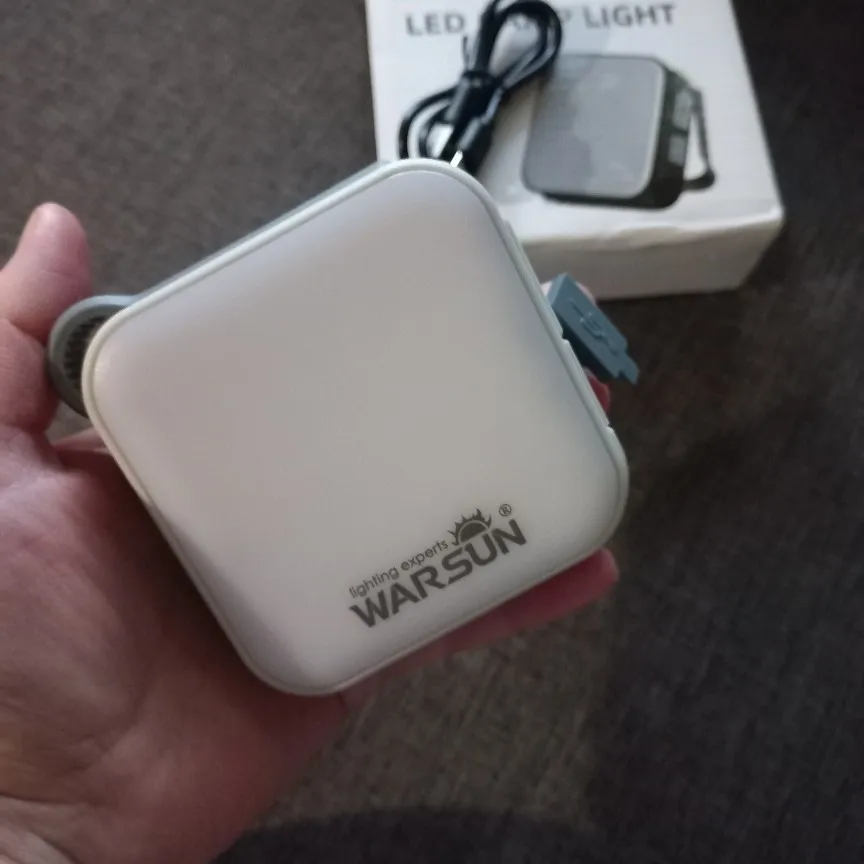
The Warsun CP36 is a versatile and portable LED camping light designed for various outdoor and indoor lighting needs. It features multiple lighting modes, a built-in rechargeable battery with power bank functionality, and solar charging capabilities, making it ideal for camping, work, maintenance, and emergency situations.

2. Package Contents
Please check the package for the following items:
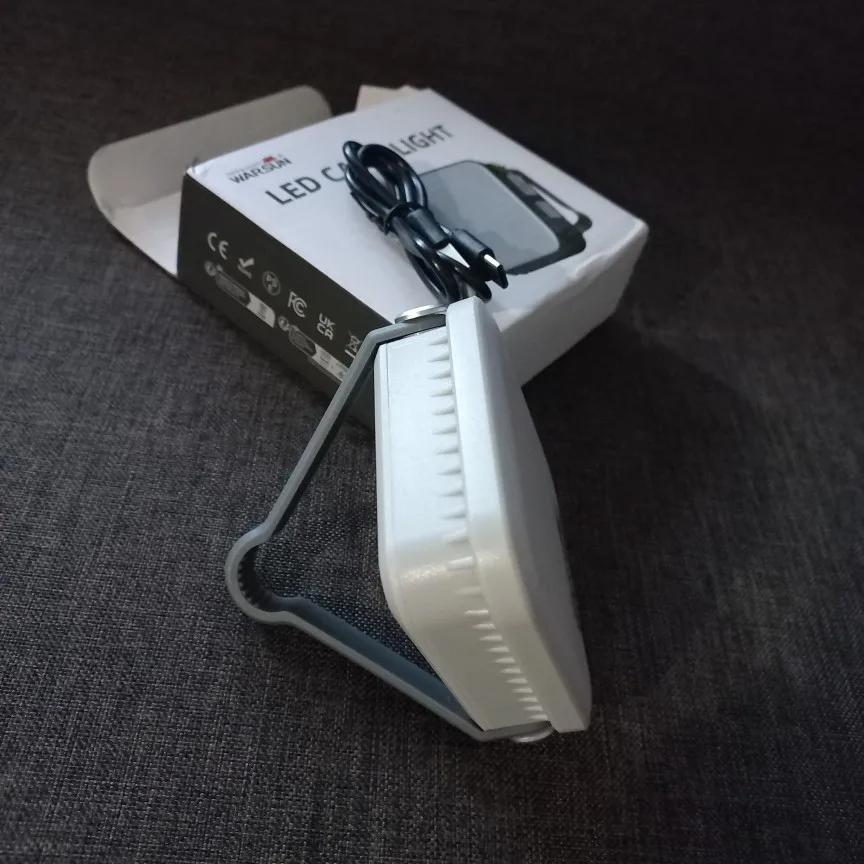
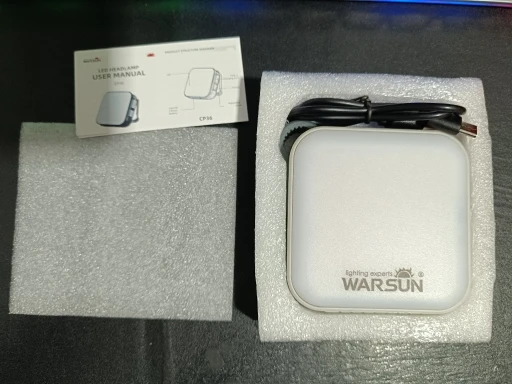
- Warsun CP36 LED Camping Light
- USB Charging Cable
- User Manual (PDF available for download: Warsun CP36 User Manual PDF)
3. Product Structure and Controls
Familiarize yourself with the different parts and controls of your CP36 camping light:

- USB-A Output Port: For charging external devices (power bank function).
- USB-C Input Port: For charging the camping light.
- Power Button: Turns the light on/off and cycles through brightness modes.
- Color Temperature (CT) Button: Changes the light color temperature (warm, neutral, cool).
- Integrated Hook: For hanging the light.
- Solar Panel: For solar charging.
- Battery Indicator Lights: Shows remaining battery charge (25%, 50%, 75%, 100%).
- Color Temperature Indicator Lights: Shows selected color temperature (2700K, 4000K, 5500K, 6500K).
- Tripod Mount: Standard 1/4-inch screw hole for mounting on tripods.
4. Setup and Charging
4.1 Initial Charge
Before first use, or if the light has been stored for a long period, fully charge the CP36 using the provided USB-C cable to prevent over-discharge and battery damage.
4.2 Charging the Camping Light
- USB-C Charging: Connect the USB-C cable to the light's input port and to a standard USB power adapter (not included). The battery indicator lights will show the charging progress.
- Solar Charging: Place the light with the solar panel facing direct sunlight. The battery indicator lights will illuminate to show that solar charging is active. Note that solar charging is slower and intended as a supplementary charging method.
4.3 Mounting Options
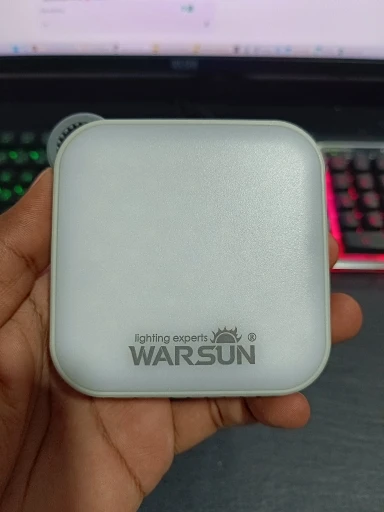
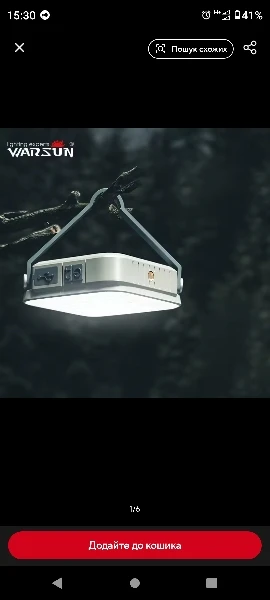
- Hanging: Use the integrated hook to hang the light from tents, branches, or other suitable fixtures.
- Tripod Mounting: The light features a standard 1/4-inch screw hole on its base, allowing it to be mounted on camera tripods or light stands for versatile positioning.
5. Operating Instructions
5.1 Power On/Off and Brightness Adjustment
- Press the Power Button once to turn on the light at its lowest brightness setting.
- Subsequent presses of the Power Button will cycle through different brightness levels (e.g., 25%, 50%, 75%, 100%).
- Press and hold the Power Button for approximately 2 seconds to turn off the light.
5.2 Adjusting Color Temperature
- With the light on, press the CT Button once to change the color temperature.
- Each press will cycle through available color temperatures (e.g., Warm White, Neutral White, Cool White).
- The color temperature indicator lights will show the currently selected setting.
5.3 Power Bank Function
The CP36 can be used as a power bank to charge other USB-powered devices:
- Connect your device's charging cable to the USB-A output port on the CP36.
- The CP36 will automatically begin charging your device.
- Monitor your device's charging status.
5.4 Battery Indicator
The battery indicator lights on the side of the device show the remaining charge:
- Four lights: 75-100%
- Three lights: 50-75%
- Two lights: 25-50%
- One light: Below 25% (recharge soon)
6. Maintenance
- Cleaning: Wipe the light with a soft, damp cloth. Do not use abrasive cleaners or solvents.
- Storage: When storing for extended periods, ensure the light is fully charged. Recharge every 3-6 months to maintain battery health and prevent deep discharge. Store in a cool, dry place away from direct sunlight.
- General Care: Avoid dropping or subjecting the light to strong impacts. Do not attempt to disassemble the light, as this may damage internal components and void any warranty.
7. Troubleshooting
- Light not turning on: Ensure the battery is charged. If fully charged and still not working, contact customer support.
- Light not charging: Check the USB-C cable and power adapter. Ensure the solar panel is exposed to direct sunlight. Avoid charging with non-standard voltages.
- Power bank function not working: Ensure the CP36 has sufficient battery charge. Check the connection cable to your external device.
- Light gets warm during use: It is normal for the light to generate some heat, especially at higher brightness settings. If it becomes excessively hot, reduce the brightness or turn it off to cool down.
Important Safety Notes:
- Do not indiscriminately throw or hit the light, as it may cause damage or malfunction.
- The operating temperature range for the light is -10°C to 40°C. Using it outside this range may cause damage or malfunction.
- Do not stare directly at the light source, as it may damage your eyes.
- Do not attempt to disassemble the light.
8. Specifications
| Feature | Detail |
|---|---|
| Model Number | CP36 |
| Brand Name | Warsun |
| Item Type | Portable Lanterns |
| Light Source | LED bulbs (SMD) |
| Power Source | Rechargeable Battery (Lithium Ion) |
| Battery Capacity | 4800mAh |
| Body Material | ABS |
| Charging Input | USB-C, Solar Panel |
| Power Bank Output | USB-A (approx. 5-10W) |
| Color Temperatures | 2700K, 4000K, 5500K, 6500K |
| Brightness Levels | 25%, 50%, 75%, 100% |
| Certifications | CE, ROHS, FCC, UL |
| Package Dimensions (L x W x H) | 12 cm x 11 cm x 3 cm |
| Product Weight | 0.212 kg |
9. User Tips
- The CP36 offers excellent brightness for its compact size, with adjustable color temperature being a significant advantage for different environments.
- The USB-A port can provide power output for charging small devices, typically around 5-10W.
- While solar charging is a convenient feature, it is best used as a backup or supplementary charging method due to its slower speed.
- The light is reported to last over 6 hours on medium brightness, offering reliable illumination for extended periods.
- Its compact design and tripod mount compatibility make it highly versatile for various outdoor and work scenarios.
10. Warranty and Support
For detailed warranty information and customer support, please refer to the official Warsun website or contact your retailer. Keep your purchase receipt as proof of purchase.
A comprehensive user manual in PDF format is available for download: Warsun CP36 User Manual PDF.