1. Introduction
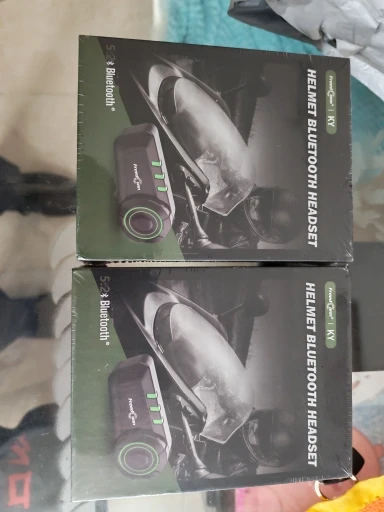
Thank you for choosing the FreedConn Helmet Bluetooth® Headset. This product is manufactured to the highest standards of performance and safety. As part of our commitment to customer service and satisfaction, it is backed by a comprehensive 2-Year Warranty.
Safety Warning
Using a helmet Bluetooth® headset can limit the audibility of ambient sounds. Listening to music at maximum volume, in addition to temporarily adapting to make it impossible to hear soft sounds, can lead to permanent hearing damage. Exercise caution and maintain awareness of your surroundings.
Warm Tips
For the best sound quality experience, ensure speakers are positioned within 2mm of your ears.
2. Parts List
The package includes the following components:
- Bluetooth Device x1
- Headset Clamp x2
- Microphone x2 (2-in-1 Soft & Hard Mic Earphone)
- Speakers x1
- Headphone VELCRO Tape x4
- Mini microphone VELCRO tape x2
- USB Cable x1
- User Manual x1
Note: The package does not include a wall charger. Please use your phone charger with the provided USB cable.


3. How to Install
The FreedConn KY headset is designed to suit most motorcycle helmets, including half helmets, modular, motocross, open face, full face, and flip-up helmets. It comes with a 2-in-1 microphone and earphone system suitable for all helmet types, featuring a detachable hard cable and soft cable microphone that can be replaced as needed.
-
Insert the Clip: Find a suitable position to insert the headset clip onto the edge of your helmet.
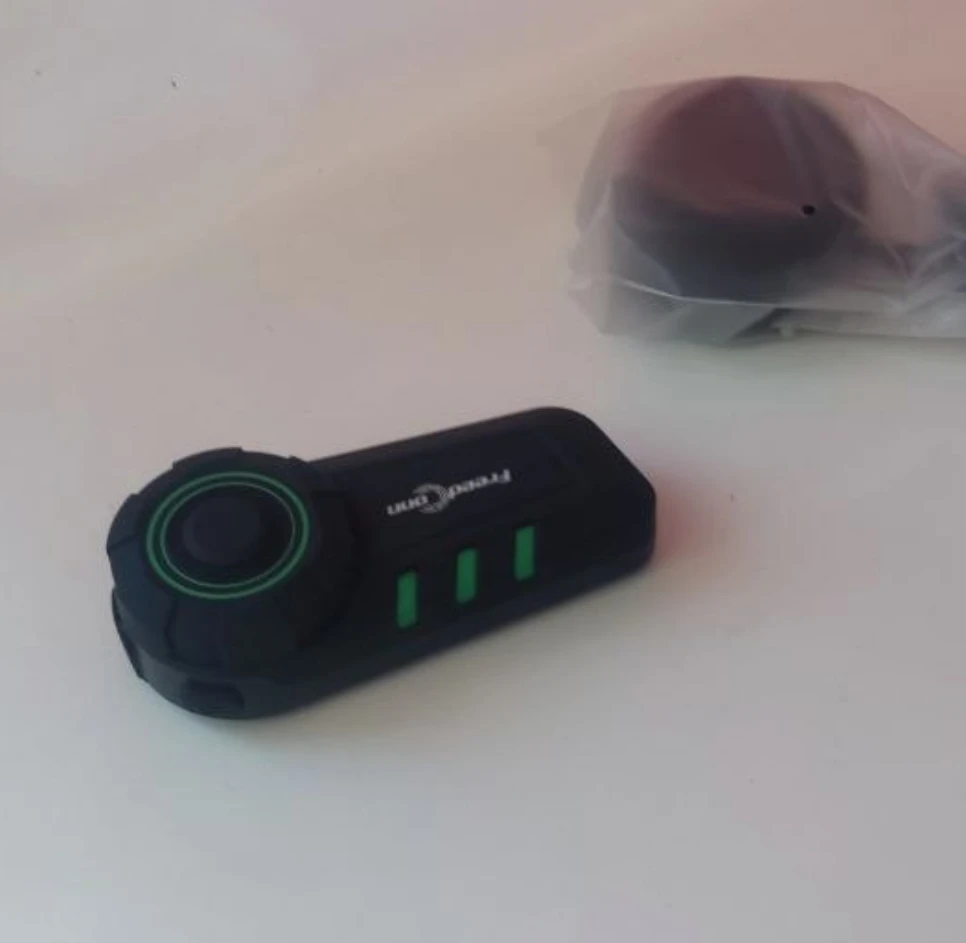
Steps 1-3: Clip insertion, main unit attachment, and Velcro placement. -
Fix the Main Unit: Securely fix the main Bluetooth unit onto the installed clip.
-
Paste VELCRO Tapes: Paste the provided VELCRO tapes inside the helmet where the speakers will be placed.
-
Attach Earphones: Paste the earphones onto the VELCRO tapes inside the helmet, ensuring they are positioned within 2mm of your ears for optimal sound.
Steps 4-5: Earphone attachment and plug insertion. -
Connect Earphone Plug: Insert the earphone plug into the designated port on the Bluetooth device.
4. Product Controls Panels
Familiarize yourself with the control panel for easy operation:
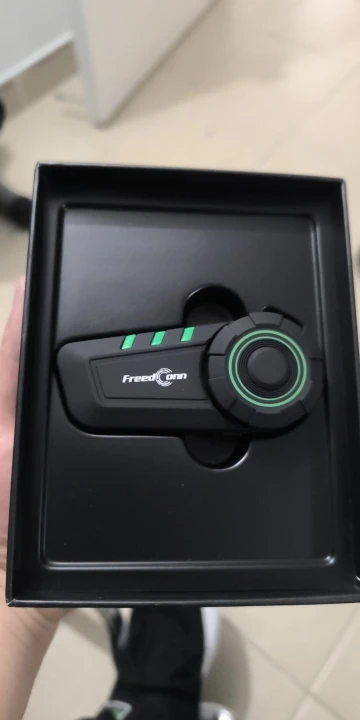
- Jog Wheel: Used for volume control and navigation.
- LED Indicator: Provides status feedback (e.g., power, pairing, charging).
- On/Off Button: Powers the device on or off.
- Multi-function Button (MFB): Handles various functions like answering calls, playing/pausing music.
- Charging Port: Micro USB port for charging the device.
- Earphone Port: Connects the speaker and microphone assembly.
5. Operations
5.1 Turning On/Off, Language Switching
| Function | Action | Voice Prompt |
|---|---|---|
| Turning on | Press and hold for 3 seconds | "Welcome to use FreedConn product" |
| Turning off | Press and hold for 2 seconds | "Power off" |
| Language Switching | When disconnected from mobile phone, press quickly three times | "du,du,du" |
Tip: If there is no action (including no connection with a mobile device) within 15 minutes after turning on, the device will automatically shut down.
5.2 Pairing with Bluetooth Devices
The FreedConn KY headset features Bluetooth 5.0 for a faster and more stable connection. It can pair with smartphones and GPS devices.
- Ensure the headset is turned off.
- Press and hold the MFB until the LED indicator flashes red and blue alternately, indicating pairing mode.
- On your smartphone or GPS device, enable Bluetooth and search for available devices.
- Select "FreedConn KY" from the list of devices.
- Once connected, the LED indicator will flash blue slowly.

Once paired, you can listen to music, answer calls hands-free, and receive GPS navigation instructions.
6. Specifications
| Feature | Detail |
|---|---|
| Model | KY |
| Weight | 38g |
| Color | Black + Green |
| BT. Version | 5.0 |
| Intercom Function Sound Quality | NO |
| HiRes Sound Quality | Yes (with optional Hi-Res earphone) |
| Intercom Range | NO |
| Group Intercom | NO |
| Music Sharing | NO |
| Available Speed | Up to 100km/h |
| Battery Capacity | 500mAh |
| Noise Reduction Micro | Yes |
| Waterproof | IP65 |
| Supports Mobiles | Yes |
| Fits Helmet Style | Half Helmet, MODULAR, MOTOCROSS, Open face, Full Face, Flip Up Helmet, Universal |
| Standby | 1 week |
| Working Time | 9-11 Hours |
7. Maintenance
7.1 Waterproofing
The FreedConn KY headset is rated IP65 waterproof, providing protection against dust and low-pressure water jets. This means it can withstand rain, but it should not be submerged in water.

7.2 Charging
The device features a Micro USB charging port and a built-in 500mAh battery, offering 9-11 hours of working time and up to 1 week of standby time. Use the provided USB cable with a standard phone charger for optimal charging.


8. Troubleshooting
- No Intercom Functionality: Please note that the FreedConn KY model does NOT have an intercom function. It cannot connect with other intercom devices, even those of the same brand (e.g., TMAX, R1 Plus), for helmet-to-helmet communication. This device is designed for connecting to a mobile phone or GPS only.
- No FM Radio: This model does NOT include an FM radio function. It is designed for Bluetooth audio streaming from your connected mobile device.
- Poor Sound Quality: For optimal sound quality, especially Hi-Res audio, ensure you are using a Hi-Res earphone (optional, sold separately). Also, verify that the speakers are positioned correctly within 2mm of your ears inside the helmet.
- Device Not Turning On: Ensure the battery is charged. Press and hold the On/Off button for 3 seconds to power on. If the device remains inactive for 15 minutes after being turned on, it will automatically shut down.
- Pairing Issues: Make sure the headset is in pairing mode (LED flashing red and blue alternately). Ensure Bluetooth is enabled on your smartphone or GPS and that it is discoverable. Try restarting both devices.
- Microphone Issues: If your voice is not clear, check that the microphone is positioned correctly and not obstructed. The 2-in-1 microphone system is designed for clear voice recording.
9. User Tips
- Speaker Placement: For the best audio experience, ensure the speakers are placed as close as possible to your ears, ideally within 2mm.
- Microphone Choice: The package includes both soft and hard cable microphones. Choose the one that best fits your helmet type (e.g., hard mic for full-face, soft mic for open-face/flip-up) for optimal voice clarity.
- Charging: Use your existing phone charger with the provided USB cable for convenient charging.
- Helmet Compatibility: The FreedConn KY is versatile and fits a wide range of helmet styles, including half, modular, motocross, open face, full face, and flip-up helmets.
- Functionality: Remember this device is primarily for mobile phone connectivity (calls, music) and GPS navigation. It does not support helmet-to-helmet intercom or FM radio.

10. Warranty and Support
The FreedConn Helmet Bluetooth® Headset comes with a comprehensive 2-Year Warranty, ensuring peace of mind regarding product performance and safety.
For further assistance or detailed instructions, you may refer to the official user manual PDF: View User Manual (PDF).
For product overview and installation demonstration, watch the official product video: