
1. Introduction
The MINISO MS218 Sports Wireless Headphones are advanced AI Translator Earbuds designed for a superior audio experience and seamless communication. They feature AI translation for 134 languages, active noise cancellation, HD stereo sound, and AI real-time translation capabilities. The ergonomic design includes a flexible titanium alloy earhook for comfortable and stable wear, making them ideal for various activities. Enjoy immersive 3D Surround & Panoramic Spatial Audio and crystal-clear calls with AI-controlled intelligent noise reduction.

Figure 1.1: MINISO MS218 Bluetooth AI Earphones and Charging Case
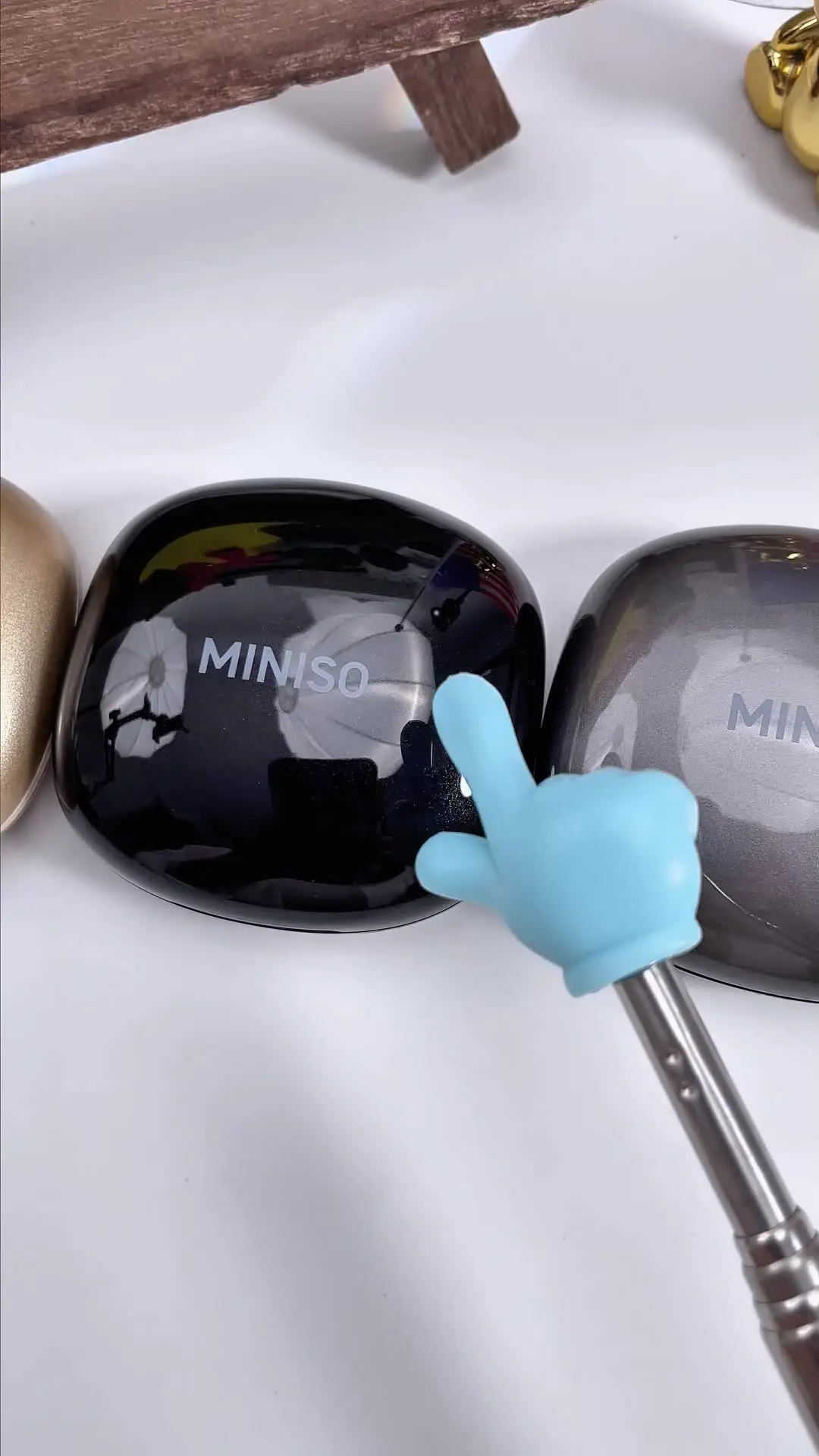
Video 1.1: Product Overview and Features Demonstration
2. Package Contents
Please check the box for the following items:
- Charging case ×1
- Earphones ×2
- Quick Start Guide ×1
- USB-C cable ×1

Figure 2.1: What's in the Box
3. Specifications
| Feature | Specification |
|---|---|
| Brand Name | MINISO |
| Model | MS218 |
| Department | Unisex-adult |
| Material | Plastic |
| Battery Capacity | 300mAh |
| Battery life | Up to 5 hours |
| Maximum wireless range | <10m |
| Sound Isolating | No |
| Earcups Type | Semi-open |
| Charging Method | Charging case |
| Driver Diameter | 13mm |
| Bluetooth Version | 5.3 |
| Package List | User Manual, Carrying Bag, Charging case, Charging Cable, Replaceable Pads Set |
| Features | With microphone, Active Noise Cancelling |
| Codecs | AAC, sbc |
| With Microphone | Yes |
| Is wireless | Yes |
| Support APP | Yes |
| Audio latency | 30 |
| Control Method | Touch, App |
| Whether electrical | Yes |
| Plug Type | NONE |
| Speaker maximum output power | 10 |
| Charging Time | 2H |
| Function | For Internet Bar, For Mobile Phone, Sport, For Outdoor, for Powersports, Common Headphone, Monitor Headphone, for Video Game, HiFi Headphone, For Office, For Hearing Aid, For Study |
| Active Noise-Cancellation | Yes |
| Volume Control | Yes |
| Control Button | Yes |
| Vocalism Principle | Balanced Armature |
| Wireless Type | Bluetooth |
| Connectors | Type c |
| Communication | Wireless |
| Style | Tws in-ear headphones |
| Certification | CE, RoHS, FCC |
| Origin | Mainland China |
4. Initial Setup and Pairing
4.1. SayMi APP Installation
To fully utilize the AI translation and other smart features, download and install the SayMi APP on your mobile phone.
- Scan the QR code below to download the SayMi APP.
- Take out the earphones from the charging case.
- Connect the earphones to your mobile phone via Bluetooth.
- Log in to the SayMi APP.
- Within the APP, connect the headphones to enable all features.

Figure 4.1: SayMi APP Download QR Code and Setup Steps
Note: The SayMi APP software is free to use for a lifetime and does not charge any fees.
4.2. Wireless Pairing Mode
- First-time Pairing: When there is no previous pairing record, the left and right earphones will automatically pair with each other after being turned on. After successful pairing, you will hear two beeps.
- Subsequent Connections: If the earphones have previous pairing records, they will automatically connect back to your device when turned on, and a "beep" prompt will sound.
5. Wearing Instructions
The MS218 earphones feature a newly upgraded over-the-ear design with a flexible titanium alloy earhook and a micro-in-ear component. This design extends the sound channel for clear and stable audio while ensuring comfortable and secure wear for extended periods.

Figure 5.1: Correct Wearing Method for Earphones
The earhook is made of high-end titanium material, which is flexible and elastic, making it resistant to breaking and deformation. The IP plating gives it a delicate texture.

Figure 5.2: Flexible Titanium Alloy Earhook
6. Operating Instructions
6.1. Indicator Light Description
- Headset Turned On: White light flashes.
- Headset Turned Off: Red light stays on for 2 seconds, then turns off.
- Pairing Status: White light flashes.
- Connection Successful: No light.
- Headphone Charging: Red light stays on for a long time. After being fully charged, the red light goes off.

Figure 6.1: Earphone and Charging Case Indicator Lights
6.2. Basic Operations (Touch Controls)
The earphones feature touch-sensitive multi-function keys. Refer to the diagram for touch positions.
- Power On/Off: Press and hold the multi-function key for 3 seconds to power on, or 5 seconds to power off.
Phone Mode Controls:
- Answer/Hang Up Call: Single tap the multi-function key (x1).
- Reject Call: Press and hold the multi-function key for 2 seconds (2s).
Music Mode Controls:
- Play/Pause: Single tap the multi-function key (x1).
- Volume Up: Double tap the right earphone (x2).
- Volume Down: Double tap the left earphone (x2).
- Next Track: Triple tap the right earphone (x3).
- Previous Track: Triple tap the left earphone (x3).
- Voice Assistant: Press and hold the multi-function key for 2 seconds (2s).

Figure 6.2: Earphone Touch Controls
6.3. AI Translation Features
The MINISO MS218 supports AI translation in 134 languages and offers 7 translation modes, adapting to different scenarios for seamless global communication.

Figure 6.3: Seven Translation Modes
These modes include Headphone+Phone Mode, Translation Machine Mode, Voice Note Mode, AI Chat Mode, Photo Translation, Free Talk Mode, and Real-Time Translation, all managed through the SayMi APP.

Figure 6.4: Multiple Translation Modes in Use
The earphones also feature AI-controlled intelligent call noise reduction to ensure every word is heard clearly, even in noisy environments.

Figure 6.5: AI-Controlled Intelligent Call Noise Reduction
7. Charging
7.1. Charging the Earphones
Place the earphones into the charging case. During charging, a red light will stay on. Once fully charged, the red light will turn off.
7.2. Charging the Charging Case
Connect the charging case to a power source using the provided USB-C cable. The charging case display screen will show the battery level. When fully charged, the screen will show 100%. The display will automatically turn off after about 30 seconds of inactivity. You can slide to re-enter the display screen.
Figure 7.1: Charging Indicators
8. Troubleshooting
8.1. Clearing Bluetooth Pairing History
If both earphones cannot be paired, you may need to clear the Bluetooth pairing history. To do this, ensure all connected devices are disconnected, then tap both the left and right earphones 5 times simultaneously.
8.2. Resetting the Earphones
If the earphones fail to pair or reconnect to each other, reset them by tapping both earphones five times simultaneously. Note that resetting the earphones will clear the Bluetooth pairing history.
Figure 8.1: Earphone Reset and Pairing History Clear Instructions
9. User Tips
- For optimal translation performance, ensure a stable internet connection when using the SayMi APP's AI translation features.
- Experiment with the different wearing methods (over-the-ear with micro-in-ear) to find the most comfortable and secure fit for your activities.
- Regularly clean the charging contacts on both the earphones and the case to ensure efficient charging.
10. Safety Information
WARNING:
- Please be aware of potential fire risks and strictly follow the instruction manual for charging and storage.
- For disposal, please check your local authority's website for more information and dispose of the lithium-ion battery safely in accordance with applicable legal requirements.
- The object of this declaration is in conformity with the relevant legislation: (EU) 2023/1542 Batteries and Waste Batteries, 2014/53/EU Radio equipment, and 2011/65/EU RoHS.
11. Warranty and Support
For detailed warranty information, technical support, or further assistance, please refer to the official user manual PDF available for download. This document provides comprehensive details regarding product care, warranty terms, and contact information for customer service.
A digital version of the user manual (PDF) can be accessed via the following link: MINISO MS218 User Manual (PDF)