
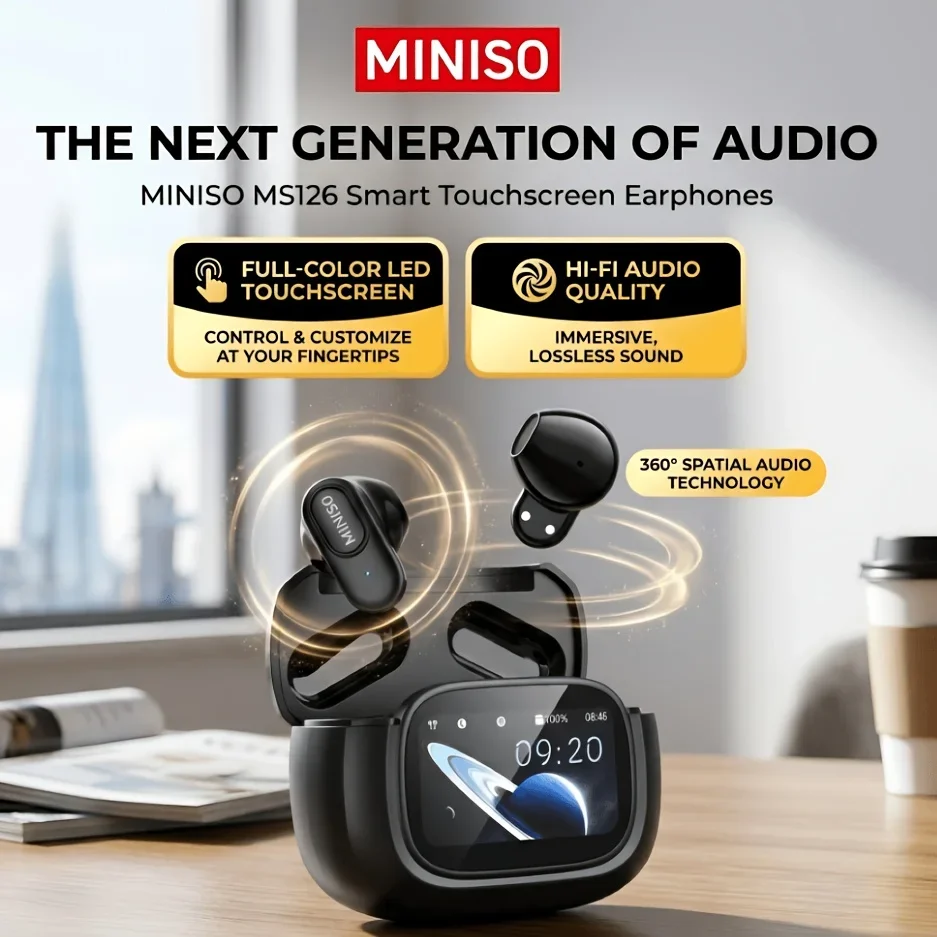
1. Product Overview
The MINISO MS126 are True Wireless Stereo (TWS) Bluetooth 6.0 earphones designed for a high-quality audio experience. They feature full-color LED indicators, intelligent touch controls, 3D spatial audio, and active noise reduction for immersive listening. The earphones come with a compact charging case for extended battery life.
Package Contents
- MINISO MS126 Wireless Earphones
- Charging Case
- User Manual (this document and PDF reference)
- Charging Cable (Type-C)
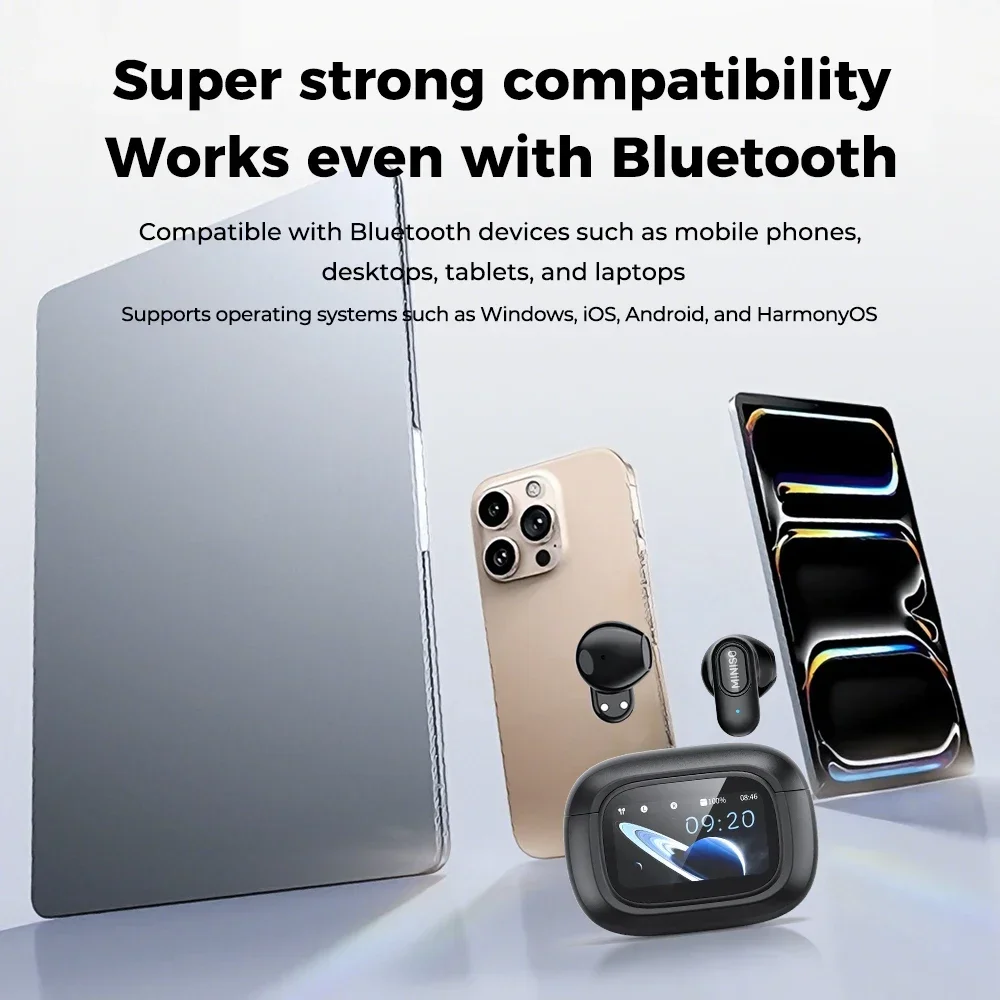
The MINISO MS126 earphones alongside their charging case.
2. Setup and First Use
2.1 Charging the Earphones and Case
Before first use, fully charge the earphones and the charging case. Place the earphones into the charging case, and connect the Type-C charging cable to the case and a power source. The LED indicators on the case will show the charging status.
- Charging Case Battery Capacity: 500 mAh
- Charging Method: Via charging case with Type-C cable.
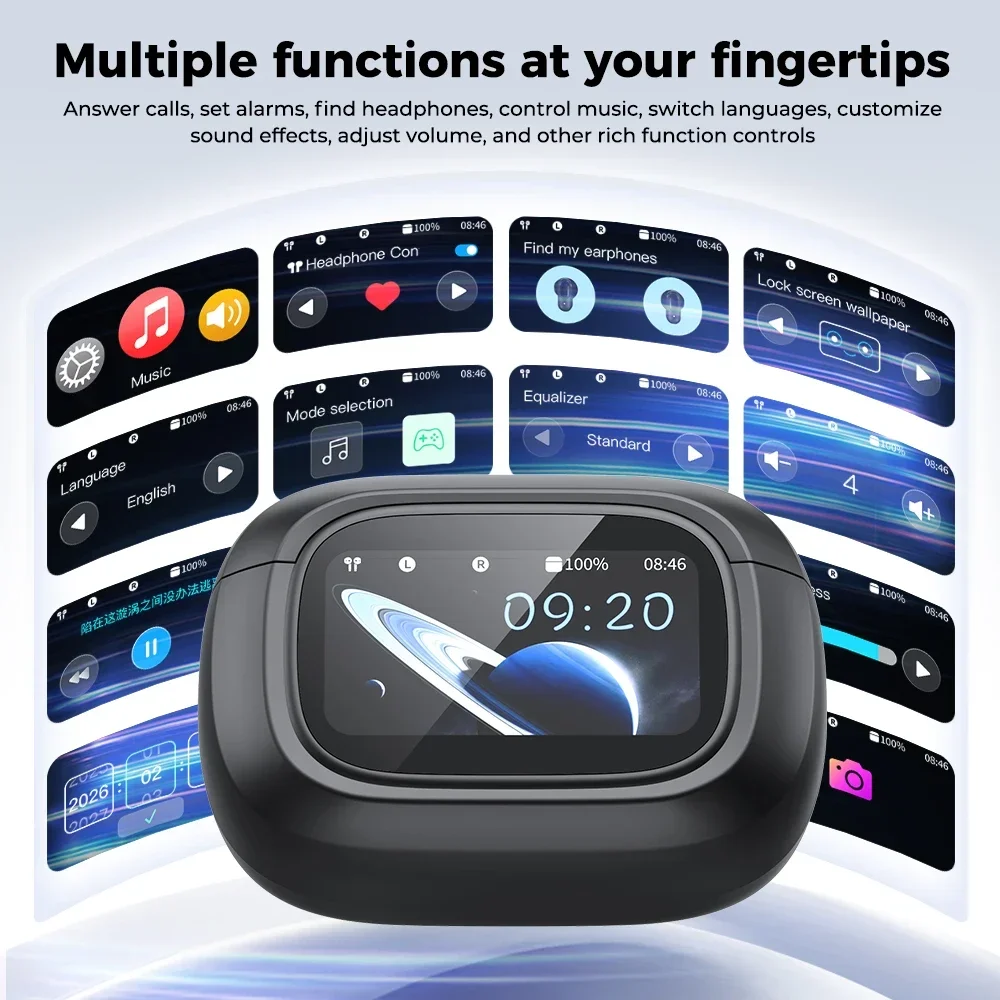
The charging case for MINISO MS126 earphones.
2.2 Bluetooth Pairing
- Ensure the earphones are charged. Open the charging case; the earphones will automatically power on and enter pairing mode. The LED indicators on the earphones will flash, indicating they are ready to pair.
- On your device (smartphone, tablet, etc.), enable Bluetooth.
- Search for available Bluetooth devices and select "MINISO MS126" from the list.
- Once connected, the LED indicators on the earphones will stop flashing or change to a steady light, and you will hear a confirmation tone.
- The earphones will automatically reconnect to the last paired device when taken out of the case, if Bluetooth is enabled on the device.
Bluetooth Version: 5.3
2.3 Wearing the Earphones
Gently insert the earphones into your ears, ensuring a comfortable and secure fit. Adjust them until the sound is clear and the active noise cancellation is effective.
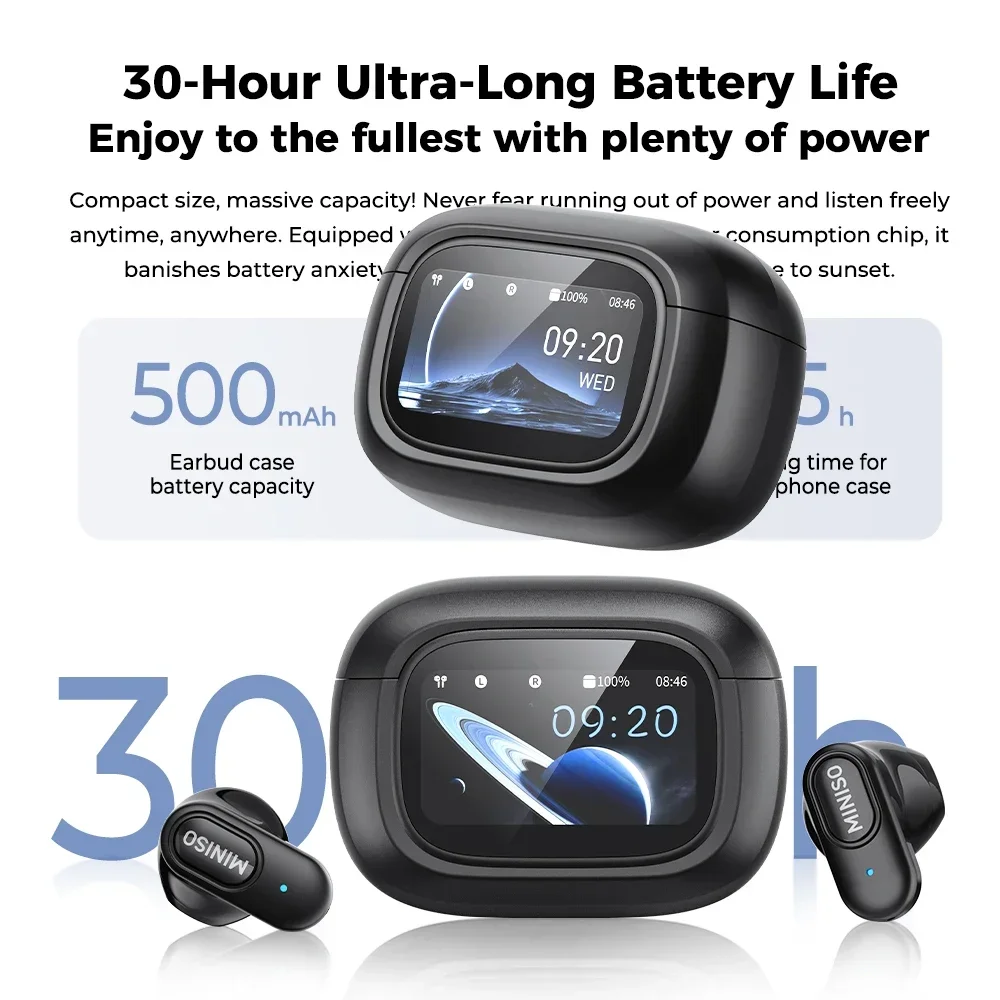
MINISO MS126 earphones being worn.
3. Operating Instructions
3.1 Power On/Off
- Power On: Open the charging case, or long-press the touch area on both earphones for a few seconds.
- Power Off: Place the earphones back into the charging case and close the lid, or long-press the touch area on both earphones for a few seconds until the LED indicators turn off.
3.2 Touch Controls
The MINISO MS126 earphones feature intelligent touch controls. Specific functions may vary, but common operations include:
- Play/Pause: Single tap on either earphone.
- Next Track: Double tap on the right earphone.
- Previous Track: Double tap on the left earphone.
- Answer/End Call: Single tap on either earphone.
- Reject Call: Long press on either earphone.
- Activate Voice Assistant: Triple tap on either earphone.
- Volume Control: Yes, typically by swiping or specific tap patterns (refer to the detailed PDF manual for exact gestures).
- Active Noise Cancellation (ANC) / Transparency Mode: Long press or specific tap pattern (refer to the detailed PDF manual).
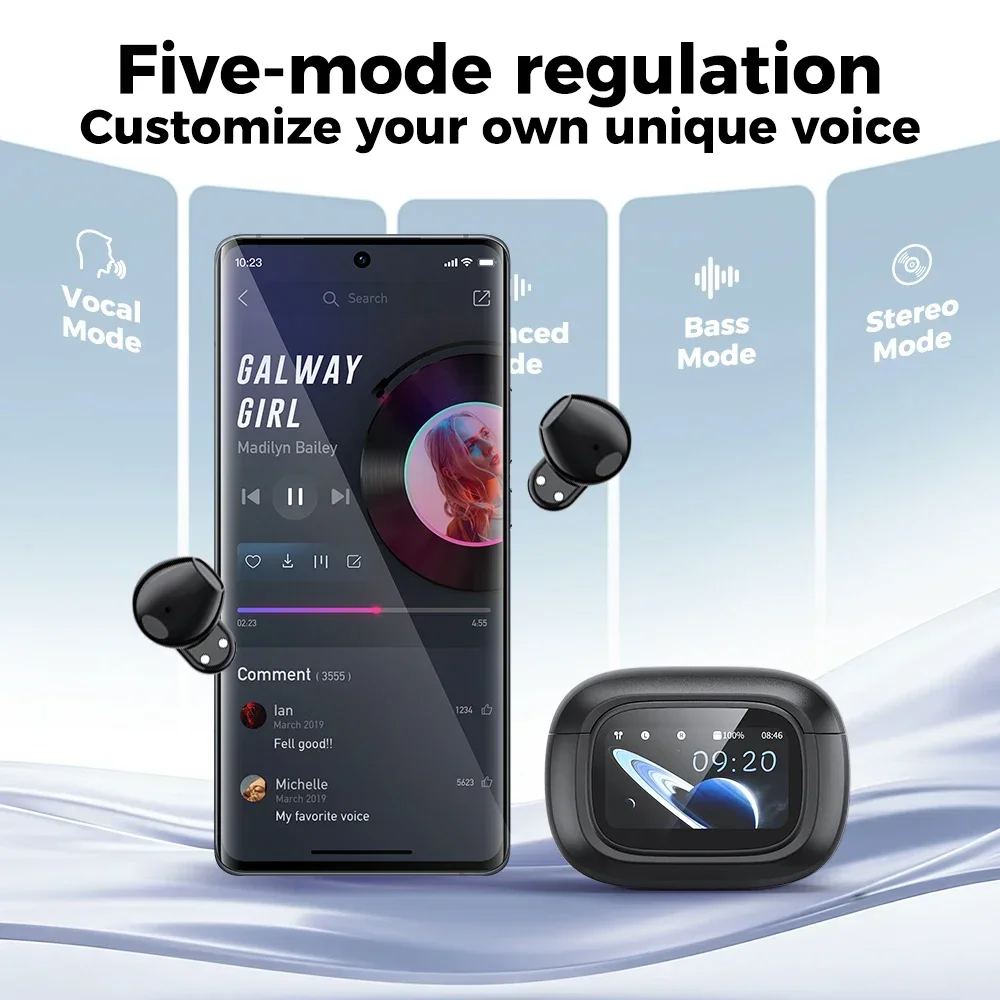
Diagram illustrating touch control functions on MINISO MS126 earphones.
3.3 LED Indicators
The earphones feature full-color LED indicators that provide information about power, pairing status, and charging. Consult the detailed PDF manual for a complete guide to LED patterns.
Detailed view of the MINISO MS126 earbud, highlighting the full-color LED.
3.4 Special Features
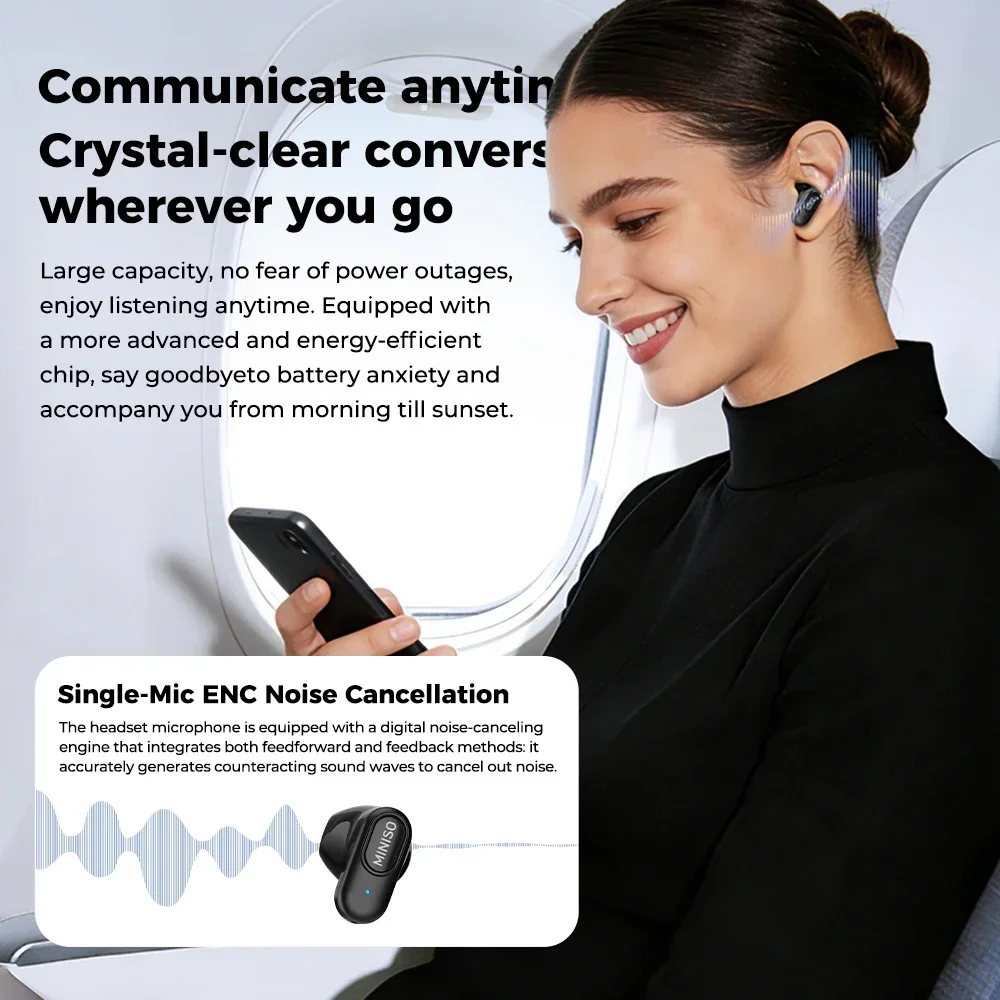
- Active Noise-Cancellation: Reduces ambient noise for a more focused listening experience.
- 3D Spatial Audio: Provides an immersive audio experience with a sense of sound coming from all directions.
- With Microphone: Built-in microphone for hands-free calls.
Video demonstrating the features and usage of the MINISO MS126 Wireless Headphones.
4. Maintenance
4.1 Cleaning
- Use a soft, dry, lint-free cloth to clean the earphones and charging case.
- Do not use abrasive cleaners, solvents, or aerosol sprays.
- Gently clean the charging contacts on both the earphones and the case with a dry cotton swab if necessary.
4.2 Storage
- Always store the earphones in their charging case when not in use to protect them and keep them charged.
- Store in a cool, dry place, away from extreme temperatures and direct sunlight.
4.3 Battery Care
- To prolong battery life, avoid fully discharging the earphones and charging case frequently.
- Charge the device regularly, even if not in frequent use.
- Note: The earphones are NOT Waterproof. Avoid exposure to water, moisture, or sweat to prevent damage.
5. Troubleshooting
5.1 Pairing Issues
- Earphones not pairing with device: Ensure Bluetooth is enabled on your device. Make sure the earphones are charged and in pairing mode. Try turning Bluetooth off and on again on your device.
- Only one earphone working: Place both earphones back into the charging case, close the lid, wait a few seconds, then open it again. This often resets the connection between the two earbuds.
5.2 No Sound or Poor Audio Quality
- No sound: Check the volume level on both your device and the earphones. Ensure the earphones are properly connected to your device.
- Poor audio quality: Move closer to your device to avoid interference. Ensure there are no obstructions between the earphones and your device. Clean any debris from the earphone speakers.
5.3 Charging Problems
- Earphones not charging: Ensure the charging cable is securely connected to both the case and the power source. Check if the charging contacts on the earphones and case are clean and free of debris.
- Charging case not charging: Try a different charging cable or power adapter.
5.4 Resetting the Earphones
If you experience persistent issues, a factory reset may resolve them. The exact reset procedure can vary; typically, it involves placing the earphones in the charging case and pressing a button on the case for an extended period, or a specific touch sequence on the earbuds. Refer to the official PDF user manual for precise instructions.
6. Specifications
| Feature | Specification |
|---|---|
| Brand Name | MINISO |
| Model | MS126 |
| Material | Plastic |
| Battery Capacity (Charging Case) | 500 mAh |
| Battery Life (up to) | 30 hours |
| Maximum Wireless Range | <10m |
| Sound Isolating | Yes |
| Earcups Type | Sealed |
| Number Of Drivers | 2 |
| Charging Method | Charging case (Type-C) |
| Headphone Pads Material | Other |
| Driver Diameter | 13mm |
| Impedance Range | up to 32 Ω |
| Bluetooth Version | 5.3 |
| Codecs | AAC, SBC |
| With Microphone | Yes |
| Is Wireless | Yes |
| Support APP | Yes |
| Waterproof | No |
| Plug Type | NONE |
| Function | For Internet Bar, Video Game, HiFi Headphone, Hearing Aid, Office, Common Headphone, Mobile Phone, Sport, Outdoor, Sleep |
| Active Noise-Cancellation | Yes |
| Volume Control | Yes |
| Control Button | No (Intelligent Touch Controls) |
| Vocalism Principle | Dynamic |
| Wireless Type | Bluetooth |
| Connectors | Type-C |
| Communication | Wireless |
| Style | TWS In-ear Headphones |
| Certification | CE, FCC, RoHS |
| Origin | Mainland China |
| Support Memory Card | No |
7. Warranty and Support
For detailed warranty information and customer support, please refer to the official MINISO website or contact your retailer. Keep your proof of purchase for any warranty claims.
An electronic version of the user manual is available for download:
- User Manual (PDF): Download PDF
8. User Tips
- Optimal Fit: Experiment with different ear tip sizes (if provided) to find the best seal for improved sound quality and noise cancellation.
- Regular Charging: For consistent performance, make it a habit to place the earphones back in their charging case whenever not in use.
- Firmware Updates: If the product supports a companion app, check for firmware updates regularly to ensure optimal performance and access to new features.
- Environmental Awareness: While ANC is great for immersion, be mindful of your surroundings when using it, especially in busy or potentially hazardous environments.