
Introduction
Thank you for choosing the TILTA TA-MAA Mini Articulating Arm. This versatile accessory is designed to securely mount various camera accessories such as monitors, microphones, lights, and wireless transmitters to your camera rig. Its robust construction and flexible design ensure stable and precise positioning for your equipment.

Figure 1: TILTA TA-MAA Mini Articulating Arm
Setup
The TILTA TA-MAA Mini Articulating Arm features 1/4"-20 mounting points with retractable locating pins on both ends, allowing for secure attachment to a wide range of camera cages and accessories.
1. Attaching the Arm to Your Camera Rig
- Identify a 1/4"-20 threaded hole on your camera cage, top handle, or other mounting point.
- Screw one end of the TA-MAA Articulating Arm into the threaded hole. Ensure the retractable locating pins align with any corresponding holes on your rig for added stability.
- Hand-tighten the knurled knob on the arm until it is secure. Do not overtighten.
2. Attaching Accessories to the Arm
- Identify the 1/4"-20 threaded hole on your accessory (e.g., monitor, microphone, light).
- Screw the accessory onto the other end of the TA-MAA Articulating Arm. Ensure the retractable locating pins align with any corresponding holes on your accessory for added stability.
- Hand-tighten the knurled knob on the arm until the accessory is securely attached.
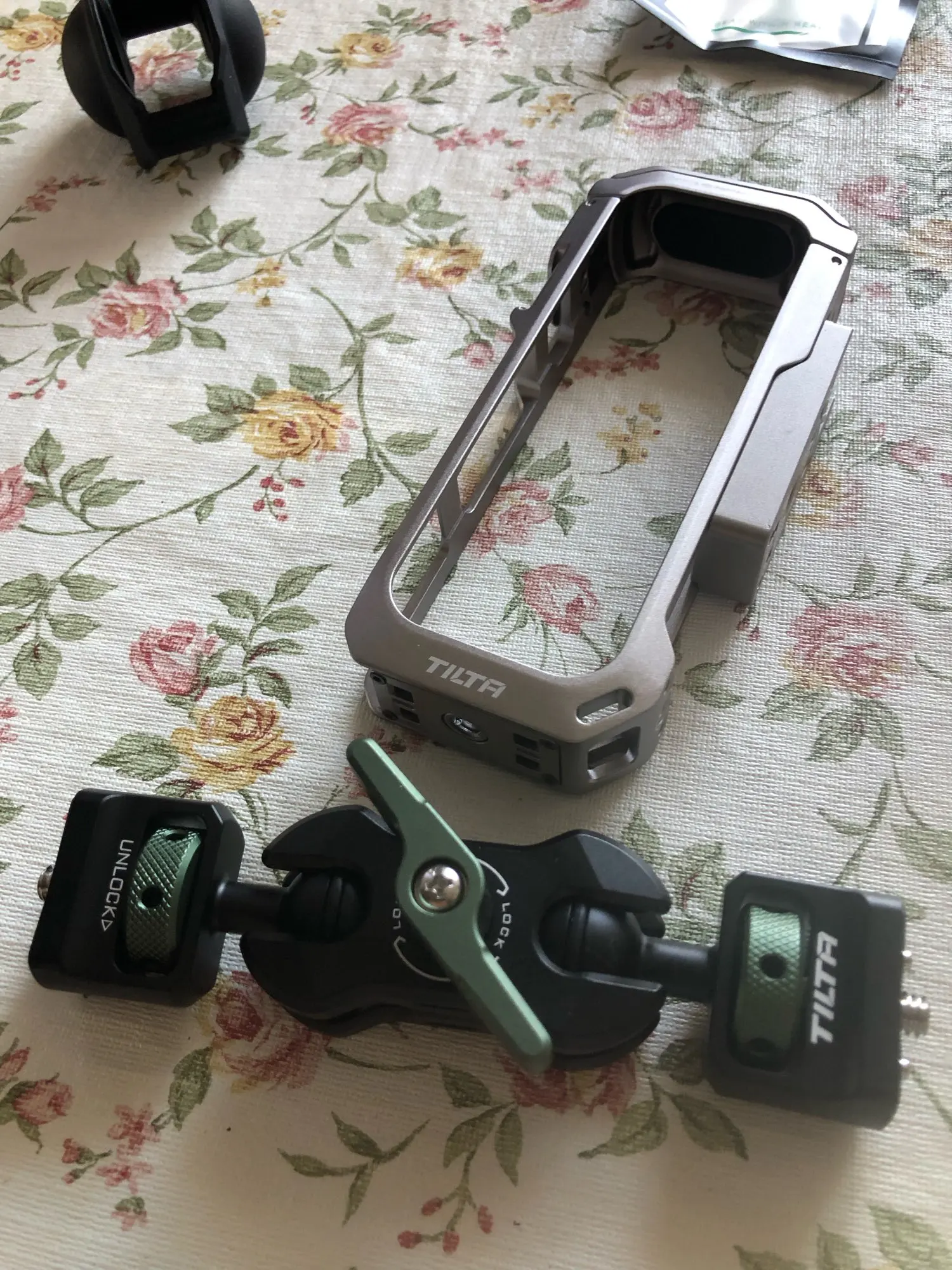
Figure 2: 1/4"-20 Screws with Retractable Locating Pins for secure attachment.
Operating
The TA-MAA Mini Articulating Arm offers flexible adjustment and a secure locking mechanism.
1. Adjusting Position and Angle
- To adjust the position or angle of your mounted accessory, loosen the central green tie-down knob by turning it counter-clockwise.
- Carefully reposition your accessory to the desired angle. The arm allows for 360° rotation and 180° pivot on each ball head.
- Once the desired position is achieved, tighten the central green tie-down knob by turning it clockwise until the arm is firmly locked in place.

Figure 3: Ergonomic quick-locking tie-down knob for easy adjustment.
2. Damping Rubber Ring
The arm incorporates a damping rubber ring to allow for smooth rotation and to protect your equipment from sudden movements. This also helps in fine-tuning the tension for optimal accessory support.

Figure 4: Damping Rubber Ring for tension adjustment and equipment protection.
3. Product Demonstration Video
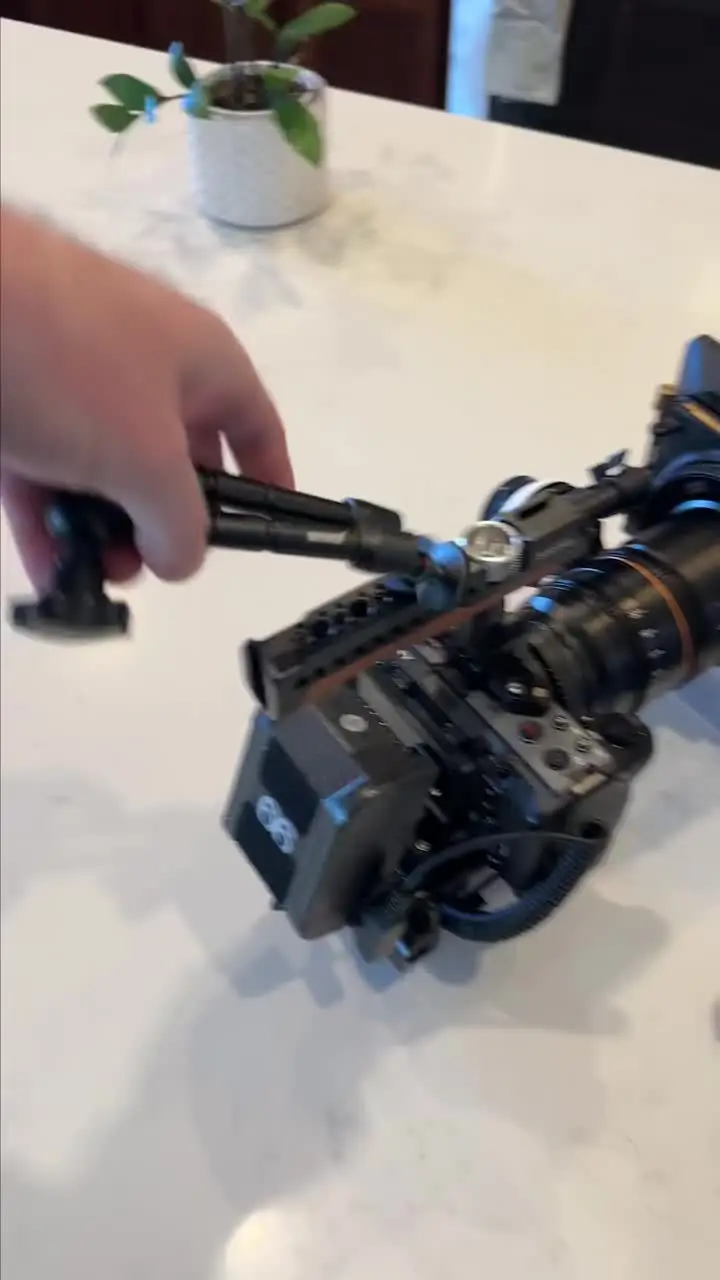
Video 1: Demonstration of the TILTA TA-MAA Mini Articulating Arm in use with various camera accessories, showcasing its stability and adjustability.
Maintenance
- Cleaning: Use a soft, dry cloth to wipe down the arm. For stubborn dirt, a slightly damp cloth can be used, followed by immediate drying. Avoid abrasive cleaners or solvents.
- Inspection: Periodically check all screws and joints for tightness. Ensure the locking knob operates smoothly.
- Storage: Store the articulating arm in a clean, dry place away from extreme temperatures and humidity.
Troubleshooting
Arm Not Holding Position
- Ensure the central tie-down knob is fully tightened.
- Check if the payload exceeds the arm's maximum capacity (4.5 KG).
- Inspect the ball heads for any debris that might prevent proper locking.
Loose Connections
- Verify that both ends of the arm are securely screwed into your rig and accessory.
- Ensure the retractable locating pins are properly engaged if your equipment supports them.
Specifications

Figure 5: Product specifications and packaging dimensions.
| Feature | Detail |
|---|---|
| Product Name | Tiltaing Mini Articulating Arm |
| Model Number | TA-MAA |
| Material | Aluminum-alloy, Stainless Steel |
| Net Weight | 151g (0.333 lbs) |
| Dimensions | 63.29 × 74.93 MM (approx. 2.5 x 2.95 inches) |
| Payload Capacity | 4.5 KG (approx. 9.9 lbs) |
| Mounting Points | 1/4"-20 with Retractable Locating Pins (both ends) |
| Color | Black with Green Accents |
User Tips
- Versatility: This arm is highly versatile. Don't limit its use to just monitors; it's excellent for mounting wireless video transmitters, small LED lights, or even audio recorders.
- Heavy Loads: The TA-MAA is surprisingly robust. It can securely hold heavier accessories like monitors with large NPF batteries, making it a reliable choice for demanding setups.
- Quick Adjustments: The ergonomic tie-down knob allows for rapid adjustments on set. Practice loosening and tightening it quickly to streamline your workflow.
Warranty and Support
For warranty information, technical support, or service inquiries, please contact your original point of purchase or visit the official TILTA website. Please retain your proof of purchase for any warranty claims.