
1. Product Overview
The TIMEMORE Black Mirror Dot is a smart, screen-free, thin, and colorful electronic coffee scale designed to enhance your brewing experience. It features intelligent app interconnection via Bluetooth, high-precision weighing, and a long-lasting battery, supporting both pour-over and espresso brewing modes with real-time data synchronization.

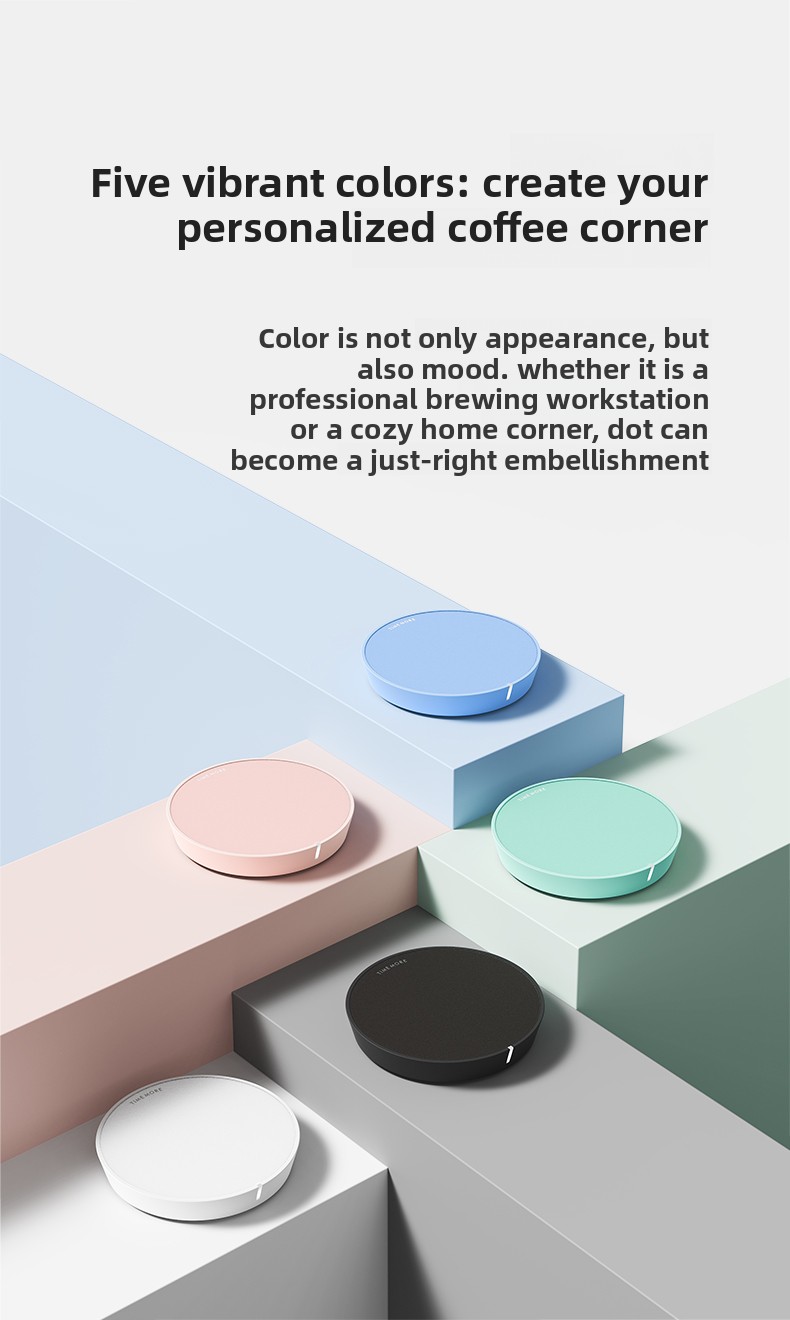
TIMEMORE Black Mirror Dot Coffee Scale in multiple colors.
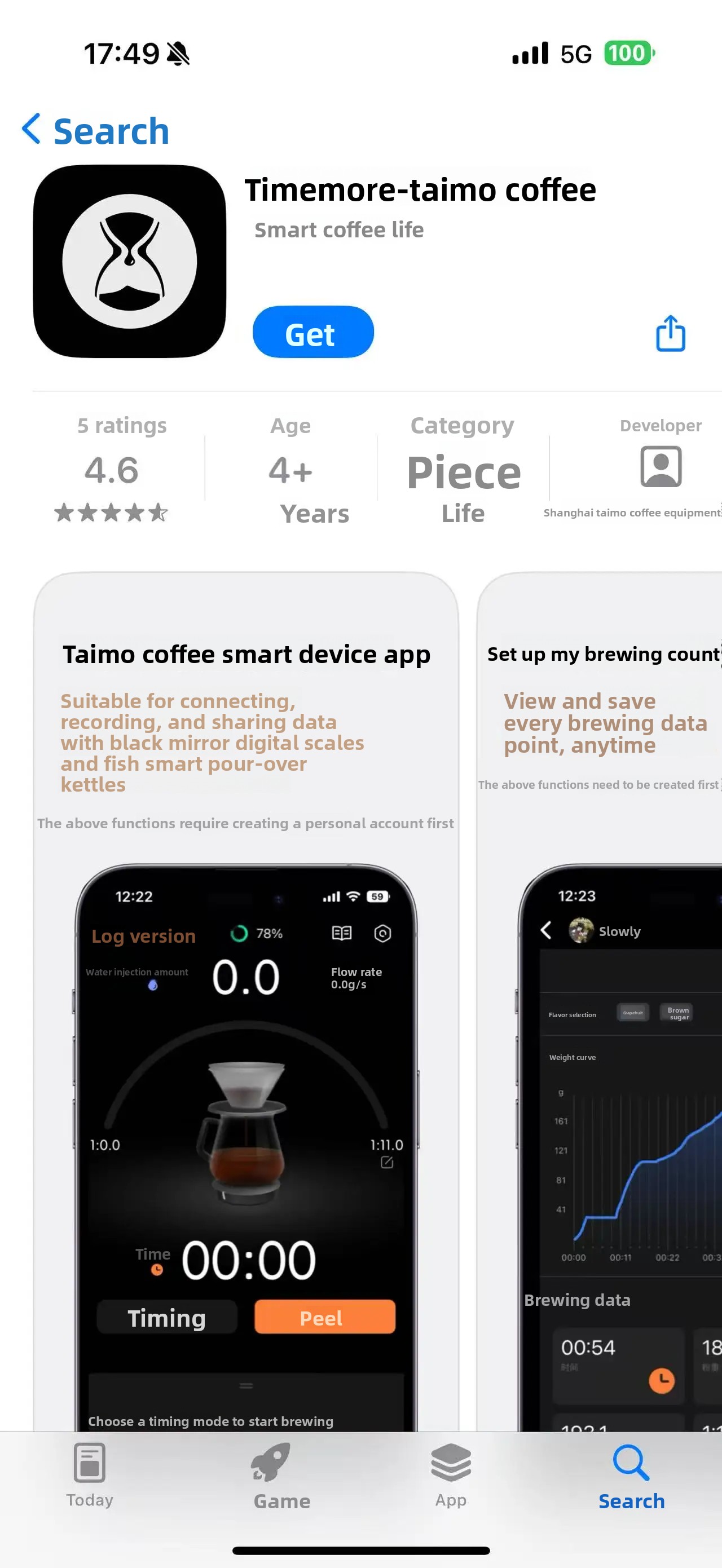
TIMEMORE Black Mirror Dot Coffee Scale with smartphone displaying the companion app.
TIMEMORE Black Mirror Dot Coffee Scale in action, demonstrating pour-over and espresso brewing with app integration.
2. Setup Guide
2.1. App Download
To fully utilize your TIMEMORE Black Mirror Dot Coffee Electronic Scale, you must use it in conjunction with the official TIMEMORE App. Search for "Timemore" on your device's App Store (iOS) or Google Play Store (Android) to download and install the application.
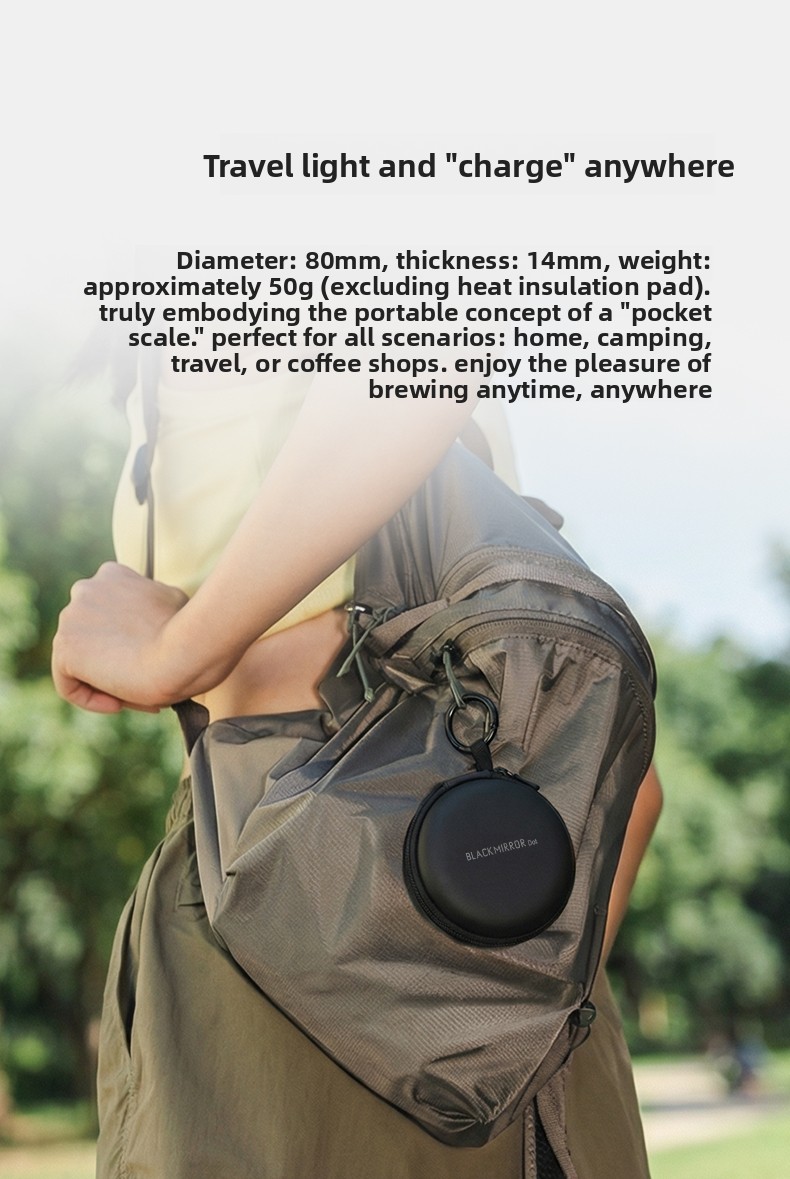
Screenshot of the 'Timemore' app on a smartphone.
2.2. Initial Connection
Follow these three simple steps to connect your scale to the app:
- Power On & Pairing: Briefly press the bottom button on the scale to power it on. The white light will flash rapidly, indicating it is in pairing mode.
- App Connection: Open the TIMEMORE App on your smartphone or tablet. Follow the on-screen instructions within the app to complete the Bluetooth connection process. Ensure your device's Bluetooth is enabled and the scale is nearby.
- Start Brewing: Once connected, select your desired brewing mode within the app. Place your brewing equipment on the scale, and the data will synchronize to your mobile phone in real-time.
Three-step guide for one-click connection and getting started with the TIMEMORE Black Mirror Dot Coffee Scale.
2.3. Charging
The scale is equipped with a built-in 300mAh lithium battery and features a waterproof Type-C charging port. A full charge takes approximately 2.5 hours and provides about 15 hours of continuous use (based on a 5-minute pour-over brew time, allowing for about 180 uses).

Infographic detailing the long-lasting battery life of the TIMEMORE Black Mirror Dot Coffee Scale.
3. Operating Instructions
3.1. Basic Functions
- Power On/Off: Briefly press the bottom button to power on. Long press for 3 seconds to power off.
- Mute Function: Single-click the button to toggle the mute function on/off.
- Check Battery Level: Long press the screen (if applicable, or refer to app) to check the current battery level.
3.2. Weighing and Brewing
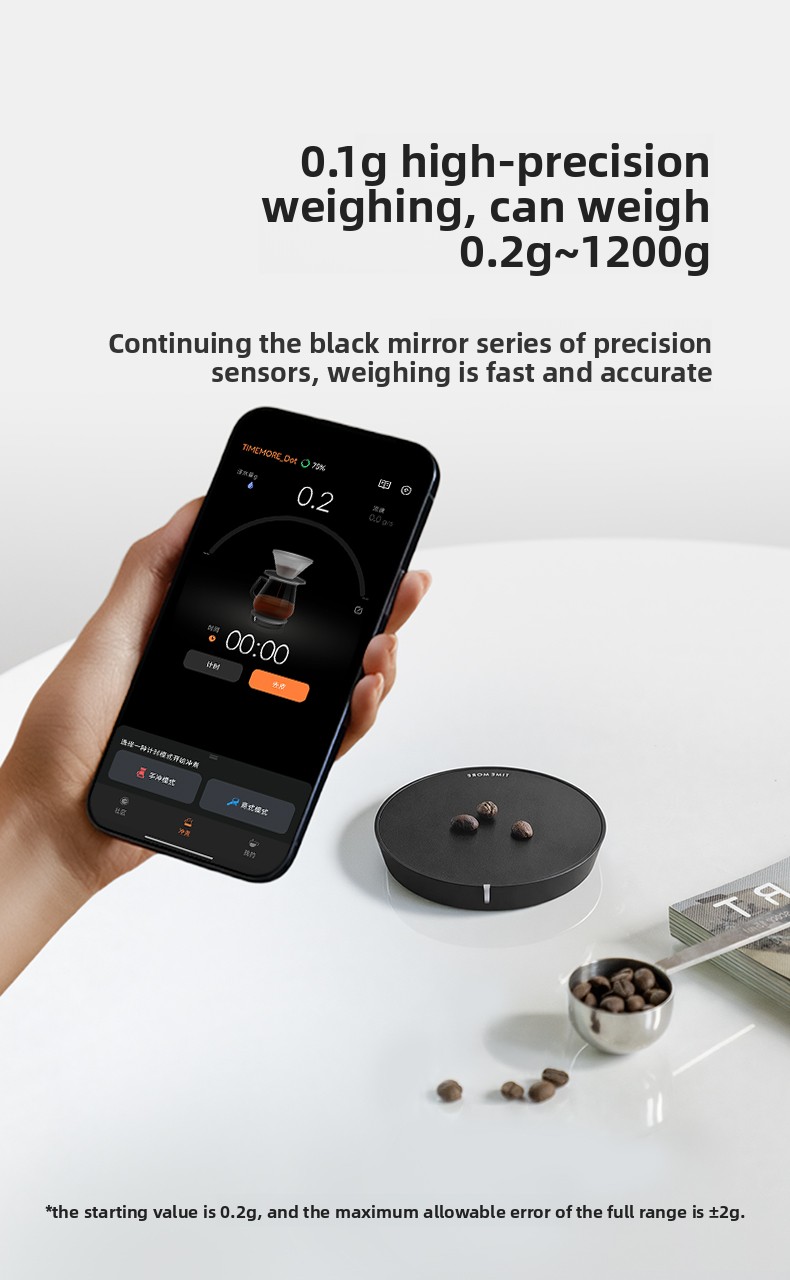
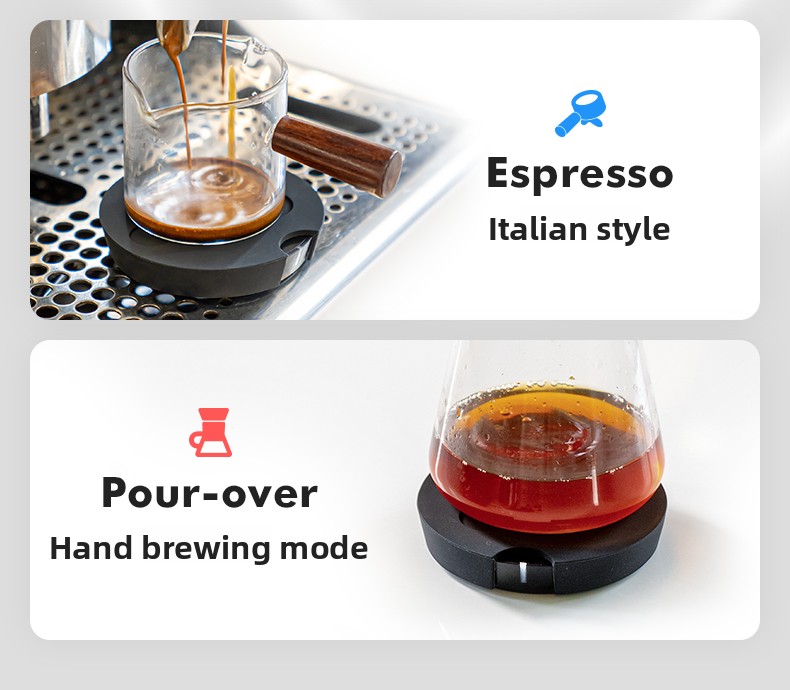
The scale offers 0.1g high-precision weighing, capable of measuring loads from 0.2g up to 1200g. It supports various brewing methods:
- Pour-over Mode: Ideal for manual brewing, allowing precise control over water flow and weight.
- Espresso Mode: Designed for espresso machines, providing accurate measurements for consistent shots.
Illustrations of Espresso and Pour-over brewing modes supported by the scale.
TIMEMORE Black Mirror Dot Coffee Scale demonstrating 0.1g high-precision weighing.
3.3. App Features
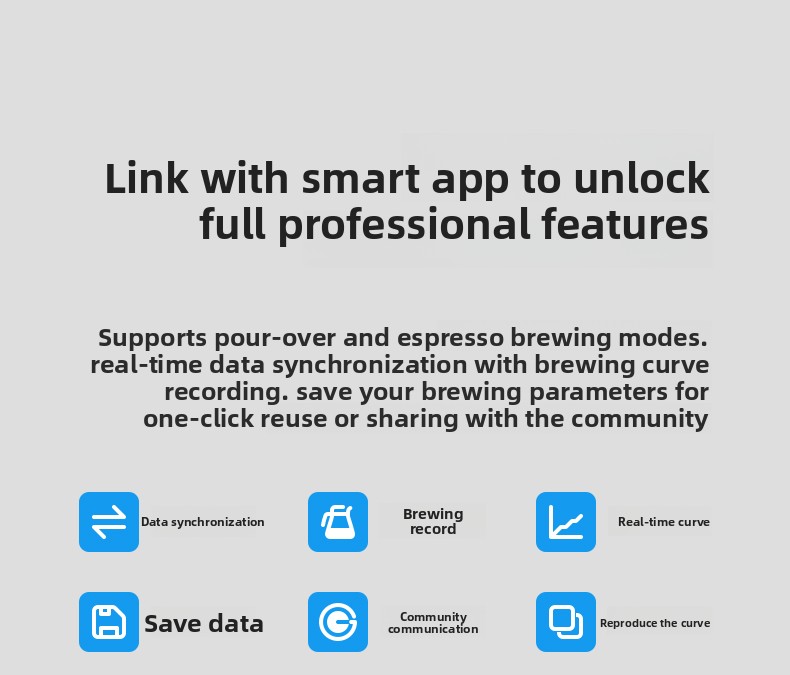
The TIMEMORE App unlocks a suite of professional features:
- Real-time Data Synchronization: View weight, flow rate, and time data instantly on your device.
- Brewing Curve Recording: Record and analyze your brewing curves to refine your technique.
- Save & Reuse Parameters: Save your preferred brewing parameters for one-click reuse.
- Community & Sharing: Share your brewing data and recipes with the coffee community.
- Reproduce Curves: Replicate past successful brews by following recorded curves.
TIMEMORE Black Mirror Dot Coffee Scale app interface, showing professional features like data synchronization and brewing records.
3.4. Screenless Design & Light Indicator
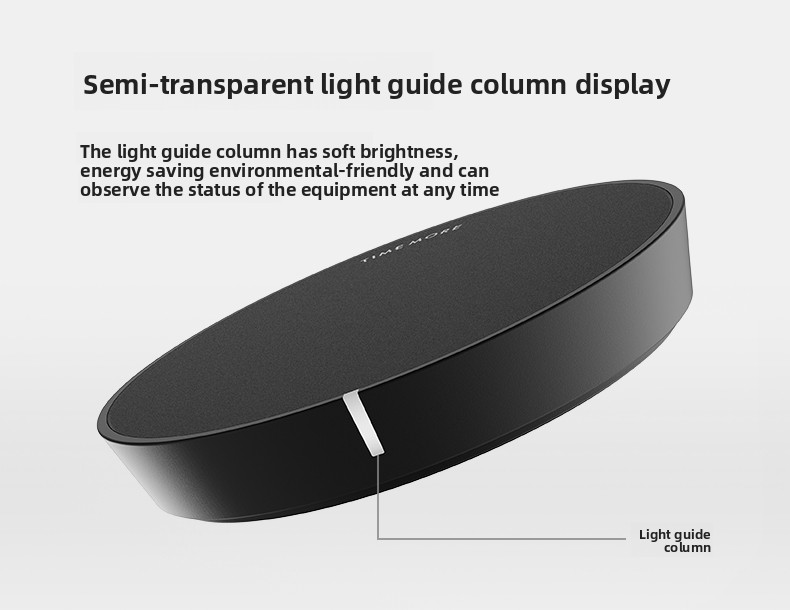
The minimalist screenless design helps you focus on the brewing process. A semi-transparent light guide column displays the equipment status with soft brightness, ensuring energy efficiency and environmental friendliness.
Close-up of the semi-transparent light guide column display on the scale.
4. Maintenance
4.1. Cleaning and Protection
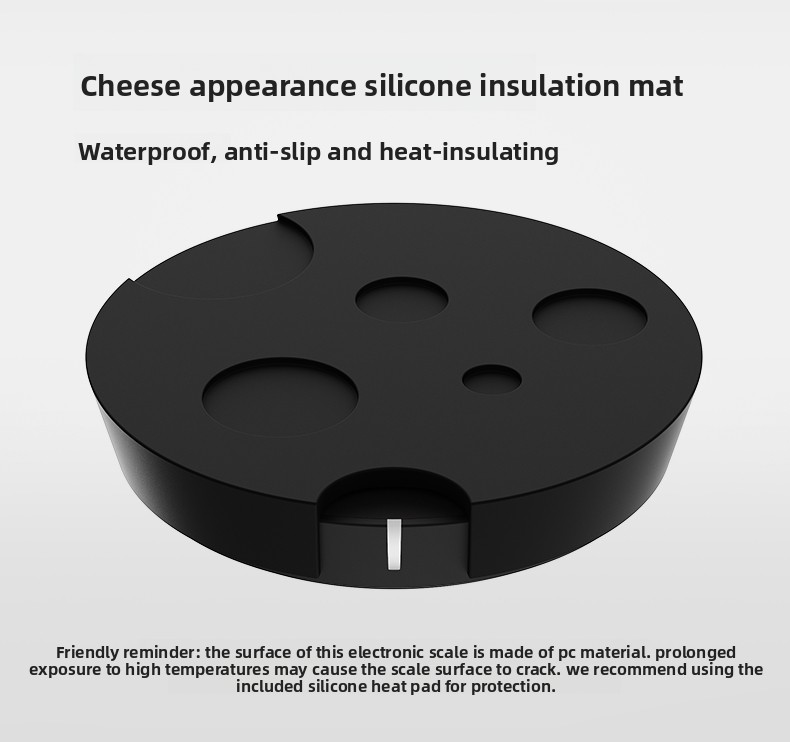
The scale's surface is made of PC material. To prevent cracking due to prolonged exposure to high temperatures, always use the included silicone heat pad. The silicone mat is waterproof, anti-slip, and heat-insulating, providing essential protection for your scale.
Silicone insulation mat for the TIMEMORE Black Mirror Dot Coffee Scale.
4.2. Battery Care
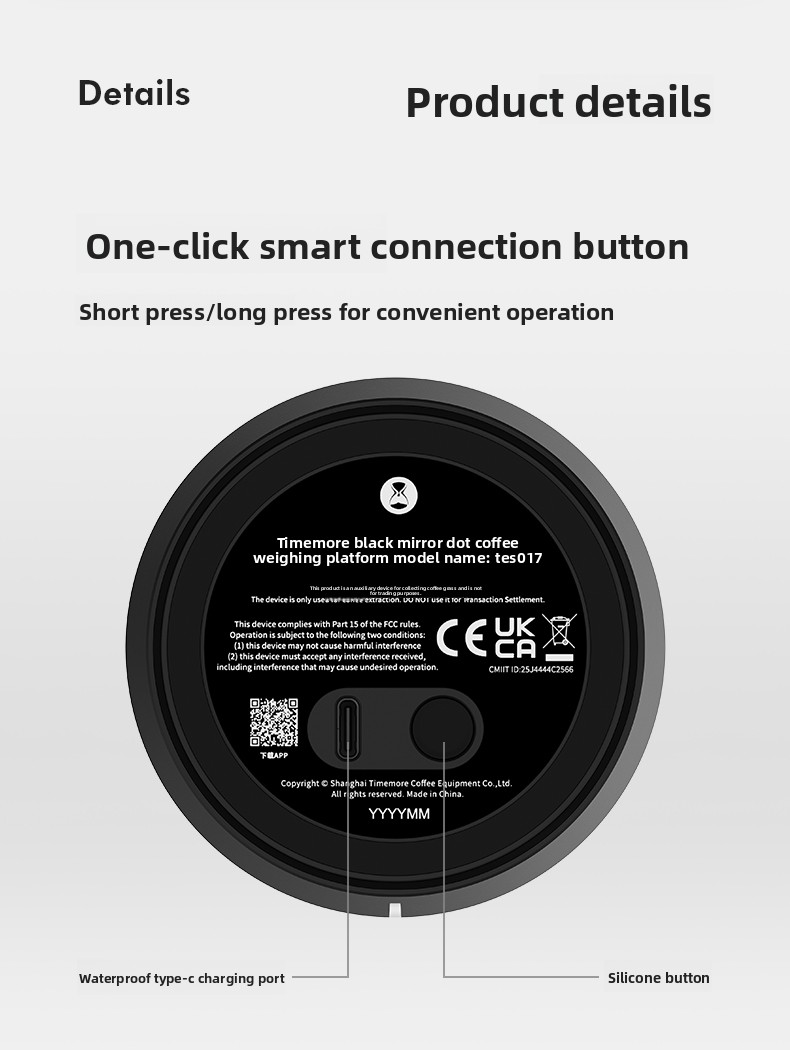
The scale features a waterproof Type-C charging port. Ensure the port is dry before charging. For optimal battery longevity and charging efficiency, it is recommended to use a 5V1A-2A adapter.
Bottom view of the TIMEMORE Black Mirror Dot Coffee Scale, showing the waterproof Type-C charging port.
5. Troubleshooting
- Scale not connecting to app: Ensure the scale is powered on and within close proximity to your smartphone/tablet. Verify that Bluetooth is enabled on your device and try restarting both the scale and the app.
- Low Battery Indication: If the scale's indicator light flashes red, it indicates a low battery. Connect the scale to a power source using the provided Type-C cable.
- App Compatibility Issues: Due to the wide variety of phone models, app compatibility is continuously being improved. If you encounter issues, please use the "suggestions & feedback" option in the "me" section of the app (accessible via the customer service icon in the upper right corner) to report them.
Screenshot of the app's 'Suggestions & feedback' section for reporting issues.
6. Specifications
| Feature | Detail |
|---|---|
| Brand Name | TIMEMORE |
| Model Number | 70TES017AA001 |
| Product Name | Black Mirror Dot Coffee Digital Scale |
| Colors Available | Black, White, Blue, Pink, Green |
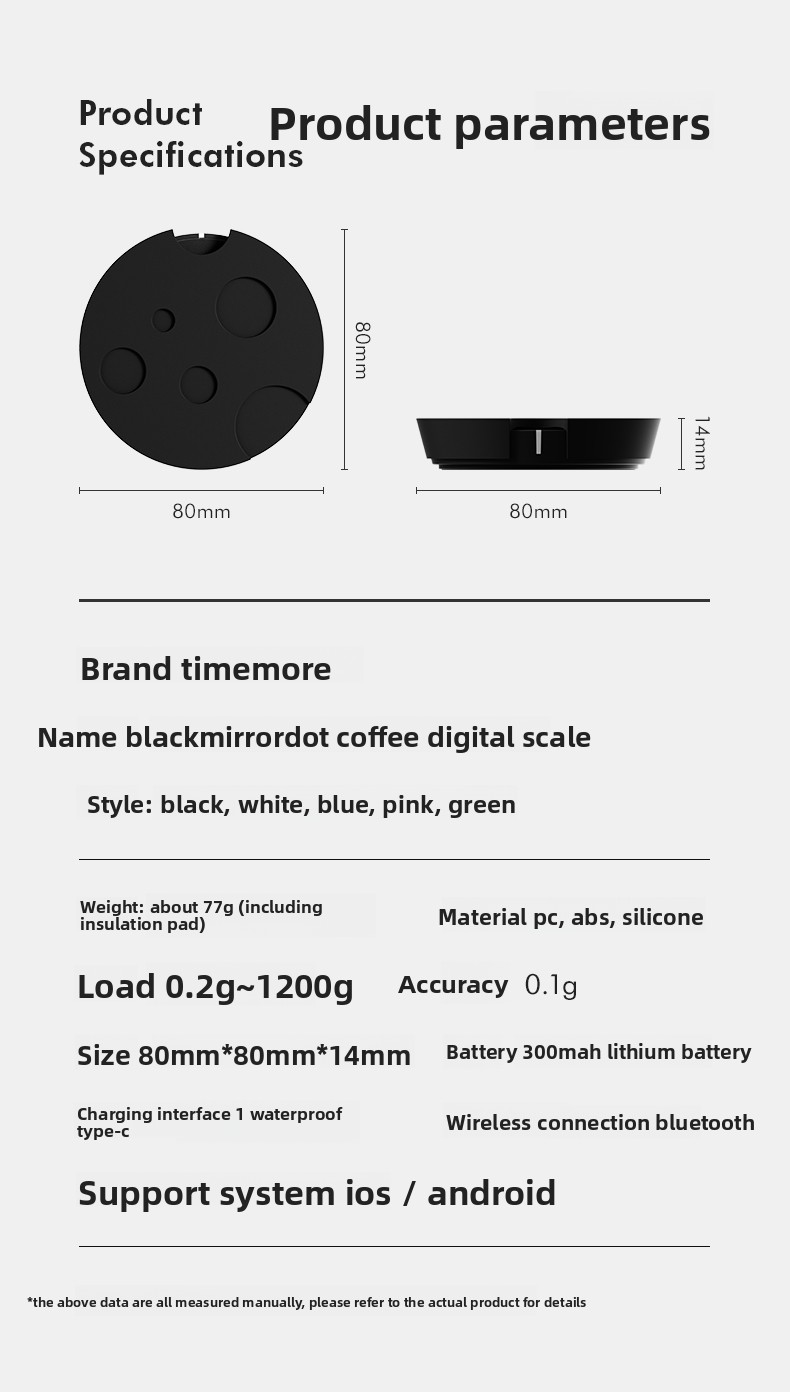
| Weight | Approx. 77g (including insulation pad) |
| Material | PC, ABS, Silicone |
| Load Capacity | 0.2g ~ 1200g |
| Accuracy | 0.1g |
| Dimensions | 80mm * 80mm * 14mm |
| Battery | 300mAh Lithium Battery (Included) |
| Charging Interface | Waterproof Type-C |
| Wireless Connection | Bluetooth |
| Supported Systems | iOS / Android |

Detailed product parameters.
7. Warranty and Support
For detailed warranty information and comprehensive instructions, please refer to the official user manual available in PDF format. You can typically find this document on the product's support page or by contacting customer service.
Official User Manual (PDF): A detailed user manual is available in PDF format. Please refer to the product's official support resources for the download link.
For any product-related inquiries, technical support, or to provide feedback, please utilize the "suggestions & feedback" option within the TIMEMORE App or contact the seller directly through their official channels.
8. User Tips
- Protect from Heat: Always use the included silicone heat pad for protection, especially when placing hot brewing equipment on the scale. Prolonged exposure to high temperatures may cause the scale surface to crack.
- Optimal Charging: For efficient and safe charging, it is recommended to use a 5V1A-2A adapter with the waterproof Type-C charging port.
- Keep App Updated: The companion app is regularly updated with new features and compatibility improvements. Ensure you have the latest version installed for the best experience.
- App Availability: If the app is not available in your country's app store, check for regional restrictions or alternative download methods provided by TIMEMORE.
- Advanced Bluetooth Use: While the scale features Bluetooth, its compatibility with third-party coffee machines (like CremaTune V2) for weight scale services is not officially guaranteed. Specific app features or third-party integrations may be required.