
1. Product Description
This product includes compatible vacuum cleaner accessories such as filters, side brushes, mop pads, roller brushes or dust bags. These accessories are designed for household vacuum cleaners and robot vacuum cleaners for dry indoor cleaning only.

2. Intended Use and Use Restrictions
- Use the accessories only with compatible vacuum cleaner models specified by the seller (Xiaomi H50 PRO / OV42GL).
- For household use only. Not intended for commercial or industrial use.
- Do not use on wet surfaces unless the accessory is explicitly designed for wet cleaning.
- Do not modify the product or use damaged accessories.
3. Setup and Installation
Always switch off and unplug your robot vacuum cleaner before installing or replacing any accessories. Refer to your vacuum cleaner's original manual for specific instructions on opening compartments.
General Installation Steps:
- Remove the used accessory according to the vacuum cleaner manufacturer's instructions.
- Install the new accessory firmly in place until it is securely fitted.
- After installation, check that the accessory rotates or fits correctly before operation.
Visual Installation Guide:
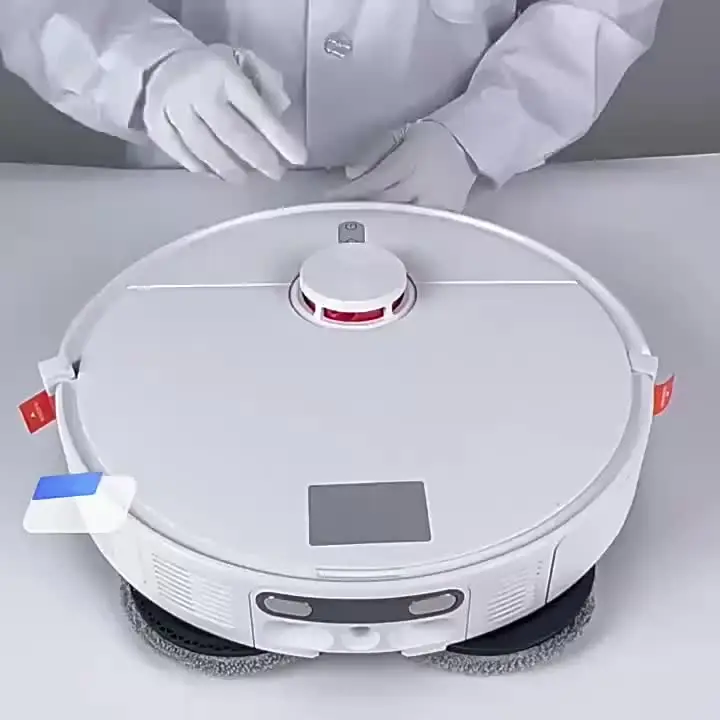
Specific Accessory Installation Notes:
- Dust Box Filter: Open the top cover of the robot, remove the dust box, press the clip to remove the old filter, insert the new filter, and replace the dust box.
- Roller Brush: Flip the robot over, unclip and open the roller brush cover plate, remove the old roller brush, insert the new one along the groove, and close the cover.
- Mop Cloths: Directly pull off the mop cloth from its magnetic base. Peel off the dirty mop cloth, attach a new one, and place the magnetic base back into the groove.
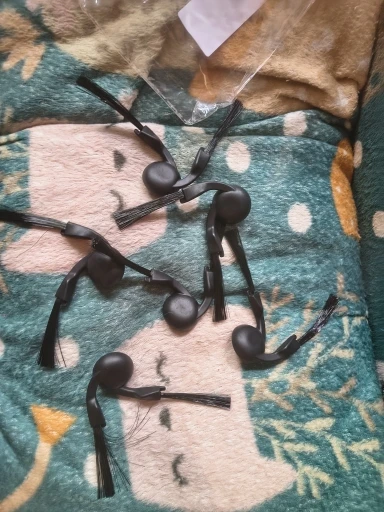
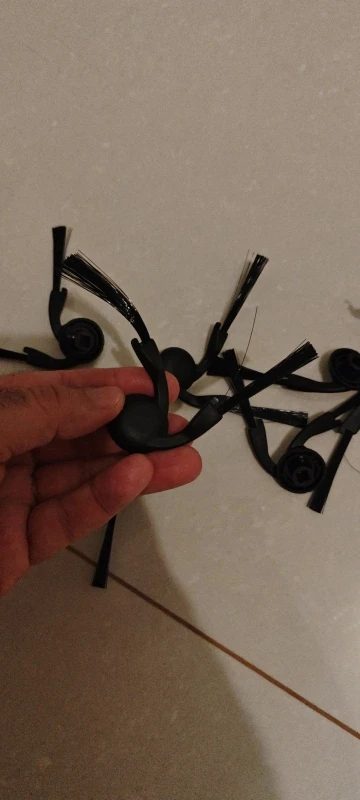
- Side Brushes: Side brushes are typically fixed with a clip. Pull the old brush outwards to remove it, then push the new brush into place until it clicks.
- Base Station Dust Bag: Open the base station's dust bag cover, remove the full dust bag, insert a new one into the slot, and close the cover.
4. Operating Instructions
These accessories are designed to restore or maintain the optimal cleaning performance of your Xiaomi H50 PRO / OV42GL robot vacuum cleaner. Replace accessories as they wear out or according to the maintenance schedule to ensure efficient operation.
- Filters: Replace regularly to maintain suction power and air quality.
- Brushes (Main & Side): Replace when bristles are worn or bent to ensure effective debris collection.
- Mop Cloths: Replace when they become heavily soiled or worn to ensure effective mopping.
- Dust Bags: Replace when full to prevent overflow and maintain dust collection efficiency.
5. Cleaning and Maintenance
- Clean reusable accessories regularly according to usage frequency.
- Allow washed accessories to dry completely before reuse.
- Replace disposable accessories such as filters or dust bags at recommended intervals.
6. Troubleshooting
If your robot vacuum cleaner experiences reduced performance after replacing accessories, ensure all parts are correctly installed and securely fitted. If issues persist, consult the original user manual for your Xiaomi H50 PRO / OV42GL robot vacuum cleaner or contact customer support.
7. Specifications
- Compatible Models: Xiaomi H50 PRO, OV42GL
- Material: Rubber, Cloth, Non-woven Fabric, Silicone
- Vacuum Part Type: Filters, Brushes, Mop Pads, Dust Bags
Accessory Dimensions and Weights:
- Main Brush: Length: 200mm, Weight: 64g
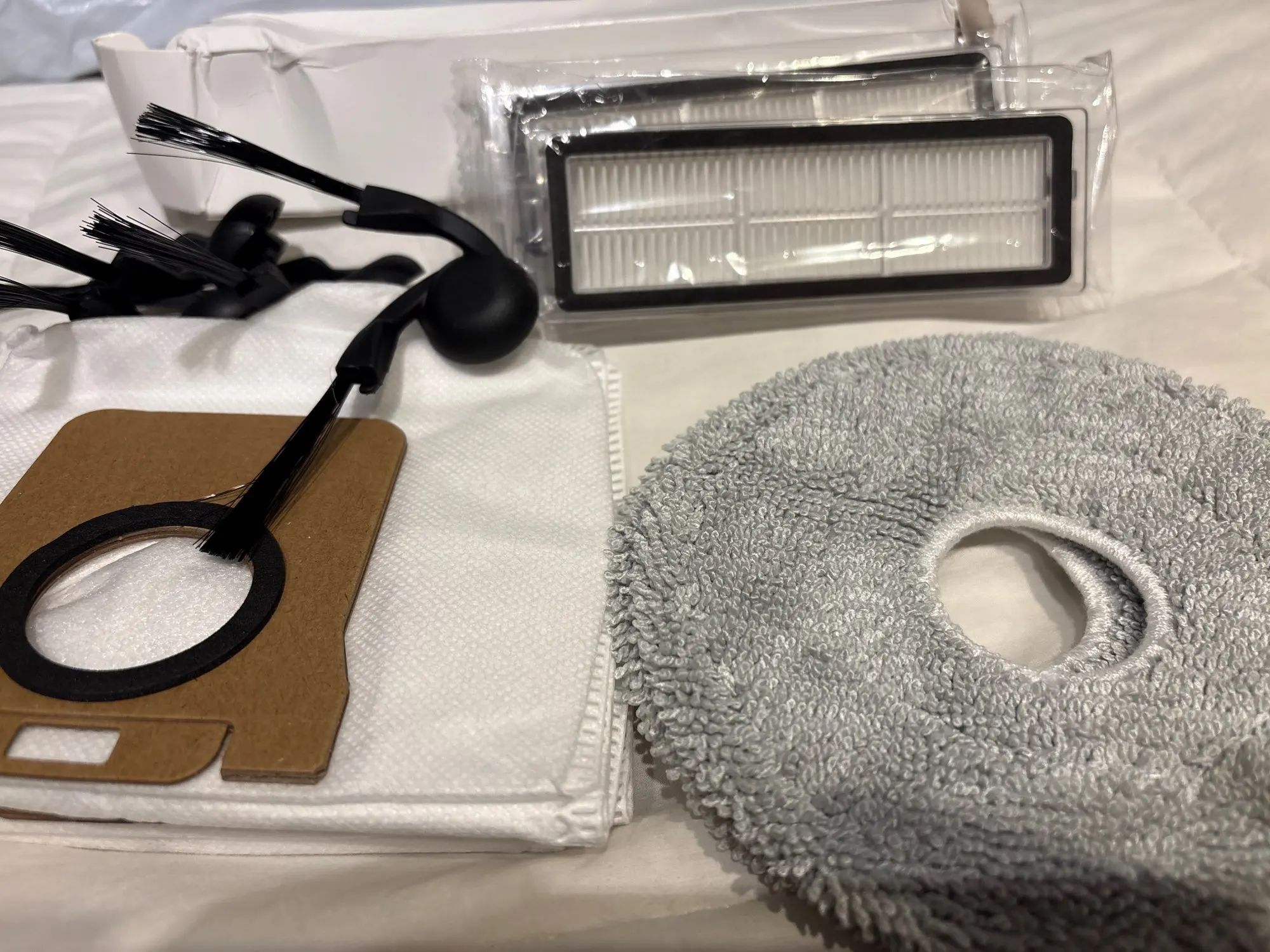
Main Brush Dimensions - HEPA Filter: Length: 132mm, Width: 42mm
HEPA Filter Dimensions - Mop Cloth: Diameter: 130mm, Weight: 12g
Mop Cloth Dimensions - Dust Bag: Dimensions: 185mm x 128mm x 93mm
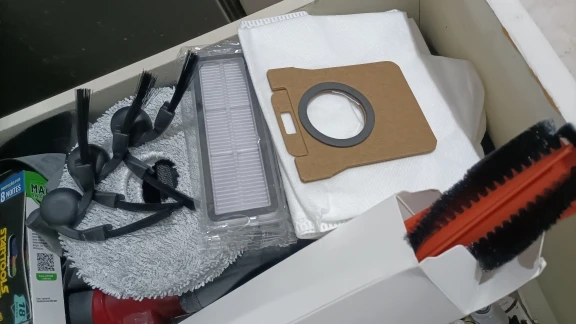
Dust Bag Dimensions - Side Brush: Length: 45mm
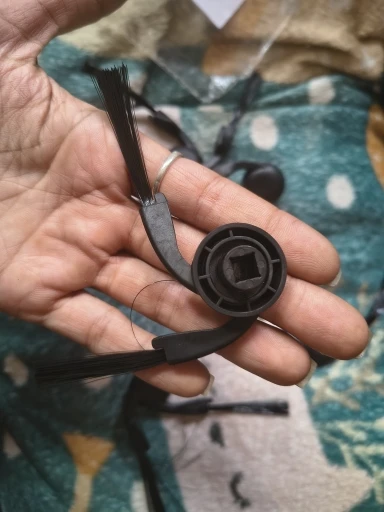
Side Brush Dimensions - Main Brush Cover: Length: 208mm, Height: 67mm, Weight: 57g
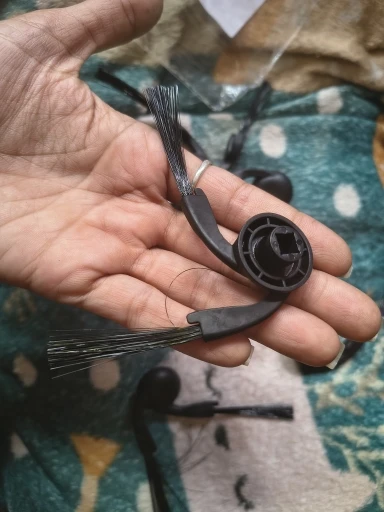
Main Brush Cover Dimensions
8. User Tips
- Many users report that these accessories are of very good quality and fit perfectly with the Xiaomi H50 PRO, performing just like the original parts.
- Ensure you verify your robot vacuum cleaner model (H50 PRO or OV42GL) for compatibility before purchasing, as these accessories are specifically designed for these models.
- Regular replacement of filters and brushes can significantly extend the life and efficiency of your robot vacuum cleaner.
9. Safety Information
! WARNING / SAFETY INFORMATION
- Keep accessories out of reach of children.
- This product is not a toy.
- Do not swallow small parts. Choking hazard.
- Do not use damaged or deformed accessories.
- Use only in dry indoor environments unless otherwise specified.
10. Disposal Information
Dispose of used accessories in accordance with local waste regulations. Do not dispose of electrical or electronic components with household waste.
11. Manufacturer / Importer Information
The manufacturer or EU importer information shall be provided by the seller on the product listing, packaging or accompanying documentation.
12. Warranty and Support
For any questions regarding these accessories, compatibility, or performance, please contact the seller directly through the platform where the purchase was made. Specific warranty details for these replacement parts may vary and should be confirmed with the seller.