
Introduction
The WARSUN G7 COB LED Headlamp is a versatile and powerful lighting solution designed for various outdoor activities such as fishing, hiking, camping, and working. Featuring multiple lighting modes, gesture control, and a portable charging case, it provides reliable illumination and extended battery life. This manual provides essential information on the product's components, setup, operation, maintenance, and safety guidelines.
Package Contents
Please check the package to ensure all items are present:
- Headlamp (Model G7)
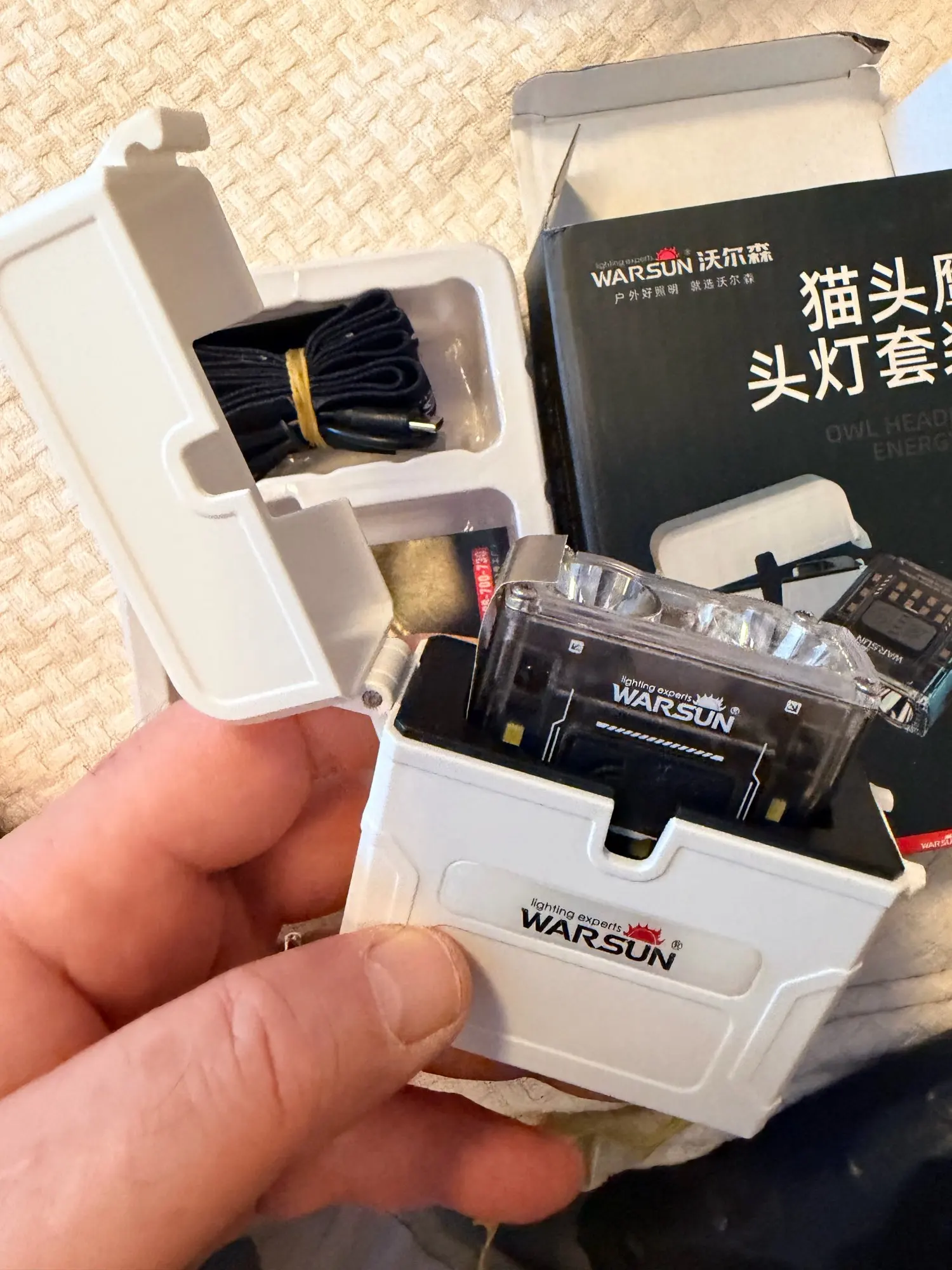
- Portable Charging Station (Energy Box)
- Headband
- Cap Clip
- Connecting Base
- USB-C Charging Cable

Specifications
| Feature | Specification |
|---|---|
| Model Number | G7 |
| Headlamp Battery Capacity | 1000mAh |
| Charging Case Battery Capacity | 1800mAh |
| Nominal Voltage | 3.7 V |
| Light Source | LED (COB) |
| Wattage | 10W |
| Brightness (Main Light) | Low: 40Lm, Medium: 150Lm, High: 450Lm |
| Brightness (Side Light) | Low: 40Lm, High: 150Lm |
| Beam Angle | 180° |
| Switch Mode | High/Middle/Low (Main), Red, High/Low (Side) |
| Rechargeable Type | USB-C |
| Waterproof | Yes |
| Headlamp Material | PC |
| Charging Case Material | ABS |
| Headlamp Dimensions | 52 x 51 x 32 mm |
| Charging Case Dimensions | 84.5 x 81 x 28.5 mm |
| Certifications | CE, EMC, FCC, ROHS |
Setup
1. Initial Charging
Before first use, ensure both the headlamp and the charging case are fully charged.
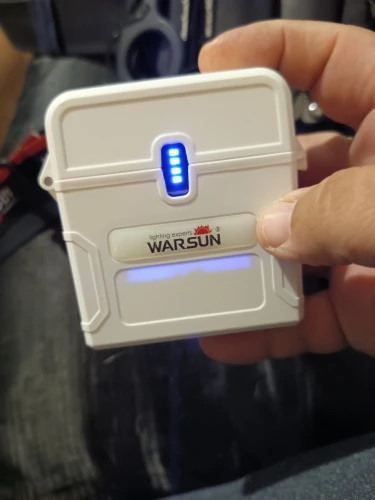
- Connect the USB-C charging cable to the charging case and a power source. The indicator lights on the case will show charging status.
- To charge the headlamp, place it firmly inside the charging case. Ensure a stable connection. The indicator on the headlamp will show charging status.
- The indicator lights will turn off once fully charged.

2. Attaching the Headlamp
The G7 headlamp offers multiple attachment options:
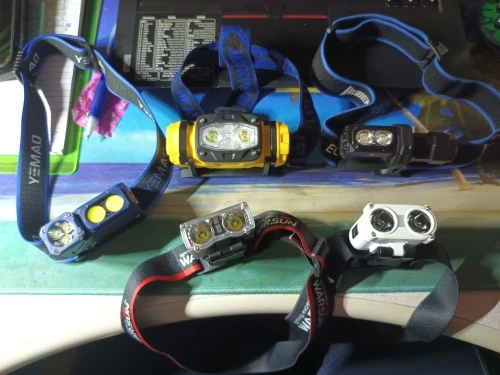
- Headband: Attach the headlamp to the adjustable headband for traditional head-mounted use.
- Cap Clip: Use the included cap clip to secure the headlamp to the brim of a cap or hat.
- Connecting Base: The connecting base allows for versatile mounting, such as clipping to clothing or other gear.

Operating Modes
The WARSUN G7 headlamp features multiple lighting modes and gesture control for convenient operation.
1. Button Control
Press the main power button to cycle through the lighting modes:
- First Press: Main Light - Low Brightness (40 Lumens, approx. 32 hours runtime)
- Second Press: Main Light - Medium Brightness (150 Lumens, approx. 12 hours runtime)
- Third Press: Main Light - High Brightness (450 Lumens, approx. 6 hours runtime)
- Fourth Press: Red Light Mode (approx. 40 hours runtime) - useful for preserving night vision and as a mosquito deterrent.
- Fifth Press: Side Light - Low Brightness (40 Lumens, approx. 40 hours runtime)
- Sixth Press: Side Light - High Brightness (150 Lumens, approx. 8 hours runtime)
- Seventh Press: Turns off the light.
To adjust intensity within a mode (if applicable), hold the button until the desired intensity is reached.
2. Gesture Control (Smart Side Light)
The headlamp features a motion sensor for hands-free operation of the side light. Simply wave your hand in front of the sensor to turn the side light on or off.
3. Red Light Function
The biological-grade red light (650-750 nm wavelength) is designed to cause discomfort to mosquitoes, helping to prevent them from approaching the light source. It also assists with night vision, making it ideal for baiting, emergency rescue, wildlife observation, and other nighttime scenarios.
Maintenance
- Cleaning: Wipe the headlamp and charging case with a soft, damp cloth. Do not use harsh chemicals or abrasive materials.
- Storage: Store the device in a cool, dry place away from direct sunlight when not in use.
- Battery Care: To prolong battery life, avoid fully discharging the batteries frequently. Charge the device regularly, even if not in constant use.
- Disassembly: Do not attempt to disassemble the product. This may damage the device and void any warranties.
Troubleshooting
- Light not turning on: Ensure the battery is charged. Check the charging cable and power source if charging.
- Light flickering or dim: The battery may be low. Recharge the headlamp and charging case.
- Gesture control not working: Ensure there are no obstructions in front of the sensor. Try cleaning the sensor area.
- Overheating: Avoid prolonged use on the highest brightness settings, especially in enclosed spaces, to prevent overheating. If the device feels excessively hot, turn it off and allow it to cool down.
Safety Information
- Eye Safety: Do not shine the flashlight directly into eyes or illuminate the face directly. The strong light may cause eye injury or impair vision.
- Children: Keep the headlamp and its components out of reach of children.
- Battery Disposal: This product contains a lithium battery. Do not discard it with household waste. Dispose of lithium battery products responsibly according to local regulations to prevent pollution.
- Disassembly: Do not attempt to disassemble or modify the product. This can lead to damage, electric shock, or fire.
User Tips
- The portable charging case is highly convenient for extending the headlamp's runtime, especially during longer trips or camping.
- The headlamp is lightweight and comfortable, making it suitable for prolonged wear without discomfort.
- Utilize the gesture control feature for quick and easy on/off of the side light, particularly when your hands are occupied.
- The adjustable angle of the headlamp when attached to a headband or cap clip provides flexibility for directing light precisely where needed.
- The red light mode is effective for maintaining night vision and can act as a deterrent for mosquitoes during outdoor activities.
Warranty and Support
For detailed warranty information and customer support, please refer to the official product documentation or contact the seller directly. A comprehensive user manual in PDF format is available for download here.