
Introduction
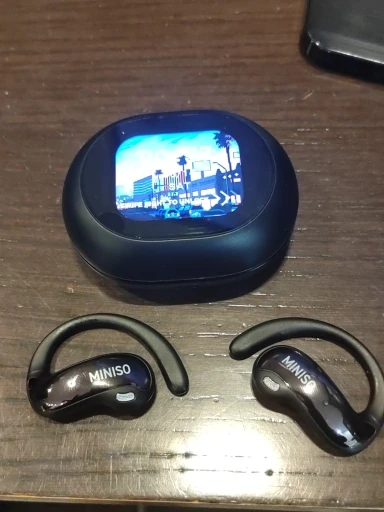
The MINISO MS188 AI Translation Earbuds are advanced wireless headphones featuring real-time AI translation capabilities, a full-color HD touchscreen on the charging case, and comfortable ear-hook design. This manual provides detailed instructions for setup, operation, maintenance, and troubleshooting to ensure optimal performance and user experience.

Safety Information
WARNING: Please mind potential fire risk and strictly follow the instruction manual for charging and storage. For disposal, please check your local authority's website for more information and dispose of the lithium-ion battery safely in accordance with the applicable legal requirements.
The object of the declaration is in conformity with the relevant legislation:
- (EU) 2023/1542 Batteries and Waste Batteries
- 2014/53/EU Radio equipment
- 2011/65/EU ROHS
This product bears the CE mark, indicating compliance with European health, safety, and environmental protection standards.
Package Contents
Ensure all items are present in the package:
- User Manual
- Charging case
- Charging Cable
- MINISO MS188 AI Translation Earbuds (Left and Right)
Setup
Initial Setup & App Connection
- Download the APP: Scan the QR code provided in the physical user manual or below to download the "SayMi APP".
Scan this QR code to download the SayMi APP. - Take out the earphones: Remove both earphones from the charging case to power them on and prepare for connection to your mobile phone.
- Login in the APP: Open the SayMi APP and log in or create an account.
- Enter the APP to connect headphone: Follow the in-app instructions to connect your MINISO MS188 earbuds.
Note: The SayMi APP software is free to use for a lifetime and does not charge any fees.
Earbud Fit
The earbuds are designed with comfortable ear hooks to provide a secure and stable fit. They are based on various ear shapes, ensuring 360° even pressure distribution for comfortable extended wear and security during exercise.

Operating Instructions
Indicator Light Description
- Headset turned on: The white light flashes.
- Headset turned off: The red light stays on for 2 seconds, then turns off.
- Pairing status: White light flashing.
- Connection successful: No light.
- Headphone Charging: The red light stays on for a long time. After being fully charged, the red light goes off.
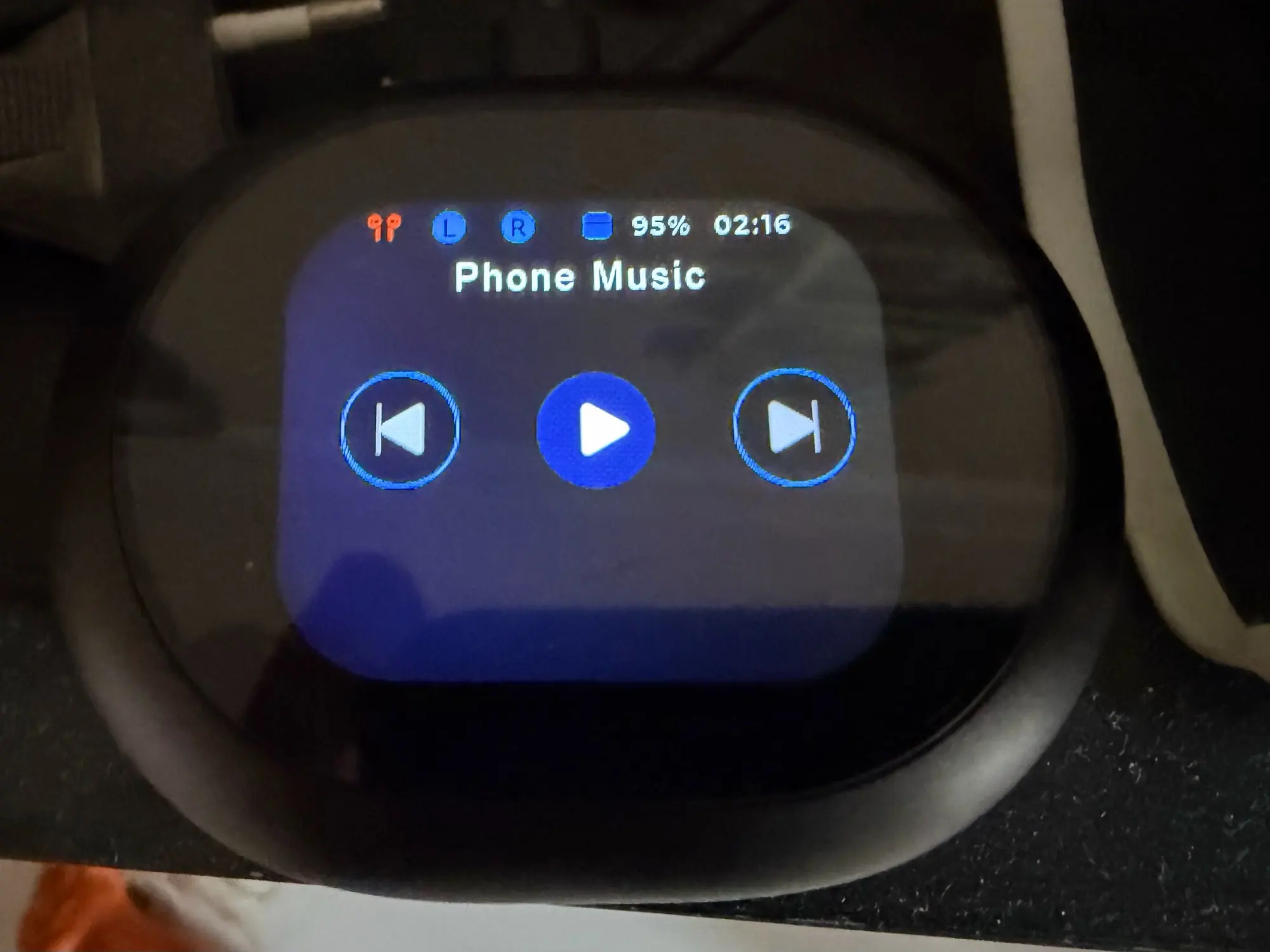
- Charging Case Charging: The charging case display screen shows the battery level. When fully charged, the screen shows 100%.
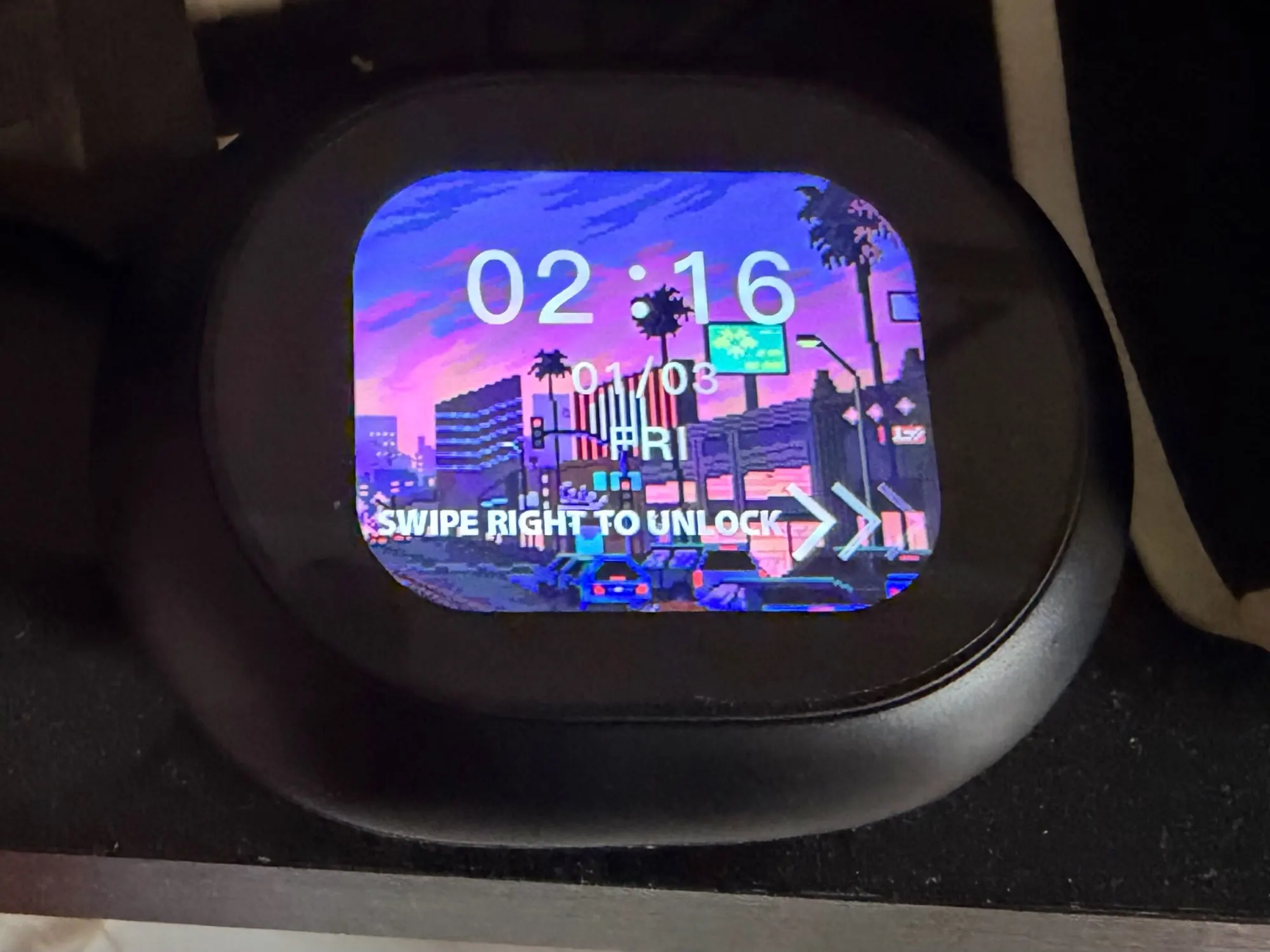
Note: After the charging status is displayed, the screen will automatically turn off after about 30 seconds of inactivity. Sliding the screen can re-enter the display.
Wireless Pairing Mode
- First-time Pairing: When there is no pairing record, the left and right earphones will automatically pair after being turned on. After successful pairing, there will be two beeps.
- Subsequent Connections: If pairing records exist, the earphones will automatically connect back when turned on, and a "beep" sound will confirm the connection.
Touch Controls
The earbuds feature multi-function touch controls for various operations:
| Action | Function |
|---|---|
| Long press L (Left earbud) | Activate voice assistant |
| Press and hold R for 2 seconds (Right earbud) | Switch Game/Music Mode |
| Short press once L/R | Play/Pause music |
| Long press R (Right earbud) | Answer/Turn off phone calls |
| Short press 3 times L (Left earbud) | Previous song |
| Short press 3 times R (Right earbud) | Next song |
| Tap L twice | Volume down |
| Tap R twice | Volume up |

Charging Case Touchscreen Functions
The full-color HD touchscreen on the charging case offers intuitive control and information display:
- Music Control: Easily switch songs, adjust volume, and set EQ sound effects.
- Earbud Management: "Find My Earphone" feature to locate misplaced earbuds.
- Utilities: Remote photo taking, short video page turning, alarm clock, flashlight.
- Display: Real-time battery level, time, and weather. Supports custom wallpapers and theme switching.
- Language Switch: Directly change translation languages from the screen.

AI Translation Features
The MINISO MS188 earbuds are equipped with an AI Translation Engine capable of real-time simultaneous translation in over 140 languages.
- Supported Languages: Covers mainstream languages (English, Japanese, Korean, German) and many minority languages.
- Translation Modes:
- Translation Machine: For direct conversation translation.
- Binaural Translation: Real-time translation for both users.
- Free Talk: Continuous conversation translation.
- Real-Time Translation: Instantaneous translation during conversations.
- Photo Translation: Translate text from images.
- Voice Notes: Record and translate voice notes.
- Features: Supports bilingual subtitles and automatic sentence segmentation for playback, facilitating seamless communication for travel, directions, and business.
- AI Assistant: Includes automatic meeting minute summarization and AI intelligent Q&A for workplace efficiency.

Audio Features
- Noise Reduction: Features 4K broadband noise reduction (49dB deep silence) to effectively reduce mid to low-frequency noise and some high-frequency noise, ensuring clear sound in daily work and life. Wind-resistant noise reduction is also included.
- High-Definition Voice Calls: HD voice calls are as clear as face-to-face conversations, even in noisy environments.
- Dynamic Coil: Equipped with a 13mm metal diaphragm dynamic coil for HiFi level shocking sound and rich audio details.
- Hi-Res Audio Wireless: Supports 192KHz master level ultra clear decoding for high-fidelity audio.
- Spatial Sound Effects: Instantly immerse yourself in virtual 3D sound field effects, unlocking an immersive cinema-like listening experience.
- Low Latency Game Mode: Provides quick response in game mode with synchronized sound and image for a competitive edge.


Product Demonstration Video

Maintenance
- Cleaning: Regularly clean the earbuds and charging case with a soft, dry cloth. Avoid using harsh chemicals or abrasive materials.
- Storage: Store the earbuds in their charging case when not in use to protect them and keep them charged.
- Water Resistance: The earbuds are IP55 dustproof and waterproof. This means they are protected against dust ingress and low-pressure water jets from any direction. Do not submerge them in water or expose them to high-pressure water.
- Charging: Use the provided charging cable and a compatible power adapter (5V=1A for charging case, 5V=200mA for headphones) to charge the device.

Troubleshooting
Resetting Earphones
If the earphones fail to pair or reconnect to each other, you may need to reset them:
- Clear all connected devices from your phone's Bluetooth settings.
- Tap both earphones five times simultaneously.
Note: Resetting the earphones will clear the Bluetooth pairing history.
Clear Bluetooth Pairing History
If both ears cannot be paired, clear all connected devices and click the left and right earphones 5 times at the same time.
Common Issues & Solutions
- Earbuds not connecting: Ensure Bluetooth is enabled on your device and the earbuds are charged. Try resetting the earbuds as described above.
- Translation not working:
- Ensure you have an active internet connection, as translation features often require online processing.
- Check the language settings in the SayMi APP to ensure correct source and target languages are selected.
- Verify that the app is properly connected to the earbuds.
- Sound quality issues: Ensure earbuds are clean and properly seated in your ears. Check volume levels on both your device and the earbuds.
- Touchscreen unresponsive: Try sliding the screen to reactivate it if it has turned off due to inactivity. Ensure the screen is clean and dry.
Specifications
| Feature | Detail |
|---|---|
| Product Model | MINISO MS188 |
| Bluetooth Version | V5.4 |
| Audio Encoding | SBC, AAC, LDAC, LHDC5.0 |
| Effective Distance | About 10m |
| Earphone Single Battery Life | 14 H |
| Combined Battery Life (with charging case) | 54 H |
| Frequency Response Range | 20Hz-20kHz |
| Input (Headphone) | 5V=200mA |
| Input (Charging Case) | 5V=1A |
| Sound Pressure Level (SPL) | 92 ± 3dB (A) |
| Weight | 8.5g (per earbud) |
| Material | Metal, Silica Gel |
| Waterproof Rating | IP55 |
| Features | Waterproof, With microphone, Apple Siri Support, Dual Connection, HD Touchscreen, AI Translator Earbud, Ultra-long battery life, HD LED |

User Tips
- Internet for Translation: An internet connection is required for the translation feature to function effectively.
- App Registration: Remember to register in the SayMi app with an email address and password for full functionality.
- Comfortable Wear: The ear-hook design is noted for comfort, allowing for extended use without discomfort and maintaining awareness of ambient sounds.
- Battery Life: Users report impressive battery life, making them suitable for long periods of use or travel.
- Initial Sync: If experiencing issues with multiple phones, ensure previous Bluetooth connections are cleared before attempting to sync new devices.
Warranty and Support
For detailed warranty information and customer support, please refer to the official MINISO website or contact your retailer. The full user manual in PDF format can be viewed for additional details: