
1. Introduction
This manual provides detailed instructions for the MECHEN D53 MP3 Player. This portable device features a 2.4-inch full touchscreen, Bluetooth 5.3 connectivity, built-in speakers, and supports a wide range of audio formats. It also includes functions such as voice recording, FM radio, e-book reading, and video playback. Please read this manual thoroughly to ensure proper use and maintenance of your device.

Figure 1: MECHEN D53 MP3 Player (Front and Back)
2. Product Overview
2.1. Key Features
- Storage: 64GB/128GB built-in memory, expandable up to 512GB via memory card.
- Connectivity: Bluetooth 5.3 for stable connection with wireless headphones and speakers.
- Audio Quality: HiFi Lossless Sound Quality with MSONV Super HiFi audio technology and intelligent digital noise reduction chip.
- Display: 2.4-inch full touchscreen.
- Multi-functional: Includes FM radio, voice recording, Ebook reader, video player, pedometer, photo viewer, and world clock.
- Built-in Speaker: For direct audio playback.
- Dual Audio Jack: Allows two listeners simultaneously.
2.2. Device Layout
The MECHEN D53 MP3 Player features a sleek design with intuitive controls. The front is dominated by the 2.4-inch full touchscreen, while physical buttons are located below the screen for playback control. The device also includes a Type-C port for charging and data transfer, a 3.5mm audio jack, and an FM radio jack.

Figure 2: Device Layout with Type-C, FM Radio, and 3.5mm Audio Jacks
3. Setup
3.1. Charging the Device
Before first use, fully charge your MP3 player. Connect the provided Type-C charging cable to the device and a 5V/1A-2A power adapter or a computer's USB port. A full charge typically provides 10-20 hours of battery life.
3.2. Inserting a Memory Card (Optional)
The device supports memory card expansion up to 512GB. Locate the memory card slot on the side of the player. Gently insert a compatible microSD card until it clicks into place.
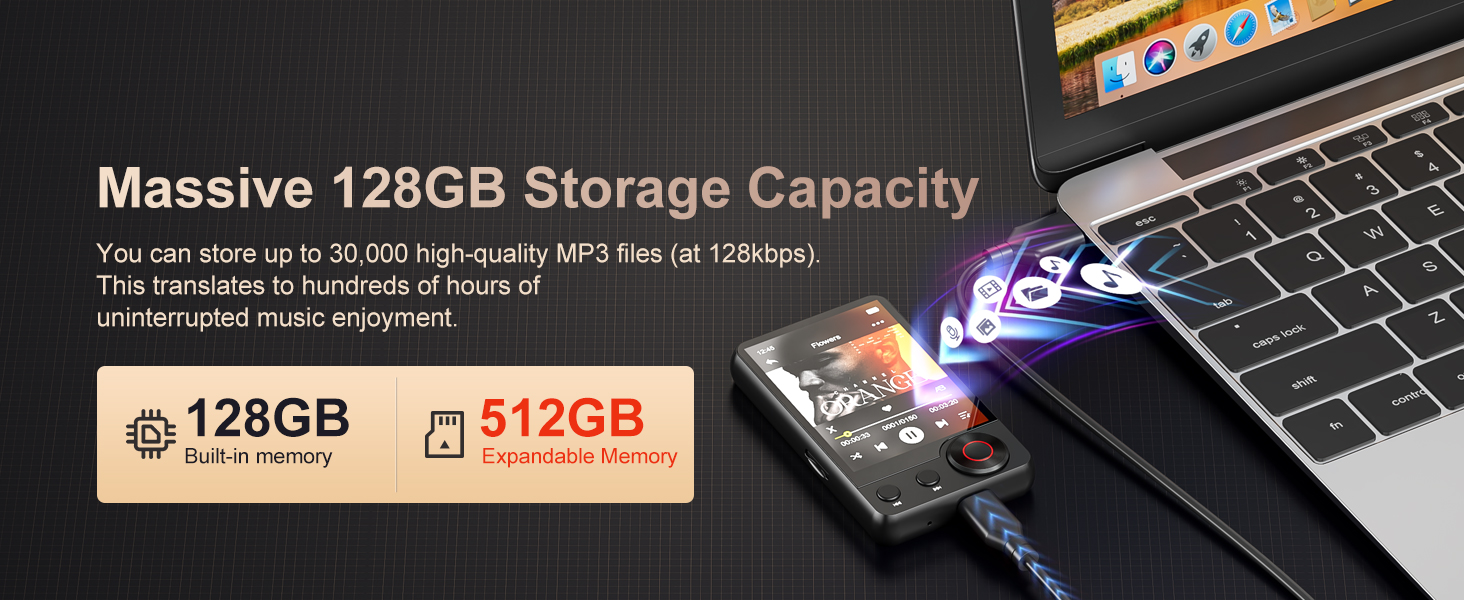
Figure 3: Memory Expansion Slot
3.3. Transferring Music and Files
Connect the MP3 player to your computer using the Type-C USB cable. The device will appear as a removable disk. You can then drag and drop your music files (MP3, WAV, APE, FLAC, WMA, AAC) and other supported files (TXT for Ebooks, AMV/AVI for videos) into the appropriate folders on the player's internal storage or memory card.
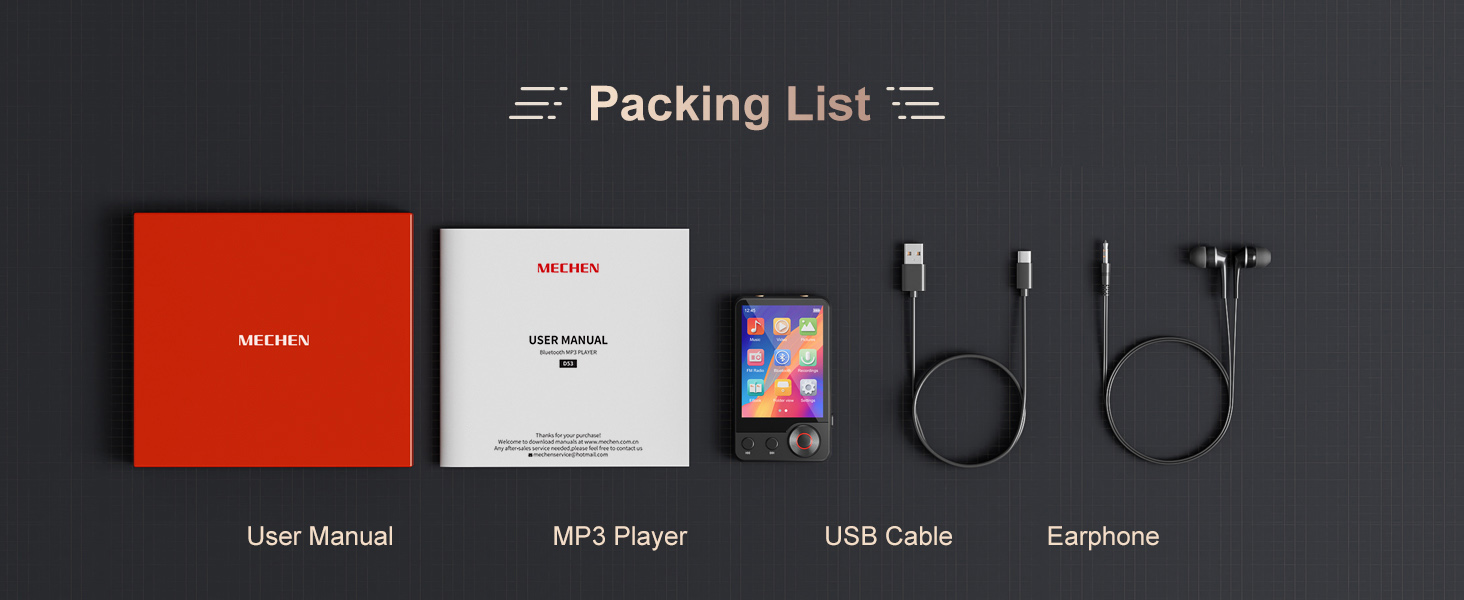
Figure 4: Connecting to a Computer for File Transfer
4. Operating Instructions
4.1. Power On/Off and Basic Navigation
- Power On: Press and hold the power button until the screen lights up.
- Power Off: Press and hold the power button, then confirm power off on the screen.
- Navigation: Use the 2.4-inch full touchscreen to navigate through menus and select functions. Physical buttons below the screen provide additional control for playback (play/pause, skip tracks).
4.2. Music Playback
From the main menu, select "Music" to access your audio library. The player supports MP3, WAV, APE, FLAC, WMA, and AAC formats. Enjoy HIFI lossless sound quality thanks to the MSONV Super HiFi audio technology and dedicated digital noise reduction chip.

Figure 5: Music Playback Interface
4.3. Bluetooth Connection
The MP3 player features Bluetooth 5.3 for wireless audio.
- Ensure your Bluetooth headphones or speaker are in pairing mode.
- On the MP3 player, navigate to "Settings" and select "Bluetooth".
- Turn on Bluetooth and search for available devices.
- Select your device from the list to pair.
Note: The Bluetooth function only supports connection to Bluetooth headphones and speakers. It cannot pair with PCs or mobile phones.
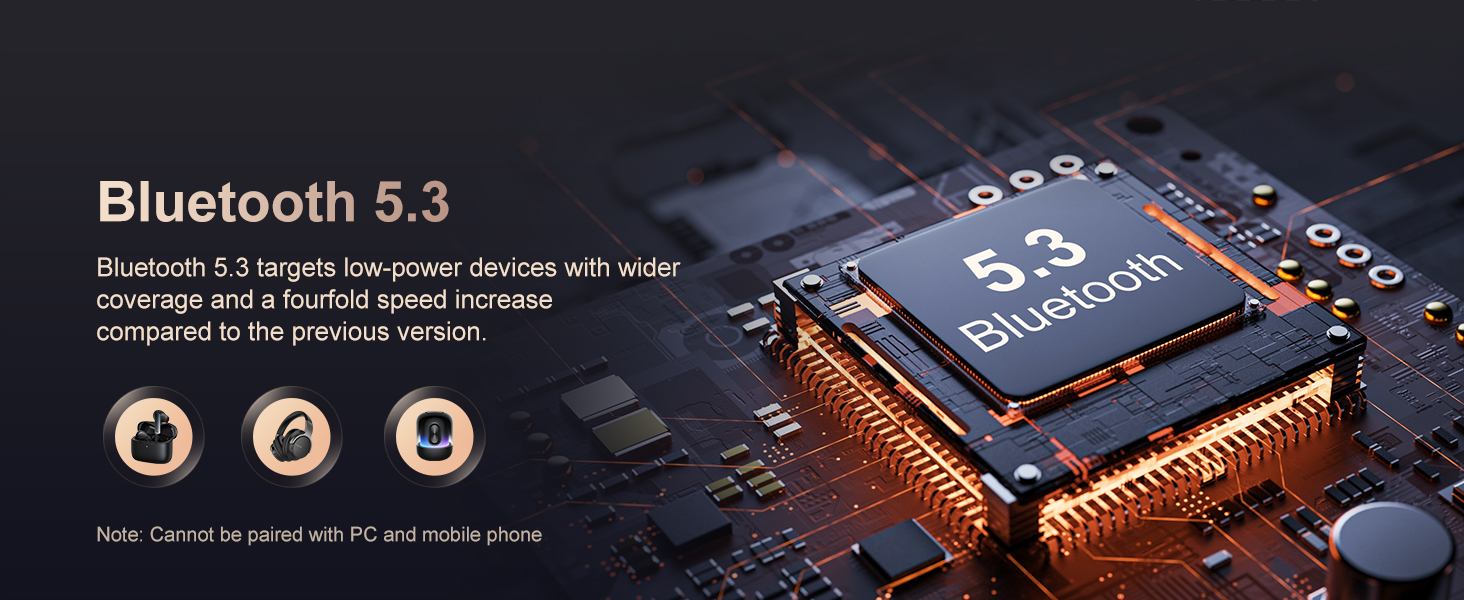
Figure 6: Bluetooth Connectivity
4.4. Song Search Function
To quickly find a song, use the new song search function.
- While in the music library, look for the search icon (magnifying glass).
- Tap the search icon and enter letters or words related to the song title.
- The player will display matching results, allowing you to quickly select your desired track.
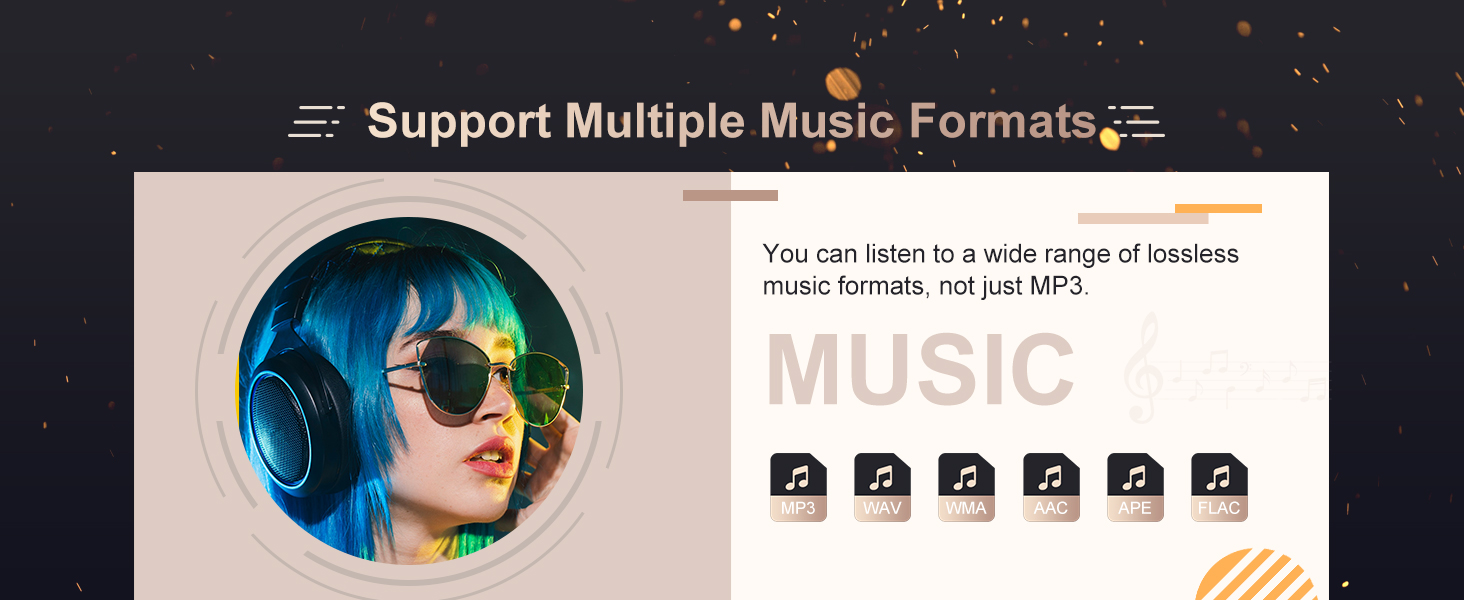
Figure 7: Song Search Interface
4.5. FM Radio
To use the FM radio, connect wired headphones to either the 3.5mm audio jack or the dedicated FM radio jack, as they act as the antenna. Navigate to the "FM Radio" application from the main menu. You can then scan for stations or manually tune to a frequency.

Figure 8: FM Radio Interface
4.6. Voice Recorder
Access the "Recorder" function from the main menu. You can record audio for up to 74 hours on a full charge. Use this feature for meetings, lectures, interviews, or personal notes.

Figure 9: Voice Recorder Interface
4.7. Ebook Reader
The player supports Ebooks in TXT format only. Transfer your TXT files to the device and open the "Ebook" application to read them.

Figure 10: Ebook Reader Interface
4.8. Video Playback
The player supports video files in AMV/AVI format. Note that videos must be converted using a specific video converter tool to be compatible with the player. Please contact customer support for information on obtaining the conversion tool.

Figure 11: Video Playback Interface
5. Maintenance
- Keep the device dry and away from moisture.
- Avoid extreme temperatures.
- Clean the screen and body with a soft, dry cloth.
- Do not drop or subject the device to strong impacts.
- Use only the specified charging adapter (5V/1A-2A) to protect battery life.
6. Troubleshooting
| Problem | Solution |
|---|---|
| Device not charging or charging slowly. | Ensure you are using a 5V/1A-2A power adapter or a computer USB port. Check the Type-C cable for damage. |
| Cannot pair with Bluetooth headphones/speaker. |
|
| Bluetooth does not auto-connect after restarting the player. | Contact customer support for a firmware update that enables automatic Bluetooth connection upon startup. |
| Video files not playing. | Videos must be in AMV/AVI format and converted using a specific conversion tool. Contact customer support for the tool. |
| Cannot find desired songs. | Use the "Song Search Function" by entering keywords. Ensure music files are in supported formats (MP3/WMA/APE/FLAC/WAV/AAC). |
7. Specifications
| Feature | Detail |
|---|---|
| Model Number | D53 |
| Display Size | 2.4 inches |
| Operation Mode | Touch Screen + Touch Tone |
| Body Material | Metal |
| Storage Type | Flash Memory (64GB/128GB built-in) |
| External Memory | Yes (up to 512GB) |
| Bluetooth | Yes (Bluetooth 5.3) |
| Have Speakers | Yes |
| Supports FM | Yes |
| Supports Recording Function | Yes |
| Supports EBook Reading | Yes (TXT format only) |
| Audio Format Support | MP3, WAV, APE, FLAC, WMA, AAC |
| Video Format Support | AMV, AVI (requires conversion) |
| Battery Specification | Lithium Battery |
| Battery Life | 10 - 20 hours |
| Dimensions (WxHxD) | 8.3*5*1.2cm |
| WIFI | No |
| Certification | CE, FCC, WEEE |
8. User Tips
- For optimal battery longevity, always use a 5V/1A-2A charger.
- When pairing Bluetooth devices, ensure there are no other active Bluetooth connections nearby to avoid interference.
- If you frequently use Bluetooth and prefer automatic reconnection, check with customer support for potential firmware updates.
- Remember to convert video files to AMV/AVI format using the recommended tool for smooth playback.
- Utilize the song search function to quickly navigate large music libraries.
9. Package Contents
The following items are included in your product package:
- 1 x MECHEN D53 MP3 Player
- 1 x Audio Cable (for Line-in Recording)
- 1 x Type-C Charging Cable
- 1 x Wired Headset
- 1 x User Manual (this document)

Figure 12: Package Contents
10. Support
For any questions, technical assistance, or firmware updates, please contact MECHEN customer support. The product comes with 12 months of after-sales service.