1. Introduction
Thank you for choosing the PARD Pantera 256 Q Thermal Imaging Scope. This device is designed to provide advanced thermal imaging capabilities for various applications, including hunting and observation. It features a high-resolution sensor, robust construction, and smart functionalities like recoil-activated recording and WiFi connectivity. Please read this manual thoroughly before using the device to ensure proper operation and to maximize its performance and lifespan.

2. Key Features
- NETD≤25mK: Ensures high thermal sensitivity for clear image differentiation.
- Upgraded UI Design: Provides an intuitive and user-friendly interface for easy navigation.
- Infrared Image Enhancement Algorithm (IREA): Optimizes thermal images for improved clarity and detail.
- Intuitive Control Knob: Simplifies adjustments and settings.
- Recoil-Activated Recording: Automatically records footage when recoil is detected, capturing critical moments.
- WiFi Connectivity: Allows for seamless connection to external devices for streaming and data transfer.
- IP67 Rating: Guarantees robust water and dust resistance, suitable for harsh environments.
- 6000J Recoil Resistance: Built to withstand significant recoil, ensuring durability and reliability.


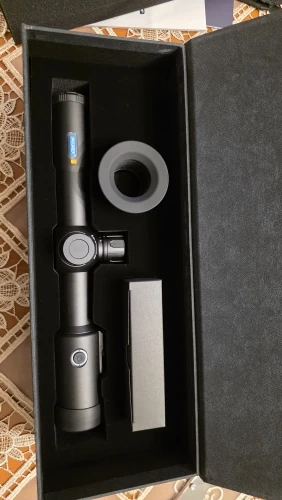
3. Package Contents
Upon opening the package, please verify that all items are present and in good condition. The standard package for the PARD Pantera 256 Q Thermal Imaging Scope typically includes:
- PARD Pantera 256 Q Thermal Imaging Scope
- Protective Eyepiece Cover
- USB Cable
- User Manual
- Carrying Pouch (may vary)
- Battery (may be included or sold separately)
- Mounting accessories (may vary)
4. Specifications
| Attribute | Value |
|---|---|
| Model Number | Pantera 256 Q |
| Type | RIFLE |
| Function | Lens |
| Brand Name | PARD |
| Origin | Mainland China |
| Magnification | >6 |
| Magnification (Digital/Optical) | 3.6-28.8 (8x) |
| Optical Magnification | 3.6mm |
| Digital Zoom | 2/4/6/8x |
| Objective Lens | 25mm |
| Lens Coating | Other |
| Tube Diameter | 30mm |
| Focal Plane | First Focal Plane |
| Side Focus | No |
| Illumination | No |
| Waterproof Rating | IP67 |
| High-concerned chemical | None |
| Frame Rate | 50Hz |
| Display Resolution | 1024*768px |
| Video Resolution | 1024*768px |
| Reticle Color | Red/White/Yellow/Green |
| Scene Mode | City/Rain/Forest |
| Image Mode | WT-HOT/BK-HOT//RD-HOT/IN-HOT/SKY |
5. Setup
- Unpacking: Carefully remove the thermal imaging scope and all accessories from the packaging. Inspect for any signs of damage.
- Battery Installation: Locate the battery compartment, typically on the side or bottom of the unit. Insert the recommended battery type, ensuring correct polarity.
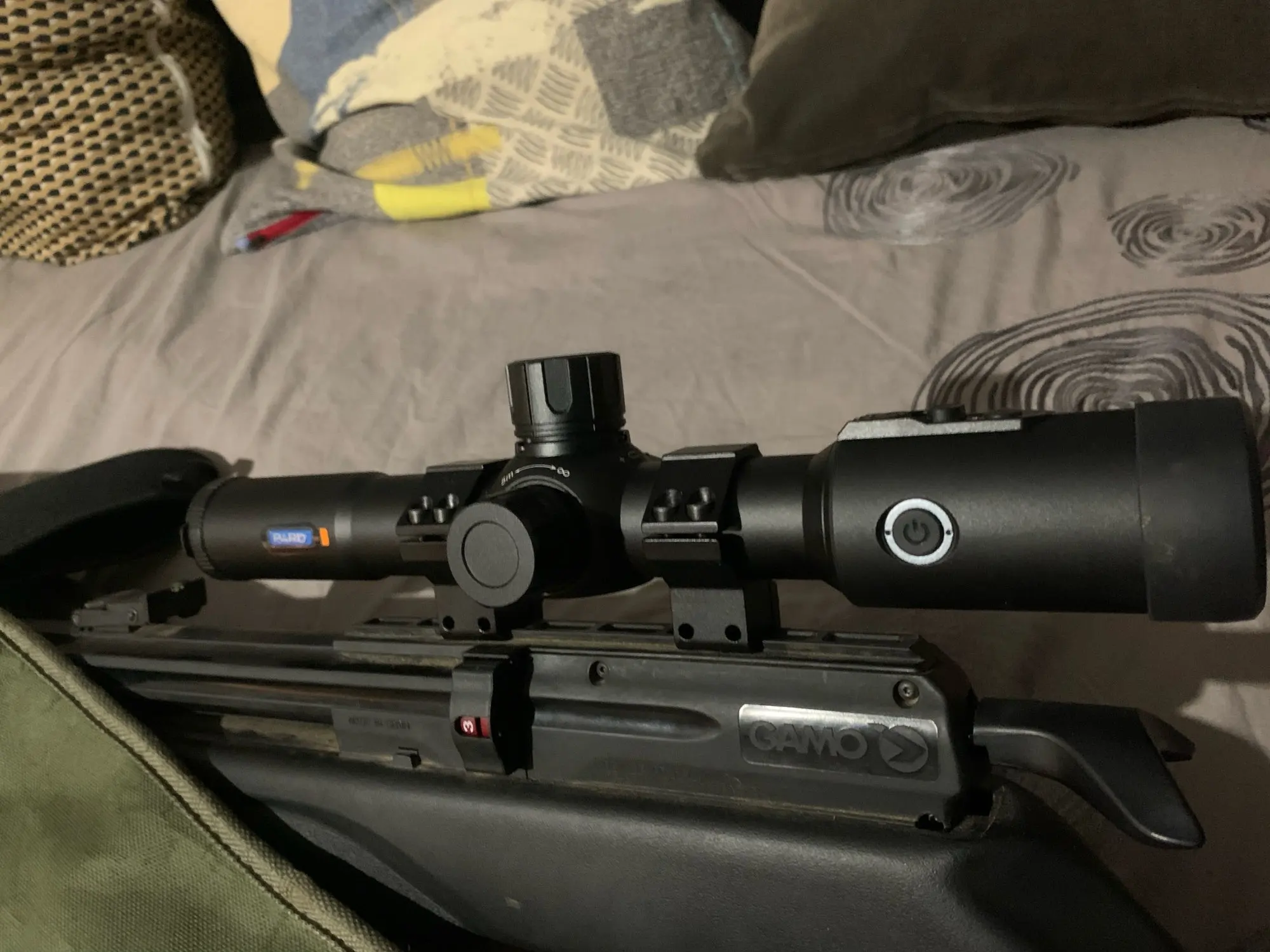
- Mounting (if applicable): If using as a rifle scope, securely attach the device to your rifle's mounting system according to the manufacturer's instructions for your specific mount. Ensure it is stable and aligned.
- Initial Power On: Press and hold the power button (refer to device diagram for exact location) until the display illuminates.
- Focus Adjustment: Adjust the diopter for a clear view of the display and the objective lens for a sharp image of your target.
6. Operating Instructions
- Power On/Off: Press and hold the power button to turn the device on or off. A short press may put it into standby mode.
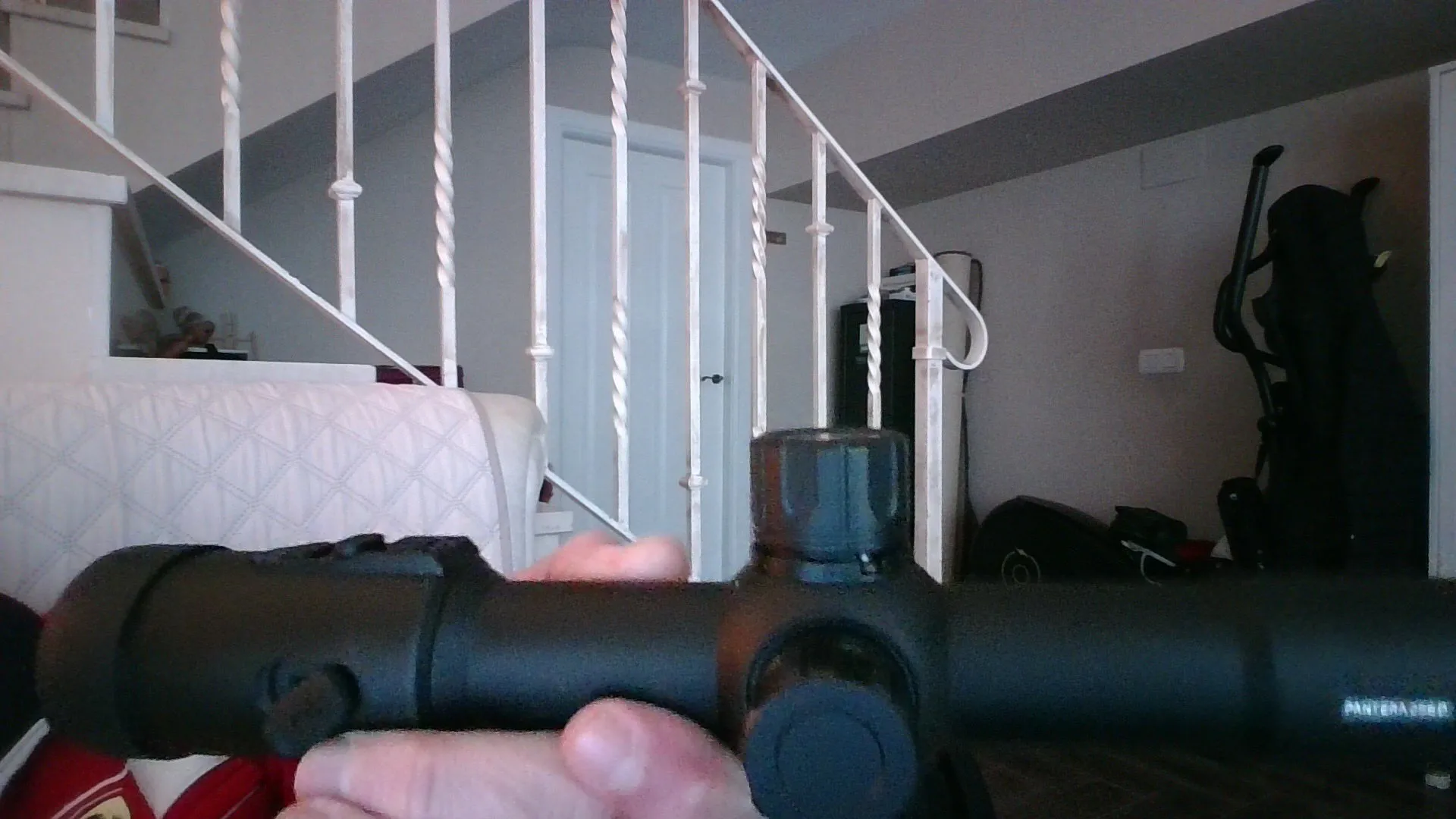
- Menu Navigation: Use the intuitive control knob and associated buttons to navigate through the on-screen menu.
- Digital Zoom: Utilize the digital zoom function (2x, 4x, 6x, 8x) to magnify your view. Be aware that higher digital zoom levels may reduce image quality.
- Image Modes: Select from various image modes (e.g., WT-HOT, BK-HOT, RD-HOT, IN-HOT, SKY) to optimize the thermal display for different scenarios.
- Scene Modes: Adjust scene modes (e.g., City, Rain, Forest) to enhance image clarity based on environmental conditions.
- Recoil-Activated Recording (RAR): Enable this feature in the settings. The device will automatically record video footage when it detects the recoil of a shot.
- WiFi Connectivity: Activate WiFi in the settings menu. Connect your smartphone or tablet to the device's WiFi network to stream live footage or transfer recorded data using the dedicated PARD app.
- Reticle Adjustment: If using as a rifle scope, follow the on-screen instructions to adjust the reticle for zeroing.
7. Maintenance
- Cleaning: Use a soft, lint-free cloth to clean the lenses. For stubborn dirt, use a lens cleaning solution specifically designed for optics. Do not use abrasive materials or harsh chemicals.
- Battery Care: Remove batteries if the device will not be used for an extended period. Store batteries in a cool, dry place.
- Storage: Store the thermal scope in its protective case in a dry, temperature-controlled environment, away from direct sunlight and extreme temperatures.
- Water Resistance: The IP67 rating means the device is protected against dust and temporary immersion in water (up to 1 meter for 30 minutes). However, avoid unnecessary exposure to water and ensure all covers and caps are securely closed before exposure to moisture.
- Firmware Updates: Periodically check the official PARD website for any available firmware updates to ensure optimal performance and access to new features.
8. Troubleshooting
| Problem | Possible Cause | Solution |
|---|---|---|
| Device does not turn on | Low or dead battery; incorrectly installed battery | Charge or replace the battery. Ensure battery is inserted with correct polarity. |
| Device turns off quickly (5-6 minutes) | Battery is not fully charged or is faulty | Ensure battery is fully charged before use. If problem persists, replace the battery. |
| Poor image quality | Lens is dirty; focus is incorrect; environmental factors | Clean the lenses. Adjust objective and diopter focus. Change scene/image modes. |
| Cannot connect to PARD app via WiFi | WiFi not enabled; app issues | Ensure WiFi is enabled on the device. Check app permissions and try restarting the app/device. Some users report issues logging into the app if the account was created via website. |
9. User Tips
- Battery Life: The device's battery typically lasts more than four hours. It uses universal battery types, making replacements convenient.
- Night Vision Capability: The PARD Pantera 256 Q is highly effective for night observation, providing clear thermal images even in complete darkness.
- External Rangefinder: While the scope offers excellent thermal imaging, it does not include an integrated rangefinder. For precise distance measurements, consider using an external rangefinding device.
- App Connectivity: If you encounter issues logging into the PARD app after creating an account on the website, try troubleshooting app-specific settings or contacting support.
10. Warranty and Support
PARD offers a comprehensive warranty for its products:
- Night Vision Products: 2-year warranty
- Thermal Imaging Products: 3-year warranty
For technical support, service, or warranty claims, please contact your local PARD service center. PARD has service centers located in:
- Australia
- China
- United States
- Poland
- Hong Kong