
1. Introduction
This manual provides essential instructions for the proper installation, operation, and maintenance of your SENA C30 Bluetooth Helmet Headset Speaker and Microphone Accessories. Please read this manual thoroughly before use to ensure optimal performance and safety.
2. Safety Information
- Warning: Do not use while driving or riding to ensure safety.
- Warning: Avoid prolonged use at high volume levels to protect your hearing.
- Warning: Do not immerse the device in water.
3. Package Contents
The package typically includes the following components:
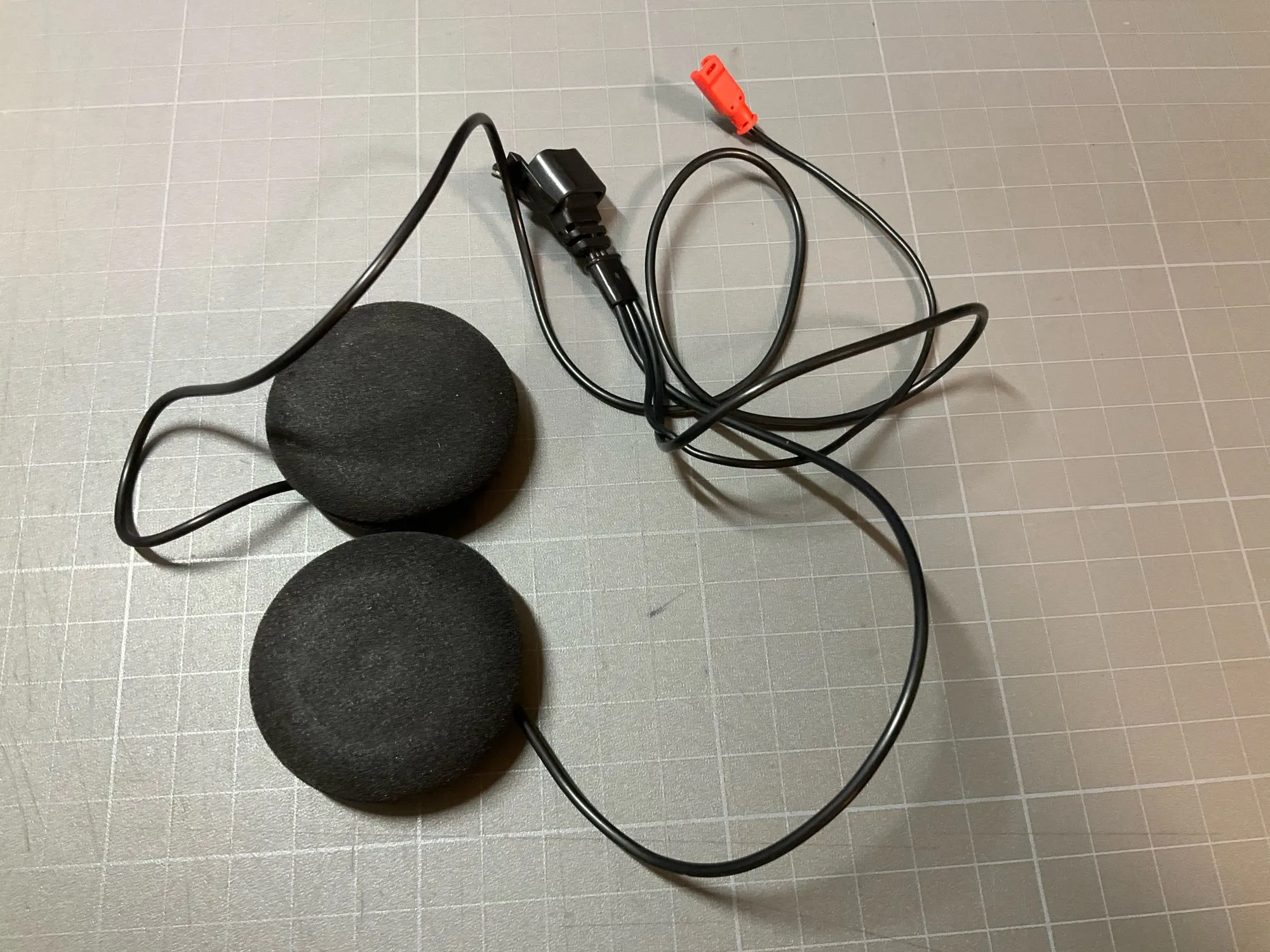
- Helmet Headset Speaker (40mm)
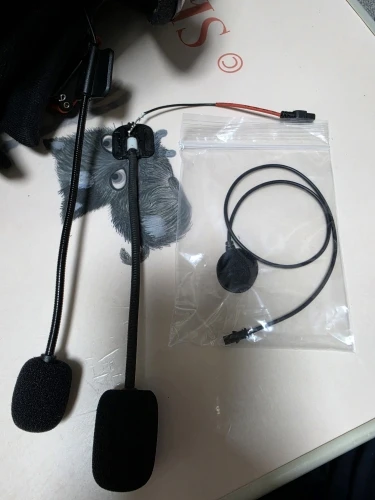
- Microphone (Soft or Hard boom, or Speaker only, or Complete set depending on variant)
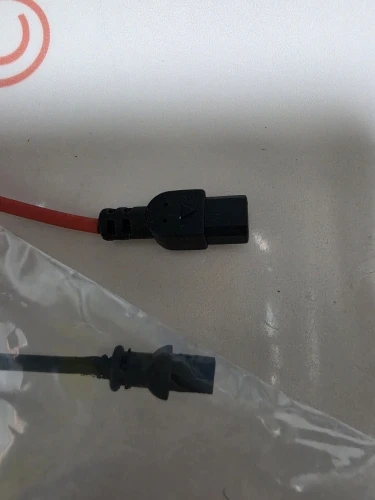
- Connecting cables

4. Setup and Installation
Follow these steps to install and set up your headset:
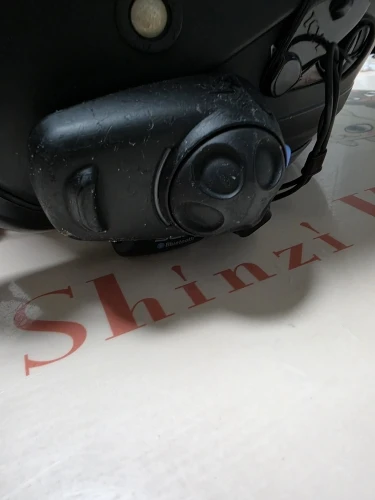
- Connect the headset: Connect the headset speakers and microphone to the helmet's audio interface. Ensure all connections are secure.
- Power On and Pairing: Turn on the power switch of the device to enter pairing mode. The device will typically indicate it's ready for pairing (e.g., flashing LED).
- Connect to Smartphone/Device: After the device is connected to your smartphone or other Bluetooth-enabled device, music playback and communication functions will be enabled.
5. Operating Instructions
Once connected, the headset allows for:
- Music Playback: Stream audio from your connected smartphone or device.
- Communication: Utilize the microphone for calls or intercom functions (if supported by the main unit).
6. Maintenance
To ensure the longevity and proper functioning of your device, observe the following precautions:
- Storage: Store the device away from high-temperature and humid environments.
- Handling: Do not disassemble or modify the device.
- Usage Environment: Maintain a quiet surrounding environment during use for optimal audio quality.

7. Troubleshooting
If you encounter issues, refer to the following common problems and solutions:
| Problem | Solution |
|---|---|
| Cannot connect | Restart the device and re-pair. |
| Low volume | Check volume settings on the connected device and verify connection status. |
8. Specifications
| Feature | Detail |
|---|---|
| Product Name | Helmet Headset Speaker |
| Model | C30 (40 mm speakers) |
| Type | Harness (Accessories for Bluetooth headphones) |
| Origin | Mainland China |
| Chemical Concern | None |
| Speaker Diameter | 40 mm |
| Microphone Foam Dimensions | Approx. 30mm (length) x 20mm (width), 8mm (inner diameter) |
| Connectivity | Bluetooth compatible |
| Features | Clear audio quality, Noise-cancellation design, Integrated headset-helmet design |

9. User Tips
- Compatibility: While designed for SENA C30, some users have found these accessories to be compatible with other Sena models like the 50c, though connector sizes might vary. Always check compatibility before purchase.
- Connection: If connectors seem different, align them carefully according to any arrow directions or notches to ensure a proper fit.
- Value: These accessories offer a cost-effective alternative to original parts while maintaining good functionality.
10. Warranty and Support
For warranty information and technical support, please refer to the seller's policies or contact the point of purchase. Keep your proof of purchase for any warranty claims.
A PDF user manual is available for download: User manual (PDF)