
Introduction
Thank you for choosing the Edifier R1 Ear Clip Bluetooth Earphones. These true wireless earbuds are designed to provide a comfortable, open-ear listening experience with clear call quality and long battery life. This manual will guide you through the setup, operation, and maintenance of your new earphones.
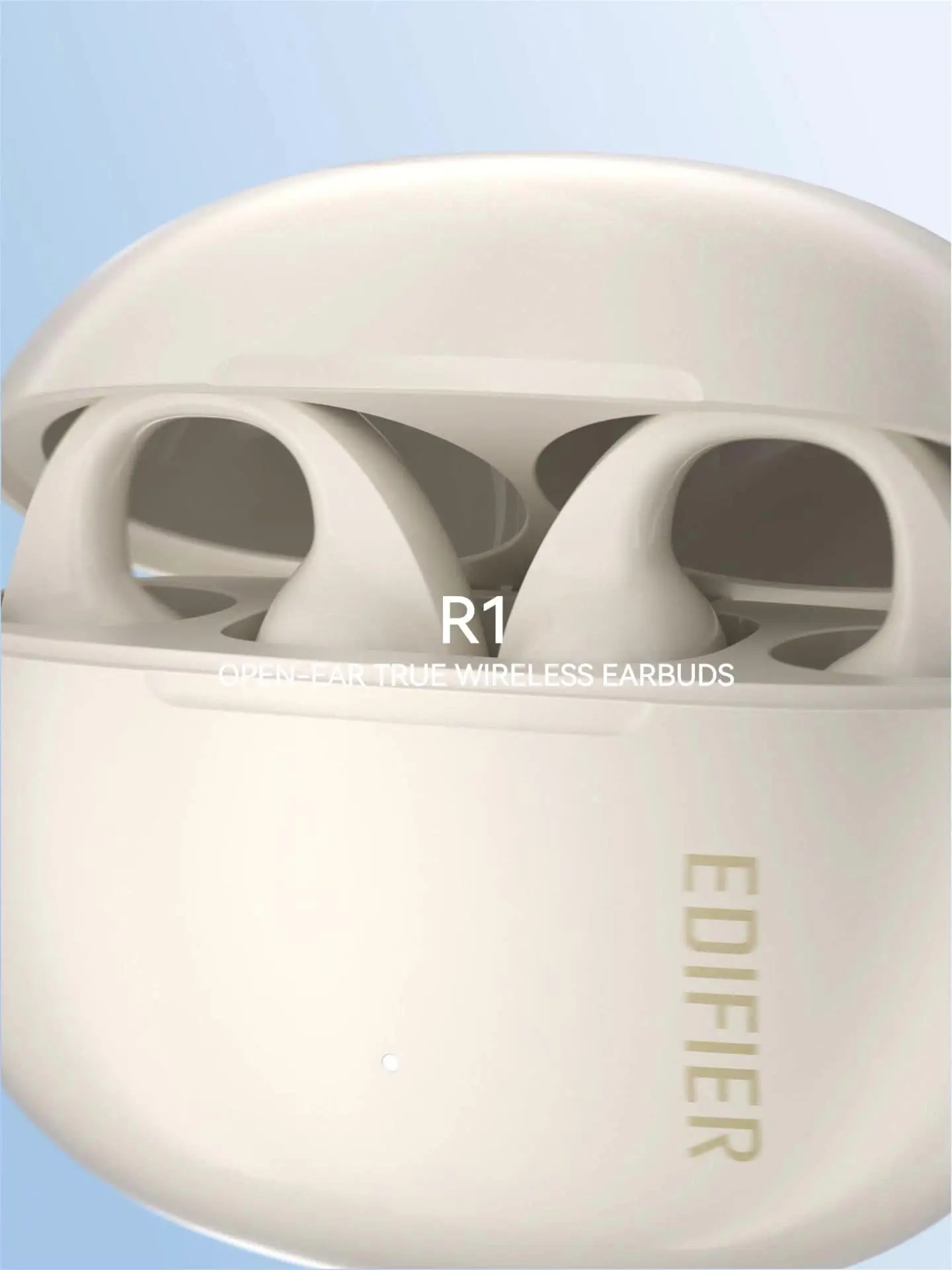
Video: Overview of Edifier R1 Open-Ear True Wireless Earbuds features and design.
Package Contents
Please check the package contents to ensure all items are present:
- Earbud x 1 pair
- Charging Case x 1 pc
- USB-C Charging Cable x 1 pc
- User Manual x 1 pc

Image: Contents of the Edifier R1 package.
Wearing Instructions
For optimal comfort and sound quality, follow these steps to properly wear your Edifier R1 earbuds:
Step 1: Take out an earbud and find the sound outlet.
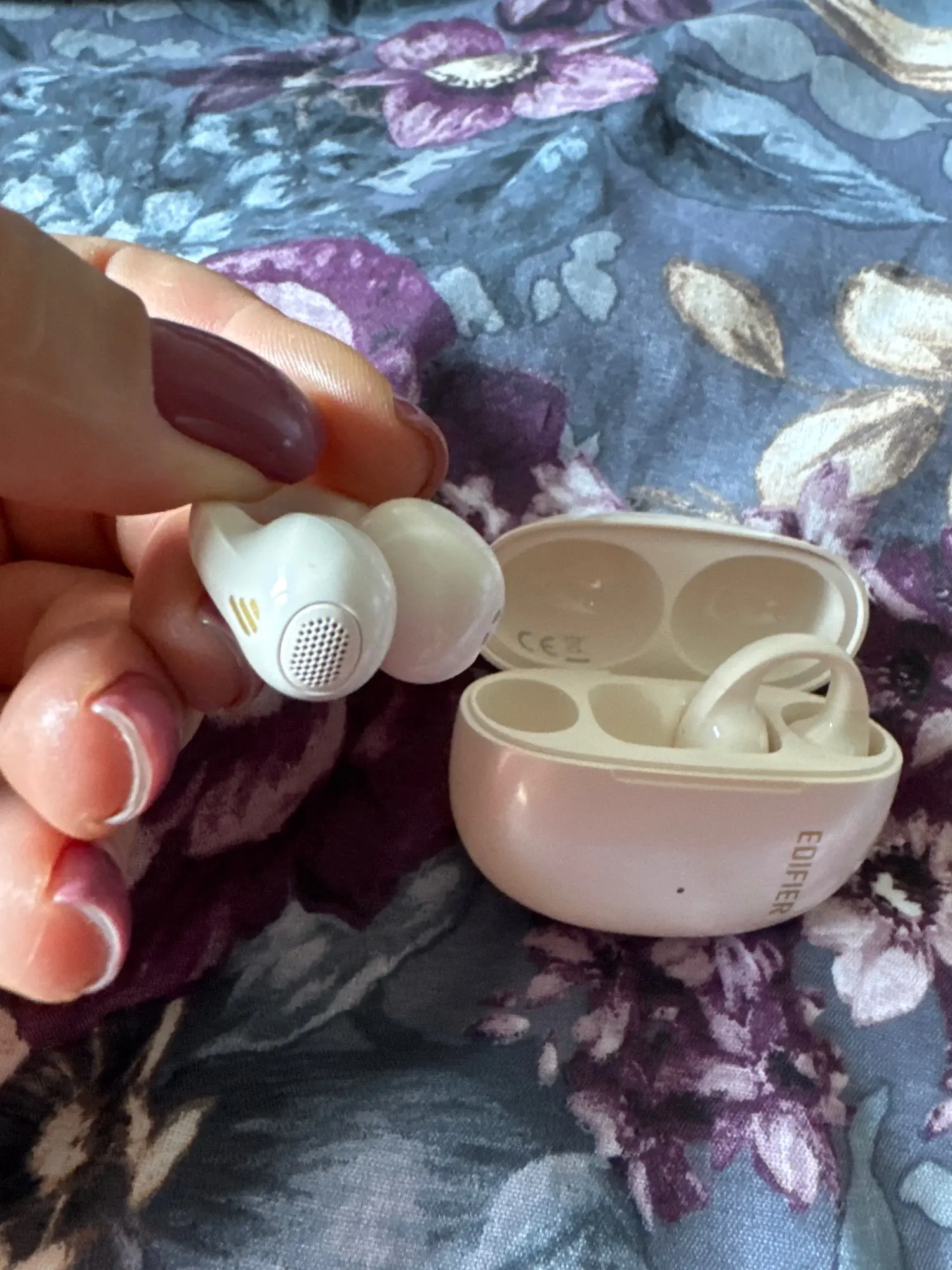
Image: Step 1 of wearing instructions, highlighting the earbud's sound outlet.
Step 2: Clip the earbud onto your auricle and adjust it upwards or downwards until the sound outlet is directed towards your ear canal.
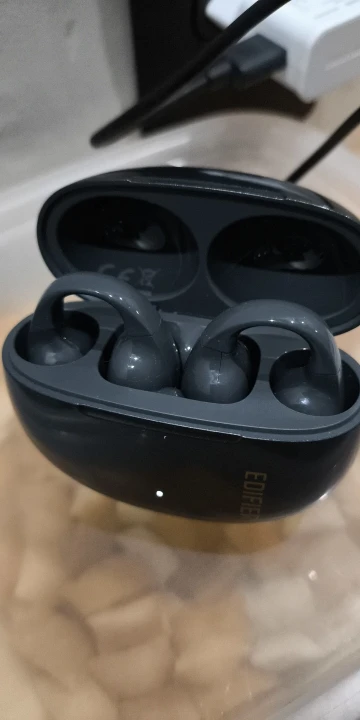
Image: Step 2 of wearing instructions, demonstrating how to clip the earbud for proper fit.
The symmetrical design supports wearing in either ear, with automatic calibration to ensure accurate audio output.
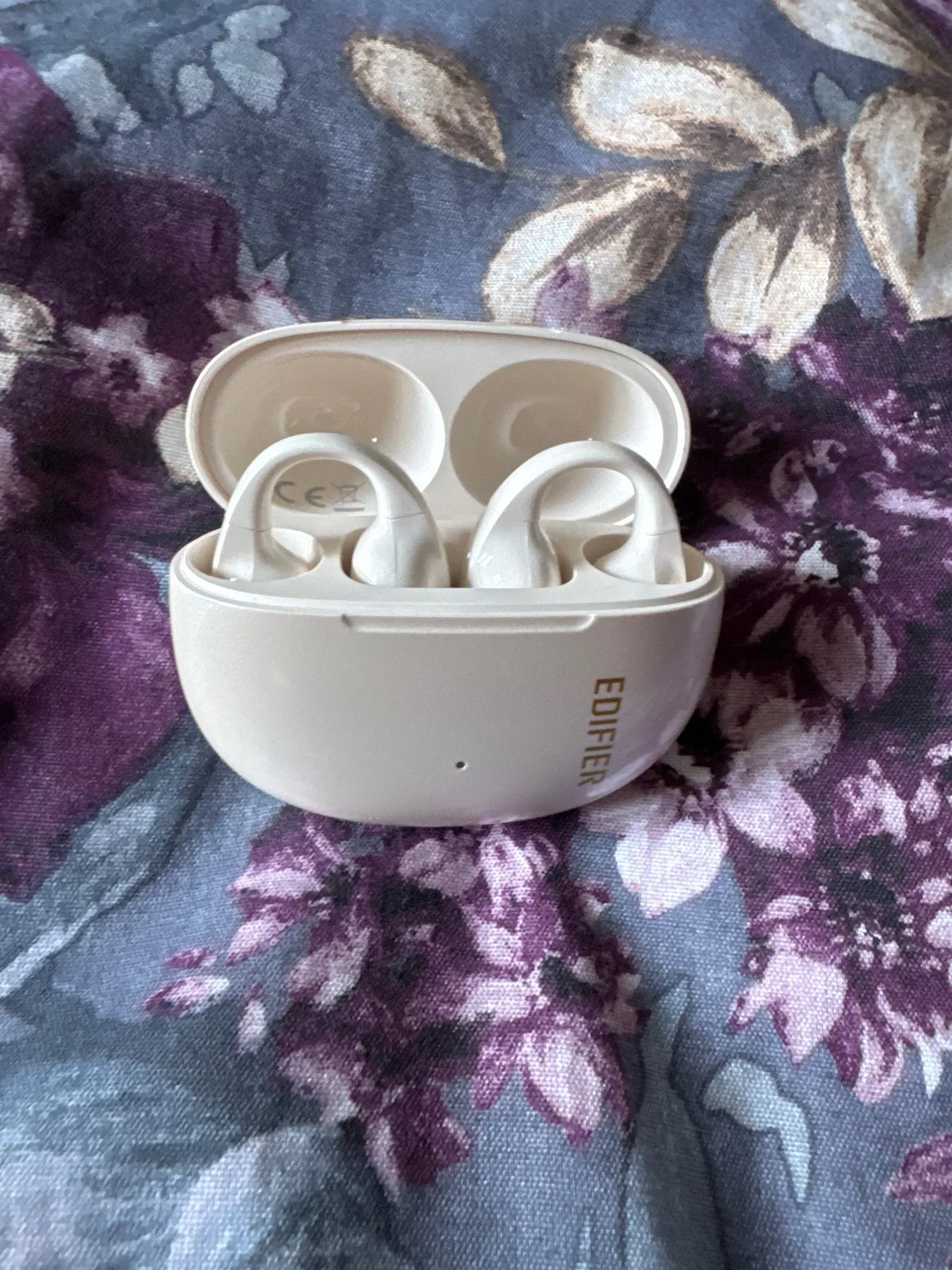
Image: Smart Audio Channel Detection, indicating left/right interchangeable wearing.
Setup and First Use
1. Power ON/OFF
- To power on, simply open the charging case. The earbuds will automatically turn on.
- To power off, place the earbuds back into the charging case and close the lid. They will automatically turn off.
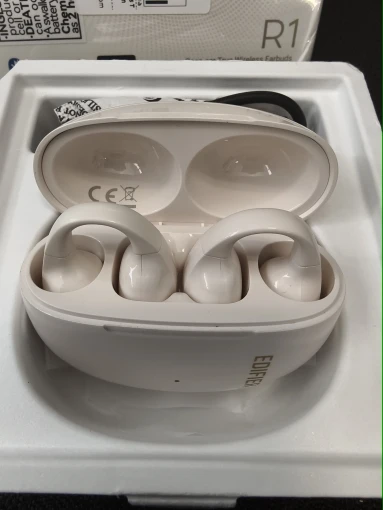
Image: Power on/off instructions by opening/closing the charging case.
2. First Time Pairing
- Once powered on (by opening the case), the earbuds will automatically enter Bluetooth pairing mode.
- On your device (smartphone, tablet, etc.), go to Bluetooth settings and select "EDIFIER R1" from the list of available devices to connect.

Image: First time Bluetooth pairing process.
3. Pairing for a New Device
- Place the earbuds in the charging case and keep the lid open.
- Press and hold the button on the charging case for 3 seconds until the white and orange LEDs blink. This indicates the earbuds are in pairing mode.
- On your new device, go to Bluetooth settings and select "EDIFIER R1" to connect.
Note: For subsequent use, the earbuds will automatically connect to the device used last time.

Image: Pairing with a new device by pressing the case button.
Operating Instructions
1. Controls
The Edifier R1 earbuds feature touch controls. The touch control area is located on the thin wire part of the earbud, not the speaker unit.
| Function | Action |
|---|---|
| Answer a call | Double tap either earbud (x2) |
| End a call | Double tap either earbud (x2) |
| Pause / Play | Double tap either earbud (x2) |
| Previous track | Triple tap left earbud (x3) |
| Next track | Triple tap right earbud (x3) |
Note: Customize the control settings in the EDIFIER ConneX App.

Image: Visual guide to earbud touch controls.
2. Multipoint Connection
Connect to two devices at once and switch seamlessly between them for ultimate multitasking convenience.
- Pair device A with the earbuds manually and keep the earbuds in the case.
- Re-enter Bluetooth pairing mode (as described in "Pairing for a New Device" above) and select "EDIFIER R1" in device B's settings to connect.
- Select "EDIFIER R1" again in device A's settings to complete the multipoint connection.
Note: For subsequent use, the earbuds will automatically reconnect to the two devices used last time.

Image: Multipoint connection feature, showing connection to multiple devices.
3. Wearing Detection
The earbuds feature built-in capacitive sensors for wearing detection. This allows you to effortlessly pause and resume your music with wear detection. Remove an earbud to pause, wear it to play.

Image: Wearing detection technology for automatic music control.
4. EDIFIER ConneX App
Download the EDIFIER ConneX App to personalize your listening experience. Choose your preferred EQ, rename your device, find your product, and more.
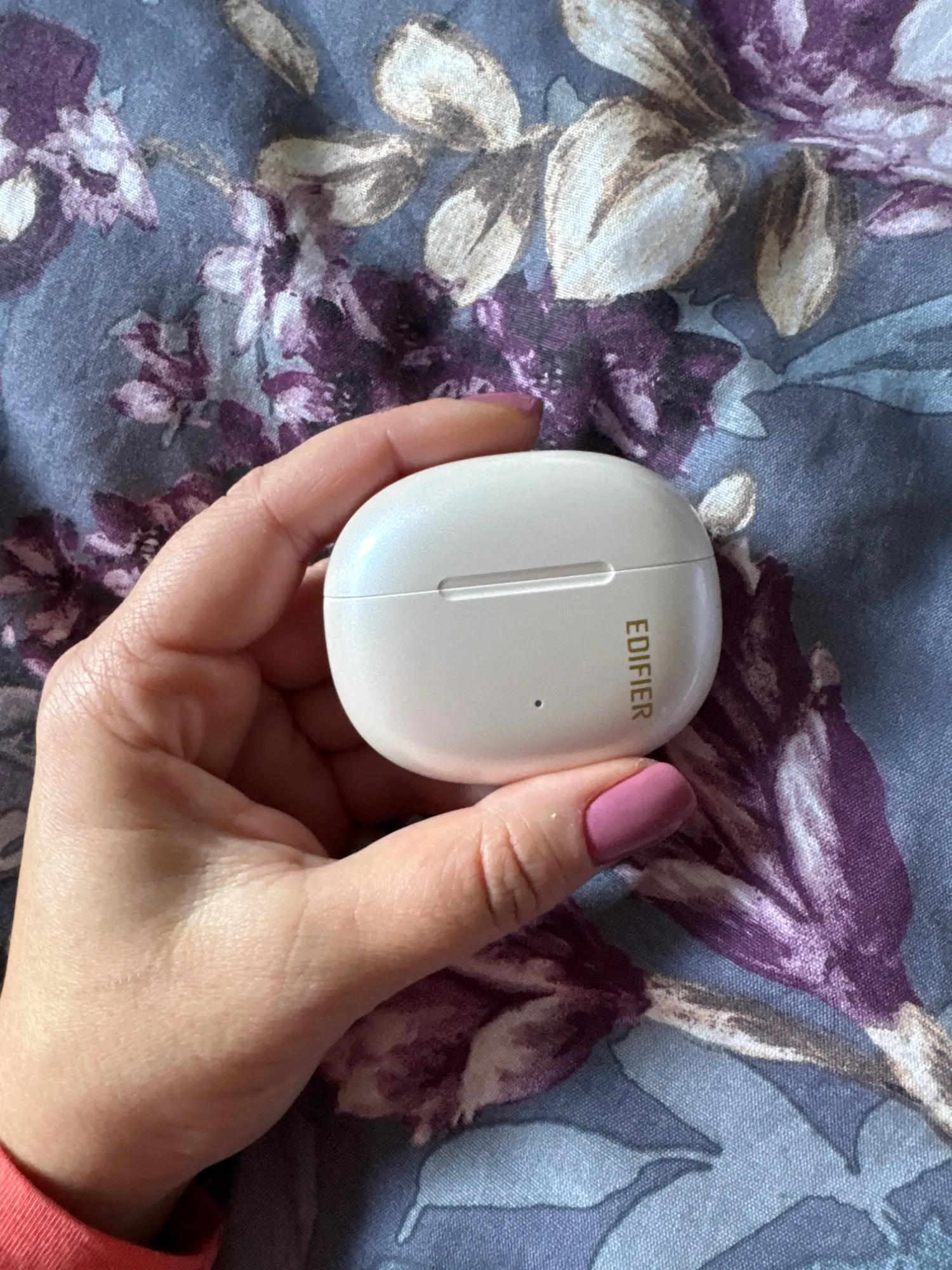
Image: EDIFIER ConneX App interface for customization.
5. Drainage Function
The earbuds are IP56 rated for dust and water resistance. Simply activate the drainage function through the EDIFIER ConneX app, and the earbuds will automatically expel water droplets, ensuring dependable performance across diverse environments.

Image: Drainage function for water expulsion, accessible via the app.
Maintenance and Charging
1. Charging
To charge your earbuds and charging case:
- Place the earbuds into the charging case. They will begin charging automatically.
- Connect the USB-C charging cable to the charging case and a power source.
Input: 5V===200mA (Earbuds), 5V===1A (Charging case)
Important: Make sure the USB port is completely dry before charging to prevent damage.

Image: Fast charging feature, showing 15 minutes of charge provides 3 hours of playtime.
2. Battery Life
Enjoy up to 7 hours of continuous music playback on a single charge, with a total of 28 hours using the charging case.
Image: Battery life details for earbuds and charging case.
* The battery life data was obtained in the Edifier Lab by testing with SBC decoding and 80% volume. Actual experience may vary slightly depending on the testing environment, equipment, volume, and audio file.
Troubleshooting
1. Resetting the Earbuds
If you experience connectivity issues or other malfunctions, you can try resetting the earbuds:
- Place the earbuds in the charging case and keep the lid open.
- Press the button on the charging case 3 times. The white LED will blink until the reset is complete.

Image: Resetting the earbuds by pressing the case button three times.
2. Common Issues
- One earbud not connecting: If one side doesn't connect, try placing both earbuds back into the charging case and then taking them out again. They should be recognized quickly.
Specifications
| Feature | Detail |
|---|---|
| Brand Name | Edifier |
| Model | R1 |
| Bluetooth Version | V5.4 |
| Bluetooth Range | About 10m |
| Driver Diameter | 12mm dynamic driver |
| Audio Coding | AAC, SBC |
| Playtime (Earbuds) | About 7 hours |
| Total Playtime (with case) | About 28 hours |
| Earbuds Input | 5V===200mA |
| Charging Case Input | 5V===1A |
| Charging Port | USB-C |
| Frequency Response | 20Hz - 20KHz |
| Output Sound Pressure Level | 90 ± 3dB (A) |
| IP Rating | IP56 (Dust and Water Resistance) |
| Material | PVC, ABS, Plastic |
| Features | Waterproof, With microphone, Dual Connection |
| Vocalism Principle | Dynamic |
| Communication | True wireless |

Image: Detailed technical specifications of the Edifier R1.

Image: IP56 Dust and Water Resistance feature.

Image: Bluetooth V5.4 technology for faster transmission and stronger connectivity.
User Tips
- Getting Used to Controls: The touch control area is on the thin wire part, not the speaker unit. It may take some time to get used to the precise location for touch commands.
- App EQ Settings: The EDIFIER ConneX app offers basic EQ settings (default, bass enhancement, midrange enhancement/vocals, treble enhancement). While user-defined EQ is not available, these presets can help tailor your sound.
- Game Mode: Activating game mode reduces audio delay, which is beneficial for gaming. Remember that game mode might reset to off when the earphones are powered off and on again.
- Comfort and Fit: The ear clip design is generally comfortable and lightweight. Ensure the sound outlet is directed towards your ear canal for the best sound experience.
Warranty and Support
For detailed warranty information and customer support, please refer to the official Edifier website or the documentation provided with your purchase.
A digital version of the user manual is available for download: Edifier R1 User Manual (PDF).