
1. Introduction
Thank you for choosing the JIUYIN Android 14 Wireless CarPlay Car Radio Stereo. This multimedia system is designed to enhance your driving experience with advanced features including GPS navigation, wireless CarPlay and Android Auto, Bluetooth connectivity, and a high-resolution touch screen. This manual provides essential information for the proper installation, operation, and maintenance of your new car radio stereo.
2. Safety Information
- Read all instructions carefully before installation and use.
- Installation should be performed by a qualified professional to prevent damage to the device or vehicle.
- Do not operate the device in a way that distracts you from driving. Always prioritize road safety.
- Avoid exposing the device to extreme temperatures, direct sunlight for prolonged periods, or excessive moisture.
- Use only approved accessories and parts.
3. Package Contents
Please check the package for the following items:

- Car Radio Unit (with Panel/Face Frame)
- Plug and Play Power Cable
- RCA Cable
- Camera Input Cable
- GPS Antenna
- 4P & 6P USB Cable
- 4G Antenna (Optional)
- Canbus (Optional)
- Introduction Code (QR code)
4. Specifications
| Feature | Specification |
|---|---|
| Brand Name | JIUYIN |
| Operating System | Android 14 |
| Display Size | 9 inches |
| Screen Type | Incell IPS Full Fit Screen |
| Resolution | 1280*720P |
| RAM | 1G, 2G, 4G, 6G (depending on configuration) |
| ROM | 32G, 64G, 128G (depending on configuration) |
| Processor | 4-Core or 8-Core (depending on configuration) |
| Din Type | Double Din |
| TF/Micro SD Slot | 1 |
| Voltage | 12 V |
| Item Weight | 1.85 kg |
| Output Type | Colored |
| Max External Memory | 128G |
| Built-in DVD Player | No |
| Built-in CD player | No |
| Touch Screen | Yes |
| Built-in Screen | Yes |
| Tuner Type | 7388 |
| Special Features | Built-In Speaker/Microphone, WiFi function, Support steering wheel control, Support 3G/4G Network, Support Can-Bus, Built-in GPS, Charger, Mobile Phone, MP3 players, Voice Control, DSP, CarPlay, Android Auto, Reversing Input, Split Screen, Remote Controller Included |
| Digital Media Format | Mp3, MP4, WMA, JPEG |
| OSD Language | Chinese (Simplified), Chinese (Traditional), Albanian, Arabic, Azeri, Irish, Estonian, Belarusian, Bulgarian, Icelandic, Polish, Persian, Boolean text (Dutch South Africa), Danish, German, Russian, French, Filipino, Finnish, Georgian, Haitian Creole, Korean, Dutch, Galicia, Catalan, Czech, Croatian, Latin, Latvian, Lithuanian, Romanian, Maltese, Malay, Macedonian, Norwegian, Portuguese, Japanese, Swedish, Serbian, Slovak, Slovenian, Swahili, Thai, Turkish, Welsh, Ukrainian, Hebrew, Greek, Spain's Basque, Spanish, Hungarian, Armenian, Italian, Yiddish, Hindi, Urdu India, Indonesia, English, Vietnamese |
| Certification | CE, FCC |

5. Setup and Installation
This section outlines the general steps for installing your JIUYIN car radio stereo. Professional installation is highly recommended.
5.1 Compatibility Check
Before installation, ensure the product is compatible with your vehicle. For Toyota Aygo (2005-2014), there are two types of power cables with different interfaces. Verify that the power cable interface of your car matches the provided cable. If your car's radio/power cable interface is similar to the incompatible example shown in Figure 5.1, do not proceed with installation and contact customer service.

5.2 Installation Steps
- Remove Original Unit: Carefully remove your vehicle's existing car radio or multimedia system.
- Connect Wiring: Connect the provided Plug and Play Power Cable to your car's wiring harness. Ensure all connections are secure.
- Connect Accessories: Connect the RCA cable, camera input cable, GPS antenna, and USB cables as needed. If applicable, connect the 4G antenna and Canbus module.
- Mount the Unit: Securely mount the JIUYIN car radio stereo into the dashboard opening.
- Test Functionality: Before fully reassembling the dashboard, power on the vehicle and test all functions of the new unit.


6. Operating Instructions
The JIUYIN car radio stereo features a user-friendly interface and various functions to enhance your driving experience.
6.1 User Interface and Navigation
The device features a new UI interface design with a customizable taskbar and full-screen gesture operation. You can easily switch between applications and access frequently used functions.


6.2 Audio and Multimedia
Enjoy your favorite music and videos with the integrated multimedia player. The device supports various digital media formats including MP3, MP4, WMA, and JPEG.

6.3 Connectivity
- Bluetooth: Automatically connects to your phone for music playback and hands-free calls.
- Wireless CarPlay & Android Auto: Seamlessly integrate your smartphone for navigation, music, and other apps.
- 4G/WiFi: Connect to mobile hotspots or insert a 4G data card for online navigation, streaming, and app downloads.


6.4 Navigation and Voice Control
Utilize the built-in GPS for accurate navigation. The intelligent voice control feature allows for hands-free operation, including navigation commands, music selection, and weather checks.

6.5 Safety Features (Optional)
- AHD Reverse Camera: Provides clear, high-definition reversing images for safer parking.
- ADAS Anti-Collision Recorder: Offers intelligent lane and front vehicle identification with real-time voice broadcast reminders.
- Tire Pressure Monitoring System (TPMS): Intelligently monitors tire pressure and temperature, providing timely alarms for abnormal conditions.


6.6 Automatic Day and Night Mode
The system automatically switches between day and night modes based on headlight status or time, ensuring clear visibility during the day and reduced glare at night.

6.7 Video Demonstration
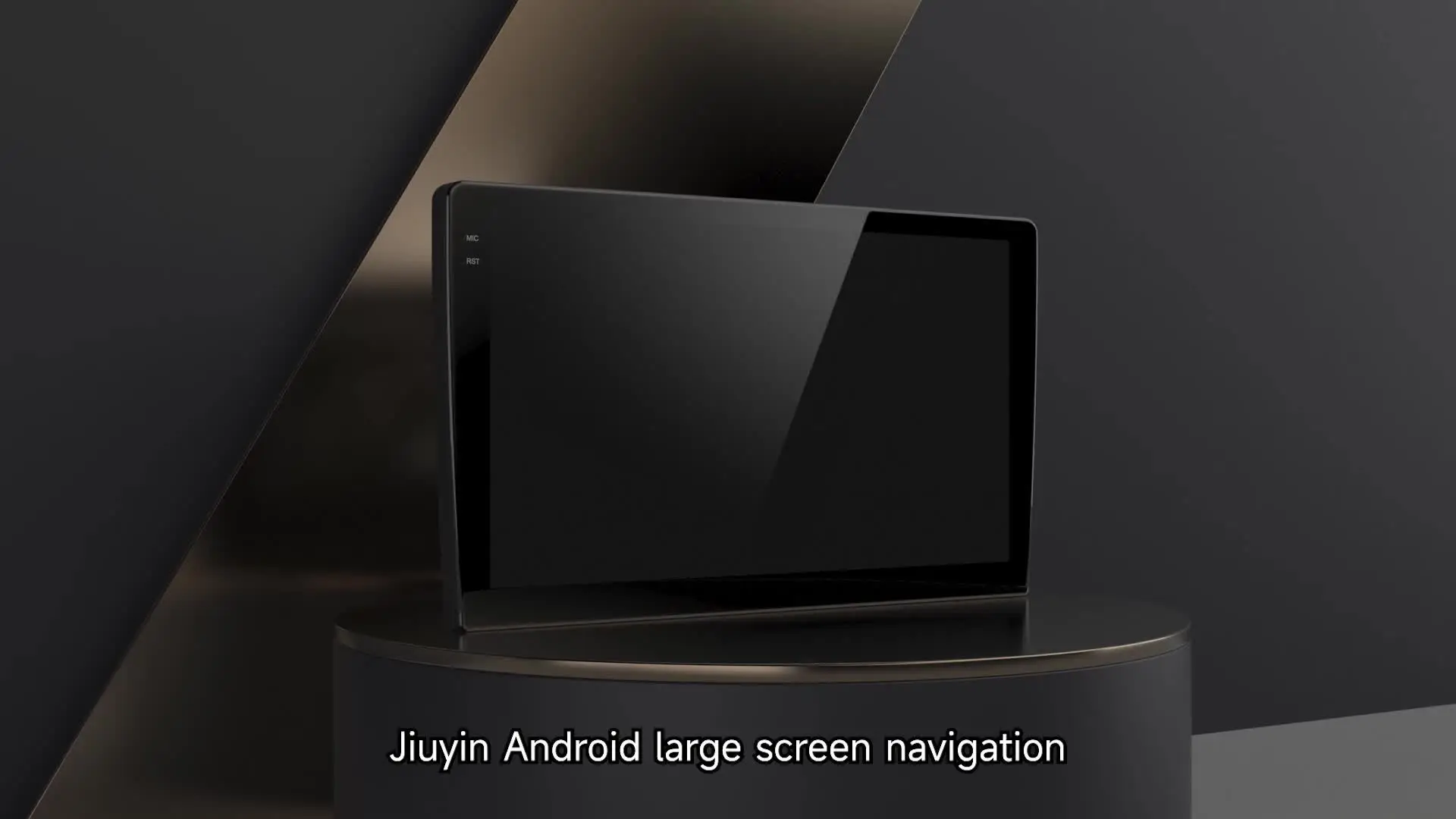
Watch this video for a comprehensive demonstration of the JIUYIN Android 14 Wireless CarPlay Car Radio Stereo's features and functionality.
7. Maintenance
- Cleaning: Use a soft, dry cloth to clean the screen and exterior. Avoid abrasive cleaners or solvents.
- Software Updates: Periodically check for software updates to ensure optimal performance and access to new features.
- Temperature: Do not expose the device to extreme temperatures.
8. Troubleshooting
If you encounter issues with your JIUYIN car radio stereo, refer to the following common problems and solutions:
| Problem | Possible Cause | Solution |
|---|---|---|
| Device does not power on | Incorrect wiring, blown fuse, power supply issue | Check power cable connections. Verify vehicle fuse. Consult a professional for wiring inspection. |
| No sound | Speaker wiring issue, volume too low, incorrect audio source | Check speaker connections. Increase volume. Select correct audio source. |
| Touch screen unresponsive | Software glitch, screen damage | Restart the device. If issue persists, contact support. |
| GPS not working | GPS antenna not connected, poor signal, software issue | Ensure GPS antenna is properly connected and has a clear view of the sky. Check GPS settings. |
| Bluetooth connection issues | Device not discoverable, incorrect pairing, interference | Ensure Bluetooth is enabled on both devices. Re-pair the devices. Move away from sources of interference. |
| CarPlay/Android Auto not connecting | Incorrect cable, software incompatibility, phone settings | Use a high-quality USB cable. Ensure phone is compatible and settings are correct. Restart phone and head unit. |
9. User Tips
- Always double-check product compatibility with your specific car model and year, especially regarding wiring harnesses, to avoid installation issues.
- If you are unsure about any aspect of installation or compatibility, it is recommended to contact JIUYIN customer service or consult a professional installer.
- Utilize the customizable UI and gesture controls for a personalized and efficient driving experience.
- Keep your system updated to benefit from the latest features and performance improvements.
10. Warranty and Support
JIUYIN products are manufactured to high-quality standards and are backed by a manufacturer's warranty. For detailed warranty information, technical support, or service inquiries, please refer to the contact information provided with your purchase or visit the official JIUYIN website. Please have your product model and serial number ready when contacting support.
