
Introduction
The INKBIRD RHT-11K Instant Read Meat Thermometer is designed to provide quick and accurate temperature readings for a variety of cooking applications. Its robust design and user-friendly features make it an essential tool for home chefs and BBQ enthusiasts alike.
Key Features:
- 0.5s Instant Read: High-speed K-sensor for precise cooking control.
- ±0.3℃ Accuracy: Ideal for gourmet cooking and baking.
- -58°F~572°F Range: Versatile for ice cream, frying, BBQ, and more.
- IPX5 Waterproof: Washable under running water; durable ABS+PC body.
- User-Friendly: Backlit LCD, magnetic back, USDA chart, and long battery life.
- Clear LED Display: Real-time temperature tracking at a glance.
Package Contents
Please check the box for the following items:
- Instant Read Meat Thermometer (RHT-11K) x 1
- AAA Batteries (1.5V) x 2
- User Manual x 1
Product Overview
Familiarize yourself with the components and controls of your INKBIRD RHT-11K thermometer.

Figure 1: INKBIRD RHT-11K Thermometer and Packaging

Figure 2: Thermometer with labeled buttons and auto-off feature.
Controls and Features:
- Probe: Stainless steel probe for temperature measurement.
- AUTO OFF Dial: Indicates the automatic power-off function when the probe is folded.
- °F/°C/CAL Button: Press to switch between Fahrenheit and Celsius. Press and hold for 3 seconds to enter calibration mode.
- HOLD Button: Press to freeze the current temperature reading on the display.
- Power Button (U): Press to manually turn the device on/off.
- LCD Backlit Screen: 1.42-inch x 0.87-inch (36mm x 22mm) display with green backlight for easy reading in various lighting conditions.
- Built-in Magnet: Allows for convenient storage on metallic surfaces.
- Hang Hole: For hanging the thermometer on a hook.
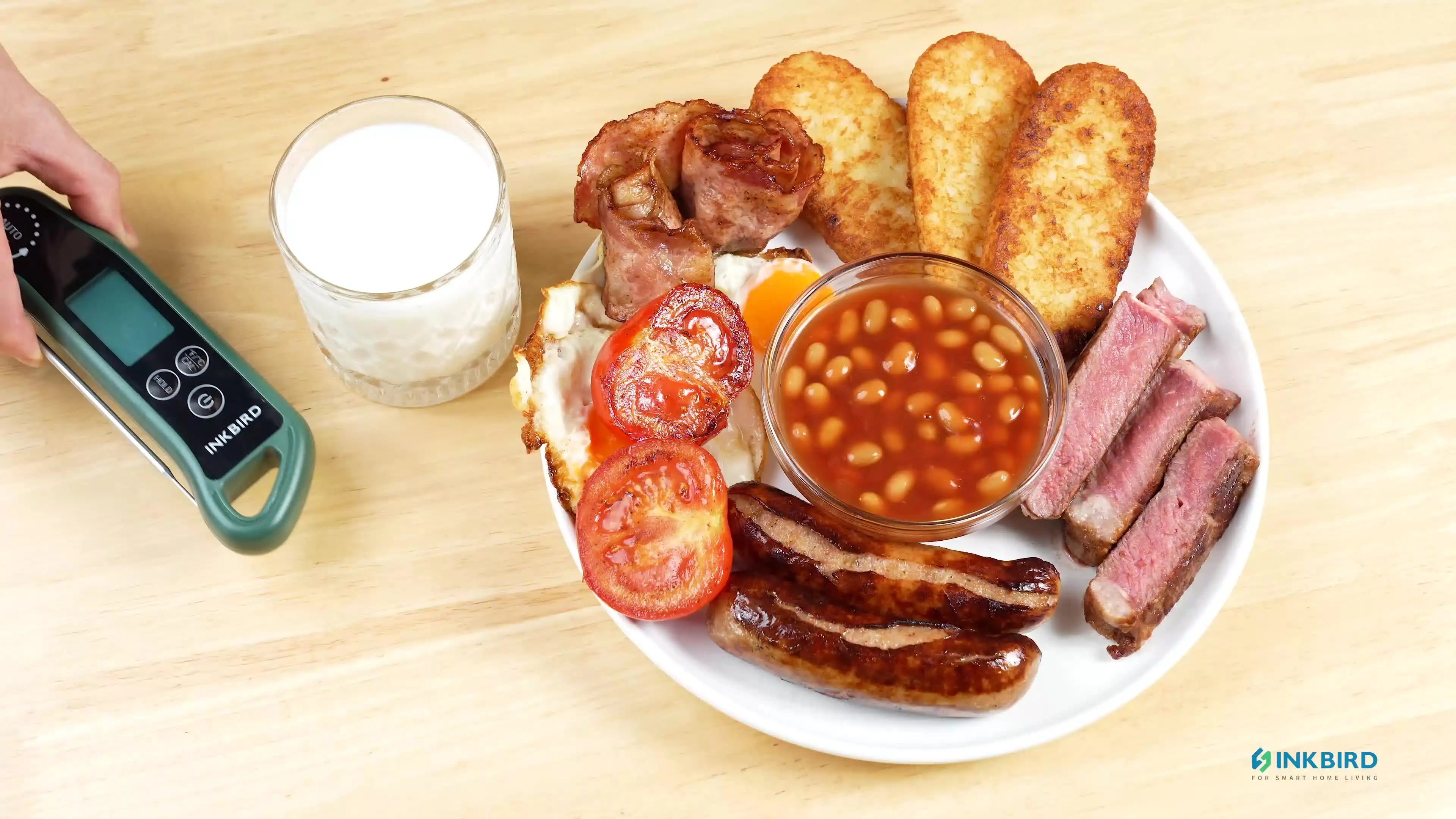
Video: Product demonstration showcasing features and various cooking applications.
Specifications
| Feature | Specification |
|---|---|
| Model No. | RHT-11K |
| Waterproof Rating | IPX5 |
| Materials | ABS+PC |
| Sensor Type | K Sensor |
| Screen Type | LCD with backlight |
| Screen Size | 1.42 inch x 0.87 inch (36mm x 22mm) |
| Temperature Accuracy | ±0.3℃ / ±0.5℉ |
| Temperature Range | -58.0℉ ~ 572℉ / -50.0℃ ~ 300℃ |
| Temperature Calibration | -3.0℃ ~ 3.0℃ / -5.0℉ ~ 5.0℉ |
| Readout Time | 0.5 seconds |
| Power Source | 2 AAA (1.5V) batteries |
| Battery Included | Yes |
| Certification | CE, FCC |
| Use | Household |
| Usage | Ideal for BBQ, Grill, Oven, and Smoker |
Setup
1. Battery Installation
- Locate the battery compartment on the back of the thermometer.
- Open the battery cover.
- Insert the two AAA (1.5V) batteries, ensuring correct polarity (+/-).
- Close the battery cover securely.
2. Initial Power On
- Unfold the probe from the thermometer body. The device will automatically power on.
- Alternatively, press the Power Button (U) to turn the device on.
Operating Instructions
1. Taking a Temperature Reading
- Ensure the thermometer is powered on and the probe is unfolded.
- Insert the stainless steel probe into the thickest part of the food, avoiding bone or gristle.
- Wait approximately 0.5 seconds for the temperature to stabilize and display on the LCD screen.

Figure 3: Demonstrating the thermometer's accuracy in different temperature environments.
2. Switching Temperature Units (°F/°C)
- With the thermometer powered on, press the °F/°C/CAL button to toggle between Fahrenheit (°F) and Celsius (°C).
3. Using the Hold Function
- While taking a temperature reading, press the HOLD button to freeze the current temperature on the display. This is useful when reading temperatures in hard-to-reach areas.
- Press the HOLD button again to release the reading and resume live temperature monitoring.
4. Calibration
For optimal accuracy, especially after prolonged use, you may calibrate your thermometer using an ice bath.
- Prepare an ice bath: Fill a glass with crushed ice and add a small amount of cold water. Stir well.
- Insert the thermometer probe into the center of the ice bath, ensuring the probe tip is fully submerged but not touching the bottom or sides of the glass.
- Wait for the temperature reading to stabilize (this may take a few minutes). The reading should be 0°C (32°F).
- If the reading is not 0°C (32°F), press and hold the °F/°C/CAL button for 3 seconds to enter calibration mode.
- Adjust the displayed temperature using the HOLD button (usually to increase) or the Power Button (usually to decrease) until it reads 0°C (32°F).
- Press the °F/°C/CAL button again to save the calibration and exit the mode.

Figure 4: Visual guide for thermometer calibration.
5. Automatic Power Off
- The thermometer will automatically power off after 10 minutes of inactivity to conserve battery life.
- Folding the probe back into the body will also automatically power off the device.
Maintenance
Cleaning
- The INKBIRD RHT-11K is IPX5 waterproof. You can wash the probe and the body under running water.
- Do not immerse the entire thermometer in water for extended periods.
- Use mild soap and water for cleaning. Avoid abrasive cleaners or harsh chemicals.
- Dry thoroughly with a soft cloth after cleaning.

Figure 5: The IPX5 waterproof design allows for easy cleaning under running water.
Storage
- Fold the probe back into the thermometer body for safe storage.
- Utilize the built-in magnet to attach the thermometer to a refrigerator or other metallic surface.
- Use the hang hole to store the thermometer on a hook.
- Store in a dry place at room temperature.
Figure 6: Convenient storage with built-in magnet or hang hole.
Battery Replacement
- When the display becomes dim or the thermometer fails to power on, it's time to replace the batteries.
- Follow the battery installation steps in the Setup section to replace the two AAA batteries.
Troubleshooting
| Problem | Possible Cause | Solution |
|---|---|---|
| No display or dim display | Low or dead batteries; incorrect battery installation. | Replace batteries with new AAA batteries, ensuring correct polarity. |
| Inaccurate temperature readings | Thermometer needs calibration; probe not fully inserted. | Perform an ice bath calibration (refer to Operating Instructions). Ensure the probe is inserted into the thickest part of the food. |
| Slow temperature readings | Probe not fully inserted; food is frozen or very dense. | Ensure the probe is inserted deep enough. For very cold or dense items, readings may naturally take slightly longer. |
| Thermometer does not turn off automatically | Probe is not fully folded; device malfunction. | Ensure the probe is completely folded into the body. If the issue persists, contact customer support. |
User Tips
- Always insert the probe into the thickest part of the meat for the most accurate reading. Avoid bones, as they can conduct heat differently.
- For liquids, stir before taking a reading to ensure an even temperature distribution.
- Keep the thermometer clean to prevent cross-contamination and ensure longevity.
- Refer to a reliable USDA meat temperature chart for safe internal cooking temperatures for different types of food.
Warranty and Support
The INKBIRD RHT-11K Instant Read Meat Thermometer comes with a 12-month warranty from the date of purchase, covering manufacturing defects. Please retain your proof of purchase for warranty claims.
For technical support, troubleshooting assistance, or warranty inquiries, please contact INKBIRD customer service through their official website or the contact information provided with your product packaging.