
Important Safety Information
Please use the default theme upon receiving the product. Do not modify the theme in the UI settings without authorization, as this may corrupt internal files on the SD card. Boot failures resulting from unauthorized theme changes are not covered by support. Thank you for your understanding.
1. Product Overview
The Super Console G36 Pro is a versatile retro video game console featuring a dual operating system (EmuELEC 4.3 + Android 9.0 TV system). It offers access to a vast library of classic games and supports 4K 1080P HD output for an immersive gaming experience on various display devices.
Package Contents
The G36 Pro package includes the following items:
- 1x Super Console G36 Pro
- 2x Wireless Controllers
- 1x Game Card (built-in)
- 1x TV Remote
- 1x HD-MI Cable
- 1x Power Supply
- 1x User Manual (this document)

Figure 1: Super Console G36 Pro Package Contents
Console Ports and Features

Figure 2: G36 Pro Console Ports
- ON/OFF: Power switch.
- DCIN: Power input (5V/2A).
- WAN: Ethernet port for wired network connection.
- HD: HDMI output for connecting to a TV or monitor.
- AV: Audio/Video output.
- USB2.0: USB ports for connecting accessories like the controller receiver.
- TF CARD SLOT: Slot for the game card.
2. Setup Instructions
Follow these steps to set up your Super Console G36 Pro:
- Connect the Receiver: Ensure the USB receiver for the wireless controllers is connected to one of the USB2.0 ports on the game console.
- Connect Power: Plug the power adapter into the DCIN port on the console, then plug the adapter into a wall outlet.
- Power On Console: Press the power button on the console.
- Connect to Display: Connect one end of the dual-head HDMI cable to the HD port on the console and the other end to an available HDMI port on your TV or monitor.
- Insert Controller Batteries: Open the battery compartment on each wireless controller and insert 2 AAA batteries.
- Power On Controllers: Turn on the switch located at the bottom of each controller. The connection is successful when the indicator light on the controller turns on.
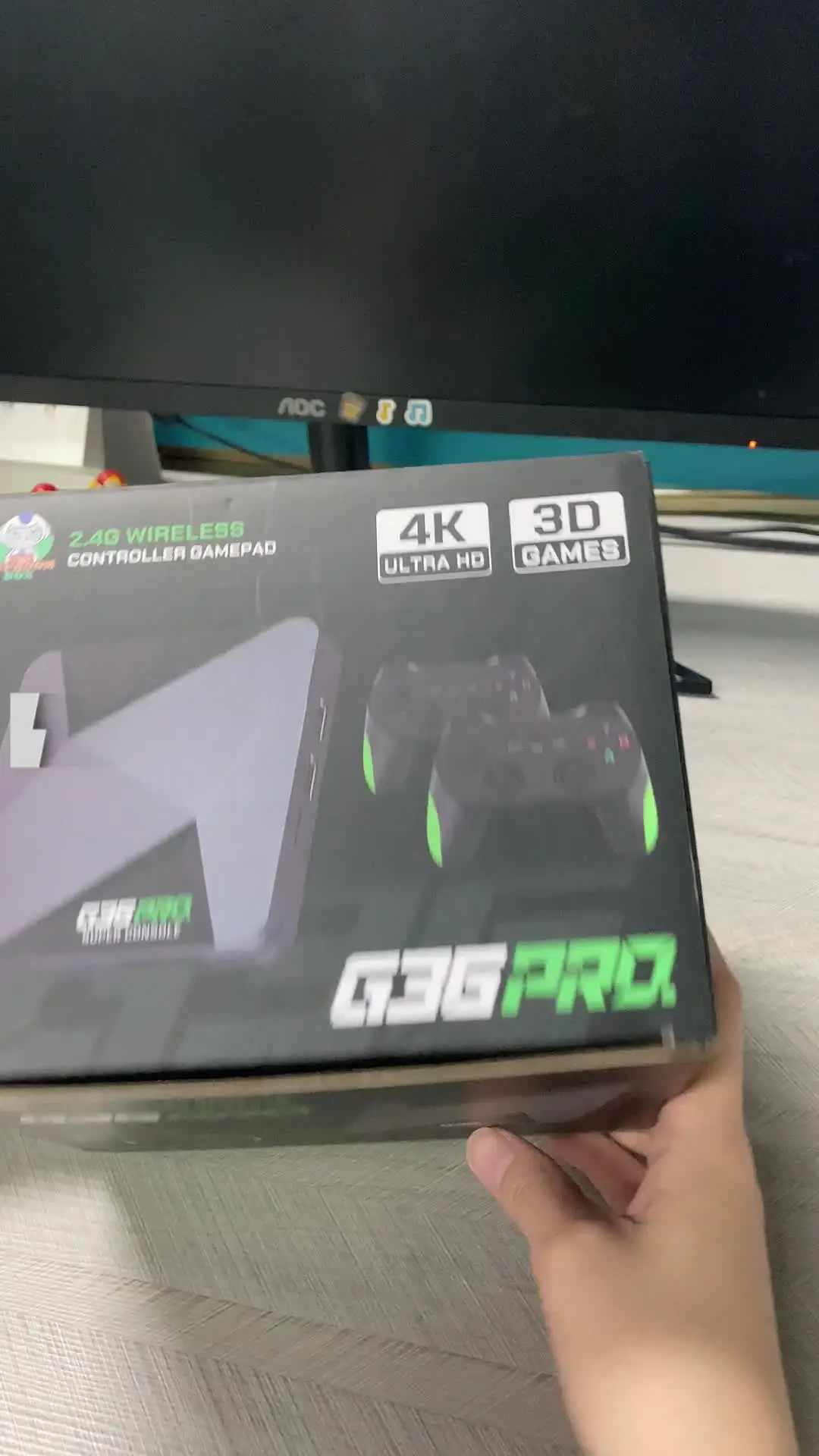
Video: Game Console Connection Tutorial
Power Adapter Types
The console supports different power plug types. Please choose the appropriate plug for your region (EU, US, AU, UK).

Figure 3: Available Power Plug Types
3. Operating Instructions
Basic Navigation and Game Play
The G36 Pro features an intuitive interface for game selection and management. It supports various classic gaming systems and offers features like game search and collection.

Figure 4: Smart System Features
Common Hotkey Settings
| Control | Function |
|---|---|
| Left/right cross keys and joystick | Switch emulator platform |
| A key (lower function key) | Enter or confirm |
| B key (right side function key) | Return to the game list / Return to the previous step in the game |
| X key (left side function key) | Search for games in the emulator |
| START Key | Exit Game/Enter Settings |
| L2/R2 | Game menu page flip |
| Select + Start (press twice) | Exit Game |
Saving and Loading Game Progress
To save or load your game progress:
- During gameplay, press the left and right joysticks simultaneously to open the in-game menu.
- Select "Save State" to save your current progress.
- To exit the game, double-click the "Select" and "Start" buttons.
- To continue a previously saved game, open the in-game menu (left and right joysticks simultaneously) and select "Load State".
Video: Game Save & Load Tutorial (starts at 0:33)
4. Maintenance
To ensure the longevity and optimal performance of your Super Console G36 Pro, please follow these maintenance guidelines:
- Keep the console and accessories clean and dry. Avoid exposure to dust, moisture, and extreme temperatures.
- Do not disassemble the console or controllers, as this may void your warranty and cause damage.
- Use only the provided power adapter and cables.
- Store the console and accessories in a safe place when not in use to prevent physical damage.
5. Troubleshooting
If you encounter any issues with your G36 Pro, refer to the table below for common problems and their solutions:
| Fault | Inspection and Treatment Method |
|---|---|
| No Image |
|
| Picture is achromatic |
|
| No Sound |
|
| Picture is chaotic | The power of the adapter may be insufficient. Replace the power supply with the original or a compatible one. |
| Game Open Error | Simultaneously press the Select and Start buttons within the emulator to access the BIOS settings > ADVANCED SYSTEM OPTIONS > Emulator, then try switching to a different emulator. After restarting the game, it should function properly. |
6. Specifications
| Feature | Specification |
|---|---|
| Model | G36 PRO |
| Product Category | Game Box / Video Game Console |
| CPU | Amlogic S905 (CORTEX-A9) |
| GPU | Mail-G31 |
| RAM Storage | 2GB DDR3 |
| ROM Storage (Android) | 8GB FALSH |
| DC Power | 5V/2A |
| WiFi | 2.4G/5G |
| Bluetooth | BT5.0 |
| Operating System | EmuELEC 4.3 + Android 9.0 |
| Output Resolution | 4K@60fps (Android), 1080p HD (EmuELEC) |
| Supported Languages | Multi-languages (Japanese, French, German, Italian, Spanish, Portuguese, Russian, English, Polish, Greek, Korean, Latin American Spanish, Brazilian Portuguese, Simplified Chinese, Traditional Chinese Style) |
| Game Content (TF Card) | 64GB: 30000+ Games 128GB: 60000+ Games 256GB: 120000+ Games |
| Supported Emulators | FC, SFC, MD, NEOGEO, GB, GBC, PSP, PS1, GG, GBA, SMS, CPS, NAOMI, CPS1, CPS2, CPS3, PSX, N64, DC, NDS, Atari, GameGear, NGPC, MasterSystem, MegaDrive, Sega32X, Nintendo/N64, NES, MSX2, Arcade, etc. (up to 60 classic emulators) |
| Product Size | 10cm x 10cm x 2cm (Console) |
| Color Box Size | 16.5 x 14 x 12.5 CM |
| Product Weight | 560g (Console) / 720g (One Product) |
| Certification | CE, FCC |
| Video Game Controller included | Yes (2 wireless controllers) |
| Removable/Replaceable Battery | Yes (for controllers) |
| Battery Included | No (for controllers, requires 2x AAA per controller) |
| High-concerned chemical | None |
7. User Tips
- Theme Customization: As noted in the safety information, avoid changing the default theme in the UI settings to prevent potential SD card corruption.
- Game Language: Be aware that some game titles in the list may be in German. Each game includes a preview image and is fully functional regardless of the title language.
- Game Downloads: The console uses an open Linux source system for game management. For specific methods on downloading additional games, please refer to the detailed instructions in the full PDF manual or contact customer service.
- RAM/ROM Clarification: The G36 Pro features 2GB of RAM and 8GB of internal ROM for the Android system. The game storage (e.g., 64GB, 128GB, 256GB) refers to the capacity of the included TF game card.
8. Warranty and Support
For detailed warranty information, technical support, or inquiries regarding game downloads and SD card issues, please refer to the comprehensive user manual PDF or contact customer service.
A full user manual in PDF format is available for download: View User Manual (PDF)