
1. Product Introduction
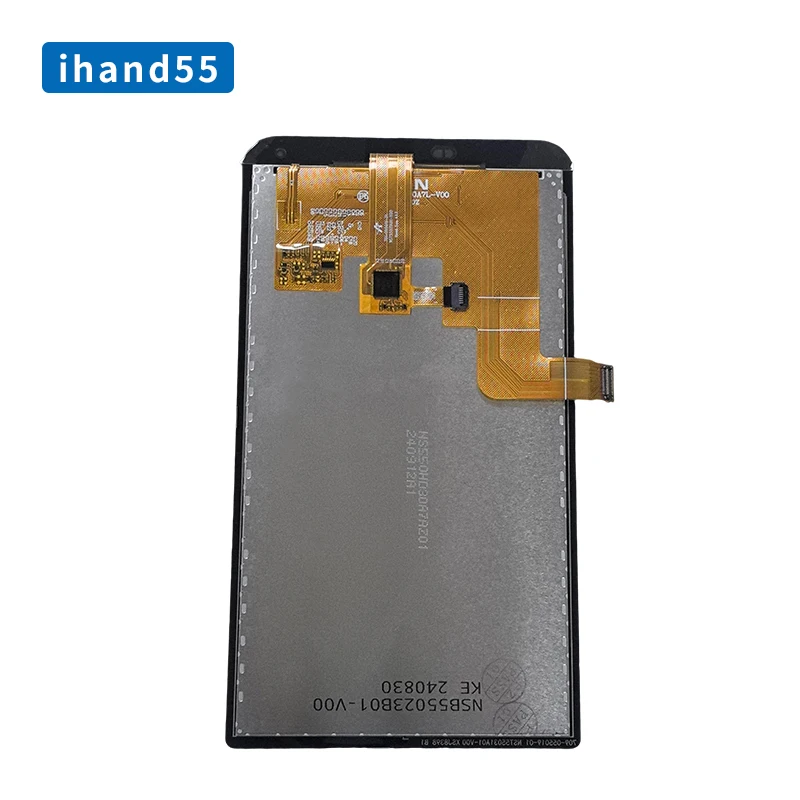
This product is a high-precision surveying and mapping instrument accessory, specifically an LCD display screen. It is suitable for engineering survey, mapping, and construction layout applications for Hi-Target Ihand55 and Ihand30 Data Collectors.

2. Component List
This manual pertains to the LCD Display Screen component. When replacing the screen, ensure you have the correct model (Ihand30 or Ihand55 display).
- LCD Display Screen (for Ihand30 or Ihand55)
Other components of the full surveying system (Data Controller, Main Unit, Antenna, Charger, Battery Cover, Prism, Total Station, RTK Cable, Total Station Cable, Survey Rod, Diagonal Eyepiece, External Radio, Tripod) are not included with this specific product.

3. Safety Instructions
- Do not disassemble or modify the product unless you are a qualified technician.
- Keep away from flammables.
- Do not use in thunderstorm conditions.
- Avoid battery short circuits, excessive heat, or immersion in water.
- Use only original chargers for the data collector.
4. Installation & Operation
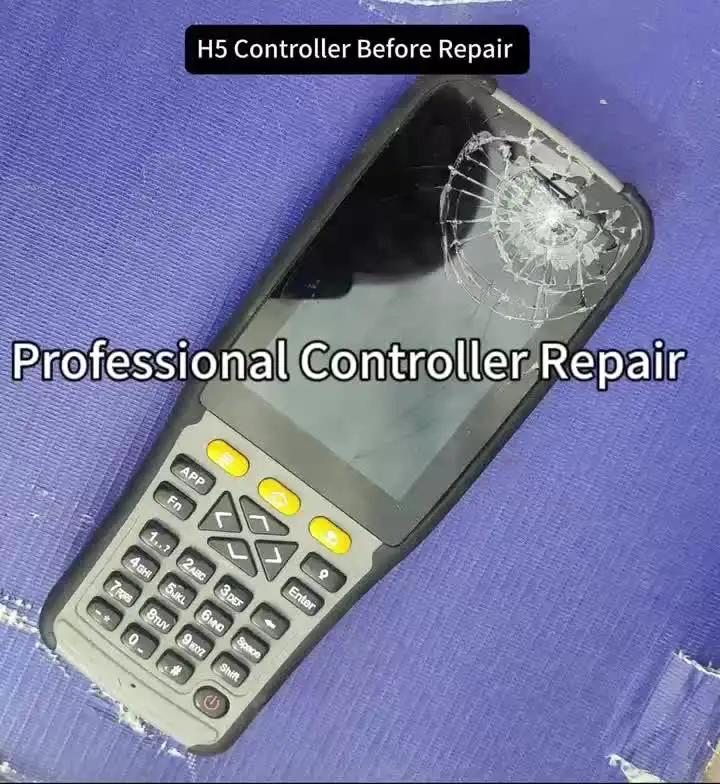
This section provides general guidance for the data collector. For specific screen replacement instructions, professional assistance is recommended.
- Set up and level the tripod and instrument.
- Install antenna, prism, rod, and other accessories as required.
- Power on the device, select the appropriate mode, and measure the target.
- Export data via cable or wireless connection.

5. Maintenance
- Clean the display screen with a soft cloth. Do not use chemicals on optical components.
- Store the data collector in a dry, cool, and well-ventilated area.
- Check fasteners every 3 months.
- Calibrate the instrument yearly to maintain accuracy.
6. Troubleshooting
| Problem | Solution |
|---|---|
| No power | Charge the device, check the battery cover, or contact service. |
| No signal | Reconnect the antenna, avoid interference. |
| Abnormal data | Re-level the instrument, clean optical components. |
| Transfer failure | Check the data cable, reset settings. |
7. Specifications
| Attribute | Value |
|---|---|
| Product Type | LCD Display Screen for Data Collector |
| Compatible Models | Hi-Target Ihand55, Hi-Target Ihand30 |
| DIY Supplies Category | Electrical |
| Origin | Mainland China |
| High-concerned chemical | None |
| Approximate Weight | 0.6 kg |
| Approximate Dimensions (L x W x H) | 10 cm x 20 cm x 8 cm |
8. Warranty & Service
Warranty: A 12-month warranty is provided for this product. Damage caused by misuse or unauthorized disassembly is not covered under warranty.
For service inquiries or technical support, you may contact the seller via WhatsApp: +86 15908173987.
9. User Tips
- Before purchasing, carefully verify that the display screen model (Ihand30 or Ihand55) matches your data collector to ensure compatibility.
- Due to the delicate nature of LCD screens, professional installation is highly recommended to avoid damage during replacement.
- Always handle the screen with care, avoiding pressure on the display surface.
10. Legal Notes
The contents of this manual are subject to change without prior notice. The company is not liable for any loss resulting from improper use of the product.