
1. Introduction
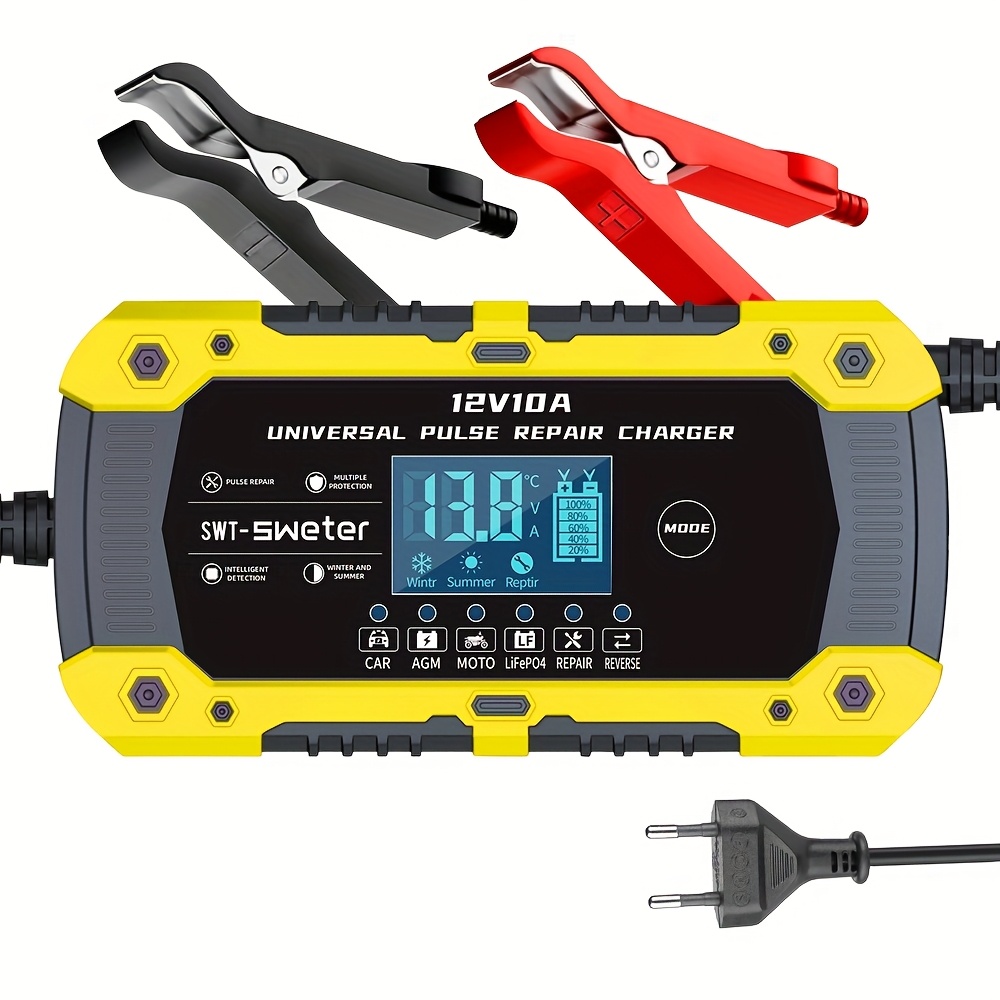
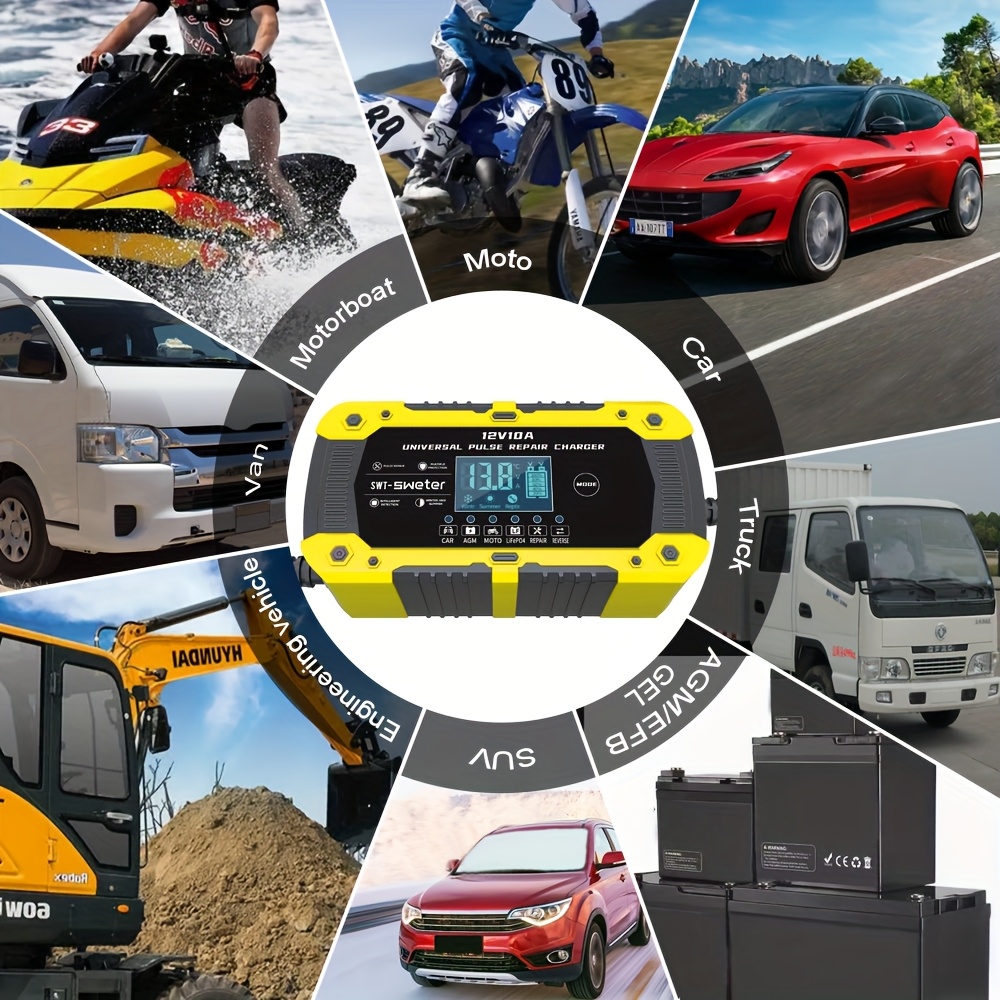
Thank you for choosing the SWT-1880 Universal Pulse Repair Battery Charger. This intelligent 12V 10A charger is designed for fast charging and maintenance of various battery types, including LiFePO4, AGM, GEL, WET, and Lead Acid batteries commonly found in cars, motorcycles, motorboats, vans, SUVs, trucks, and engineering vehicles. It features an intelligent digital display, multiple charging modes, and comprehensive safety protections to ensure efficient and safe battery management.

The SWT-1880 charger with its battery clamps and EU power plug.
2. Important Safety Instructions
Please read and understand all safety information before using this product. Failure to follow these instructions may result in electric shock, fire, or serious injury.
- Always wear eye protection and protective clothing when working with batteries.
- Ensure the charging area is well-ventilated.
- Keep the charger away from flammable materials and liquids.
- Do not charge frozen batteries.
- Never touch uninsulated battery terminals or wiring.
- Disconnect the AC power before connecting or disconnecting the battery clamps.
- Do not operate the charger if it has been dropped, damaged, or is not functioning properly.
- This charger is designed for 12V batteries only. Do not attempt to charge other voltage batteries.
- Keep out of reach of children.
3. Package Contents
Verify that all items are present in your package:
- 1 x SWT-1880 Universal Pulse Repair Battery Charger
- 1 x Pair of Battery Clamps (Red for positive, Black for negative)
- 1 x EU Power Plug Cable
4. Technical Specifications
| Feature | Specification |
|---|---|
| Input Voltage | 110-240V AC, 50-60Hz |
| Rated Output | 14.6V 10A, 12V 10A |
| Output Power | 74.6W - 150W (includes 150W) |
| Output Line Length | 65 cm |
| Supported Battery Types | Car, Motorcycle, AGM, GEL, WET, Lead Acid, LiFePO4 |
| Operating Modes | Car, Moto, AGM, LiFePO4, Repair, Reverse, Winter, Summer |
| Display | Voltage, Current, Temperature, Repair Status, Completion, Reverse Connection |
| Thermal Protection | 65°C +/- 5°C |
| Intelligent Charge | Yes |
| Quick Charge | No |
| Data Transmission | No |
| Dimensions (L x W x H) | 16.2 cm x 9 cm x 6 cm (6.4 in x 3.5 in x 2.4 in) |
| Weight | 0.613 kg |
Product dimensions: 16.2cm (6.4in) length, 9cm (3.5in) width, 6cm (2.4in) height.
5. Setup and Connection
- Prepare the Battery: Ensure the battery terminals are clean and free of corrosion. If necessary, clean them with a wire brush and a mixture of baking soda and water.
- Connect Battery Clamps:
a. Connect the RED (+) positive clamp to the positive terminal of the battery.
b. Connect the BLACK (-) negative clamp to the negative terminal of the battery. - Connect to Power: Plug the charger's EU power plug into a standard 110-240V AC wall outlet.
- Initial Display: The charger's intelligent digital display will light up, showing current battery voltage, temperature, and other relevant information.
6. Operating Modes
The SWT-1880 charger offers multiple modes to optimize charging for different battery types and environmental conditions. Press the 'MODE' button to cycle through the available options.

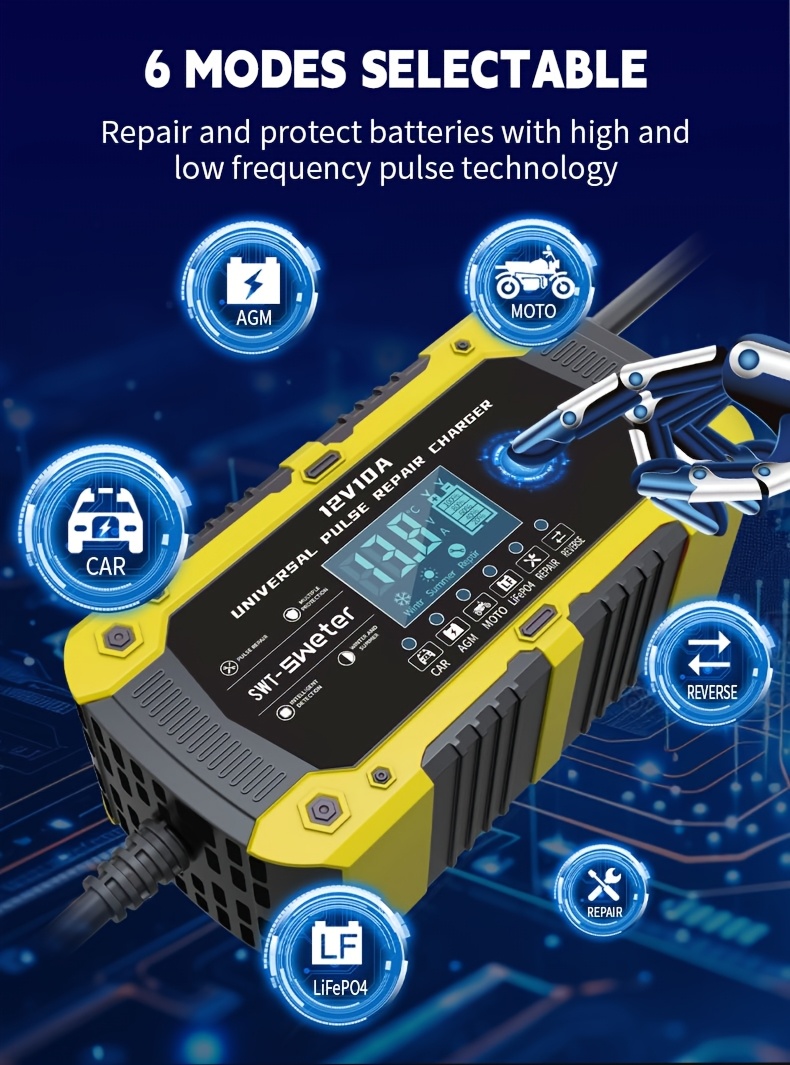
The charger supports 6 selectable modes for various battery types and functions.
6.1. Battery Type Modes
- CAR Mode: For standard 12V car batteries (Lead Acid, WET).
- MOTO Mode: For 12V motorcycle batteries (smaller capacity Lead Acid, WET).
- AGM Mode: Specifically for 12V Absorbed Glass Mat (AGM) batteries.
- LiFePO4 Mode: For 12V Lithium Iron Phosphate batteries.
6.2. Environmental Modes
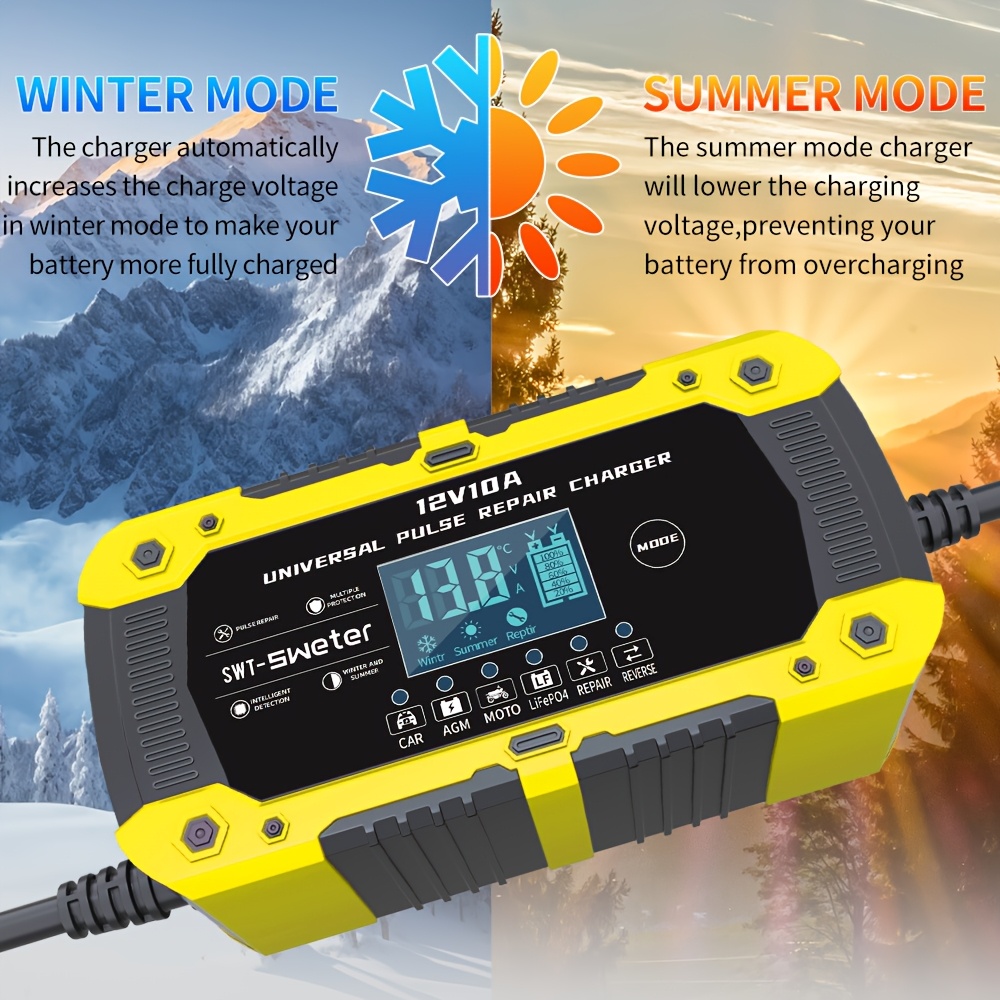
The charger automatically adjusts charging based on ambient temperature.
- Winter Mode: The charger automatically increases the charge voltage in cold conditions to ensure the battery is more fully charged.
- Summer Mode: The charger lowers the charging voltage in warm conditions to prevent overcharging.
6.3. Special Function Modes
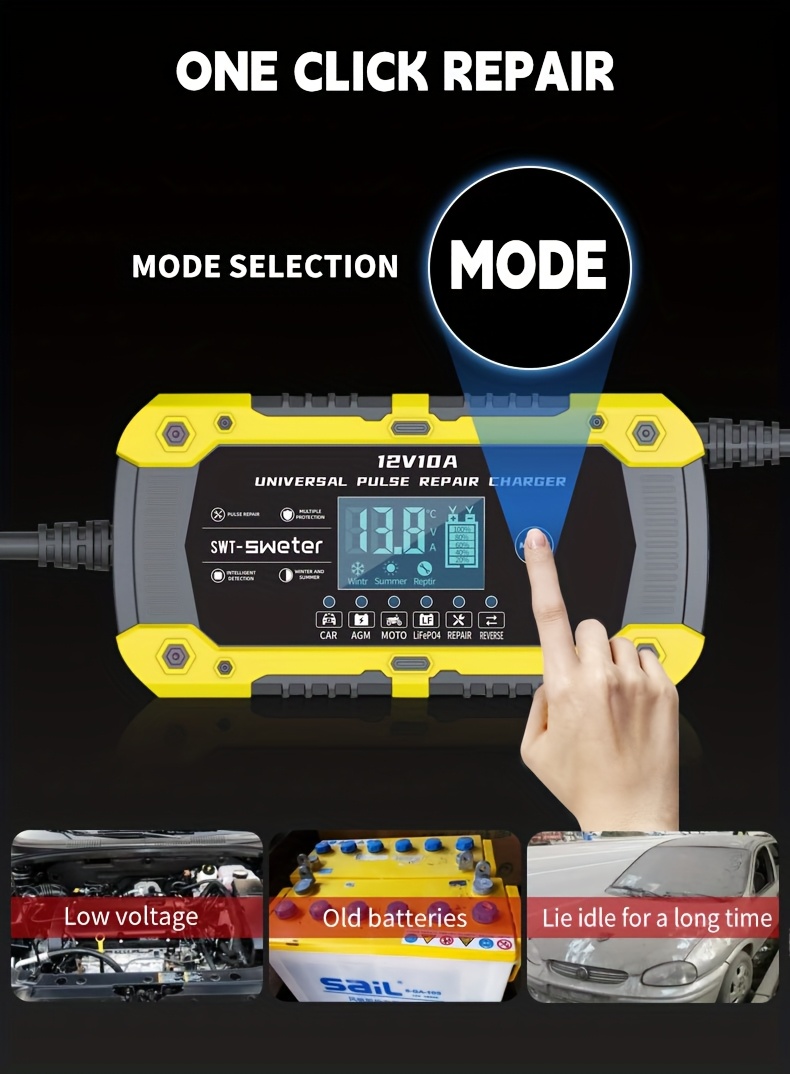
- Repair Mode: Uses high and low frequency pulse technology to repair and protect batteries, suitable for low voltage, old, or long-idle batteries.
- Reverse Mode: Indicates a reverse polarity connection. The charger will not operate in this state.
7. One-Click Repair Function
The SWT-1880 features a 'One-Click Repair' function designed to rejuvenate and protect batteries that are experiencing issues such as low voltage, age-related degradation, or prolonged periods of inactivity. To activate this function, simply press the 'MODE' button until 'Repair' is indicated on the display.
Activate the 'Repair' mode by pressing the 'MODE' button to address issues like low voltage or old batteries.
The repair process uses pulse technology to desulfate and recondition the battery. This process can take several hours depending on the battery's condition. Monitor the display for status updates.
8. Intelligent Digital Display
The charger is equipped with an intelligent digital display that provides real-time information about the charging process at a glance.
The digital display provides real-time voltage, current, and temperature readings.
- Voltage Display: Shows the current voltage of the battery.
- Current Display: Shows the charging current (Amperes) being delivered to the battery.
- Temperature Display: Shows the ambient temperature, which influences the charger's automatic Winter/Summer mode adjustments.
- Battery Level Indicator: Displays the estimated charge level (20%, 40%, 60%, 80%, 100%).
- Mode Indicator: Shows the currently selected charging mode (Car, Moto, AGM, LiFePO4, Repair, Reverse).
- Completion Indicator: Lights up when charging is complete.
- Reverse Indicator: Lights up if battery clamps are connected incorrectly.
9. Multiple Protection Features
The SWT-1880 charger incorporates a smart chip with multiple protection mechanisms to ensure safe operation for both the user and the battery.
The smart chip provides comprehensive protection during charging.
- Reverse Connection Protection: Prevents damage if battery clamps are connected in reverse polarity.
- Short Circuit Protection: Automatically shuts off if a short circuit is detected.
- Fire Protection: Designed with materials and circuitry to minimize fire risk.
- False Touch Protection: Prevents accidental activation or damage from incorrect handling.
- Overcurrent Protection: Limits the charging current to prevent damage to the battery or charger.
- Low Voltage Protection: Prevents charging if the battery voltage is too low for safe operation.
- Overvoltage Protection: Protects against excessive voltage output.
- Overheat Protection: Automatically reduces power or shuts down if the charger's internal temperature exceeds safe limits (65°C +/- 5°C).
10. Maintenance
- Cleaning: Disconnect the charger from power and battery before cleaning. Wipe the exterior with a soft, dry cloth. Do not use solvents or abrasive cleaners.
- Storage: Store the charger in a cool, dry place when not in use. Keep cables neatly coiled.
- Cable Inspection: Regularly inspect the power cord and battery cables for any signs of damage, cuts, or fraying. Replace if damaged.
11. Troubleshooting
| Problem | Possible Cause | Solution |
|---|---|---|
| Charger not turning on | No power from outlet; Faulty power cable; Internal fault. | Check wall outlet with another device. Inspect power cable. If problem persists, contact support. |
| Charger displays 'Reverse' | Battery clamps connected incorrectly. | Disconnect from power, then reconnect RED (+) to positive and BLACK (-) to negative. |
| Battery not charging or charging slowly | Incorrect mode selected; Battery deeply discharged or damaged; Poor connection. | Ensure correct mode for battery type. Check clamp connections. Try 'Repair' mode for deeply discharged batteries. If battery is severely damaged, it may not accept a charge. |
| Charger overheats and shuts down | Poor ventilation; Overload; Internal fault. | Ensure charger is in a well-ventilated area. Reduce load if possible. Allow to cool down. If persistent, contact support. |
12. User Tips
- For optimal battery life, avoid letting your battery completely discharge before charging.
- Use the 'Repair' mode periodically for older batteries or those that have been idle for extended periods to help maintain their capacity.
- Always ensure the charger is placed on a stable, non-flammable surface during operation.
- The automatic Winter/Summer mode is a great feature; trust the charger to adjust for ambient temperature, but always ensure good ventilation.
13. Warranty and Support
This product comes with a standard manufacturer's warranty against defects in materials and workmanship. For warranty claims or technical support, please contact your retailer or the manufacturer directly. Keep your purchase receipt as proof of purchase.
14. Statement of Compliance
⚠ WARNING: This product can expose you to chemicals including lead, which is known to the State of California to cause cancer and birth defects or other reproductive harm. For more information go to www.P65Warnings.ca.gov.