
1. Introduction
Thank you for choosing the Beebest Smart Walkie Talkie A208. This manual provides essential information for the safe and efficient use of your device. Please read it thoroughly before operation and keep it for future reference.

Figure 1: Beebest A208 Walkie Talkie (Standard White and High Version Black)
2. Product Overview
2.1 Components

Figure 2: Walkie Talkie Components
- Antenna
- Channel Knob
- Speaker
- Call Button (PTT - Push-to-Talk)
- Microphone Pickup Hole
- Power Button
- Volume Up and Down Button
- Headphone Plug (3.5mm)
- Charging Hole (Micro-USB)
- Reset Hole
- Back Clip
2.2 Key Features
- High Power Output: 5W for strong penetration and long-distance communication.
- Multiple Channels: 16 channels for versatile communication.
- Anti-Jamming Technology: Features an independent encryption chip and sub-audio code to filter interference.
- Long Standby Time: Up to 5 days (Standard version) or 7 days (High-end version).
- Clear Audio: Equipped with a 36mm large-diameter speaker and hidden microphone for clear voice transmission, even in noisy environments.
- Durable Design: 70° silicone buttons, PC material shell, and TPEE anti-bending antenna.
- Wide Operating Temperature: -20°C to 50°C.
- Convenient Charging: Micro-USB interface, supports charging while talking.
- Integrated Back Clip: For easy portability.
- Tri-color Indicator: Provides clear status indications.
3. Setup Guide
3.1 Initial Charging
Before first use, fully charge your walkie talkie. Connect the provided Micro-USB charging cable to the charging hole (9) on the device and to a 5V==1A power source. The tri-color indicator (see Figure 3) will show charging status.
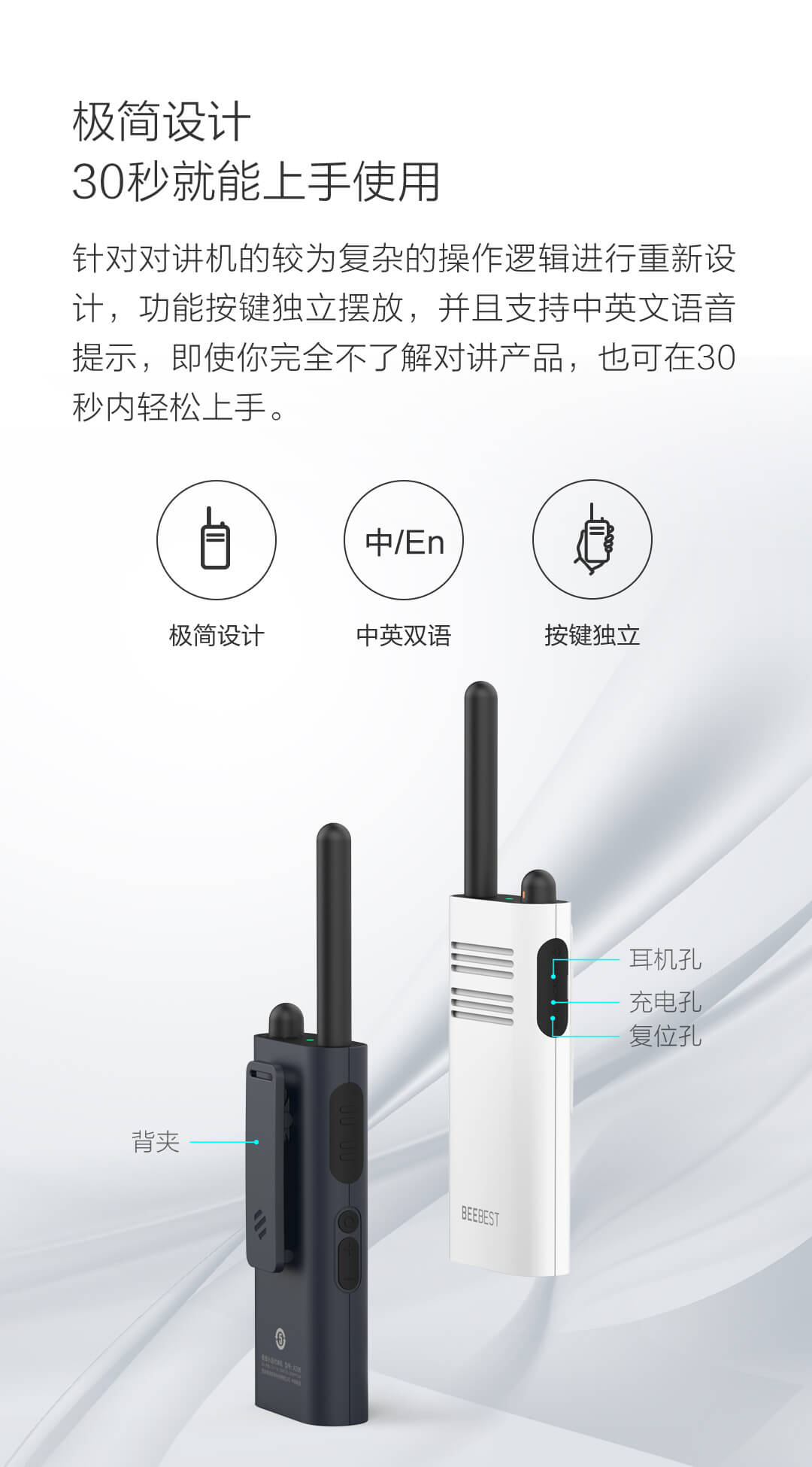
Figure 3: Charging the Walkie Talkie
3.2 Attaching the Back Clip
The walkie talkie comes with a self-contained back clip (11). To attach or remove, slide it into the designated slot on the back of the device until it clicks securely into place. This allows for easy attachment to clothing or backpacks.
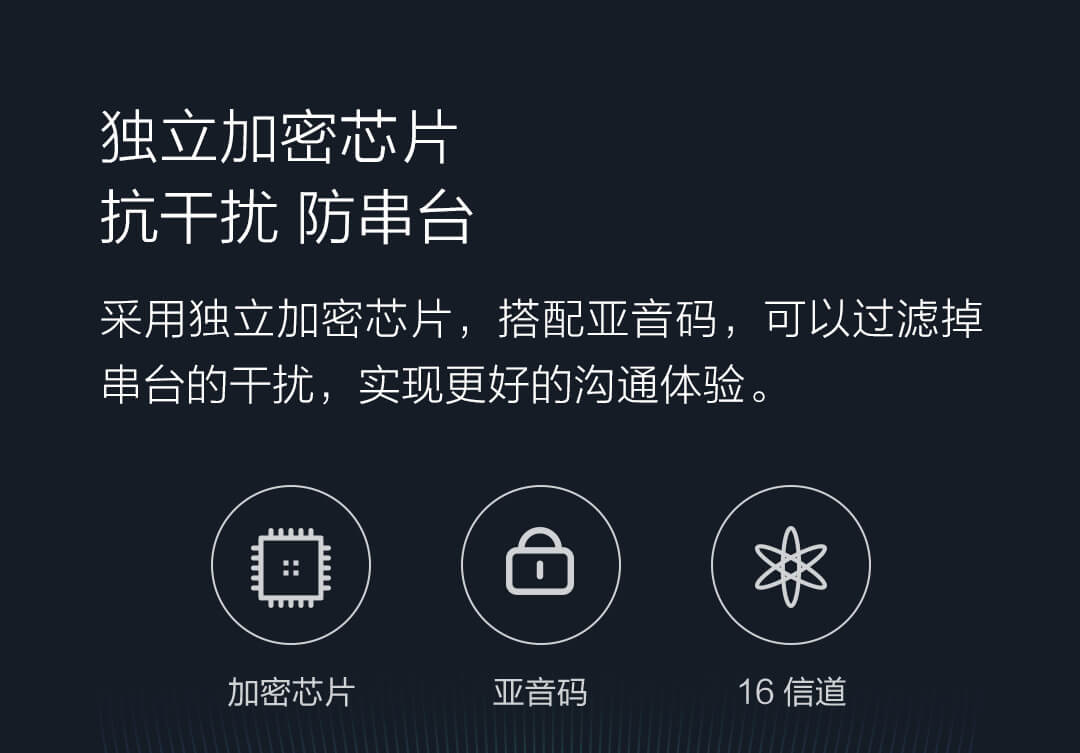
Figure 4: Self-contained Back Clip
3.3 Power On/Off
Press and hold the Power Button (6) until the device powers on or off. A voice prompt will confirm the action.
3.4 Channel Selection
Rotate the Channel Knob (2) at the top of the device to select one of the 16 available channels. Ensure all devices you wish to communicate with are set to the same channel.
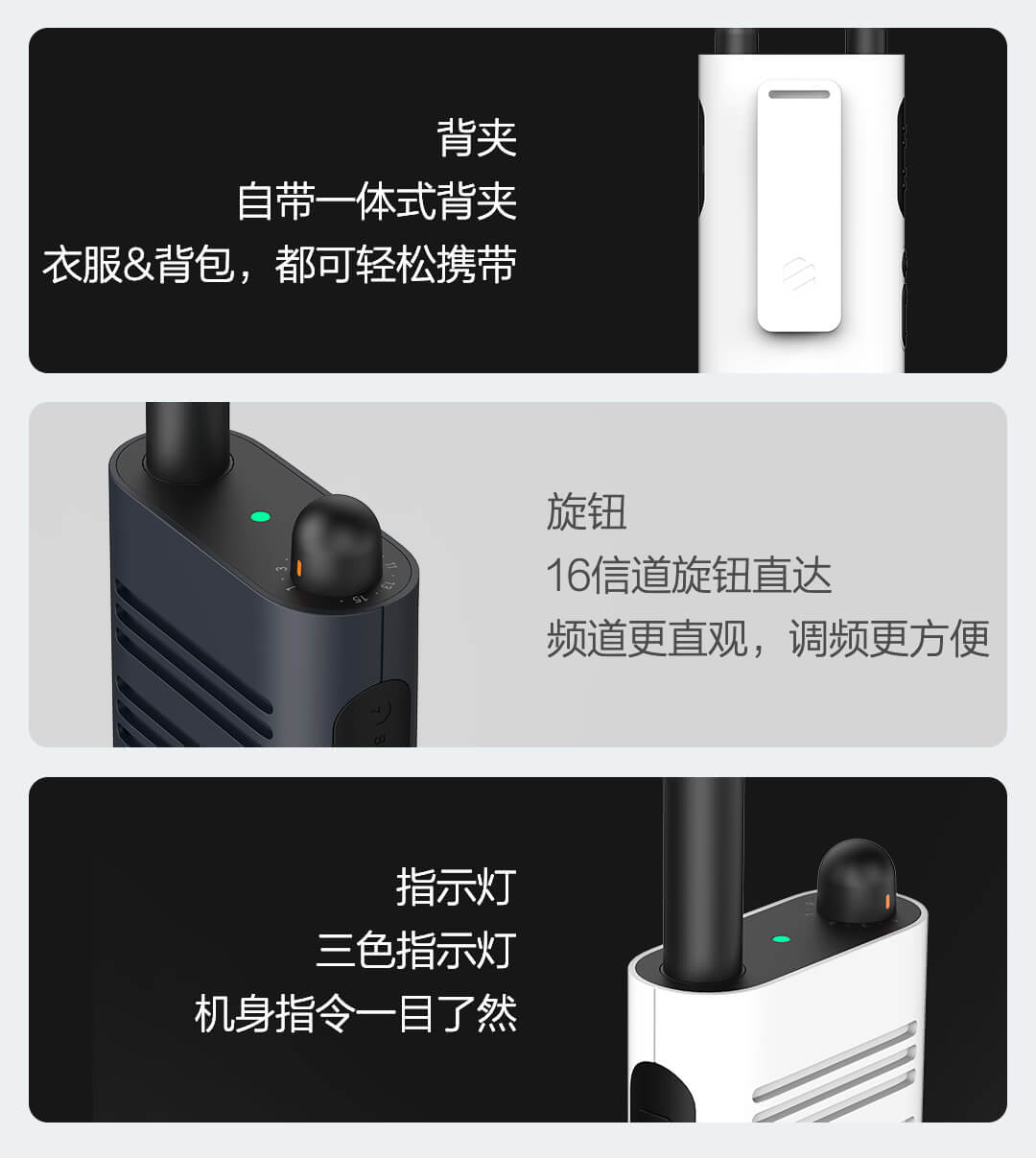
Figure 5: 16-Speed Channel Knob
4. Operating Instructions
4.1 Making a Call
- Ensure your walkie talkie is powered on and set to the desired channel.
- Press and hold the Call Button (4) to transmit your voice. Speak clearly into the Microphone Pickup Hole (5).
- Release the Call Button (4) to listen for a response.
4.2 Adjusting Volume
Use the Volume Up and Down Buttons (7) to adjust the speaker volume to a comfortable level.
4.3 Voice Broadcast and Tri-color Indicator
The device features voice broadcast for channel changes and other notifications. The tri-color indicator provides visual feedback on the device's status (e.g., transmitting, receiving, low battery).
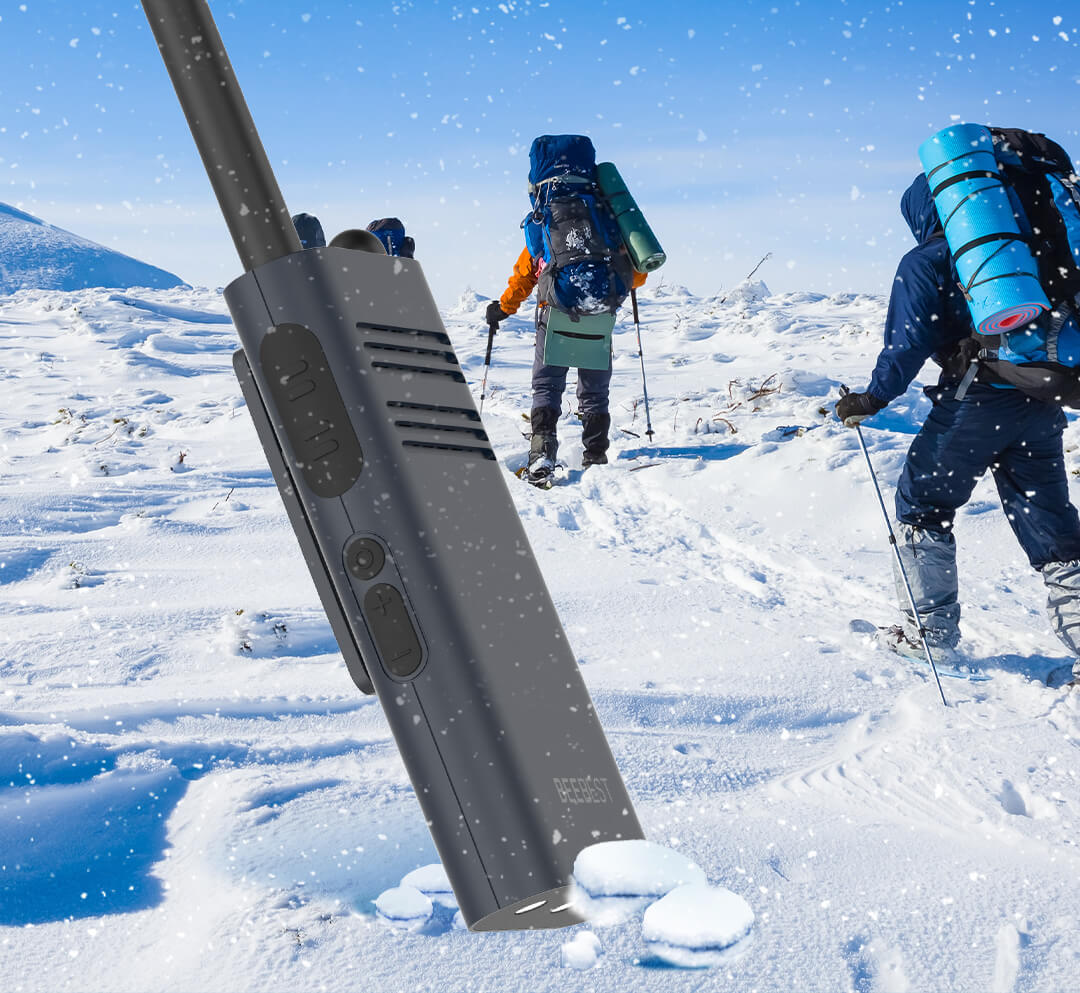
Figure 6: Tri-color Indicator
4.4 Advanced Features (PC Software)
The walkie talkie supports advanced professional radio functions through dedicated PC programming software. These functions may include voice-activated transmission (VOX), repeater settings, bandwidth adjustment, busy channel lockout, channel scanning, and channel locking. Please consult the official Beebest support for details on obtaining and using the PC software.
5. Maintenance
- Cleaning: Use a soft, damp cloth to clean the device. Do not use harsh chemicals or abrasive cleaners.
- Storage: Store the walkie talkie in a cool, dry place away from direct sunlight and extreme temperatures.
- Battery Care: For optimal battery life, avoid fully discharging the battery frequently. If storing for extended periods, charge the battery to about 50% and recharge every few months.
- Temperature Range: Operate the device within the specified working temperature of -20°C to 50°C. Charge only within 0°C to 40°C.
- Reset: If the device malfunctions, you may use the Reset Hole (10) to perform a factory reset. Use a thin pin to gently press the button inside the hole.
6. Troubleshooting
- No Power: Ensure the battery is charged. Connect to the Micro-USB charger and check the indicator light.
- Cannot Transmit/Receive: Verify that all walkie talkies are on the same channel. Check if the Call Button is being pressed correctly. Ensure you are within the effective communication range.
- Poor Audio Quality: Adjust the volume. Ensure the microphone and speaker are not obstructed. Move to an area with less electromagnetic interference.
- Short Communication Range: Communication range is highly dependent on the environment (e.g., urban areas with buildings, open fields, driving conditions). Obstacles and interference can significantly reduce range.
- Device Unresponsive: Try pressing the Reset Hole (10) with a thin pin.
7. Specifications
| Feature | Standard Version (White) | High-end Version (Black) |
|---|---|---|
| Model | A208 | |
| Dimensions (L x W x H) | 54 x 28.8 x 190mm (including antenna length 70mm) | |
| Net Weight | 167.3g | 170.3g |
| Battery Capacity | 2000mAh (7.4Wh) | 3350mAh (12.4Wh) |
| Standby Time | Up to 5 days | Up to 7 days |
| Working Temperature | -20°C to 50°C | |
| Charging Temperature | 0°C to 40°C | |
| Interface Type | Micro-USB | |
| Input Parameters | 5V ══ 1A | |
| Transmit Power | 5W | |
| Frequency Range | 400MHz-470MHz | |
| Modulation Type | 16KOF3E/8KOF3E | |
| Receive Sensitivity | -122dBm (12dB SINAD) | |
| Channels | 16 | |
| Maximum Range | Urban: 1-6 km, Multi-floor buildings: 1-35 floors, Open area: 1-15 km, High-speed communication: 1-3 km | |
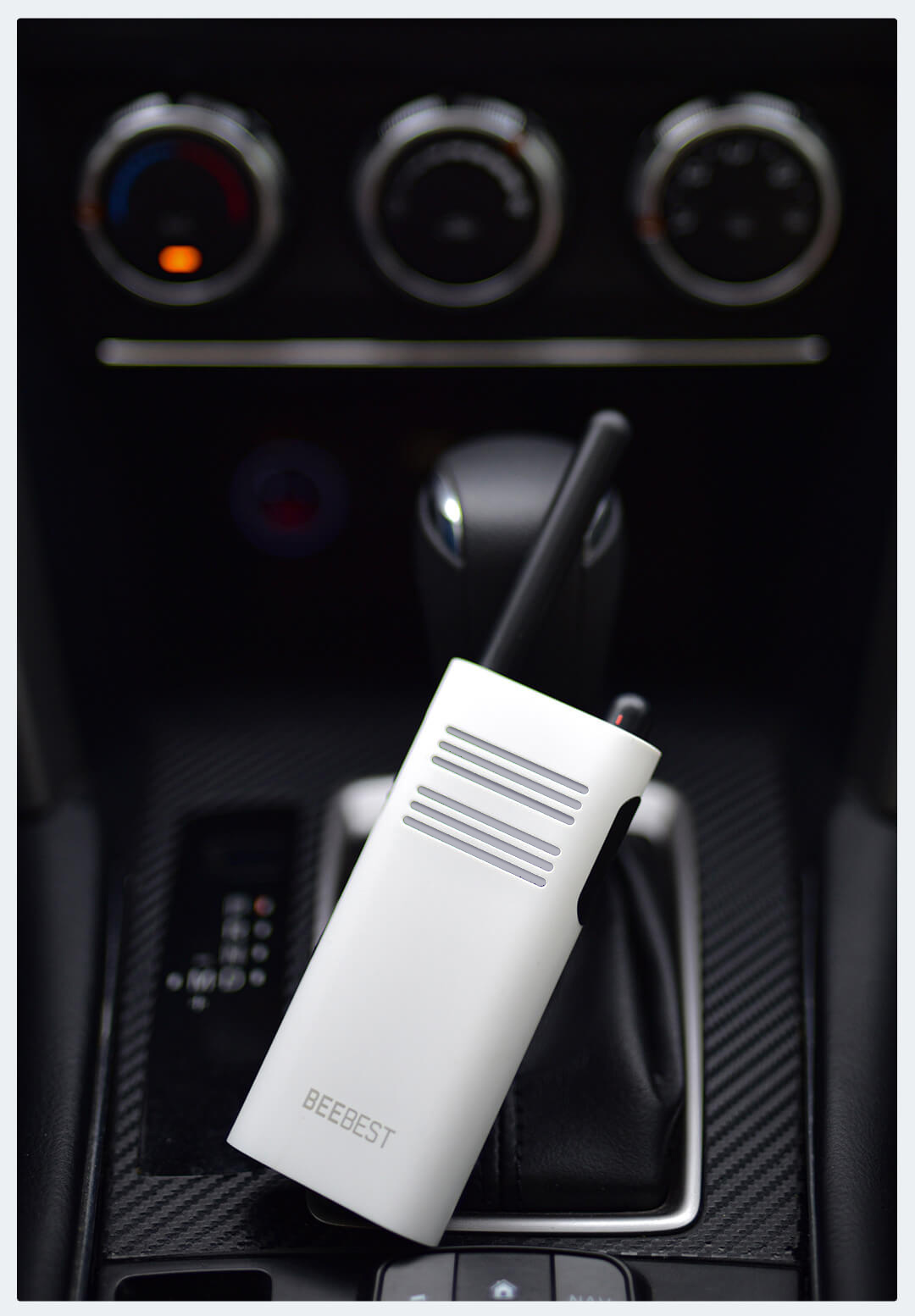
Figure 7: A208 Version Comparison
8. User Tips
- Environmental Impact: The effective communication range is significantly influenced by the environment. Dense urban areas with many buildings, electromagnetic interference, and even being inside a moving vehicle can reduce the range. For optimal performance, use in open areas with minimal obstructions.
- Battery Life: To maximize battery life, especially for the standard version, consider carrying a portable power bank for extended outdoor use, as the device supports charging while talking.
- Channel Privacy: While the device has anti-jamming features, remember that walkie-talkie communication on public channels is not inherently private. Avoid sharing sensitive information.
9. Product Demonstration Video
Video 1: Beebest A208 Product Demonstration
10. Warranty and Support
For warranty information, technical support, or service inquiries, please refer to the product packaging or contact the seller directly. Keep your purchase receipt as proof of purchase.