
Introduction
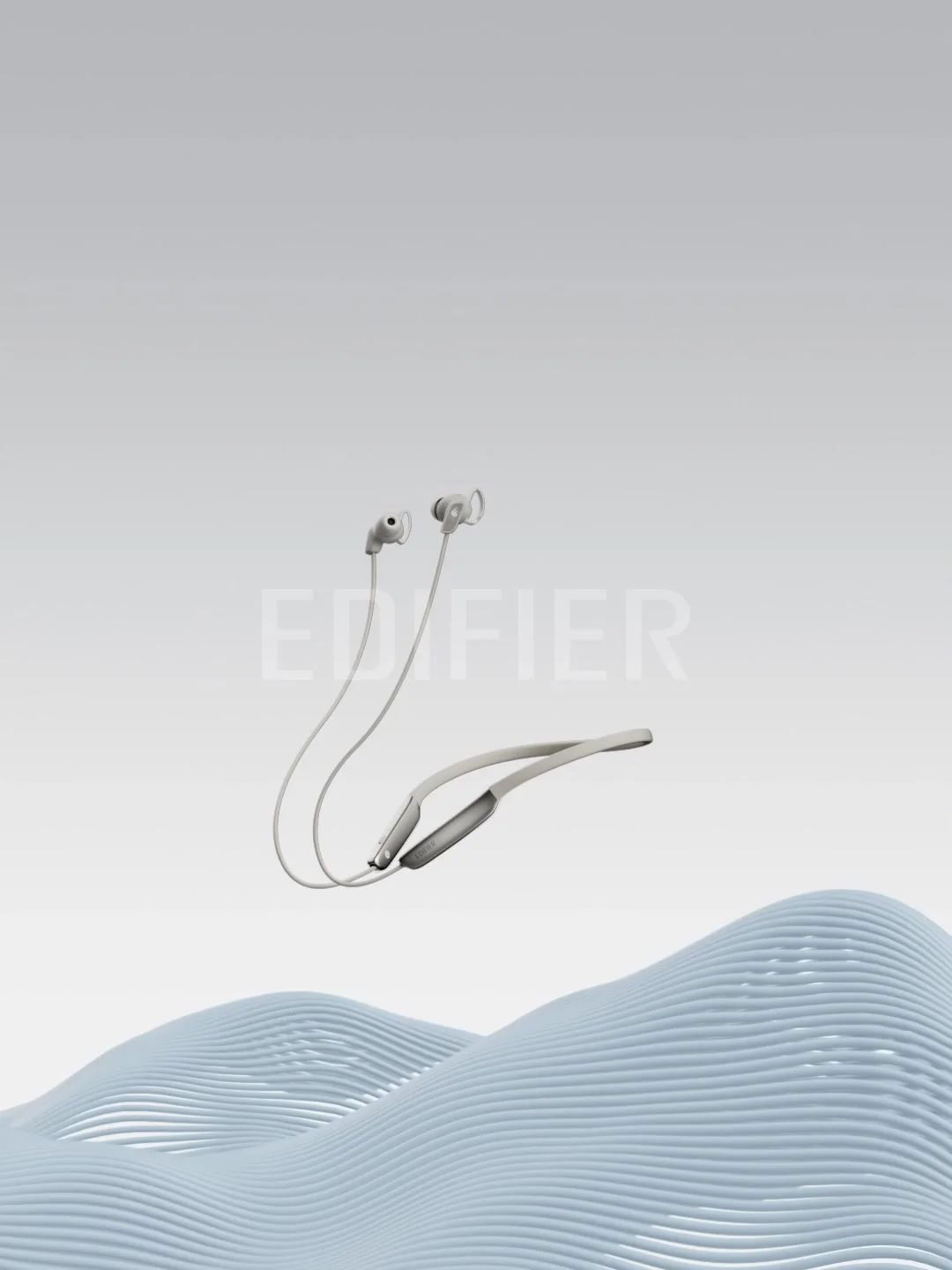
Thank you for choosing the Edifier W280NB Pro Wireless Noise Cancelling Neckband Headphones. These headphones are designed to provide a superior audio experience with advanced features for comfort and performance. Key features include:
- -45dB Hybrid Active Noise Cancellation (ANC)
- Hi-Res Wireless Audio with LDAC codec support
- Titanium-Driven Sound with 10mm dynamic drivers
- AI-Enhanced Clear Calls
- Long Battery Life (up to 23 hours)
- Secure and Comfortable Fit with antibacterial eartips
- IP55 Dust and Water Resistance
- Bluetooth® V5.4 for stable transmission
- Multipoint Connection
For a visual overview of the product's features, please watch the official product video below:
Official product video showcasing the Edifier W280NB Pro features including dynamic drivers, active noise cancellation, battery life, and antibacterial eartips.
Setup
Initial Charging
Before first use, fully charge your Edifier W280NB Pro headphones. A full charge provides up to 23 hours of playback with ANC off. For quick power, a 15-minute charge can provide up to 5 hours of playtime.
Fitting the Headphones
The W280NB Pro comes with multiple sizes of antibacterial ear tips and ear wings to ensure a secure and comfortable fit, promoting ear health and enhancing stability during use. Choose the size that best fits your ears for optimal sound quality and noise cancellation.

Image showing various sizes of antibacterial ear tips and ear wings for a secure and comfortable fit.
Bluetooth Pairing
To pair your headphones with a device:
- Ensure the headphones are charged and powered on.
- Activate Bluetooth on your source device (e.g., smartphone, tablet).
- The headphones should automatically enter pairing mode or can be manually put into pairing mode (refer to the 'Operating' section for button controls).
- Select 'Edifier W280NB Pro' from the list of available Bluetooth devices on your source device.
- Once connected, you will hear an audio prompt, and the indicator light will confirm the connection.
Operating Instructions
Button Controls
The Edifier W280NB Pro features intuitive button controls located on the neckband. Refer to the diagram and descriptions below for specific functions:

Diagram illustrating the button controls for music, calls, and mode selection on the Edifier W280NB Pro neckband.
| Button | Action | Function |
|---|---|---|
| Volume Up (+) | 1x Tap | Volume Up |
| Volume Up (+) | 1s Press | Next Track |
| Volume Down (-) | 1x Tap | Volume Down |
| Volume Down (-) | 1s Press | Previous Track |
| Multi-function (Center) | 1x Tap | Play/Pause (Music) / Answer/End Call (Call) |
| Multi-function (Center) | 2x Tap | Reject Call (Call) / Game Mode (Mode) |
| ANC Button | 1x Tap | Cycle ANC On/Off / Ambient Aware (Mode) |
Active Noise Cancellation (ANC) Modes
The W280NB Pro offers Hybrid Active Noise Cancellation with up to -45dB noise reduction. You can switch between different ANC modes to suit your environment:
- High ANC: Maximum noise cancellation for very noisy environments.
- Medium ANC: Balanced noise cancellation for moderately noisy settings.
- Ambient Aware: Allows you to hear your surroundings while listening to audio.
- Wind Reduction: Specifically designed to minimize wind noise during outdoor activities.

Four panels illustrating different noise cancellation modes: High ANC, Medium ANC, Ambient Aware, and Wind Reduction.
Multipoint Connection
The headphones support multipoint connection, allowing you to connect to two Bluetooth devices simultaneously. This enables seamless switching between devices, for example, from your phone for calls to your tablet for music.

Image showing the Edifier W280NB Pro headphones connected to two different mobile devices simultaneously, illustrating multipoint connection.
EDIFIER ConneX App
Enhance your experience with the EDIFIER ConneX app. The app allows you to:
- Rename your device.
- Personalize ANC settings.
- Locate lost headphones.
- Fine-tune your audio with preset EQs or custom equalizer settings.

Screenshots of the EDIFIER ConneX app interface showing customization options for ANC, sound effects, and device settings.
Maintenance
Cleaning and Care
The W280NB Pro is designed with antibacterial ear tips and wings to promote ear health. Regularly clean the ear tips and the headphone surfaces with a soft, dry cloth. Avoid using harsh chemicals or abrasive materials.
Water and Dust Resistance
With an IP55 rating, these headphones are protected against dust ingress and low-pressure water jets from any direction. This makes them suitable for workouts and outdoor activities where they might be exposed to sweat or light rain. However, they are not designed for submersion in water.
Troubleshooting
If you encounter issues with your Edifier W280NB Pro headphones, please refer to the following common troubleshooting steps:
- No Power: Ensure the headphones are fully charged. Connect them to a power source using the provided Type-C charging cable.
- No Sound: Check if the headphones are properly paired with your device. Adjust the volume on both the headphones and your source device. Ensure the audio source is playing.
- Pairing Issues: Make sure the headphones are in pairing mode. Turn off Bluetooth on other nearby devices to avoid interference. Try unpairing and re-pairing the headphones with your device.
- ANC Not Working: Verify that the ANC feature is activated using the ANC button or through the EDIFIER ConneX app.
- Poor Call Quality: Ensure the microphone is not obstructed. Check for strong Bluetooth signal and minimize background noise.
- Unstable Connection: Keep your headphones and source device within the Bluetooth range (approx. 10m) and avoid obstacles.
If the problem persists, please consult the official Edifier support resources or contact customer service.
Specifications
The following table details the technical specifications of the Edifier W280NB Pro headphones:

Image displaying the technical specifications of the Edifier W280NB Pro headphones.
| Feature | Detail |
|---|---|
| Model | EDF200169 |
| Bluetooth Version | V5.4 |
| Audio Codecs | LDAC, SBC |
| Bluetooth Range | About 10m |
| Sound Pressure Level | 92 ± 3dB (A) |
| Frequency Response | 20Hz - 40kHz |
| Battery Life (ANC OFF) | About 23 hours |
| Battery Life (ANC ON) | About 14 hours |
| Input | 5V ⎓ 500mA |
| Material | Plastic |
| Weight | 31g |
| Battery Capacity | 150mAh |
| Features | Waterproof, With microphone, Active Noise Cancelling, Dual Connection |
| Charging Method | Cable (Type-C) |
| Driver Diameter | 10mm |
| Vocalism Principle | Dynamic |
| Wireless Type | Bluetooth |
| Style | Neckband headphones |
| Origin | Mainland China |
| Brand Name | Edifier |
| Support APP | Yes |
| Volume Control | Yes |
| Control Button | Yes |
Warranty and Support
Warranty Information
The Edifier W280NB Pro headphones come with a 1-year warranty from the date of purchase. Please retain your proof of purchase for warranty claims.
Customer Support
For further assistance, technical support, or warranty inquiries, please contact Edifier customer service or visit the official Edifier website for detailed support resources.