
1. Introduction
This manual provides essential information for the installation, operation, and maintenance of your Daxtromn GGH-6.5KVA-Parallel Hybrid Solar Inverter. Please read this manual thoroughly before installation and operation to ensure optimal performance and safety.
The Daxtromn GGH-6.5KVA-Parallel is a 6.5KVA/5.5KW pure sine wave hybrid solar inverter designed for 48V systems. It features an 80A MPPT solar charger, supports parallel operation up to 6 units, and can function with or without batteries. It is equipped with advanced features like BMS communication, dry contact for generator start, and robust protection against environmental factors.
2. Package Contents
- Hybrid Solar Inverter (1 unit)
- User Manual (1 copy)
- Parallel Kit (1 set)
3. Key Features
- Integrated Battery Management System (BMS)
- Parallel capability: Connect up to 6 units for a total of 33KW, supporting three-phase systems.
- RS232 communication support.
- Lithium battery activation function.
- Dry contact for automatic generator start.
- Mainboard with waterproof coating for moisture and corrosion resistance.
- MOSFET pin protection against short circuits.
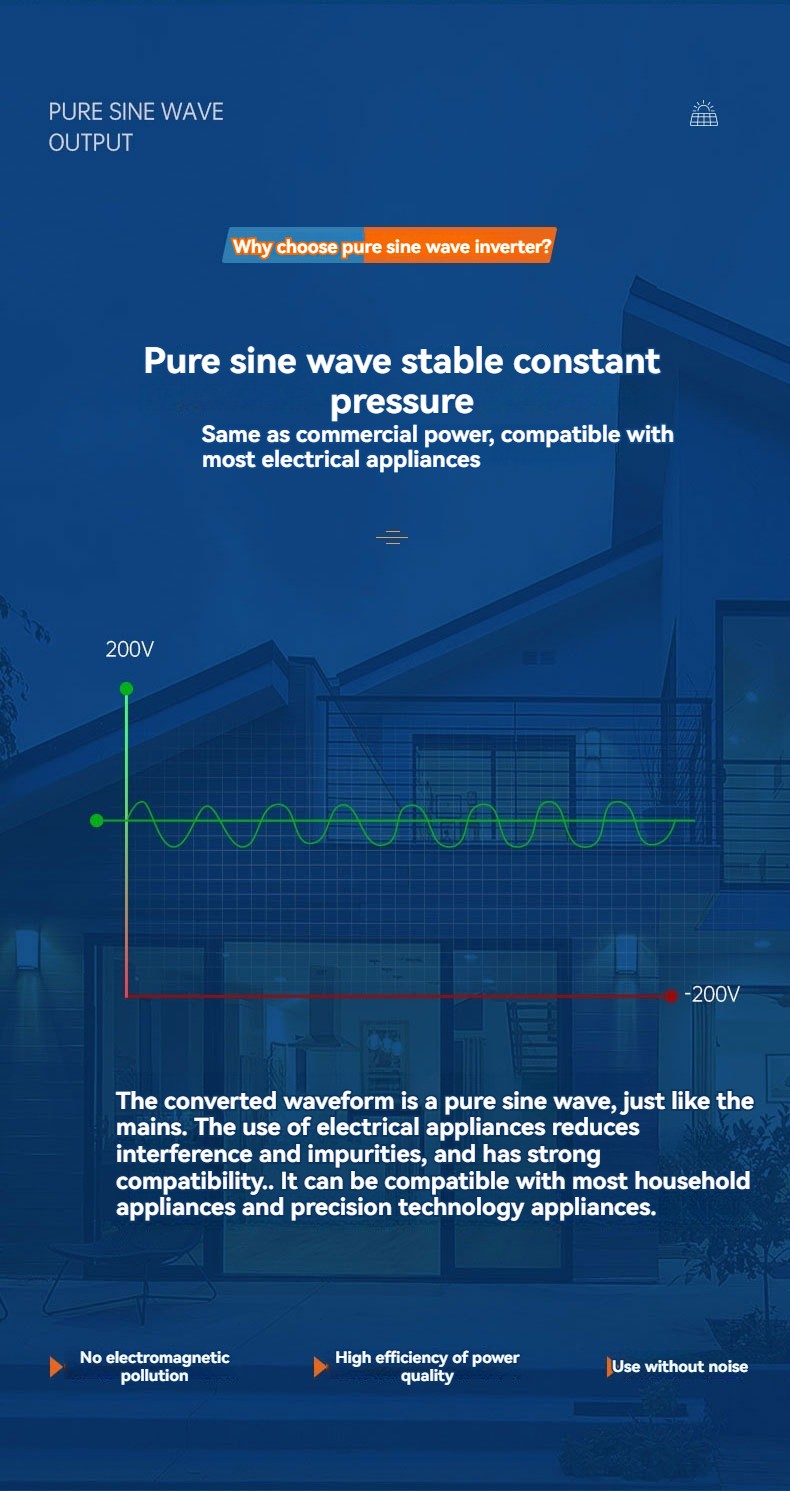
- Pure sine wave output for sensitive electronics.
- Maximum 80A MPPT solar charger.
- High PV input voltage: Up to 500VDC.
- Optimized internal wiring with large wire diameter for reduced heat generation.
- Designed for 48V battery systems.
- Operates efficiently with or without external batteries.
- Programmable 50Hz or 60Hz output frequency.
- Compatible with AC grid or generator power input.
- Built-in dustproof kit for harsh environments.
- Intelligent fan control for power saving and reduced noise.
- Mix power function: Supports hybrid power supply from grid and solar.
- Battery-less operation capability, reducing system costs.
4. Product Overview
4.1 Inverter Components and Interfaces

- LCD display
- Status indicator
- Charging indicator
- Fault indicator
- Function buttons
- Power on/off switch
- AC input
- AC output
- Battery input
- PV input
- Circuit breaker
- Dry contact
- Parallel communication port
- BMS communication port
- RS232 communication port
4.2 System Connection Diagram

This diagram illustrates how the hybrid solar inverter integrates with solar power, external battery packs, and either the utility grid or a generator to supply power to various home appliances.
4.3 Parallel Connection Diagram
For increased power output, up to 6 units of the GGH-6.5KVA-Parallel inverter can be connected in parallel. Note that batteries are required for parallel connection.
5. Specifications
| Feature | Specification |
|---|---|
| Model Number | GGH-6.5KVA-Parallel |
| Rated Power | 6500VA / 5500W |
| Parallel Capability | Yes (Max 6 units) |
| Work without Battery | Yes |
| Input Nominal Voltage (AC) | 230VAC |
| Acceptable Voltage Range | 170-280V AC (for Personal Computers), 90-280V AC (for Home Appliances) |
| Frequency Range | 50Hz/60Hz (Auto Sensing) |
| Output Type | SINGLE |
| AC Stabilized Voltage (Output) | 230VAC ±5% |
| Surge Power | 11000VA |
| Peak Efficiency | 93.50% |
| Switching Time | 10ms (Personal Computers), 20ms (Home Appliances) |
| Wave Form | Pure Sine Wave |
| Battery Voltage | 48V |
| Battery Voltage Range | 42-60V |
| Charging Curve | Three-Stage |
| Lithium Battery Charging Strategy | Adaptive to lithium battery |
| Maximum Photovoltaic Power | 5500W |
| Maximum PV Open Circuit Voltage | 500VDC |
| MPPT Range & Working Voltage | 120-450VDC |
| Maximum Solar Charging Current | 80A |
| Maximum AC Charging Current | 60A |
| Solar Charger Type | MPPT |
| Product Size (L*W*H) | 302*490*110 mm |
| Package Size (L*W*H) | 346*536*178 mm |
| Net Weight | 9.7 kgs |
| Communication Interface | RS232/RS485CAN/Drycontact |
| Relative Humidity | 5% to 95% (Non-condensing) |
| Operating Temperature | -10°C to 50°C |
| Storage Temperature | -15°C to 60°C |
| Is Smart Device | Yes |
| Certification | CE |
6. Setup and Installation
6.1 Pre-installation Checklist
- Ensure all package contents are present and undamaged.
- Verify the installation location is well-ventilated, dry, and protected from direct sunlight and moisture.
- Confirm that the input voltage from solar panels and batteries matches the inverter's specifications.
- For parallel installations, ensure you have the necessary parallel kit and compatible batteries.
6.2 Wiring Connections
Refer to Figure 4.2 (Basic System Connection Diagram) and Figure 4.3 (Parallel Connection Link Instructions) for detailed wiring. All wiring should be performed by a qualified electrician.
- Solar Panel Connection (PV Input): Connect your solar panels to the PV input terminals (10). Ensure the total open circuit voltage does not exceed 500VDC and the MPPT working voltage is within 120-450VDC.
- Battery Connection (Battery Input/Output): Connect your 48V battery bank to the battery input/output terminals (9). Ensure correct polarity.
- AC Input (Mains Input): Connect the utility grid or generator AC power to the mains input terminals (7).
- AC Output (Mains Output): Connect your AC loads to the mains output terminals (8).
- Grounding (Touchdown): Ensure the inverter is properly grounded via terminal (10).
- Communication Ports: Connect RS232 (15), RS485CAN (part of 13), or Dry contact (12) cables as needed for monitoring or generator control.
- Parallel Connection: If installing multiple units in parallel, use the provided parallel kit and connect the parallel communication ports (13) between inverters. Batteries are mandatory for parallel operation.
Important Note for PV Input Voltage:
- If operating the inverter without an external battery, the solar panel voltage must be above 150VDC for the inverter to start and function normally.
- If operating with an external battery, the solar panel voltage can be as low as 120VDC for normal operation.
7. Operating Instructions
7.1 Initial Startup
- After all connections are securely made, turn on the battery breaker (if applicable).
- Turn on the PV array disconnect switch (if applicable).
- Turn on the AC input breaker (if applicable).
- Press the Power On/Off switch (6) on the inverter to power it on.
- Observe the LCD display (1) and status indicators (2, 3, 4) for normal operation.
7.2 LCD Display and Function Buttons
The LCD display (1) provides real-time information about the inverter's status, input/output voltages, charging currents, and other parameters. Use the function buttons (5) to navigate through menus, view different settings, and adjust programmable parameters (e.g., 50Hz/60Hz output frequency).
7.3 Operating Modes
The inverter supports various operating modes, including battery-less operation, hybrid power supply (grid and solar), and generator integration via dry contact. Specific mode selection and configuration can be done through the LCD interface. Refer to the detailed programming section in the full manual for advanced settings.
8. Maintenance
- Regular Cleaning: Periodically clean the inverter's exterior and ventilation openings to ensure proper airflow and heat dissipation. The built-in dustproof kit helps, but regular checks are recommended.
- Connection Checks: Annually, inspect all wiring connections for tightness and signs of corrosion.
- Environmental Protection: The mainboard features a waterproof coating for moisture and corrosion resistance, contributing to long-term reliability.
- Firmware Updates: Check the manufacturer's website for any available firmware updates to ensure optimal performance and access to new features.
- BMS Monitoring: The integrated BMS (Battery Management System) helps in maintaining battery health. Monitor battery parameters regularly through the inverter's display or communication interface.
Safety Precaution: Always disconnect all power sources (solar, battery, AC input) before performing any maintenance or inspection.
9. Troubleshooting
| Problem | Possible Cause | Solution |
|---|---|---|
| Inverter does not start/power on. | Insufficient PV input voltage (without battery). | Ensure PV input voltage is above 150VDC (or 120VDC with external battery). Check solar panel connections and sunlight conditions. |
| Parallel connection not working. | Batteries not connected or incompatible. | Parallel operation requires external batteries. Ensure all inverters are connected to the same battery bank and parallel communication is correctly established. |
| No WiFi monitoring. | WiFi module not included or not installed. | The WiFi module is an optional accessory and must be purchased and installed separately. |
| Inverter displays a fault indicator. | Various internal or external issues. | Refer to the LCD display for specific error codes. Consult the full user manual for detailed fault code explanations and troubleshooting steps. |
| Output power is lower than expected. | Overload, insufficient solar input, or battery issues. | Reduce load, check solar panel output, inspect battery health and connections. |
10. User Tips
- Remote Monitoring: For enhanced system management, consider purchasing and installing the optional WiFi module to monitor your inverter remotely.
- Battery Selection: This inverter supports Lithium, Lead-Acid, and Gel batteries. Ensure your chosen battery type is compatible and properly configured in the inverter settings for optimal charging.
- Generator Integration: Utilize the dry contact feature to automatically start your generator when battery levels are low or solar input is insufficient, ensuring continuous power supply.
- Parallel System Planning: When planning a parallel system, remember that batteries are essential for this configuration. Carefully calculate your power needs to determine the number of inverters required (up to 6 units).
11. Frequently Asked Questions (FAQ)
- Q: What is the rated output power of this inverter?
- A: The rated output power is 5500W.
- Q: What is the maximum battery charging current?
- A: The maximum solar charging current is 80A, and the maximum AC charging current is 60A.
- Q: What is the maximum DC photovoltaic input voltage?
- A: The maximum PV open circuit voltage is 500VDC.
- Q: What types of batteries are supported?
- A: This inverter supports Lithium, Lead-Acid, and Gel batteries.
- Q: What BMS protocols are supported?
- A: It supports PYLON or PACE protocols.
- Q: What is the external battery voltage?
- A: The system is designed for 48V external battery systems.
- Q: Does it have WiFi connectivity?
- A: The WiFi module is not included in the standard package and needs to be purchased separately for remote monitoring.
- Q: Can this inverter feed power back into the grid?
- A: No, this inverter is designed for off-grid or hybrid systems and does not support grid-tie functionality.
12. Warranty and Support
The Daxtromn GGH-6.5KVA-Parallel Hybrid Solar Inverter comes with a 1-year warranty from the date of purchase. This warranty covers manufacturing defects and malfunctions under normal operating conditions.
For technical support, troubleshooting assistance, or warranty claims, please contact your authorized dealer or the manufacturer's customer service. Ensure you have your product model number (GGH-6.5KVA-Parallel) and purchase details available when seeking support.
Communication interfaces (RS232, RS485CAN, Dry contact) are available for advanced monitoring and system integration, which can aid in diagnostics and support.