Introduction
Welcome to the IUTECH P122 Smart Watch user manual. This guide provides detailed instructions on how to set up, operate, and maintain your new smartwatch. The IUTECH P122 is designed to enhance your daily life with features such as Bluetooth calling, comprehensive health monitoring, and a wide range of sports modes. Please read this manual carefully to ensure optimal performance and longevity of your device.

Setup Guide
1. Charging Your Smart Watch
Before first use, fully charge your IUTECH P122 Smart Watch.
- Connect the charging cable to the magnetic charging points on the back of the watch.
- Plug the USB end of the cable into a standard USB power adapter (not included) or a computer's USB port.
- The watch screen will display a charging indicator. A full charge typically takes 2-3 hours.

2. App Download and Installation
The IUTECH P122 Smart Watch uses the DAFIT app for full functionality.
- Scan the QR code provided in the watch's packaging or search for "DAFIT" in your smartphone's app store (Google Play Store for Android, Apple App Store for iOS).
- Download and install the DAFIT app.
- Follow the on-screen instructions to create an account and set up your profile.
3. Pairing with Your Smartphone
To unlock all features, pair your watch with the DAFIT app via Bluetooth.
- Ensure your smartphone's Bluetooth is turned on.
- Open the DAFIT app and navigate to the "Device" or "Add Device" section.
- Select "P122" from the list of available devices.
- Confirm the pairing request on both your phone and the watch.
- For Bluetooth calling functionality, you may need to pair the watch separately in your phone's Bluetooth settings (look for a device named "P122_CALL" or similar).
4. Language Selection
The watch supports multiple languages. You can select your preferred language through the watch settings or the DAFIT app.
Operating Instructions
1. Navigation
- Touch Screen: Swipe left, right, up, or down to navigate through menus and features. Tap to select.
- Side Button: Press the side button to return to the home screen or wake up the display.
2. Watch Faces
Personalize your watch with various watch faces.
- Pre-installed Faces: Swipe on the home screen to browse and select different watch faces.
- Customized Watch Faces: Use the DAFIT app to upload your own photos (family, friends, pets) to create unique watch faces. The app offers over 100 watch faces.

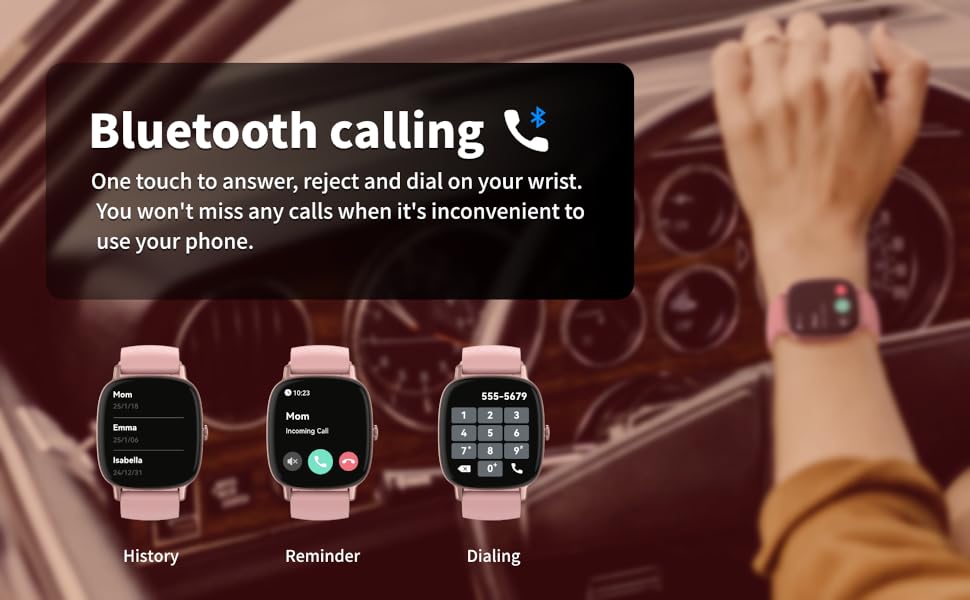
3. Bluetooth Calls
Make and receive calls directly from your wrist.
- Answering/Rejecting Calls: When a call comes in, the watch will display the caller ID. You can tap to answer or reject the call.
- Making Calls: Access contacts or use the dial pad directly on the watch to initiate calls.
- Call History: View your recent call history on the watch.
4. Smart Notifications
Stay informed with real-time alerts.
- The watch vibrates to notify you of incoming texts and social media messages (e.g., Facebook, WhatsApp, X, Instagram, Telegram, LINE, Snapchat).
- View message content directly on your wrist.

5. Sports Modes & Fitness Tracking
Track your workouts and daily activity.
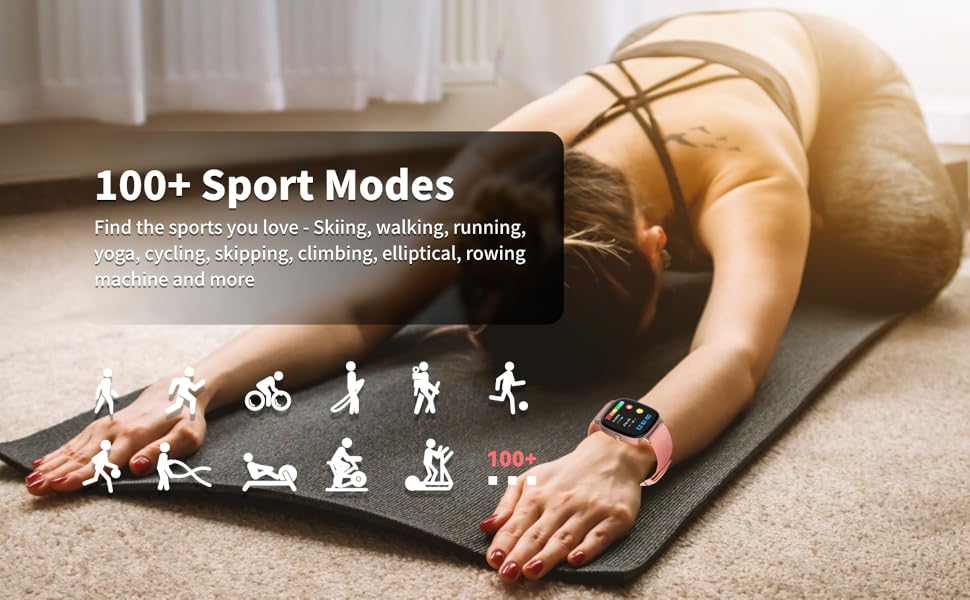
- 100+ Sports Modes: Choose from a wide variety of activities including walking, running, yoga, cycling, skipping, climbing, elliptical training, rowing machine, and more.
- Active Fitness Tracker: Automatically tracks daily steps, distance, and calories burned.
- Waterproof: IP68 waterproof rating allows for use during swimming and other water-based activities.
- App Integration: Easily connect with Strava and Google Fit via the DAFIT app to share your fitness data.

6. Health Monitoring
Monitor key health metrics directly from your wrist.
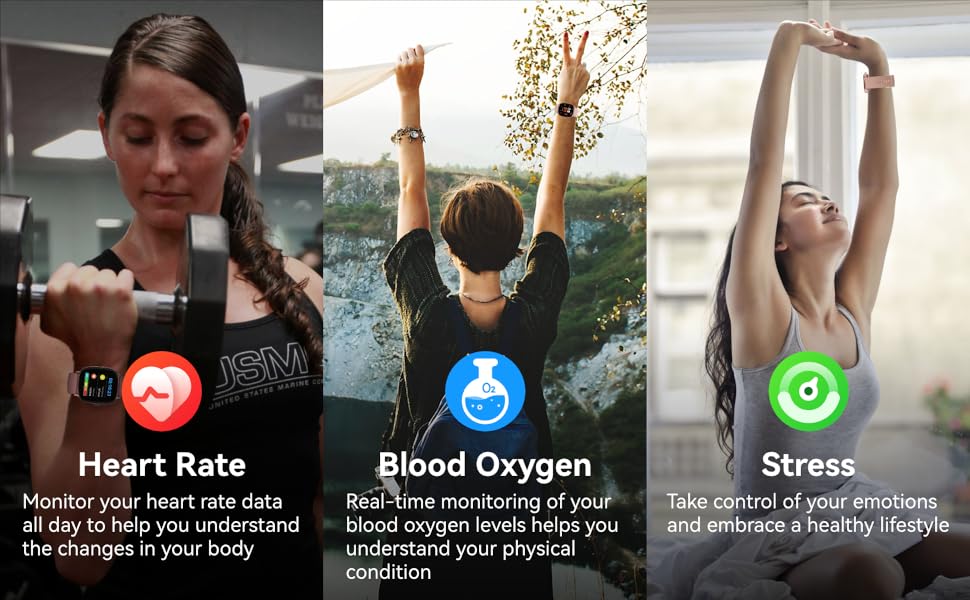
- Heart Rate Monitoring: Built-in upgraded heart rate sensor provides 24/7 continuous monitoring. Set up alerts for high heart rate in the DAFIT app.
- Blood Oxygen Monitoring (SpO2): Measure your blood oxygen levels. Ensure the watch is snugly on your wrist and keep still during measurement for accurate results.
- Blood Pressure Monitoring: The watch can provide blood pressure readings.
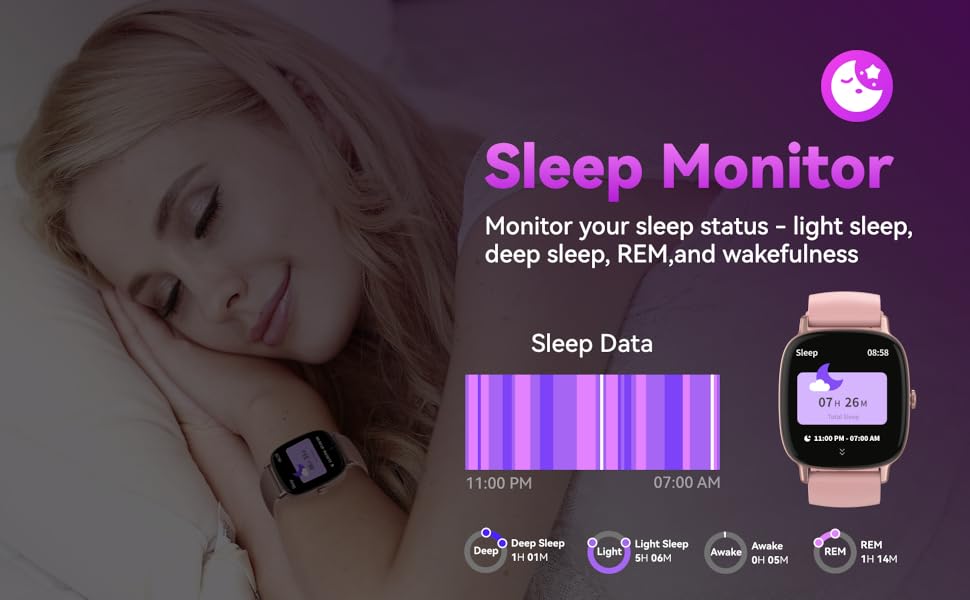
- Sleep Monitoring: Tracks your sleep status (light sleep, deep sleep, REM, and wakefulness). View daily, weekly, and monthly sleep data in the DAFIT app to understand and improve your sleep quality. A sleep quality score is provided based on various factors.
- Stress Monitoring: Records your stress levels throughout the day, helping you manage your emotional state.

7. Practical Tools
Your smartwatch offers a variety of useful tools:
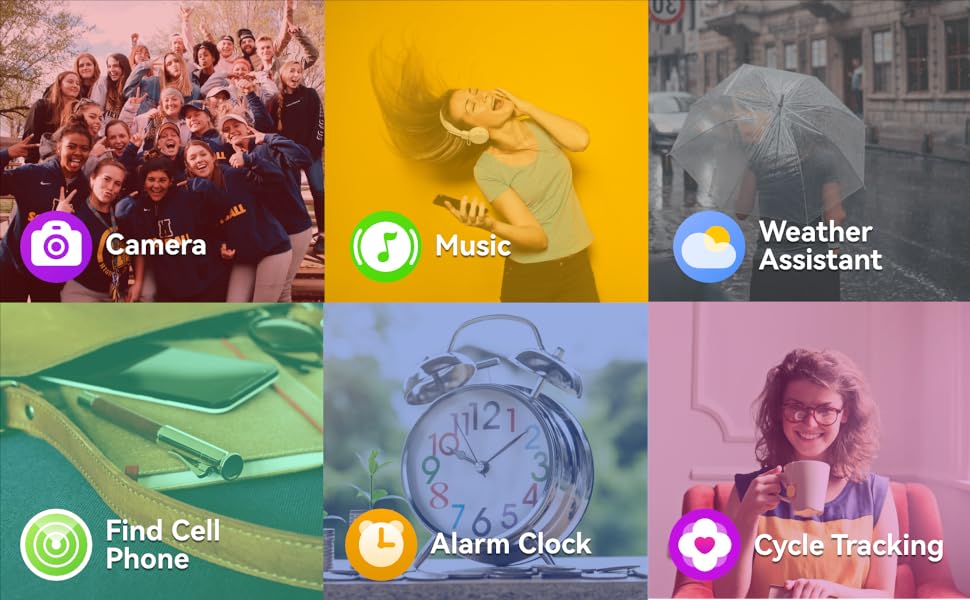
- Alarm Clock: Set alarms for reminders.
- Timer & Stopwatch: For timing activities.
- Music Controller: Control music playback on your phone.
- World Clock: Keep track of time in different zones.
- Sedentary Reminder: Get alerts to move after periods of inactivity.
- Find Your Phone: Locate your misplaced phone.
- Flashlight: Use the watch screen as a small light source.
- Calculator: Basic calculations on your wrist.
- Relaxation: Guided breathing exercises.
- Shutter: Remotely control your phone's camera to take photos.
- AI Voice Assistant: Activate your phone's voice assistant (e.g., Siri, Google Assistant) directly from the watch for quick commands like setting alarms or checking weather.
- Weather Assistant: View current weather conditions and a weekly forecast for your local city.
- Cycle Tracking: Provides reminders for menstrual periods, ovulation, and ovulation days.
Maintenance
- Cleaning: Regularly clean your watch and band with a soft, dry cloth. If necessary, use a slightly damp cloth and mild soap, then rinse and dry thoroughly.
- Water Resistance: The watch has an IP68 professional waterproof rating. It is suitable for swimming and showering, but avoid hot water, saunas, or diving to extreme depths. Do not press buttons underwater.
- Charging: Use only the provided charging cable. Avoid exposing the charging contacts to water or sweat.
- Storage: Store the watch in a cool, dry place when not in use.
- Band Care: The silicone band is detachable for cleaning or replacement.
Troubleshooting
- Watch not turning on: Ensure the watch is fully charged. If it still doesn't turn on, try a hard reset by pressing and holding the side button for 10-15 seconds.
- Cannot pair with phone: Make sure Bluetooth is enabled on your phone and the watch is within range. Restart both the watch and your phone, then try pairing again through the DAFIT app.
- Notifications not received: Check app permissions in your phone settings to ensure DAFIT has access to notifications. Also, verify that notification settings are enabled within the DAFIT app for specific applications.
- Inaccurate health readings: Ensure the watch is worn snugly on your wrist, about one finger's width above the wrist bone. Keep still during measurements. Note that smartwatches are not medical devices and readings are for reference only.
- Bluetooth calling issues: Ensure both the main watch Bluetooth and the separate Bluetooth for calls (e.g., "P122_CALL") are connected in your phone's Bluetooth settings.
Specifications
| Feature | Specification |
|---|---|
| Brand Name | IUTECH |
| Model | P122 |
| Item Condition | New |
| Display Size | 1.85 inches |
| Resolution | 240*284 |
| Screen Material | TFT |
| Touch Screen | Yes |
| Screen Shape | SQUARE |
| Case Material | Alloy |
| Band Material | Silica Gel |
| Band Length | 255 mm |
| Band Width | 22 mm |
| Band Detachable | Yes |
| Weight | 150 g |
| Waterproof Grade | Professional Waterproof (IP68) |
| Bluetooth Version | 5.3 |
| Battery Capacity | 300-450 mAh |
| Battery Life | Approx. 5 days (18-20 days standby) |
| RAM | 128 MB |
| ROM | 128 MB |
| App Name | DAFIT |
| APP Download Available | Yes |
| Voice Assistant Built-in | Yes |
| GPS | No |
| SIM Card Available | No |
| Wi-Fi | No |
| Compatible Systems | All Compatible (Android Wear listed as system, likely compatibility) |
| Supported Languages | Simplified Chinese, English, Japanese, Korean, German, French, Spanish, Arabic, Russian, Traditional Chinese, Ukrainian, Italian, Portuguese |
| Certifications | CE, FCC |
User Tips
- Sensor Accuracy: For the most accurate heart rate, blood oxygen, and blood pressure readings, ensure the watch is worn snugly on your wrist, about one finger's width above the wrist bone. Remain still during measurements.
- Battery Optimization: To extend battery life, consider reducing screen brightness, disabling continuous heart rate monitoring if not needed, and limiting the number of app notifications.
- Water Resistance Care: While the watch is IP68 waterproof, always ensure the watch is clean and dry after exposure to water, especially the charging contacts, to prevent corrosion. Avoid exposing it to hot water or steam.
Warranty and Support
For warranty information, technical support, or service inquiries, please refer to the contact information provided with your purchase or visit the official IUTECH support website. Keep your proof of purchase for any warranty claims.


