
1. Introduction
This manual provides detailed instructions for the safe and effective operation, setup, and maintenance of your JJRC C8815 1/10 Scale Willys Jeep RC Car. Please read this manual thoroughly before using the product to ensure proper handling and to prevent damage or injury.
Note: Not suitable for children under 8 years old.
2. Safety Warnings
- Do not put hands into the wheels to avoid injury.
- Do not touch the wheels when holding the product to avoid injury by misoperation.
- Only use rechargeable batteries for the product and two 1.5V "AA" batteries for the remote control.
- Pay extra attention to the polarities during battery installation or replacement.
- Do not recharge non-rechargeable batteries.
- Adult supervision is required when charging rechargeable batteries.
- Remove rechargeable batteries before charging.
- Do not mix old and new batteries, or batteries of different types.
- Remove depleted batteries from the toy.
- Ensure power terminals do not short circuit.
- Avoid emergency braking at high speeds due to the car's power and inertia.
- If the car's speed declines, it indicates low battery power. Recharge the product as instructed.
- If the remote control battery is low (indicator light flashes quickly or turns off), replace with new batteries.
- Remove batteries from the remote control and turn off the power switch to the "OFF" position when not in use for a long time.
- Adult guidance is required when unpacking the product.
- Keep this information for future reference.
California Proposition 65 Warning:
⚠ WARNING: This product can expose you to chemicals including phthalates (DEHP), which is known to the State of California to cause cancer and birth defects or other reproductive harm. For more information go to www.P65Warnings.ca.gov.
3. Package Contents
Ensure all items are present in the package:
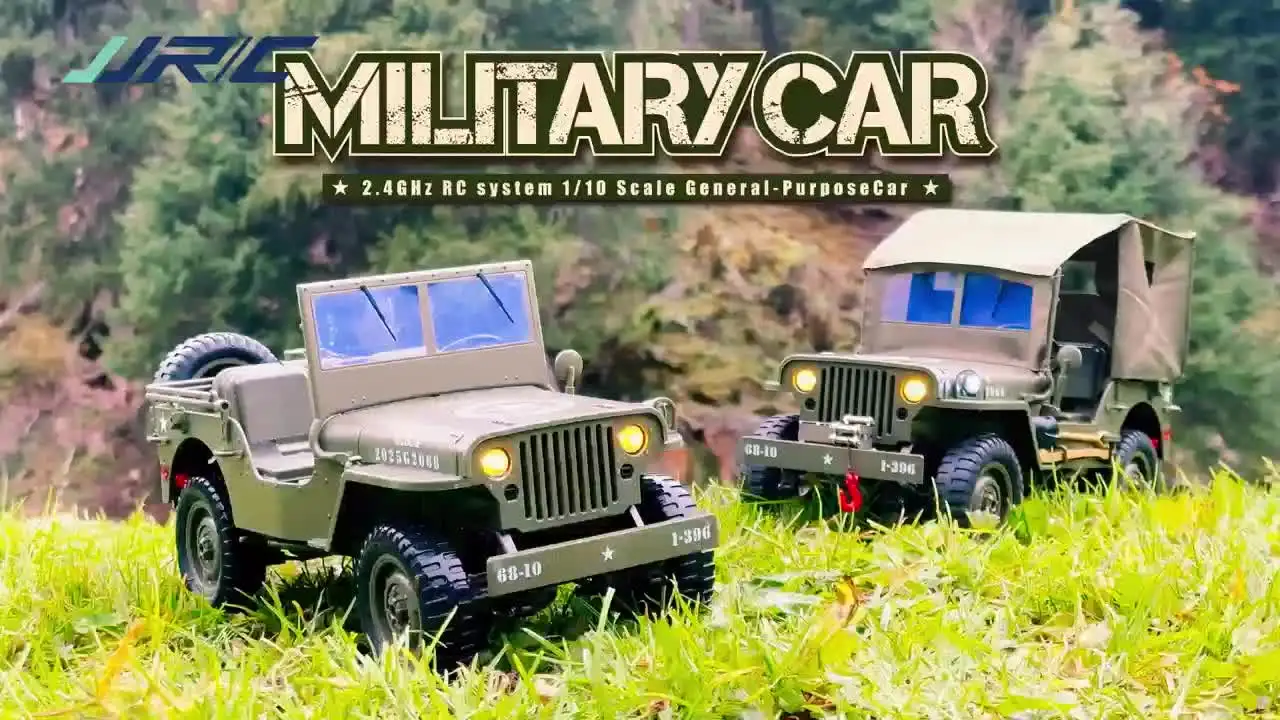
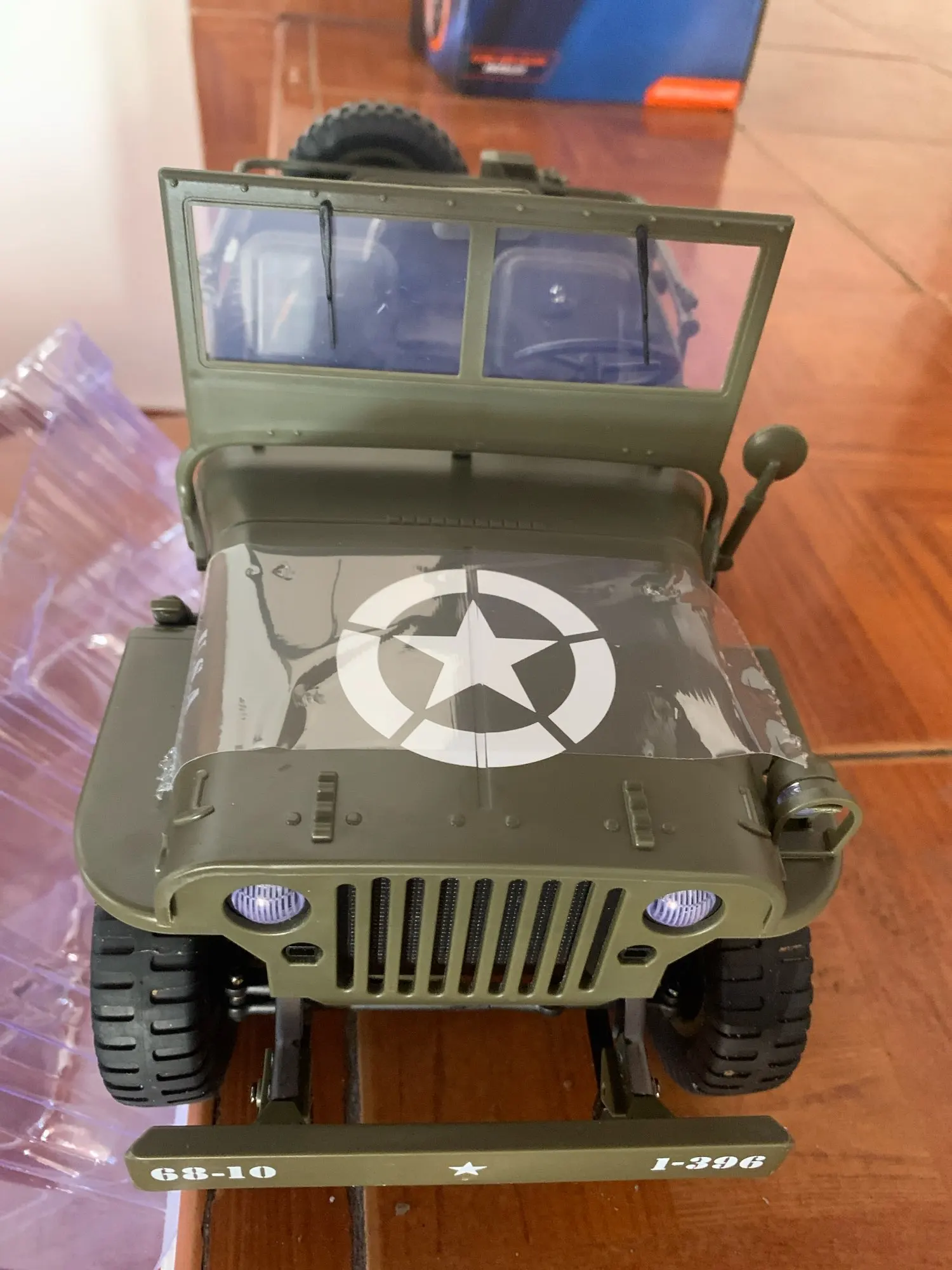
- 1 x JJRC C8815 1/10 Scale Military Car
- 1 x Remote Control
- 1 x Rechargeable Battery Pack (7.4V/500mAh Lithium battery)
- 1 x USB Charging Cable
- 1 x Instruction Manual (PDF version available: User manual (PDF))
- Original Box
Note: Remote control requires 2 x 1.5V "AA" batteries (sold separately).
4. Parts Identification
Product (Car)
- Power switch
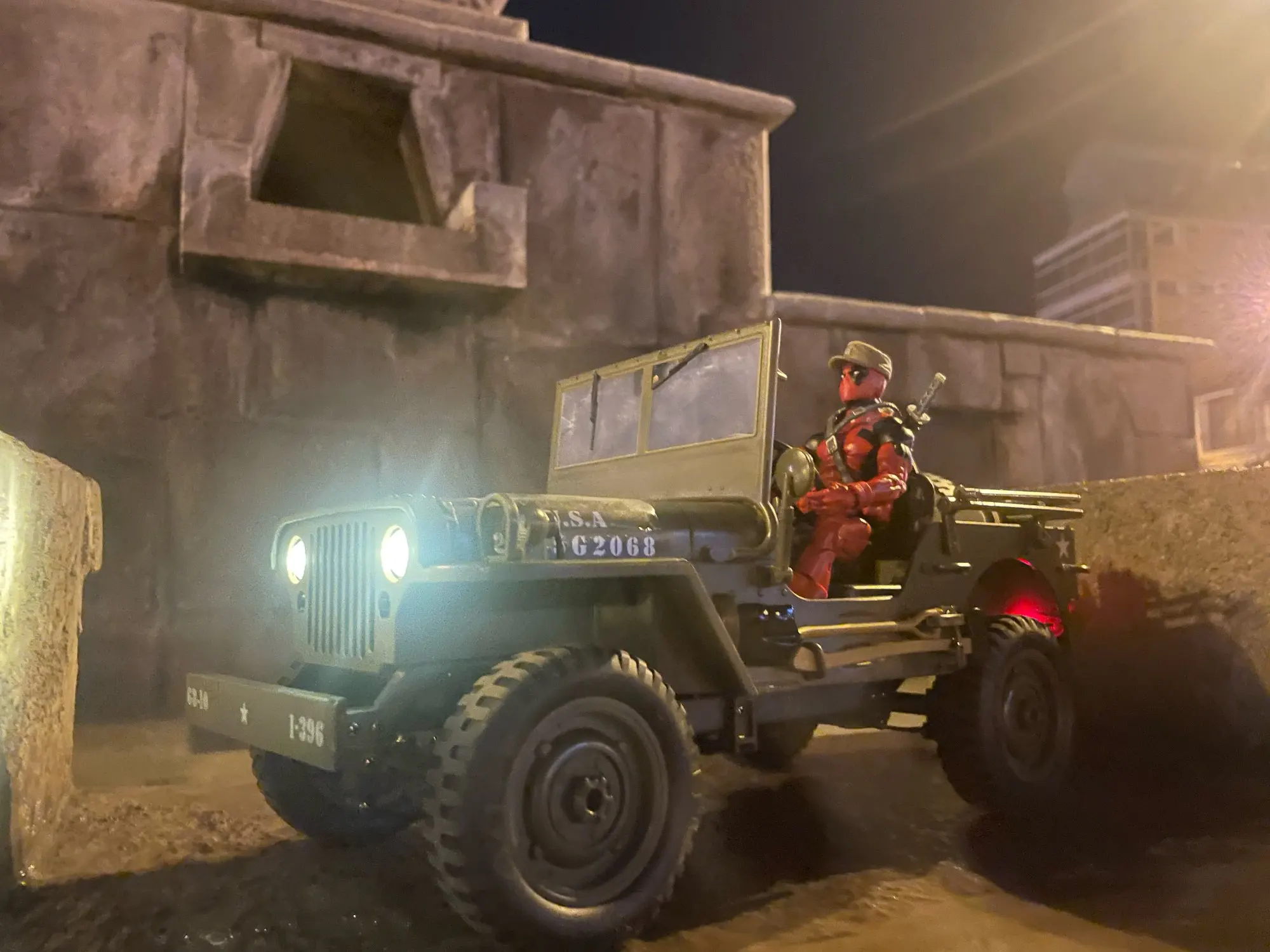
- Searchlight
- Front headlights
- Rear brake light
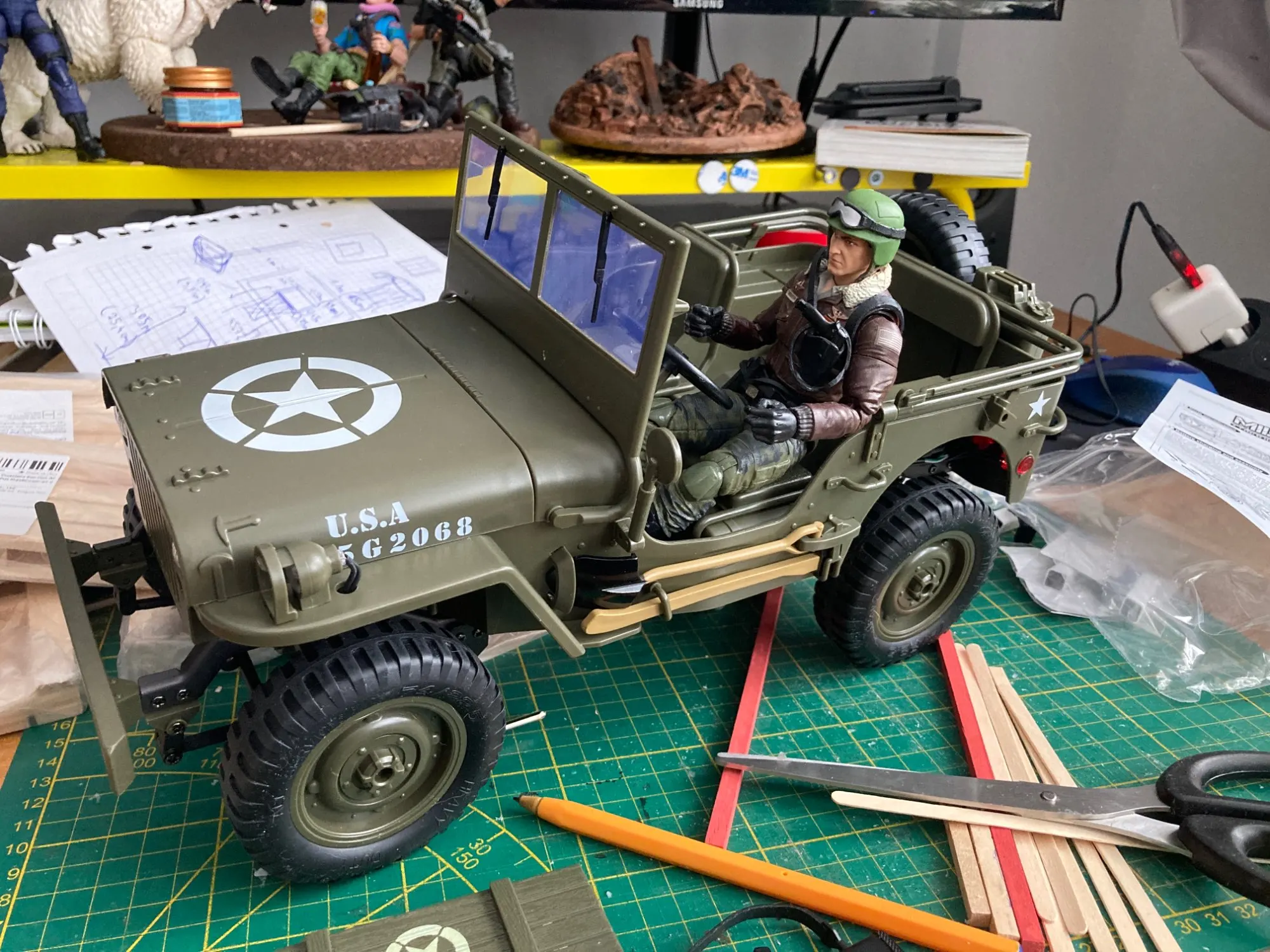
- Movable Engine Hood
- Simulated Dashboard
- Exquisite Accessories (painting shovel, axe, rear fuel tank, spare tire)
Remote Control
- Direction adjustment knob
- Searchlight control button
- Indicator light
- Power switch (ON/OFF)
- Throttle trigger (Forward/Backward)
- Steering wheel
- Winch lifting function buttons (RETRACT/RELEASE) - for upgraded models only, winch sold separately
5. Setup
5.1. Battery Charging (Car Battery)
- Insert the USB charging cable into a USB port on a computer or phone charger. The USB red indicator light will be continuously on.
- Connect the USB charging cable to the car's battery pack. The USB red indicator light will remain on, and the green indicator light will flash slowly, indicating charging is in progress.
- Charging takes approximately 180 minutes. Once complete, the red indicator light will turn off, and the green indicator light will remain on.
Notice: Please use the correct adapter for charging. Input: 100-240V~50/60Hz 0.2A; Output: 5.0V 2A.
5.2. Battery Installation (Car Battery)
- Open the front battery cover of the car.
- Assemble the rechargeable battery into the battery slot, ensuring correct electrode polarity.
- Close the front battery cover securely.
5.3. Battery Installation (Remote Control)
- Unscrew the screw counterclockwise with a screwdriver to open the remote control battery cover.
- Install two 1.5V "AA" alkaline batteries (purchased separately), paying attention to positive and negative electrode orientation.
- Close the battery cover and tighten the screw clockwise with a screwdriver.
6. Operation
6.1. Frequency Matching
- Short press the power switch on the remote control to turn it on (long press to turn off). The power indicator light on the remote control will flash.
- Push the product's power switch to the ON position. The product and remote control will begin frequency matching.
- Upon successful matching, the remote control indicator light and the product's front lights will change from flashing to continuously on.
Note: Before turning on the remote control, the product's front lights will flash in frequency mode.
6.2. Driving Controls
- Forward: Pull the throttle trigger backward.
- Backward: Push the throttle trigger forward.
- Turn Left (while moving forward): Pull the throttle trigger backward and turn the steering wheel to the left.
- Turn Right (while moving forward): Pull the throttle trigger backward and turn the steering wheel to the right.
- Turn Left (while moving backward): Push the throttle trigger forward and turn the steering wheel to the left.
- Turn Right (while moving backward): Push the throttle trigger forward and turn the steering wheel to the right.
6.3. Direction Adjustment
Use the direction adjustment knob on the remote control to calibrate the tires. If the product moves left, turn the knob clockwise until it travels straight. If it moves right, turn the knob counterclockwise until it travels straight.
6.4. Searchlight Control
The product defaults to having the searchlight on when powered on. Press the searchlight control button once to turn the light off, and press it again to turn it on.
6.5. Winch Lifting Function (Optional Upgrade)
The winch lifting function buttons (RETRACT/RELEASE) are reserved on the remote control and receiving board for product upgrades. A winch is not standard at the factory and must be purchased separately.
6.6. Remote Control Distance
The maximum remote control distance is approximately 50 meters. If the product goes beyond this range, the remote control will emit three consecutive "beep beep" sounds.
6.7. Low Battery State
- Car Battery: The front lights will flash slowly, the car will slow down, and the remote control buzzer will emit intermittent beeps.
- Remote Control Battery: The remote control indicator light will flash, indicating a low voltage state.
6.8. Stuck Protection
If the wheels are blocked for three seconds, the product enters a stuck protection state. The drive will stop outputting, and the front car lights will flash. The protection is released once the throttle is released.
6.9. Sleep Mode
After 5 minutes of no control action, the product will enter sleep mode. To resume control, turn off and then turn on the product's power switch again, and re-match the frequency.
7. Maintenance
- Regularly clean the car body and wheels to remove dirt and debris.
- Store the RC car and remote control in a dry, cool place away from direct sunlight and moisture.
- Remove all batteries from both the car and the remote control if storing for an extended period.
- Inspect the car for any loose parts or damage before and after each use.
8. Troubleshooting
| Problem | Possible Cause | Solution |
|---|---|---|
| Car slows down, lights flash, remote beeps. | Low car battery. | Recharge the car battery fully. |
| Remote control indicator flashes. | Low remote control battery. | Replace "AA" batteries in the remote control. |
| Car not responding after a period of inactivity. | Car is in sleep mode. | Turn off and then on the car's power switch, then re-match frequency. |
| Car does not drive straight. | Tire calibration needed. | Adjust the direction adjustment knob on the remote control. |
| Car stops moving, front lights flash. | Stuck protection activated. | Release the throttle to reset. Clear any obstructions. |
| Car not responding to remote control. | Frequency not matched or out of range. | Ensure car is within 50m range. Perform frequency matching again. |
9. Specifications
| Feature | Detail |
|---|---|
| Model Number | C8815 |
| Scale | 1:10 |
| Motor | 280 motor |
| Steering Servo | 17G digital servos |
| Power (Speed) | 6km/h |
| Control Channels | 4 channels |
| Remote Frequency | 2.4Ghz |
| Power System | Four-wheel drive (4WD) |
| Car Battery | 7.4V/500mAh Lithium battery |
| Charging Voltage | 7.4V |
| Charging Method | USB Charging |
| Duration (Play Time) | Approx. 40 minutes |
| Charging Time | Approx. 3 hours |
| Remote Distance | 50m |
| Dimensions | 34 x 15.7 x 17.3 cm |
| Material | Metal, Plastic |
| Recommend Age | 14+ years |
| State of Assembly | Ready-to-Go |
| Features | Remote Control |
| Design | Dirt Bike |
10. User Tips
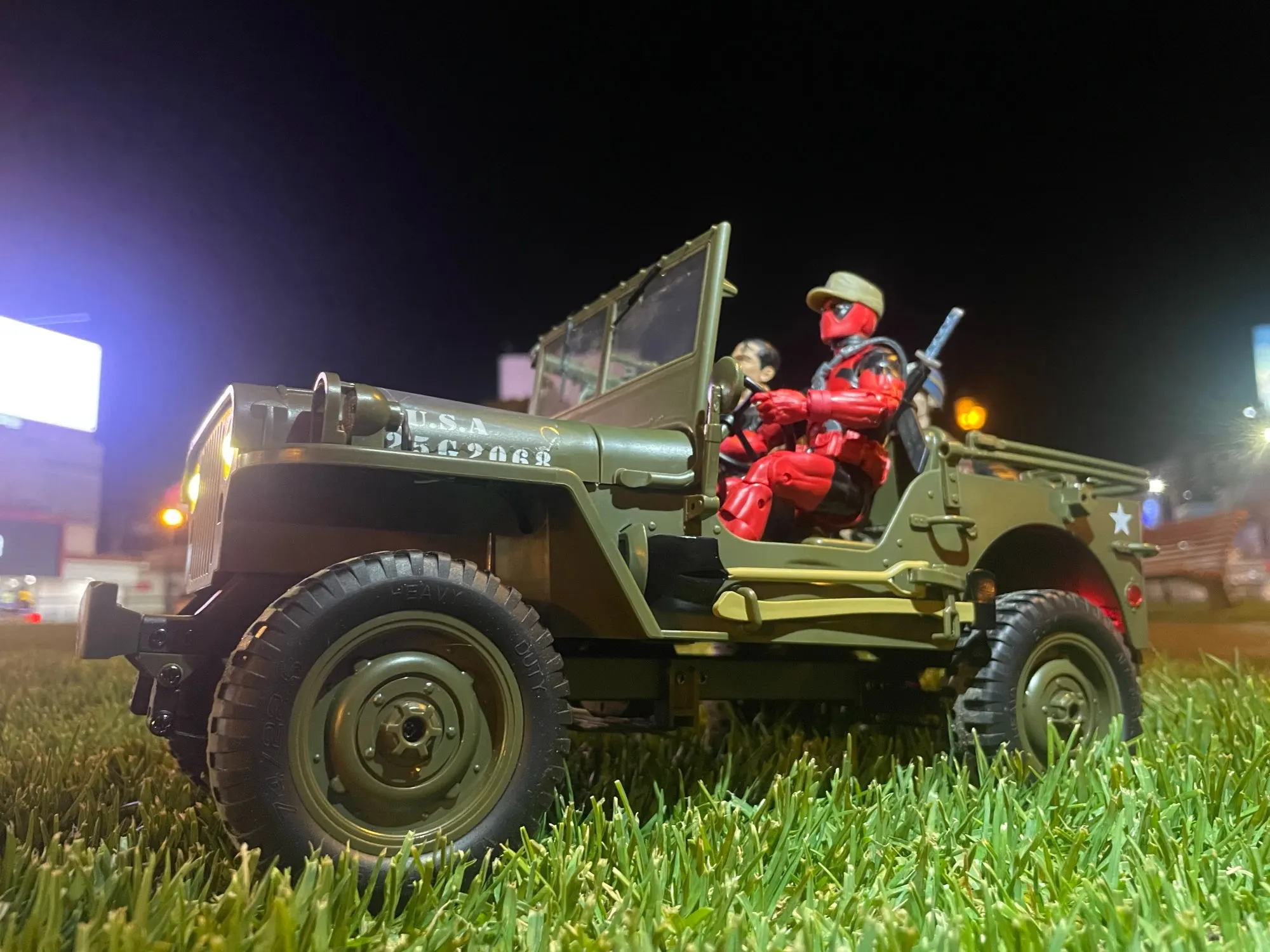
- Scale for Figures: The 1:10 scale is suitable for Marvel Legends and 15 cm figures. For 1/6 scale figures, the car might be too small.
- Upgradeability: The car is designed to be upgraded with various accessories and spare parts, such as a winch. Explore available options to enhance your experience.
- Spare Parts: If you need replacement parts, such as a remote control or additional batteries, contact the seller or manufacturer for availability.
11. Warranty and Support
The product comes with a 12-month Manufacturer's Limited Warranty for defective items, excluding items damaged due to misuse or improper handling after receipt. Accessories are covered by a 3-month warranty.
If you encounter a defective item, it must be reported and returned within the warranty period, preferably in its original packaging. Please contact the seller for assistance and return procedures.
For any queries or support, please contact the ZWN Choice Store directly.
12. Statement of Compliance
This product complies with relevant safety and environmental standards. For specific compliance details, refer to the product packaging or contact the manufacturer.